

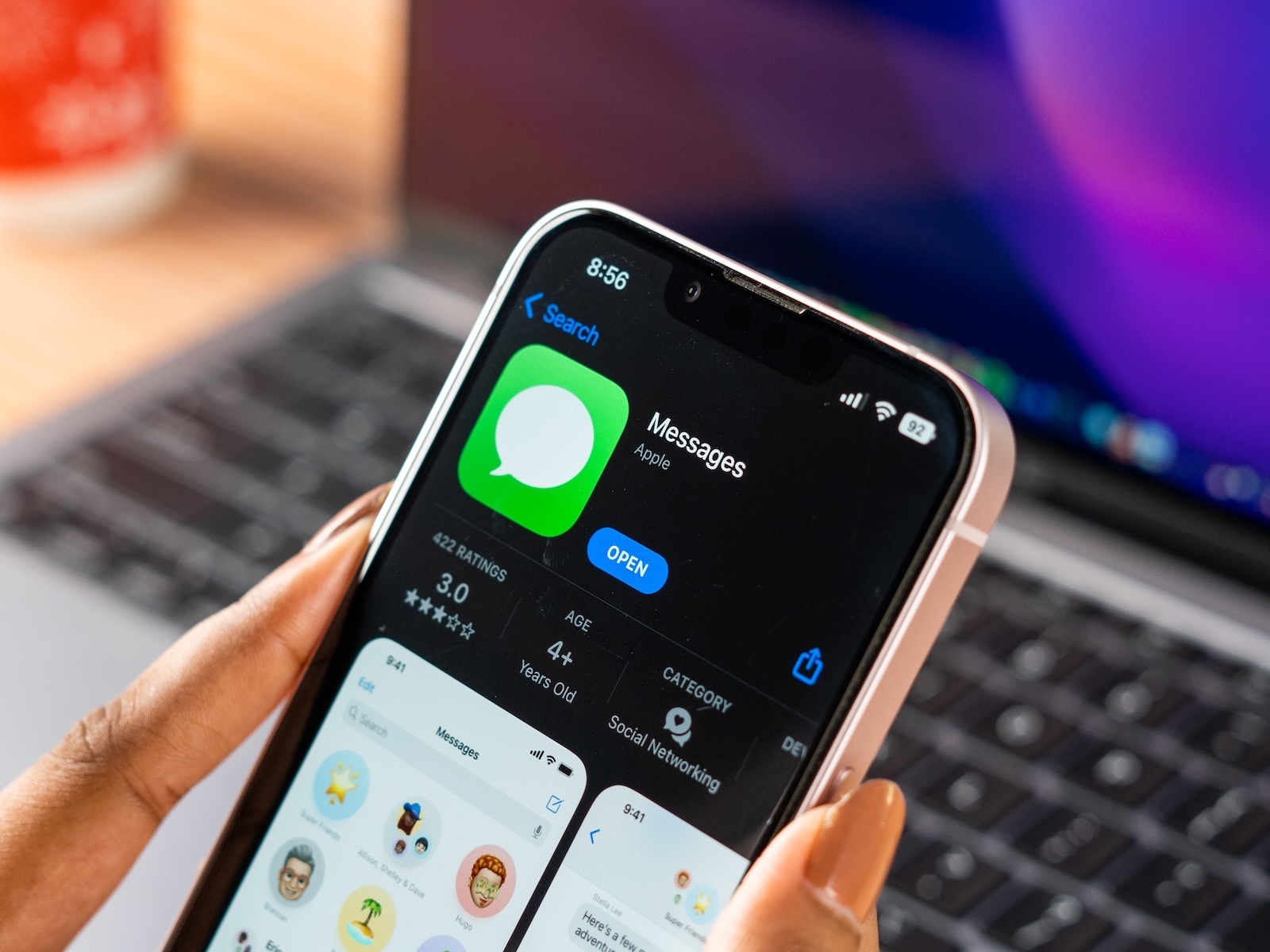
With iOS 26, Apple has released another major update for the iPhone. However, not everything is running smoothly: Activating iMessage via a phone number is causing problems on some devices. Affected users see the "Not Delivered" message, messages automatically switch to SMS or RCS, and appear in green speech bubbles instead of blue. Apple has now provided clear instructions on how to resolve the issue.
iMessage has been one of the most important features in the Apple ecosystem for years. The service ensures secure, fast, and seamless communication between iPhone, iPad, and Mac users. This makes an activation error that prevents messages from being sent and received via one's own phone number all the more serious. With iOS 26, this exact problem occurs when multiple SIM cards with the same phone number are present on a device. Apple has now confirmed the cause and published a solution that can be implemented immediately.
Cause of the error
Apple explains that iMessage activation may fail if the iPhone has both an active and an inactive SIM card or eSIM with the same phone number. This scenario prevents iMessage from working as intended with the phone number. The consequences are clear:
- Messages sent via iMessage cannot be delivered and are marked as “undelivered.”
- Instead of iMessage, SMS or RCS messages are sent.
- The characteristic blue iMessage speech bubbles appear green.
- Sending and receiving is only possible via a stored email address, not via the telephone number.
Official solution from Apple
To ensure iMessage works correctly again in iOS 26, Apple recommends removing the inactive SIM card from the device. There are two ways to do this:
- Physical SIM card: If there is a deactivated SIM card in the iPhone, it should be removed manually.
- eSIM: If the inactive card is an eSIM, it can be removed via the "Settings" app. All installed SIM cards appear under "Mobile." If the same phone number appears twice, the inactive version should be deleted.
After removing the unused SIM card, you can reactivate iMessage. To do this, go to Settings > Messages > Send & Receive. The phone number that can be enabled for iMessage will be displayed there. Tapping this will activate the service.
iMessage error in iOS 26: Solution lies in duplicate SIM cards
The iMessage activation error in iOS 26 primarily occurs when multiple SIM cards with the same phone number are stored on an iPhone. Apple recommends removing the inactive SIM or eSIM to enable iMessage activation. After this step, messages can be sent and received via the phone number as usual, including the familiar blue bubbles. This ensures that iMessage can also be used reliably under iOS 26. The best products for you: Our Amazon Storefront offers a wide selection of accessories, including those for HomeKit. (Image: Shutterstock / sdx15)
- Charge your iPhone faster: Tips for shorter charging times
- iOS 26: Change the color of app icons to match the MagSafe case
- What options does the USB-C port offer in the iPhone 17?
- iOS 26: Apple Intelligence makes reminders even smarter
- Preview App: Everything about PDF and image functions on the iPhone
- iPhone 17: How iOS 26 colors your app icons
- iOS 26: Use polls directly in the Messages app
- New iOS 26 feature: Use live translation with AirPods
- Discover and manage games with the Apple Games app
- iPhone 17: Tips for using the Center Stage front camera
- iPhone 17 Dual Capture explained: Using the front and rear cameras
- iOS 26 Screenshot Disable full screen and enable old view
- iPhone 17: Disable or customize the camera control button
- iPhone Tip: Live Translation in Messages, Phone & FaceTime
- Setting up your iPhone correctly: Check, block, and filter calls
- Keep an eye on your blood pressure: How the iPhone Health app helps
- Apple explains Apple Watch high blood pressure warnings
- Setting up Apple Music transitions: AutoMix or Crossfade
- macOS 26: Automatically connect iPhone hotspot
- Find and adjust the camera flash in iOS 26 – here's how





