

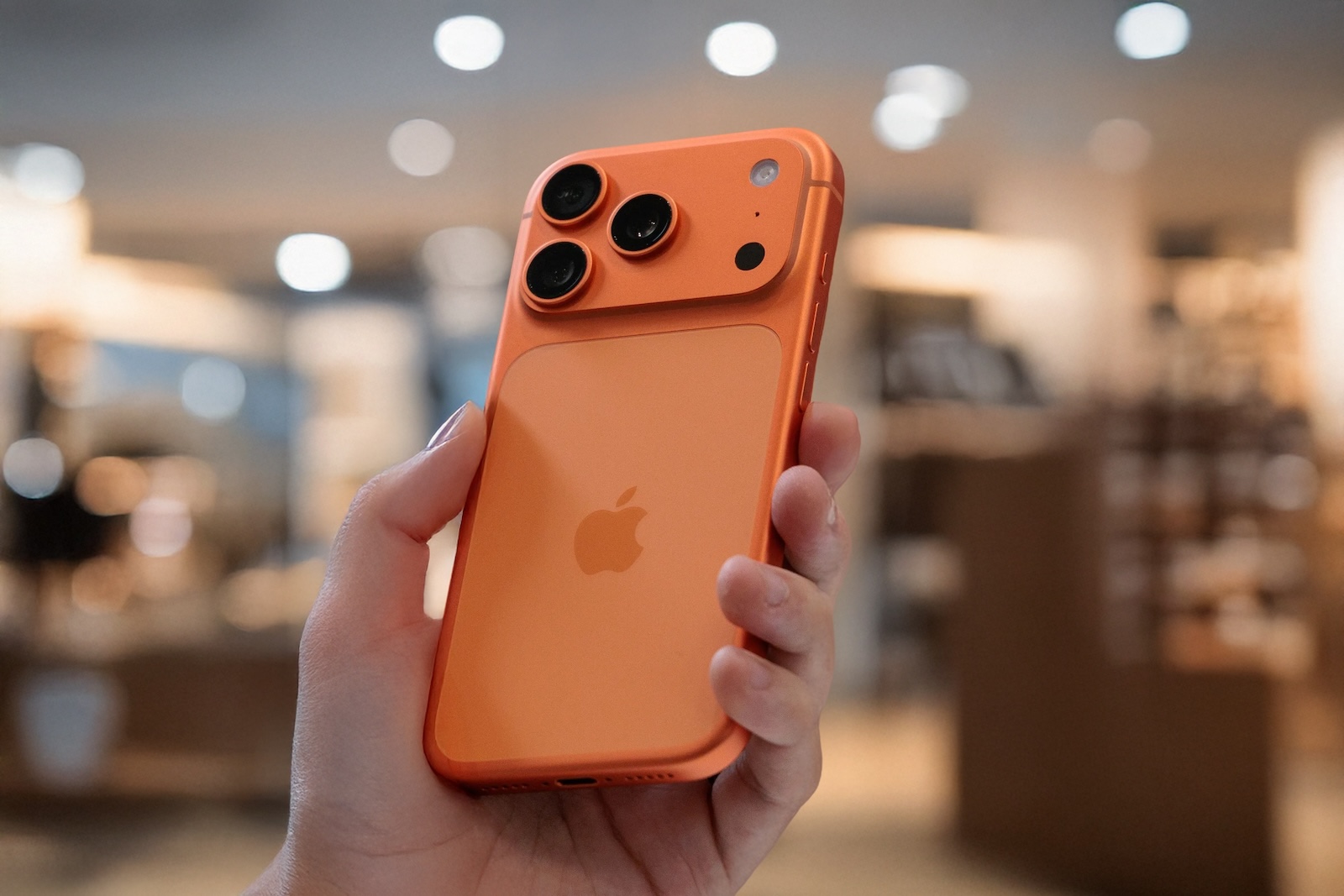
With the iPhone 15, Apple made the transition to the USB-C connector, thus ending the Lightning chapter. The iPhone 17, iPhone 17 Pro, and iPhone 17 Air consistently continue this standard and utilize it even more efficiently. The Pro models, in particular, benefit from high data transfer speeds and expanded application possibilities. The universal connector offers greater flexibility, higher charging speeds, and opens up new possibilities when used with external accessories.
The switch to USB-C began with the iPhone 15. Those upgrading to the iPhone 17 will no longer be able to use existing Lightning accessories, but will benefit from a connector that has long been standard in many other devices. This makes cables, chargers, and adapters more versatile, and iOS automatically recognizes most devices. However, it's important to note that not all cables are the same: Some only transmit power, while others also transmit data. Only a true USB 3 cable allows you to utilize the full 10 Gbps supported by the iPhone 17 Pro and Pro Max.
Fast charging via USB-C
The package includes a woven USB-C cable, which is primarily suitable for charging. With a 40-watt power adapter, the iPhone 17 achieves its maximum charging speed. In addition to the Apple charger, models from other manufacturers such as Anker are also suitable. A practical feature is that other Apple devices such as AirPods, iPads, or MacBooks can now also be charged via the same port. So, one cable is sufficient for almost the entire setup.
iPhone 17 as a power bank
The iPhone 17's batteries are larger than those of previous generations. The smartphone itself can charge other devices via USB-C, such as AirPods or a second iPhone. In emergency situations, the phone thus becomes a power bank, delivering power directly via a USB-C cable.
Connecting external displays
The iPhone 17 can be connected directly to TVs or monitors using a USB-C to HDMI cable. Content can be mirrored in 4K resolution. Those who use the device for extended periods of time in front of a screen, such as for gaming or presentations, are best served by the Apple USB-C Digital AV Adapter, which also offers charging and passthrough functions.
External storage and professional video recordings
USB-C allows you to connect hard drives or SD cards, which can be managed directly via the Files app. This is especially relevant for the Pro models: ProRes 4K videos at up to 120 FPS can be saved externally directly if a USB 3 storage device is connected. Due to file sizes reaching several gigabytes per minute, a fast SSD is practically essential. A genuine USB 3 data cable is required for this, as standard charging cables don't support this speed.
Accessories for work and productivity
USB-C allows for direct access to traditional peripherals. Wired keyboards work immediately, as do microphones for high-quality audio recording. An Ethernet adapter can be connected for stable internet connections. This makes the iPhone 17 a versatile tool for mobile work.
Headphones and audio via USB-C
In addition to wireless AirPods, wired headphones can be used without any problems. Apple offers USB-C EarPods that can also be used with Macs and iPads. This provides a unified wired solution for all Apple devices without the need for additional adapters.
Multi-port hubs for more connections
A USB-C hub expands your connectivity options. This allows you to connect displays, storage devices, and other accessories simultaneously. A compact example is a five-port hub from Anker, which is also compatible with Macs and iPads. Please note that the iPhone only supplies a maximum of 4.5 watts of power for accessories. Devices with higher power requirements therefore require their own power supply.
iPhone 17: More speed, more accessories, more freedom with USB-C
The USB-C port was introduced two years ago, but the iPhone 17 uses it even more consistently and versatilely. Fast charging, use as a power bank, direct connection to external displays and storage, and compatibility with headphones, keyboards, microphones, and hubs make the smartphone more flexible than ever. This makes the iPhone 17 a powerful control center that fits perfectly into a modern, connected setup. The best products for you: Our Amazon storefront offers a wide selection of accessories, including those for HomeKit. (Image: Shutterstock / Evolf)
- iOS 26: Apple Intelligence makes reminders even smarter
- Preview App: Everything about PDF and image functions on the iPhone
- iPhone 17: How iOS 26 colors your app icons
- iOS 26: Use polls directly in the Messages app
- New iOS 26 feature: Use live translation with AirPods
- Discover and manage games with the Apple Games app
- iPhone 17: Tips for using the Center Stage front camera
- iPhone 17 Dual Capture explained: Using the front and rear cameras
- iOS 26 Screenshot Disable full screen and enable old view
- iPhone 17: Disable or customize the camera control button
- iPhone Tip: Live Translation in Messages, Phone & FaceTime
- iOS 26: Filter messages, block spam & keep track
- Setting up your iPhone correctly: Check, block, and filter calls
- Keep an eye on your blood pressure: How the iPhone Health app helps
- Apple explains Apple Watch high blood pressure warnings
- Setting up Apple Music transitions: AutoMix or Crossfade
- macOS 26: Automatically connect iPhone hotspot
- watchOS 26: Why the Apple Watch sometimes charges slowly
- iOS 26: Reduce transparency for more clarity
- Find and adjust the camera flash in iOS 26 – here's how
- iOS 26 makes Adaptive Power the norm on the iPhone 17 series
- iOS 26 Tip: Unlock iPhone with Apple Vision Pro
Frequently asked questions about iPhone 17 and USB-C
The USB-C port makes the iPhone 17 more versatile: fast charging, high data rates on the Pro models, external storage, displays, and more accessories are possible.
No, Lightning is not supported on the iPhone 17. Instead, USB-C is standard. Therefore, accessories and cables must also support USB-C.
Yes, the iPhone 17 charges particularly quickly with a 40-watt power adapter. Apple and third-party manufacturers like Anker offer suitable chargers.
Yes, SSDs, hard drives, and SD card readers can be connected via USB-C. With a USB 3 cable, the iPhone 17 Pro supports data rates of up to 10 Gbps.
Yes, the iPhone 17 can charge smaller devices like AirPods or a second iPhone via the USB-C port.
Yes, the iPhone 17 supports USB-C headphones, including Apple EarPods with USB-C. They can also be used on a Mac or iPad.
Yes, USB-C hubs expand the number of ports, allowing displays, storage, and accessories to be connected simultaneously. However, accessories with high power requirements require an external power source.





