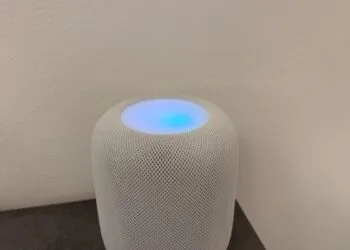
HomePod: How to turn Sound Glow on and off again
How to turn on Sound Glow on HomePod: which models support it, where to find the switch and how to turn the glow off.

How to turn on Sound Glow on HomePod: which models support it, where to find the switch and how to turn the glow off.
HomePod playing music on its own? Here's how to stop ghost touches: with the new lock in iOS 27.2 or a longer hold duration.
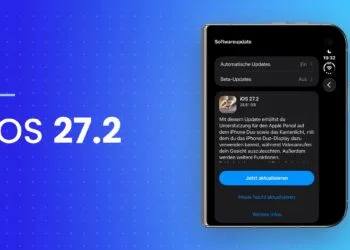
iOS 27.2 is here: new Apple Music icon, Sound Glow, and a touch lock for the HomePod. Surround sound with four speakers from iOS 13...
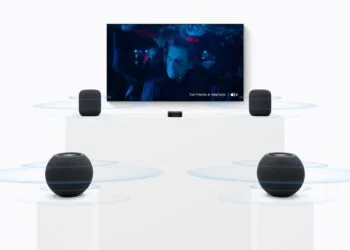
HomePod Surround: These are the sound settings offered by the home theater with four HomePods – spatial stereo mix, rear volume control, and party mode.
HomePod Sound Glow: With software version 27.2, the HomePod 2 and the first HomePod mini also light up. Which models are available and...
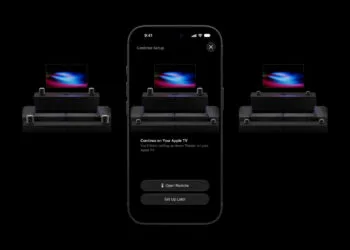
HomePod Surround: tvOS 27.2 brings Party Mode and iPhone setup. How the four speakers are distributed and what you need for it.
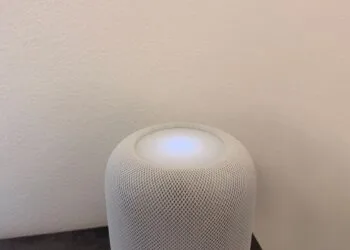
Lock HomePod Touch: iOS 27.2 disables the touch surface. What the new setting disables, what else remains responsive, and when it...
Apple in October 2026: HomePod mini 2 and Apple TV 4K are coming, but not Home View. New products are expected to be released starting October 27th...

Apfelpatient Weekly #28: HomeView stays out, Siri AI doesn't speak German, and newly ordered iPhone Duo units won't arrive until January.
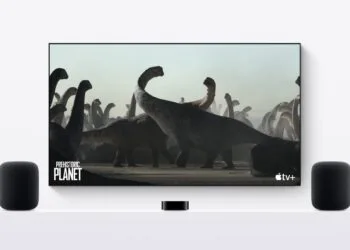
Setting up a HomePod stereo pair and using it with Apple TV 4K: which models can be paired, how eARC works, and where Dolby...
You are currently viewing a placeholder content from Facebook. To access the actual content, click the button below. Please note that doing so will share data with third-party providers.
More informationYou are currently viewing a placeholder content from Instagram. To access the actual content, click the button below. Please note that doing so will share data with third-party providers.
More informationYou are currently viewing a placeholder content from reCAPTCHA. To access the actual content, click the button below. Please note that doing so will share data with third-party providers.
More informationYou are currently viewing a placeholder content from X. To access the actual content, click the button below. Please note that doing so will share data with third-party providers.
More information