This article may contain affiliate links. Learn more on our Partner Program page.
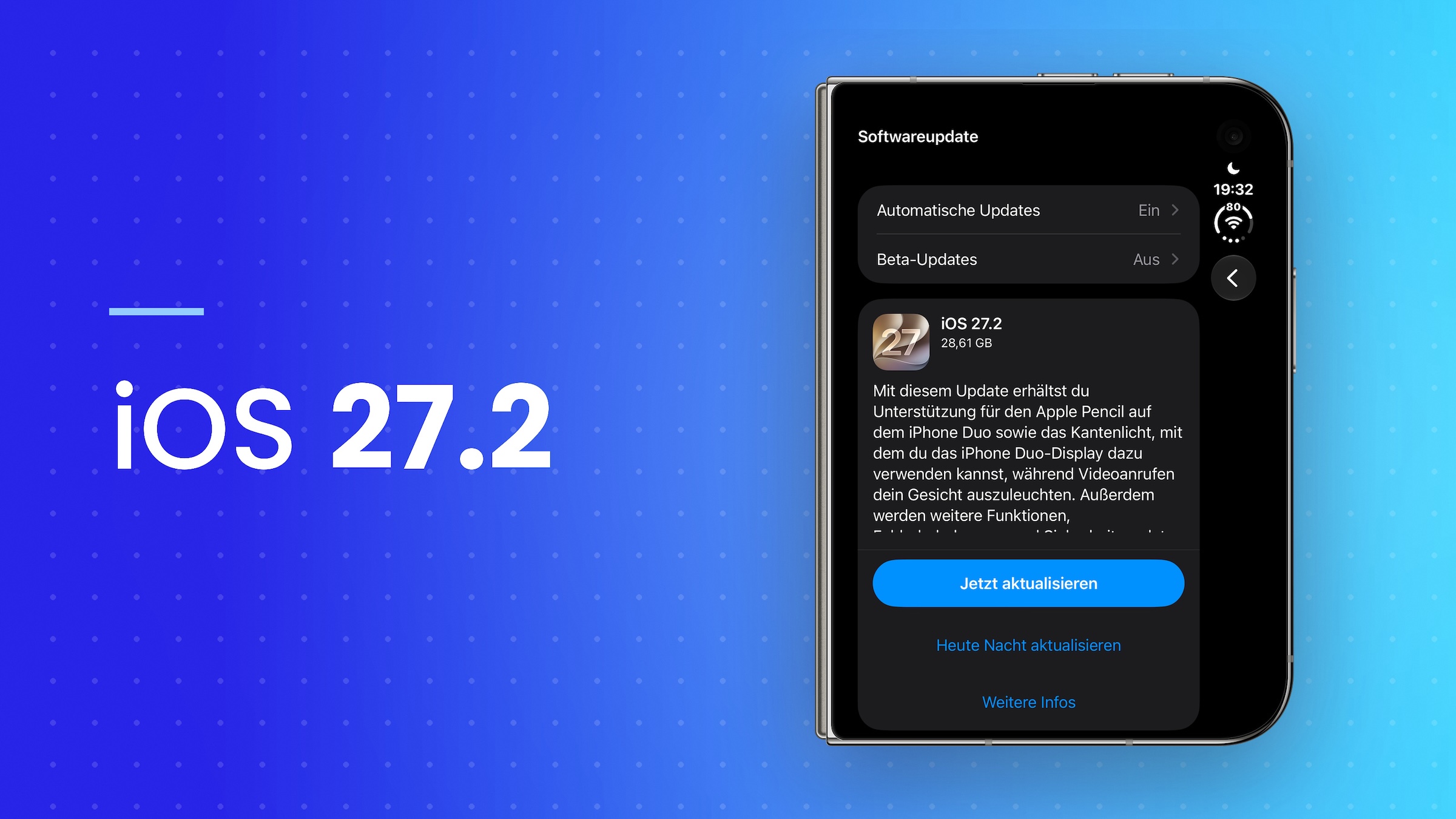
Apple has released iOS 27.2 for everyone, along with versions for iPad, Mac, Apple Watch, Apple TV, Vision Pro, and HomePod. On the iPhone, the update brings a new look for Apple Music and Apple Pencil support for the foldable model. In the living room, it changes more than any point update in recent years.
The testing phase began on September 16th and ended after four beta versions with the release candidate on October 19th. This also answers the question of when the update will be released and what it will bring. The final version will be distributed via software update in the settings; the HomePod and Apple TV will automatically download their version as soon as they are plugged in and in sleep mode.
Visible on the iPhone are a new Apple Music icon and, on the foldable model, support for the Apple Pencil. The majority of the work is in HomePod software 27.2 and tvOS 27.2 – where Apple lays the foundation for speaker systems with four devices. All system updates are compiled in the iOS 27 overview.
Key Facts at a Glance
- Apple is distributing iOS 27.2, iPadOS 27.2, macOS 27.2, watchOS 27.2, tvOS 27.2, visionOS 27.2 and the HomePod software 27.2.
- Apple Music debuts with a black and white app icon, and color accents within the app are changing.
- The iPhone Duo now supports the Apple Pencil with USB-C on both displays.
- The HomePod gets Sound Glow and a lock for touch controls; surround sound with four speakers requires the new Apple TV 4K, which will only be available on November 13th.
- With this update, the new tracking query will become mandatory in Germany and four other EU countries.
Apple Music goes black and white
The new Apple Music app icon is visible on every iPhone: white with a black logo in light mode, black with a white logo in dark mode. The red icon of previous years is thus gone from the home screen.
The change continues throughout the app. The active tab is blue instead of red-pink, the widgets are on a black background, and the media library's category list does without its color accents.
The icon is merely the most visible part of a complete brand identity. The lettering places the Apple logo next to a lowercase "music" in a bold version of the system font, and Apple has redesigned the Note: its shape is derived from waves filmed as sounds passed through a transducer into a liquid.
This includes a sound signature by Fred again... and NEST Acoustics, which will be used to start videos on the service in the future. Apple describes the approach behind it as follows:
For the rebranding of Apple Music, we wanted the sound to create the images.
In addition, there's the Apple TV app, which includes profiles on the iPhone, including child profiles. The age ratings are based on German ratings.
Two new features just for the iPhone Duo
With iOS 27.2, the iPhone Duo supports the Apple Pencil via USB-C, on both displays. Apple cites note-taking, drawing, and annotations in documents as use cases.
Apple had already promised support for the feature in its announcement for the iPhone Duo, stating it would be available later this year. The device shipped with iOS 27.1, which lacked the feature – this update adds it.
Only the Apple Pencil with USB-C is supported; the Apple Pencil Pro and older generations are not. Apple had rejected a shorter stylus designed specifically for the foldable iPhone before mass production.
The second new feature for the device is edge lighting. In the iOS 27.2 release notes, Apple explicitly mentions the iPhone Duo's display, which can now be used to illuminate the user's face during video calls.
The feature is already available on Macs: It was introduced there with macOS 26.2 under the name Edge Light. How it works is explained in Apple's Edge Light support document: The effect brightens the edges of the screen, creating a ring light effect, and brightness and color temperature can be adjusted using sliders. On Macs, this requires Apple Silicon and macOS Tahoe 26.2.
What's changing for the HomePod
With HomePod software version 27.2, Sound Glow is coming to existing speakers. The top surface becomes a glowing surface that pulses to the beat of the music and takes its colors from the album art of the currently playing track; soundscapes like rain trigger more subdued animations. Apple introduced the feature in its announcement for the new HomePod mini as a feature of that model; support for older speakers is evident from the code of the pre-release version.
| Model | Sound Glow |
|---|---|
| HomePod mini (1st generation) | Yes |
| HomePod mini (2nd generation) | Yes |
| HomePod (2nd generation) | Yes |
| HomePod (1st generation) | no |
The second new feature is more practical: a setting can be configured so that touches on the top of the speaker no longer start playback. Announcements, timers, alarms, check-in, and FaceTime calls will still respond to taps. This option only appears when both the iPhone and the speaker are running iOS 27.2, and it applies back to the 2018 HomePod.
Apple mentions the voice control for Sound Glow as a special case in a footnote: it requires an iPhone with Apple Intelligence. What this means in this country is explained in the article about Siri AI not yet being available on the HomePod mini.
Four speakers on the Apple TV 4K
The most complex part of the update involves a setup that few users will be able to implement immediately. With tvOS 27.2, four HomePods can be configured as a home theater system – two at the front, two at the back, each pair identical. The speakers and Apple TV measure their position in the room and adjust the timing and volume accordingly. Apple calls the result "the most immersive home theater setup Apple has ever created".
Two sound settings are included: a spatially processed mix across all four speakers, separate for video and music and switched on by default, and a control for the rear pair from minus eight to plus eight decibels in steps of half a decibel.
In addition, there is a second operating mode that distributes the sound evenly throughout the room instead of separating the front and rear speakers. Diagonally opposite speakers handle the same stereo side, so that left and right sound are correct no matter where you are facing in the room – designed for listening to music without a screen.
The hardware is required: You'll need the new Apple TV 4K, which costs €349 and will be available on November 13th, as well as four second-generation HomePod minis or four second-generation HomePods. The HomePod mini 2 will be available from October 30th and costs €169. This means there will be a good three weeks between the release of the update and the day the full setup can be purchased. Those already using two speakers with their TV can find the basics in the guide to setting up a HomePod stereo pair with Apple TV.
What matters for the German-speaking region
The most noticeable change for users in this country isn't a new feature, but a new data collection request: With iOS 27.2, the new tracking request becomes mandatory in five EU countries, including Germany. In Austria, the app provider decides whether to implement it; Switzerland is not included.
Siri, however, remains unchanged. The five additional languages in the 27.2 series are French, Japanese, Korean, Portuguese, and Spanish – German is not among them.
The versions for iPad, Mac, Apple Watch and Vision Pro
The version numbers are the same across all systems. Versions 27.2 are available simultaneously on iPad, Mac, Apple Watch, and Vision Pro, without Apple highlighting any specific new features for each.
The redesigned Health app is not included. It was available to try out for much of the test series, but was removed from the system with the fourth beta and will follow in a separate update later this year, initially in US English.
The update is aimed at the living room
I consider iOS 27.2 an update whose focus is clearly on the living room. For the HomePod, it marks a turning point: a speaker that has remained essentially unchanged since 2020 gets a light-up surface, child safety locks for the top, and the prospect of a four-channel system – and this is primarily on devices that have long been sitting on store shelves.
The catch is the order. The most interesting feature is tied to a box that won't be available for another three weeks, and to four speakers that together cost more than a decent television. Anyone downloading the software today will initially see Sound Glow and the touch lock. That's not much for an update of this size, but it's more than the HomePod received in previous years.
The biggest step is still to come
The necessary hardware for a full home theater setup isn't available until mid-November, and Apple explicitly states that the four-channel configuration is tied to the fourth-generation model. Therefore, what's immediately usable with the update depends heavily on your existing setup: A 2018 HomePod will get the touch lock, but not the lighting effect.
Which HomePod generation do you have in your living room – and does the four-channel setup appeal to you enough to justify buying a new Apple TV 4K? Tell us about your setup in the comments.