This article may contain affiliate links. Learn more on our Partner Program page.
Sound Glow, the colored lighting feature, was first introduced with the HomePod mini 2, and now it's coming to speakers already on the shelf. HomePod software version 27.2 unlocks Sound Glow on the larger HomePod and even the original HomePod mini.
Apple introduced Sound Glow with the HomePod mini 2 in October. In the German press release for the HomePod mini 2, Apple describes the top surface as a canvas that lights up in sync with the music and reacts to bass and treble in real time. A few days later, the feature also appeared on the US HomePod (2nd generation) page with Sound Glow and surround sound, without a version number or date.
It's now clear which software version it comes with. Sound Glow is enabled in the release candidates of HomePod software 27.2, distributed on Monday. 9to5Mac tested the feature on existing HomePods, and according to code analysis by pdfu, it works on both HomePod mini models as well as the 2nd generation HomePod.
Key Facts at a Glance
- Sound Glow is coming to existing speakers with HomePod software version 27.2.
- HomePod mini, HomePod mini 2 and HomePod (2nd generation) are supported; the first full-size HomePod is not.
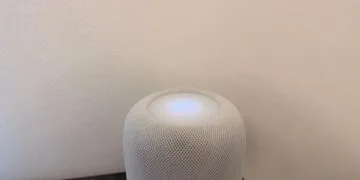
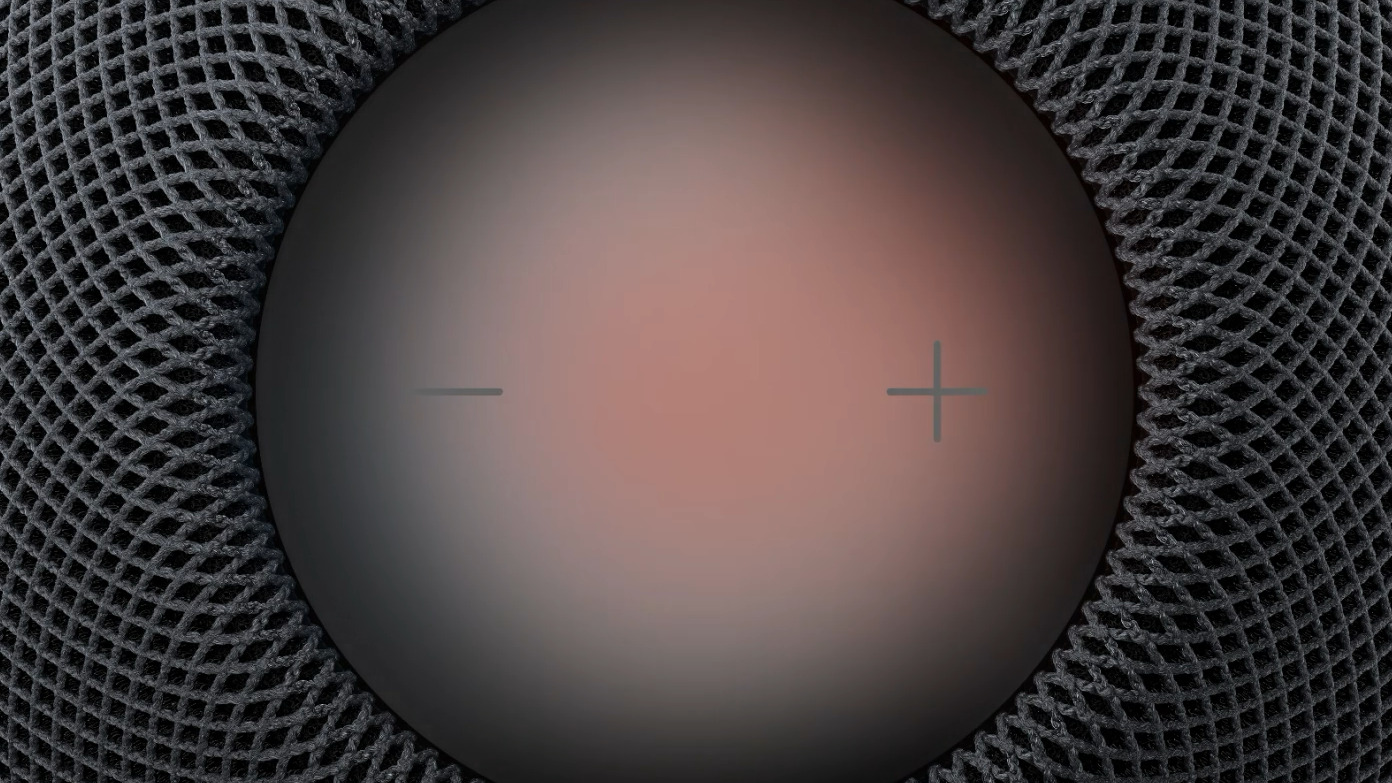
- The top side lights up in colors from the album cover and reacts to bass and treble.
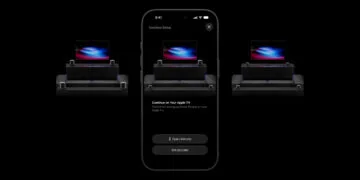
- The function can be activated in the Home app or via the Control Center on Apple TV.
- The prerequisite is HomePod software version 27.2, which has been available as a release candidate since Monday.
This is what the glow looks like
The HomePod derives its colors from the album art of the track displayed under "Now Playing," giving each song its own unique light show. According to Apple, the light pulses to the beat and follows the bass and treble frequencies in real time. Separate, calmer animations are used for soundscapes like rain.
The glow isn't bright. In 9to5Mac's test, it was barely visible on the top surface itself; in a dark room, it appeared primarily as a colored glow on a white wall behind it.
Which models will receive it?
This is a surprise for the first HomePod mini. Apple has only advertised Sound Glow for the HomePod mini 2 and, on the US site, for the larger second-generation HomePod; the mini's predecessor model was not mentioned in any announcement.
HomePod software version 27.2 brings two further new features, which do not apply to all models. According to the code, the touch control lock is available for every HomePod, while surround sound with four speakers is only available for the two newer models.
| Model | Sound Glow | Touch lock | Surround sound with Apple TV 4K |
|---|---|---|---|
| HomePod (1st generation) | no | Yes | no |
| HomePod (2nd generation) | Yes | Yes | Yes |
| HomePod mini | Yes | Yes | no |
| HomePod mini 2 | Yes | Yes | Yes |
Turn it on in the Home app or on Apple TV
Sound Glow is a simple toggle switch with no further options. It's located in the HomePod settings of the Home app, which can be accessed by long-pressing the speaker and tapping the gear icon. If the HomePod is paired with an Apple TV, the glow can also be turned on and off in the Apple TV's Control Center.
The HomePod software version 27.2 is required on the speaker, which Apple also specifies for the HomePod mini 2. It will be released on October 30th. I expect the final software to be available for everyone by then, meaning the existing models will get the lighting feature at the same time as the new one.
An update that takes older devices seriously
I find it remarkable that Apple is including the original HomePod mini. The device has been on the market since 2020, and a visible new feature for a six-year-old speaker is not something Apple typically releases. With its soundscape animations, Sound Glow feels more like a mood light than a show effect, and that's likely how it will be used in everyday life.
Even if you have an older HomePod mini in your bedroom, you should still be aware of the switch. A speaker that lights up in various colors while you're listening to it to sleep isn't for everyone, and you can turn the lights off at any time.
Will you leave Sound Glow permanently switched on on your HomePod – or do you prefer a speaker that doesn't draw attention to itself? Tell us in the comments where your HomePod is located.