
This article may contain affiliate links. Learn more on our Partner Program page.
There's a €1,000 price difference between the cheapest MacBook Pro and the cheapest one with an OLED display and touchscreen. For the extra cost, you get a significantly better display, a more powerful chip, and a lighter chassis. However, the cheaper model has the better battery life.
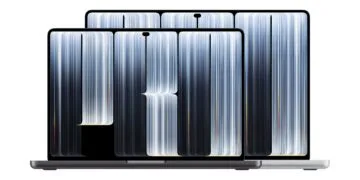
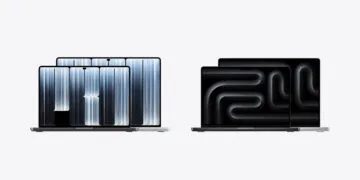
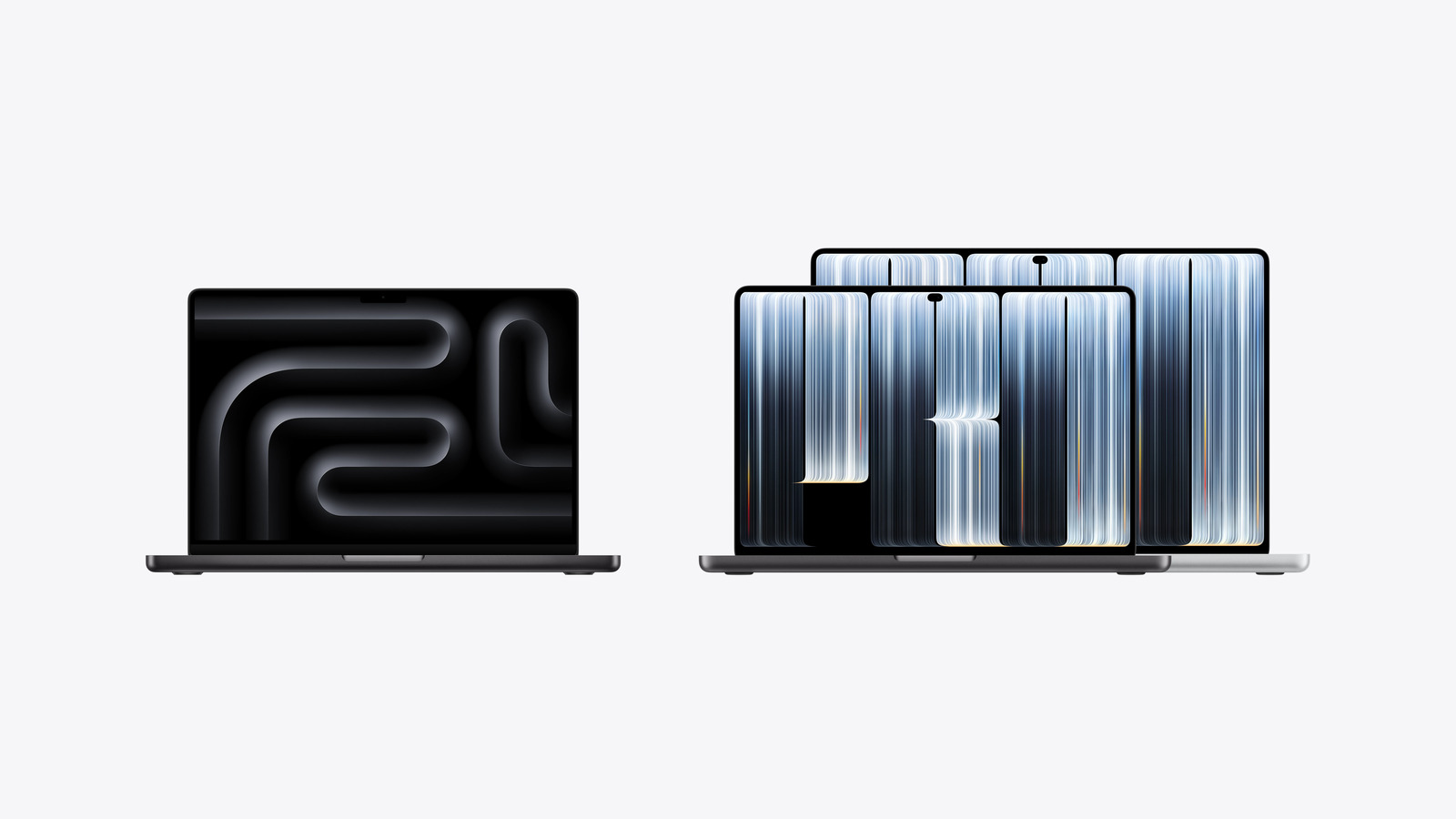
Since the end of October, the MacBook Pro lineup has featured two very different 14-inch entry-level models. The MacBook Pro with M6 processor uses the Liquid Retina XDR display with Mini-LED backlighting and the familiar enclosure, while the MacBook Pro with PROLED XDR display features a tandem OLED display, touch functionality, and a new, lighter enclosure. Both will be available in stores starting November 6th.
The technical specifications are taken from Apple's German datasheets for the MacBook Pro with M6 and the MacBook Pro with PROLED XDR display, Apple's performance figures from the press release for the M6 model, and the prices from Apple Stores in Germany, Austria, and Switzerland. The comparison is made between the cheapest 14-inch models, i.e., the M6 versus the M5 Pro with a 15-core CPU. With the same chip, the PROLED XDR and Mini-LED displays differ by only 400 to 500 euros.
Key Facts at a Glance
- The MacBook Pro with M6 starts at €2,299, the model with PROLED XDR display starts at €3,299.
- PROLED XDR brings tandem OLED, 10,000,000:1 contrast, 2,000 nits peak, Adobe RGB, touch and Dynamic Island.
- The M5 Pro has almost twice the memory bandwidth and more super-cores, while the M6 has twice the Neural Engine.
- The OLED model is 170 grams lighter, the M6 model lasts two hours longer.
- The M6 is only available with a 14-inch screen; the 16-inch screen remains reserved for the M5 Pro and M5 Max models.
The differences at a glance
| 14 inches, cheapest model in each case | MacBook Pro with M6 | MacBook Pro with PROLED XDR |
|---|---|---|
| Price from (DE/AT) | 2.299 € | 3.299 € |
| Price from (CH) | CHF 1899 | CHF 2799 |
| Chip | M6 | M5 Pro |
| CPU | 12 cores (2 Super, 4 Performance, 6 Efficiency) | 15 cores (5 Super, 10 Performance) |
| GPU | 12 cores | 16 cores |
| Neural Engine | Dual 16-core | 16-Core |
| Memory bandwidth | 153 GB/s, with 24 or 32 GB 170 GB/s | 307 GB/s |
| RAM | 16, 24 or 32GB | 24 or 48 GB |
| SSD | 1, 2 or 4 TB | 1, 2 or 4 TB |
| Display | Liquid Retina XDR (Mini-LED) | PROLED XDR (Tandem OLED) |
| Resolution | 3024 × 1964 pixels | 3024 × 1986 pixels |
| Contrast | 1.000.000:1 | 10.000.000:1 |
| Peak brightness HDR | 1,600 nits | 2,000 nits |
| Peak brightness SDR | 1,000 nits (outdoors) | 2,000 nits (outdoors) |
| Color space | P3 | P3 and Adobe RGB |
| Touch | no | Yes |
| Display cutout | Notch | Dynamic Island |
| Thunderbolt | 3 × Thunderbolt 4 (40 Gbit/s) | 3 × Thunderbolt 5 (120 Gbit/s) |
| External Displays | up to 2 | up to 3 |
| Video streaming / Surfing | up to 24 / 16 hours. | up to 22 / 14 hours. |
| Weight | 1.55 kg | 1.38 kg |
| Height | 1.55 cm | 1.50 cm |
Prices: The M6 tops out at 14 inches.
The models cost the same in Germany and Austria. The price difference between the two entry-level models is €1,000 there, and CHF 900 in Switzerland.
| Model | DE/AT | CH |
|---|---|---|
| 14 inch with M6 | from €2,299 | from CHF 1899 |
| 14-inch PROLED XDR with M5 Pro | from €3,299 | from CHF 2799 |
| 16-inch PROLED XDR with M5 Pro | from €3,899 | from CHF 3299 |
The M6 is only available in a 14-inch version; for a larger display, you'll need the M5 Pro or M5 Max. Both devices are sold without a power adapter; Apple recommends at least 60 watts for the M6 and at least 70 watts for the M5 Pro. Fast charging starts at 96 watts for both, which is roughly equivalent to Apple's 96-watt power adapter. Therefore, you should factor in the wattage of your MacBook power adapter when making your purchase.
Between the two entry-level options is the 14-inch model with the M5 Pro and Mini-LED display, starting at €2,899. It offers the more powerful chip, but neither OLED nor touch functionality.
Display: This is where the biggest gap lies
The biggest difference between the devices lies in their displays. The M6 model's mini-LED display uses a backlight composed of many small zones, while the tandem OLED displays control each pixel individually. Apple cites a contrast ratio of 10,000,000:1 for this, compared to 1,000,000:1 for the other model.
Both monitors can sustain up to 1,000 nits in full-screen mode. The peak brightness for HDR content is 2,000 nits instead of 1,600 nits, and outdoors for SDR content it's 2,000 nits instead of 1,000 nits. Adobe RGB is also included as a second color space alongside P3, along with corresponding reference modes for photography and printing.
Both share a pixel density of 254 ppi, ProMotion up to 120 Hz and the option of nanotexture glass.
Touch and Dynamic Island: Only available on the OLED model
The MacBook Pro with PROLED XDR display is the first Mac that can be operated with a finger. According to Apple, many existing apps work with it because macOS translates touches into clicks. Users who don't want to use this feature can disable touch input in the accessibility settings. The keyboard and trackpad remain the same on both devices.
At the top of the display, instead of the notch of the M6 model, is a Dynamic Island displaying live activity, such as calls and music. According to Apple, Spotlight only moves there when Siri AI is available and activated.
Performance: A new chip does not necessarily mean a more powerful chip
The M6 is the newer generation, the M5 Pro the more advanced version. The PROLED model features 15 CPU cores, including five Super cores, compared to twelve cores with two Super cores in the M6. The GPU also has 16 cores versus 12, and the memory bandwidth is 307 GB/s versus a maximum of 170 GB/s.
The M6"s main advantage is its Neural Engine. Apple has equipped it with a dual 16-core Neural Engine, claiming up to 1.9 times the speed of the M5 (its direct predecessor, not the M5 Pro). Apple also describes the M6"s CPU core as the world's fastest, and it offers two additional CPU and GPU cores compared to the M5. For tasks that utilize multiple cores and significant memory bandwidth, the M5 Pro remains the more powerful option.
The M6 starts with 16 GB of RAM at 153 GB/s, while the full 170 GB/s is only available with 24 GB. The M5 Pro starts with 24 GB. How much RAM is practical on Apple Silicon depends on the application, but the upper limit is determined by the chip: the M6 maxes out at 32 GB, while the fully configured M5 Max ProLED model can support up to 128 GB of RAM and a 16 TB SSD.
Battery and weight: Everyone wins one discipline
The cheaper model has the edge when it comes to battery life. Apple claims up to 24 hours of video streaming and 16 hours of wireless browsing for the M6, while the PROLED XDR and M5 Pro offer up to 22 and 14 hours, respectively. Their capacities are virtually identical at 72.4 and 72.6 watt-hours. The Mini-LED model with the M5 Pro also achieves 22 and 14 hours, so the difference isn't due to the OLED display.
The picture changes when it comes to weight. At 1.38 kilograms, the PROLED model is 170 grams lighter than the M6 model at 1.55 kilograms, and is also 0.5 millimeters thinner and slightly smaller in footprint. The M6 model uses the existing housing.
Connections: Same sockets, different speed
From the outside, the ports look the same: three USB-C ports, HDMI, SDXC, MagSafe 3, and a headphone jack. However, the USB-C ports on the M6 support Thunderbolt 4 and speeds up to 40 Gbps, while those on the M5 Pro use Thunderbolt 5 and speeds up to 120 Gbps. This is particularly important for fast external SSDs and docks.
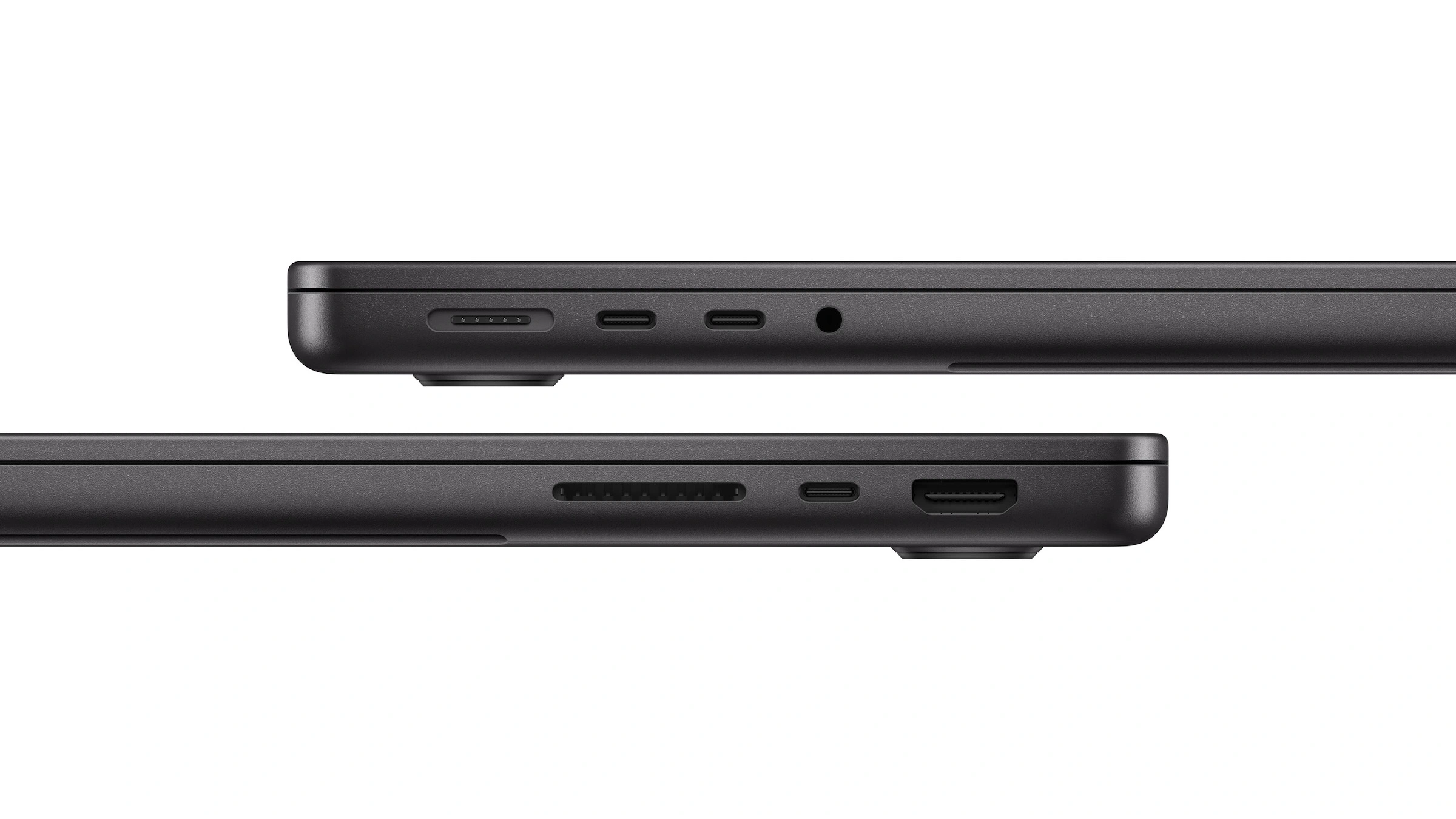
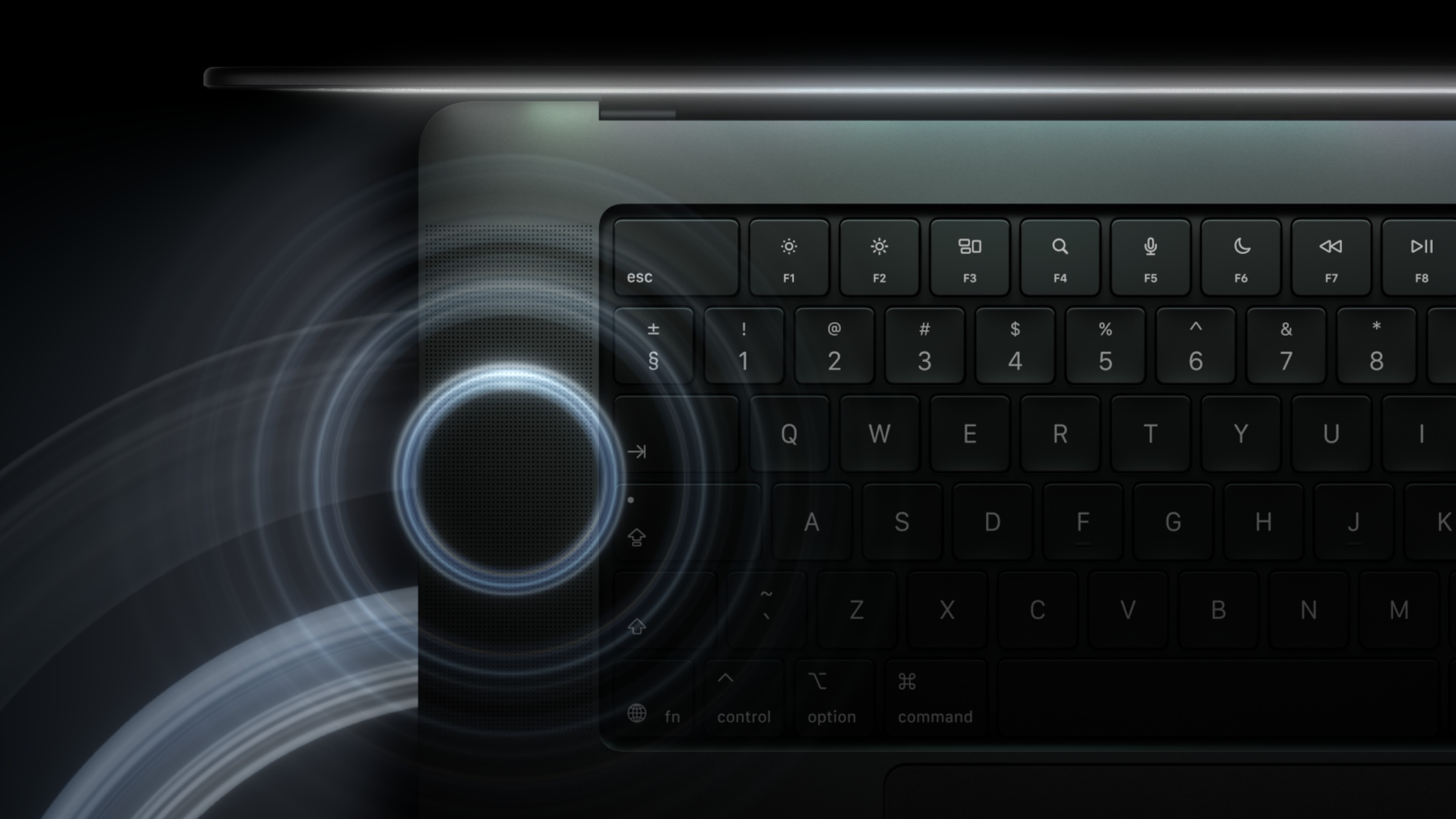
The M5 Pro also has the edge when it comes to external displays, offering up to three screens instead of two. Both models share the N1 chip with Wi-Fi 7 and Bluetooth 6, Touch ID, and the 12MP camera with Center Stage, which also features video stabilization on the ProLED model. Both have six speakers, but according to Apple, the ProLED model uses a new system with 50 percent deeper bass.
What makes an extra 1,000 euros worthwhile?
I consider the MacBook Pro with the M6 processor the more sensible choice, as long as the Mac is primarily a work tool for office, study, photography, and development on a normal scale. It has a longer battery life, its display remains very good, and €1,000 is a lot of money for advantages that rarely matter in everyday use. However, if you need more than 32 GB of RAM or Thunderbolt 5, the M6 is not an option.
The PROLED model is worthwhile if the display is an integral part of your work. For HDR editing, image processing in Adobe RGB, and working outdoors, the distance is a real factor, and anyone carrying the device daily will also notice the 170 grams. I wouldn't consider touch alone a reason to buy it; the touch interface on Macs is still too new for that.
If you're only concerned with the performance of the M5 Pro, the Mini-LED model starts at €2,899. The M6 model differs from its predecessor, the M5, primarily by having two additional cores each in the CPU and GPU, as well as Wi-Fi 7 and Bluetooth 6. For the other Mac lines, the Mac buying guide remains the best resource.
Waiting for an affordable MacBook Pro with a touchscreen is unlikely to be worthwhile anytime soon. According to Mark Gurman at Bloomberg, the entry-level model will get the thinner chassis with the M7 chip in 2027, but will still lack a touchscreen. Gurman is usually accurate regarding Apple's plans, although the chip design for the MacBook Pro has been subject to several delays in his reports.
Would you pay €1,000 more for OLED, Touch, and the M5 Pro, sacrificing two hours of battery life – or do you still think the M6 model is the smarter MacBook Pro? Let us know in the comments which one you'd choose and what you'd use it for.
Frequently Asked Questions: MacBook Pro M6 or PROLED XDR
The display. The M6 model uses a Liquid Retina XDR display with Mini-LED, while the PROLED model features a tandem OLED display with a 10,000,000:1 contrast ratio, up to 2,000 nits peak brightness, Adobe RGB color gamut, and touch functionality. Additionally, the M5 Pro or M5 Max replaces the M6, and the device boasts a lighter chassis.
The 14-inch model with M6 costs from €2,299 in Germany and Austria, while the 14-inch model with PROLED XDR starts at €3,299. In Switzerland, the starting prices are CHF 1,899 and CHF 2,799, respectively.
No. Touch operation and Dynamic Island are only available on the MacBook Pro with a ProLED XDR display. The model with the M6 chip retains the notch and is operated via keyboard and trackpad.
The M5 Pro is the more powerful version: 15 or 18 CPU cores instead of 12, 16 or 20 GPU cores instead of 12, and 307 GB/s of memory bandwidth instead of a maximum of 170 GB/s. The M6 is the newer generation and has a dual 16-core Neural Engine instead of a single 16-core Neural Engine.
The model with M6. Apple states up to 24 hours of video streaming and 16 hours of wireless browsing; for the 14-inch model with PROLED XDR and M5 Pro, it's up to 22 and 14 hours respectively.
No, the M6 is only available in a 14-inch version. Apple offers the 16-inch model exclusively with the M5 Pro and M5 Max, with Mini-LED starting at €3,399 and with PROLED XDR starting at €3,899.
No, in Germany, neither model comes with a power adapter in the box, but rather a USB-C to MagSafe 3 cable. Apple recommends at least 60 watts for the M6 and at least 70 watts for the 14-inch model with ProLED XDR; fast charging starts at 96 watts.