This article may contain affiliate links. Learn more on our Partner Program page.
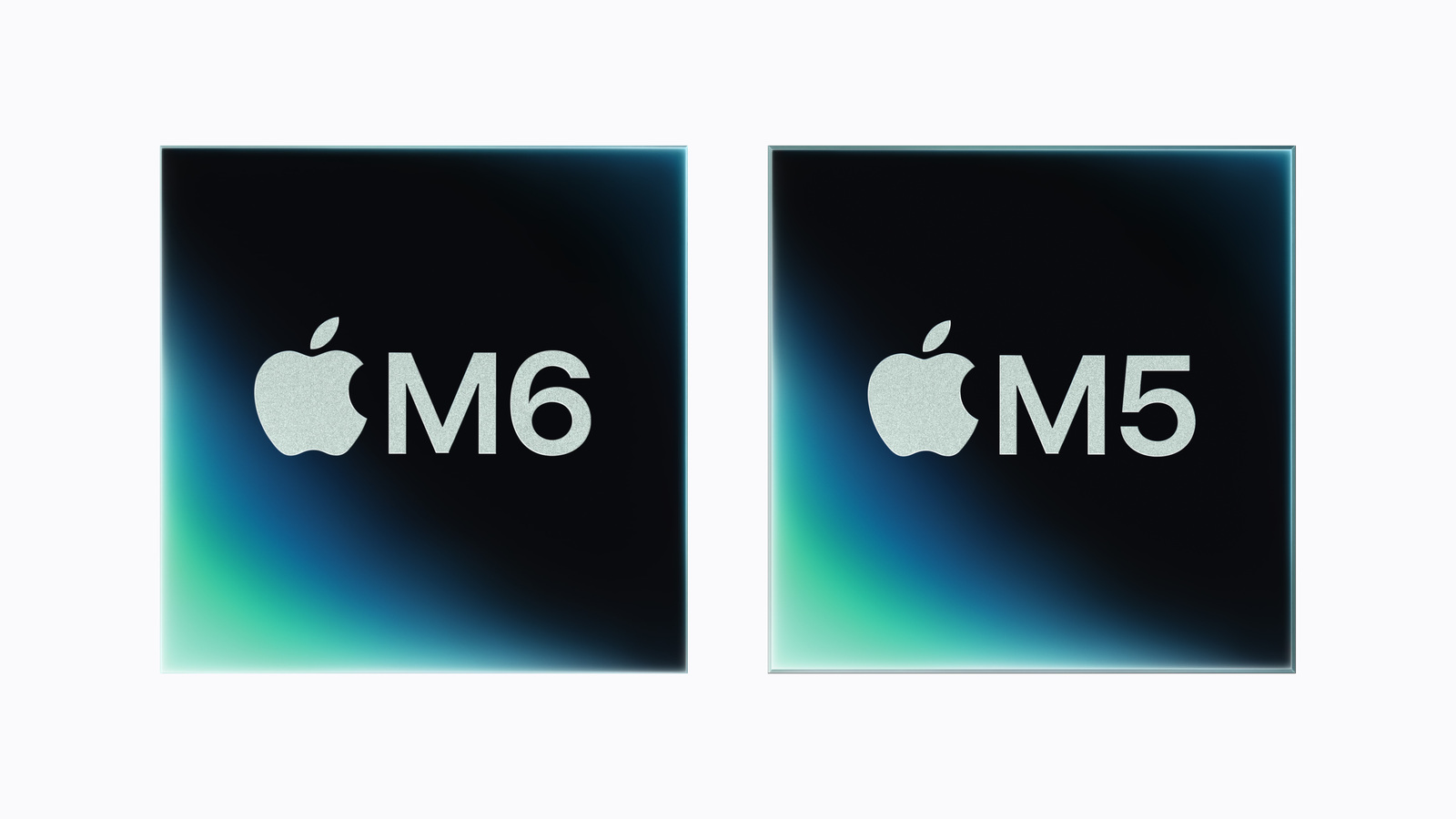
The M6 is Apple's first chip manufactured using a 2nm process and the first to utilize three different CPU core types simultaneously. Compared to the M5, this sounds like a significant leap – but the numbers tell a more nuanced story. The advertised advantage, particularly regarding RAM, hinges on a condition hidden in the specifications.
Ten months separate the M5, released in October 2025, from the 2nm M6. During this time, Apple has switched manufacturing processes, redesigned the CPU's core architecture, and doubled the size of the Neural Engine. Both chips are described in separate announcements – the M5 in October 2025 and the M6 in August 2026. Anyone with an M5 device is therefore faced with a concrete question: Is this a reason to upgrade, or is the M6 primarily an interim step? The answer varies depending on the task – and it depends less on the headlines than on two details in Apple's datasheets.
Key Facts at a Glance
- The M6 has 12 CPU cores in three types, while the M5 has 10 cores in two types. The number of fastest cores decreases from four to two.
- Apple subsequently renamed the four fast cores of the M5 from "performance cores" to "super cores" – the hardware remained the same.
- The GPU grows from 10 to 12 cores, and the Neural Engine is doubled to two 16-core units.
- The higher memory bandwidth of 170 GB/s only applies with 24 GB of RAM or more. In the base configuration, it remains at 153 GB/s – exactly the same as the M5.
- Higher-end versions of the M6 are reportedly not planned. Apple has not commented on this; it is only confirmed that the M5 family currently sits above the M6.
- Currently, the M6 is only used in the Mac mini. The M5 continues to power the 14-inch MacBook Pro, the iPad Pro, and the Apple Vision Pro.
Technical differences at a glance
| Feature | Apple M5 (2025) | Apple M6 (2026) |
|---|---|---|
| Production | 3 nm, third generation | 2 nm, first generation |
| CPU | 10 cores: 4 Super, 6 Efficiency | 12 cores: 2 Super, 4 Performance, 6 Efficiency |
| GPU | 10 cores with Neural Accelerators | 12 cores with Neural Accelerators |
| Neural Engine | 16 cores | Two units, each with 16 cores |
| Memory bandwidth | 153 GB/s | 153 GB/s, 170 GB/s with 24 GB of RAM or more |
| Maximum RAM | 32 GB | 32 GB |
| Raytracing | hardware accelerated | hardware accelerated |
| Higher development levels | M5 Pro, M5 Max, M5 Ultra | None presented so far |
The values are taken from the technical specifications of the Mac mini and the technical specifications of the MacBook Pro.
What the third core type really changes
A closer look is warranted here, as the core structure is often presented in a simplified manner. The current datasheet lists the M5 as having four super cores plus six efficiency cores – so super cores are not an invention of the M6. What is new is that the M6 introduces a third type: two super cores, four performance cores, and six efficiency cores.
The naming convention has changed over time. At the M5 launch, Apple described the same chip as having six efficiency cores and up to four performance cores. The total number and the number of efficiency cores have remained the same; only the designation of the four high-performance cores was later changed to "super cores." Therefore, anyone comparing the M6 to the wording from October 2025 is comparing two names for the same thing.
The number of fastest cores is thus halved. Apple assigns the super-cores to tasks that cannot be distributed across many cores and markets them as the fastest CPU cores in the world. The new performance cores handle the broadly parallelizable work, while the efficiency cores take over the background tasks.
This results in a different performance profile, not simply an increase. For tasks that depend on a single core—compiling, indexing, parts of image processing—Apple promises a gain. For highly parallelized tasks, the company cites up to 1.2 times the multithreaded performance compared to the M5.
The doubled Neural Engine
The most noticeable change concerns the Neural Engine. Instead of one 16-core unit, the M6 has two, and the system frameworks can address both simultaneously. Apps benefit from this without requiring any adjustments from developers.
Apple states that the peak performance of the Neural Engine is up to twice that of the M5. The GPU figure is separate: For AI calculations on the graphics unit, Apple claims almost 30 percent more peak computing power. These two figures describe different components and cannot be added together.
In practice, this primarily benefits locally running language models. Those who run models on their own computer, instead of sending requests to the cloud, will notice the difference most readily.
Memory bandwidth: the advantage comes with a condition
This is where the crucial point lies, one that is regularly overlooked in comparison tables. The M6's 170 GB/s is not a feature of the chip that is always present. Apple's datasheet only lists it for configurations with 24 GB of RAM or more.
The Mac mini with M6 and 16 GB of RAM achieves 153 GB/s – the same value as the M5. The advertised bandwidth advantage of around ten percent simply doesn't exist in the entry-level configuration; it's only gained through the memory upgrade. Apple itself phrases this cautiously in its announcement, mentioning speeds of up to 170 GB/s.
A look at the footnotes clarifies the picture further. Apple measured the published comparison values for the M5 using a Mac mini with 32 GB of RAM – the configuration offering the higher bandwidth. Those who purchase the entry-level configuration will not have the same conditions under which these figures were obtained.
For you, this means that if bandwidth is important for your tasks, memory size is not just a question of capacity, but also of speed. We've broken down how much RAM is useful for which applications in a separate guide to RAM for Apple Silicon.
What is above the M6
The most unusual feature of the M6 is what's missing. The only established fact is that there was no Pro, Max, or Ultra version at its unveiling on August 25th, and Apple hasn't commented on future versions. Based on past experience, the company likely won't do so until something is officially announced.
The only explanation comes from the media reports. According to Mark Gurman, Apple is foregoing higher-end models of this generation because the development of the more AI-focused M7 series has been prioritized. We already discussed the supposedly canceled M6 high-end model in June; the product launch certainly doesn't contradict this account.
The situation is evident in the new Mac mini with the M6 and M5 Pro: the more powerful configuration uses the older chip. Those needing more than basic performance currently opt for the M5 Pro, M5 Max, or M5 Ultra – the Mac Studio with M5 Max and M5 Ultra represents the top of this lineup.
For purchasing decisions, the current state is what counts, not the forecast: A higher chip number does not currently mean more performance, but a different position in the product range.
Is it worth switching from the M5?
For everyday use, the answer is clearly no. The M5 has ample reserves for office work, web browsing, photo editing, and most creative tasks, and the differences would be barely noticeable in daily use.
Things get more interesting with two use cases. First, with tasks that depend on the speed of a single core – this is where the M6, with its new core architecture, specifically comes into play. Second, with locally executed AI models, where the doubled Neural Engine and the larger GPU work together.
Even then, the timing remains a factor. The M7 series is reportedly expected in 2027 and is supposed to bring about the real leap in AI computing power. Anyone upgrading from an M5 today solely for this reason should factor in that, according to this scenario, the next generation would be less than a year away.
Where the M5 and M6 currently stand
The M6 chip is currently only available in the Mac mini, which starts at €1,049 and will be shipped from September 22nd. More devices with the chip are expected this fall.
The M5 remains widely used: in the 14-inch MacBook Pro, the current iPad Pro, and the Apple Vision Pro. The M5 Pro and M5 Max versions are found in the larger MacBook Pro models, while the M5 Max and M5 Ultra are used in the Mac Studio. Those planning to upgrade from an older generation can find the relevant specifications in the comparison of the Mac mini M6 and M4.
An intermediate step with a clear recipient
The M6 represents a broad but measured improvement: CPU, GPU, Neural Engine, and bandwidth all see increases, without any single area outperforming the others. The move to 2 nm is the biggest technical step because, for the first time, the transistors are completely enclosed by the gate – which translates into increased efficiency, though not necessarily noticeable speed gains.
Our assessment: The real target audience for this generation isn't M5 owners, but rather those upgrading from an M1 or M2. For them, four years of advancements add up, while the gap to the direct predecessor generation remains manageable in most applications. Apple's own figures support this: Compared to the M5, it offers 1.2 times the multithreaded performance and nearly 30 percent more peak GPU computing power for AI, while compared to the M1, it boasts 2.4 times the CPU performance and more than eight times the AI computing power.
The halved number of super-cores remains noteworthy. It shows that Apple is distributing computing power differently instead of simply increasing it – a restructuring whose effects will only become apparent in real-world benchmarks.
What the M6 means for future Macs
Currently, the M6 is the M-generation processor in Apple's lineup, with the previous generation occupying the top spots. How long this will remain the case depends on whether Apple later releases higher-end versions or moves directly to the next generation. Until then, the chip number alone is not a reliable indicator.
Would the doubled Neural Engine be a reason for you to upgrade from an M5 device – or would you wait until it's clear what's coming above the M6? Let us know your reasoning in the comments.
Frequently Asked Questions: M6 vs. M5
No. The M5 Pro has more CPU and GPU cores and significantly higher memory bandwidth at 307 GB/s. The higher chip number indicates the generation, not the performance class.
Because Apple has changed the task distribution. Instead of four super cores and six efficiency cores, the M6 uses two super cores, four performance cores, and six efficiency cores — a total of two more cores, but distributed differently.
Yes, it will be unveiled in October 2025. In the current datasheet, Apple lists the same four cores as super cores. The total number and the number of efficiency cores are unchanged, so the hardware is the same.
Only with 24 GB of RAM or more. With 16 GB, both chips achieve 153 GB/s.
32 GB, just like the M5. Anyone needing more will have to go for the M5 Pro or higher.
Apple has not commented on this. According to Mark Gurman, the company is planning to forgo higher-end models of this generation and instead favor the M7 series — this has not been confirmed.
Significantly faster than an M5. Apple cites 2.4 times the CPU performance and more than eight times the GPU computing power for AI compared to the M1, while compared to the M5 it claims 1.2 times the multithreaded performance and almost 30 percent more.