
This article may contain affiliate links. Learn more on our Partner Program page.
The menu bar, dock, and window frames often remain in the same position on a Mac for hours. This is precisely what makes OLED a different issue on a laptop than on an iPhone. It's now possible to say quite precisely what Apple is doing to combat burn-in on the MacBook Pro with its PROLED XDR display, and where the technology's limitations lie.
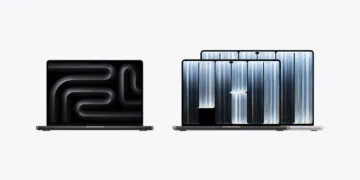
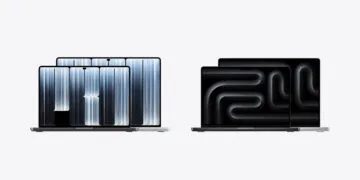
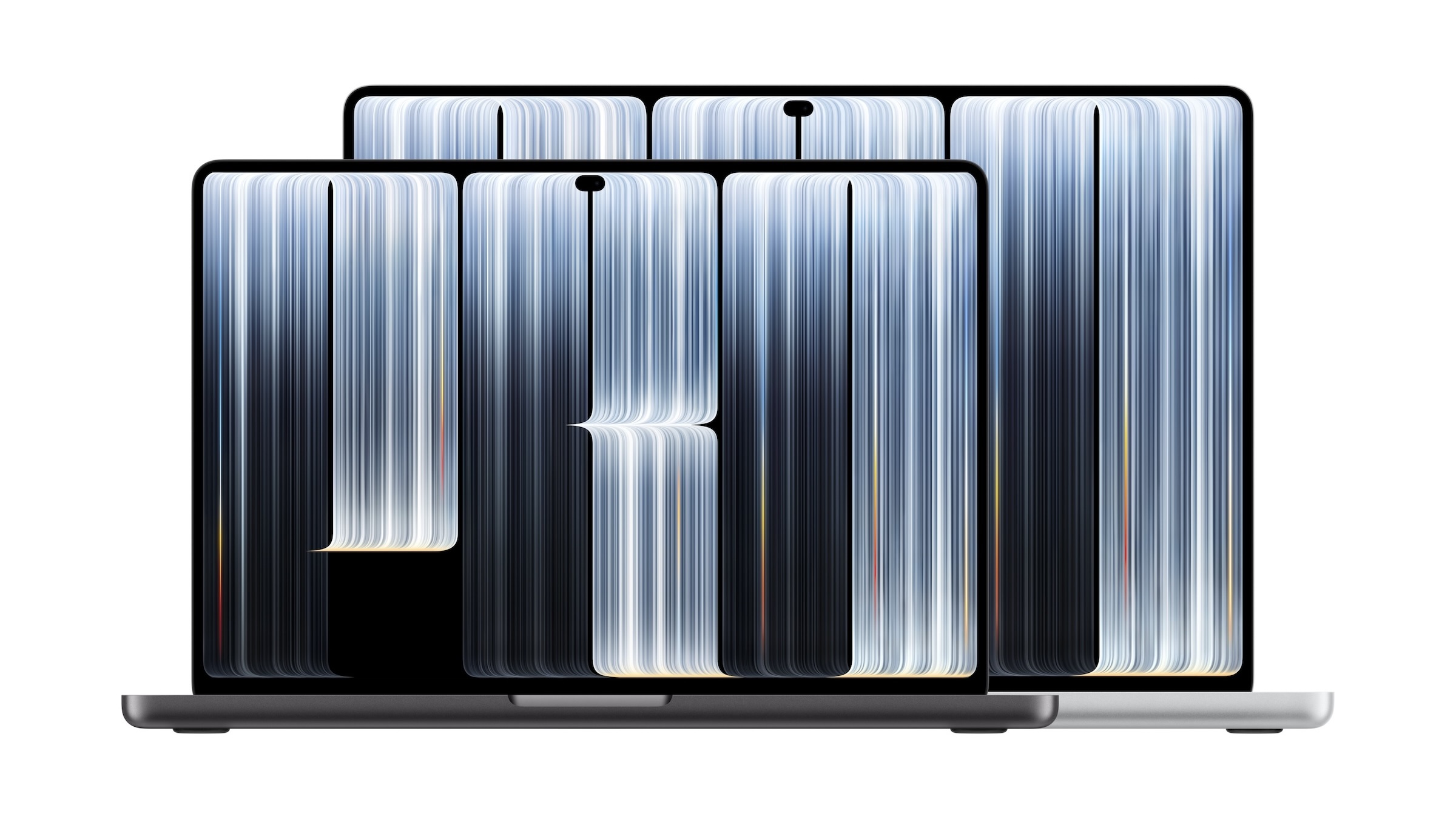
With the MacBook Pro featuring a PROLED XDR display, OLED makes its debut as the primary display on the Mac. It surpasses the Mini-LED display in contrast and brightness, but the long-standing question of durability remains with organic displays. Further information about the device can be found on the MacBook Pro page.
The most important source is Apple's technical paper on the PROLED XDR display from October 2026. In addition, there are Apple's support documents for the OLED displays of the iPad Pro and iPhone, which describe the same effects.
Key Facts at a Glance
- Burn-in is possible with the MacBook Pro with OLED; Apple itself calls it a long-term risk and is working on several measures to counteract it.
- The tandem OLED distributes the brightness across two layers, each of which operates with less power.
- The display monitors the usage of each pixel and balances it pixel by pixel.
- Apple does not specify a lifespan in hours or years.
- Automatic brightness, short shutdown times and hidden bars reduce the strain.
Burn-in, afterimage, and aging are three different things
In everyday language, everything falls under the umbrella term „burn-in,“ but Apple distinguishes between three effects. The English documents differentiate between „image persistence“ and "burn-in," while the German versions refer to both as "burned-in images.".
| Effect | What happens | What Apple says about it |
|---|---|---|
| Image persistence | One image remains faintly visible even when the next one is already being displayed | Disappears after a few minutes of normal use |
| Burn-in | This occurs in more extreme cases, such as with a high-contrast image that remains at high brightness for a long time | Don't mention postpartum recovery |
| Ageing | The brightness may decrease over time | Applies to all displays, including LCDs |
For the MacBook Pro, the middle case is particularly interesting. Afterimages are harmless, and general aging affects all display technologies.
Why organic pixels age at all
With OLED displays, each pixel emits its own light; there is no backlight. This results in high contrast and true blacks, but also a weakness. In its technical paper, Apple states succinctly that organic emitters "age when used".
When pixels are used to varying degrees, they age at different rates. This is precisely what causes burn-in: areas that constantly display the same bright element lose brightness compared to their surroundings. According to Apple, pixel performance depends on usage, time, and temperature.
This is considered a greater hurdle on desktop computers because the same elements remain visible for a longer period. According to a report in the trade publication The Elec, LG Display is working on a fifth light-emitting layer to combat burn-in for future OLED iMacs. However, this describes a development stage and not the current MacBook Pro.
What Apple is doing about it with the PROLED XDR display
The first measure lies in the design. The tandem OLED stacks two luminous layers that share the light output. Each layer thus operates with less power, which Apple attributes to higher peak brightness, better energy efficiency, and a longer panel lifespan.
The second measure is the Display Engine. It balances the image in real time, taking into account the image content, the usage of each individual pixel, the panel temperature, and the ambient environment. According to Apple, to prevent burn-in, it continuously monitors each pixel and compensates for its usage pixel by pixel.
The third measure is automatic brightness. It takes into account ambient light, power consumption, battery life, and learned preferences, as well as the long-term risk of panel burn-in. According to Apple, the factory calibration will also continue to function as the panel ages.
How long does the display last?
There is no reliable figure available. The technical paper only mentions a longer lifespan due to the tandem design and doesn't specify hours or years. Independent long-term data is also not yet available, as the device will only be released on November 6th.
Apple provides a one-year manufacturer's warranty, while in Germany, the statutory warranty of two years from the retailer also applies. AppleCare+ does not automatically close this gap: The German terms and conditions for Macs exclude damage caused by normal wear and tear, and AppleCare One is primarily designed to protect against accidental damage.
The remaining disadvantages of OLED
Burn-in is not the only peculiarity of the technology. Apple classifies two other effects as normal behavior for the OLED displays of iPhones and iPads:
- Viewing angle: Colors may vary slightly when viewed from the side.
- Scrolling in the dark: With reduced brightness and a black background, slight blurring or color changes may occur when scrolling.
Apple cites precisely these weaknesses as weaknesses that it claims to have overcome with its PROLED XDR display, and claims high image fidelity up to 89 degrees in all directions. These are manufacturer specifications; how it performs in practice will only become clear with devices available in stores.
The most tangible disadvantage is the price tag: The 14-inch model with M5 Pro starts at €2,899 with Mini-LED, and at €3,299 with PROLED XDR.
Protect the display in everyday use
Apple's published tips are for iPhone and iPad, but most can be applied to macOS. The settings are described in the Mac User Guide for macOS 27.
- Leave automatic brightness enabled: In system settings under "Displays," there is an option called "Automatically adjust brightness." Apple explicitly mentions this as a way to prevent screen burn-in.
- No still images at full brightness: Apple advises against displaying static images at maximum brightness for extended periods.
- Turn off the display earlier: Under "Lock screen" you can specify when the display turns off when the device is running on battery and mains power.
- Hide the menu bars: "Automatically show and hide the menu bar" is located under Menu Bar, and "Automatically show and hide the dock" is located under Desktop & Dock. This reduces the time these elements remain in the same position.
- Keep macOS up to date: Apple points out that the latest system versions for iPhone and iPad should limit the effects of prolonged use.
Why I wouldn't make the burn-in process a purchase criterion
Tandem architecture, pixel-by-pixel compensation, and brightness control that factors in burn-in risk address precisely the right issues. Therefore, I don't expect burn-in to become a problem with normal use and varying content. This can only be definitively proven with devices that have been in use for several years.
Caution is advised when the display always shows the same thing, such as when used as a continuously running status monitor at high brightness. If you have such a use in mind, the MacBook Pro with M6 or the version with M5 Pro and Mini-LED is the more relaxed choice, as neither uses organic light-emitting elements. The Mac buying guide will help you determine which Mac is right for you overall.
Would the fear of screen burn-in actually deter you from buying a MacBook Pro with an OLED display – or do contrast and touch sensitivity outweigh that for you? Tell us in the comments how long you plan to keep your MacBook and what content you display all day.
Frequently Asked Questions: MacBook Pro OLED
Yes, it's possible. In its technical paper for the PROLED XDR display, Apple itself mentions a long-term burn-in risk for the organic panel and counteracts this with a tandem design, pixel-by-pixel compensation, and adjusted brightness control. For the OLED displays of the iPhone and iPad, Apple describes burn-in as an effect of more extreme cases, such as when a high-contrast image is displayed at high brightness for an extended period.
Apple doesn't specify a lifespan in hours or years. The technical paper only mentions a longer panel lifespan in general terms. Independent long-term data is not yet available; the device will be available in stores starting November 6th.
Apple's English documentation for iPhone and iPad distinguishes between the two. An afterimage is a faint remnant of the previous image that disappears after a few minutes of normal use. Burn-in is the effect of more extreme cases, for which Apple does not specify a reversal method. The German versions refer to both as "burned-in images.".
The panel stacks two luminous layers that share the light output. Each layer therefore uses less power. Apple combines this with higher peak brightness, better energy efficiency, and a longer lifespan.
Helpful tips include the „Automatically adjust brightness“ option, avoiding freeze-frames at maximum brightness, and turning off the display earlier. These tips come from Apple's documentation for iPhone and iPad. Automatically hiding the menu bar and Dock is a separate suggestion, as these elements would otherwise remain in the same position for too long.
Organic pixel burn-in does not affect Mini-LED displays, as this type of display does not use organic light-emitting elements. However, according to Apple, a decrease in brightness over time can affect all displays, including LCDs.
Burn-in is not explicitly mentioned in the German terms and conditions. However, they exclude damage from normal wear and tear; AppleCare+ is primarily designed to protect against accidental damage.