This article may contain affiliate links. Learn more on our Partner Program page.
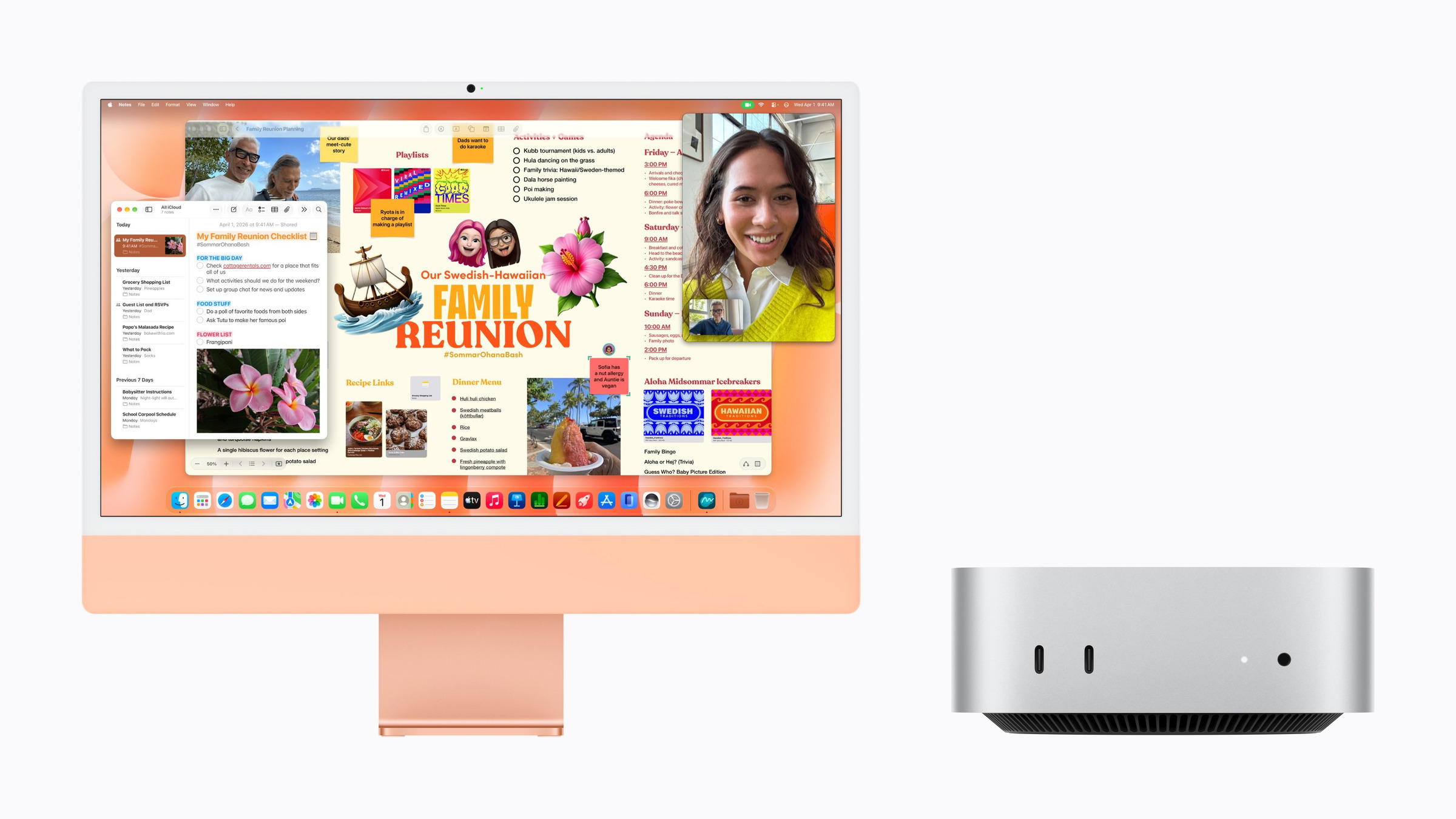
The Mac mini and iMac now use the same M6 chip, yet there's a price difference of almost €1,000 between them. Those who pay the extra get a screen, speakers, camera, and keyboard, but fewer ports and less space for external displays. Whether it's a better deal depends almost entirely on what you already have on your desk.
With the iMac with M6, Apple brought both entry-level desktops to the same chip generation at the end of October. The Mac mini with M6 and M5 Pro has already been on sale since August. The figures in this comparison come from Apple's German data sheets for the iMac and the Mac mini, as well as from the German Apple Store.
How the two devices compare to their predecessors can be found in the generational comparisons iMac M6 vs. M4 and Mac mini M6 vs. M4. The question addressed here is which of the two devices is the better choice today.
Key Facts at a Glance
- The Mac mini starts at €1,049 and always comes with the full M6 with 12-core CPU and 12-core GPU.
- The iMac starts at €1,799 with an M6 processor featuring a 10-core CPU and 10-core GPU. The same chip as in the Mac mini is only found in the iMac, which costs €1,999.
- The Mac mini lacks a screen, camera, keyboard, and mouse. However, it offers more ports, built-in Ethernet, and support for up to three external displays.
- RAM and SSD cost the same extra for both. The iMac with a 10-core CPU is limited to 24 GB and 1 TB.
- Anyone who already owns a decent monitor will find the Mac mini significantly cheaper. However, with Apple's own Studio Display, the iMac becomes the better option.
The chip: same generation, not the same model
Apple uses the M6 processor in two configurations. The Mac mini, in all three standard models, comes with the full version featuring a 12-core CPU (2 Supercore, 4 Performance, and 6 Efficiency cores) and a 12-core GPU. In the iMac, this configuration is only available in the four-port model. The entry-level two-port model uses an M6 with a 10-core CPU (2 Supercore, 3 Performance, and 5 Efficiency cores) and a 10-core GPU.
For the Mac mini, Apple specifies the memory bandwidth separately depending on the configuration: 153 GB/s with 16 GB, 170 GB/s with 24 or 32 GB. For the iMac, both chip variants are listed as having "up to 170 GB/s". The dual 16-core Neural Engine, the Neural Accelerators in the GPU, and the Media Engine are the same in all M6 models.
The Mac mini offers more options at the top end. For €1,999, it's available with an M5 Pro processor, 15-core CPU, 16-core GPU, 307 GB/s memory bandwidth, and up to 64 GB of RAM. Apple does not offer an iMac with a Pro chip.
Technical specifications in direct comparison
| Mac mini (M6) | iMac (M6, 10-Core) | iMac (M6, 12-Core) | |
|---|---|---|---|
| Price DE/AT | from €1,049 | from €1,799 | from €1,999 |
| Price CH | from 899 CHF | from CHF 1,499 | from CHF 1,699 |
| CPU / GPU | 12-Core / 12-Core | 10-Core / 10-Core | 12-Core / 12-Core |
| RAM | 16 GB, optionally 24 or 32 GB | 16 GB, optional 24 GB | 16 GB, optionally 24 or 32 GB |
| SSD | 256 GB to 2 TB | 256 GB to 1 TB | 256 GB to 2 TB |
| Integrated display | – | 24″ 4.5K Retina, 500 nits | 24″ 4.5K Retina, 500 nits, nano texture optional |
| External Displays | up to 3 | 1 | up to 2 |
| Thunderbolt | 3x Thunderbolt 4 (rear) | 2x Thunderbolt / USB 4 | 4x Thunderbolt 4 |
| Other connections | 2x USB-C (front, 10 Gbit/s), HDMI, jack | pawl | pawl |
| Ethernet | 2.5 Gbit, optional 10 Gbit | 2.5 Gbit optional | 2.5 Gbit |
| Camera | – | 12 MP Center Stage | 12 MP Center Stage |
| Audio | integrated speaker | 6 speakers, three microphones | 6 speakers, three microphones |
| Included in the scope of delivery | – | Magic Keyboard, Magic Mouse | Magic Keyboard with Touch ID, Magic Mouse |
| Weight | 0.67 kg | 4.42 kg | 4.44 kg |
| Colours | Silver | seven colors | seven colors |
What the iMac offers for the extra cost
Comparing identical chips, the price difference is €950: €1,049 for the Mac mini versus €1,999 for the iMac with a 12-core CPU. This price includes a 24-inch display with 4480 x 2520 pixels, a 12 MP camera with Center Stage and desktop view, six speakers with Dolby Atmos support, three microphones, and a Magic Keyboard with Touch ID and Magic Mouse.
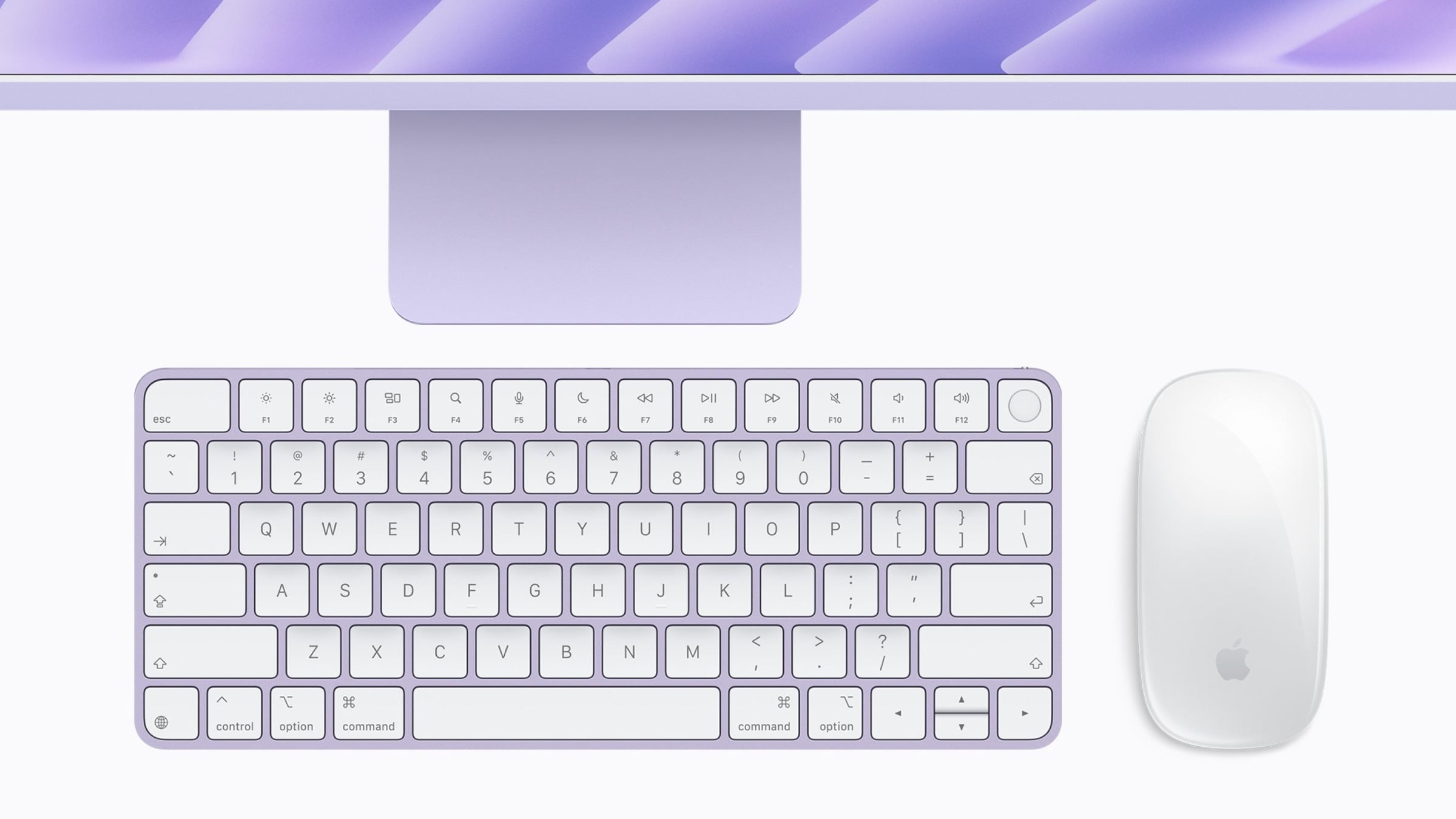
The iMac, priced at €1,799, lacks Touch ID, and the keyboard is only available as an optional extra. It also features a smaller chip, only two Thunderbolt ports, and is limited to 24 GB of RAM and 1 TB of SSD storage. Ethernet costs an additional €30 on this model.
What the Mac mini does better
In terms of connectivity, the smaller computer clearly has the edge. Three Thunderbolt 4 ports on the back, HDMI, 2.5 Gbps Ethernet as standard, and two USB-C ports on the front are features no iMac offers. For an additional €110, 10 Gbps Ethernet is available, an option Apple doesn't offer for the iMac.
The Mac mini is also more flexible when it comes to monitors: It can drive up to three external displays, two of which can support resolutions up to 6K at 60 Hz. The iMac with a 12-core CPU can handle two external displays in addition to the built-in one, while the entry-level model can only manage one. Which combinations work with which chips can be found in the overview of how many external displays a Mac supports.
With a footprint of 12.7 x 12.7 centimeters and weighing 670 grams, the Mac mini fits under any monitor and can be moved with ease. You have complete freedom of choice when it comes to monitor, keyboard, and mouse.
Same surcharges, different limits
Apple charges the same amounts for storage and memory on both devices: 220 euros for 24 GB, 440 euros for 32 GB, 220 euros for 512 GB, 550 euros for 1 TB, and 1,100 euros for a 2 TB SSD. As a result, the gap between the Mac mini and the iMac remains the same in every configuration. How much RAM makes sense is covered in the overview on how much RAM a Mac with Apple silicon really needs.
| Configuration (24 GB, 512 GB) | Price DE |
|---|---|
| Mac mini (M6) | 1.489 € |
| iMac (M6, 10-Core) | 2.239 € |
| iMac (M6, 12-Core) | 2.439 € |
Apple offers the Mac mini with 24 GB and 512 GB as its standard model. The two iMac prices are calculated from the base price plus Apple's additional charges.
Mac mini plus Studio Display: the counter-calculation
Anyone who doesn't own a monitor and relies on Apple accessories for their Mac mini will quickly find themselves spending more than the iMac. The Studio Display costs €1,699 in its cheapest configuration, the Magic Keyboard with Touch ID €169, and the Magic Mouse €85. Together with the Mac mini, that comes to €3,002, roughly €1,000 more than the iMac with the same chip.
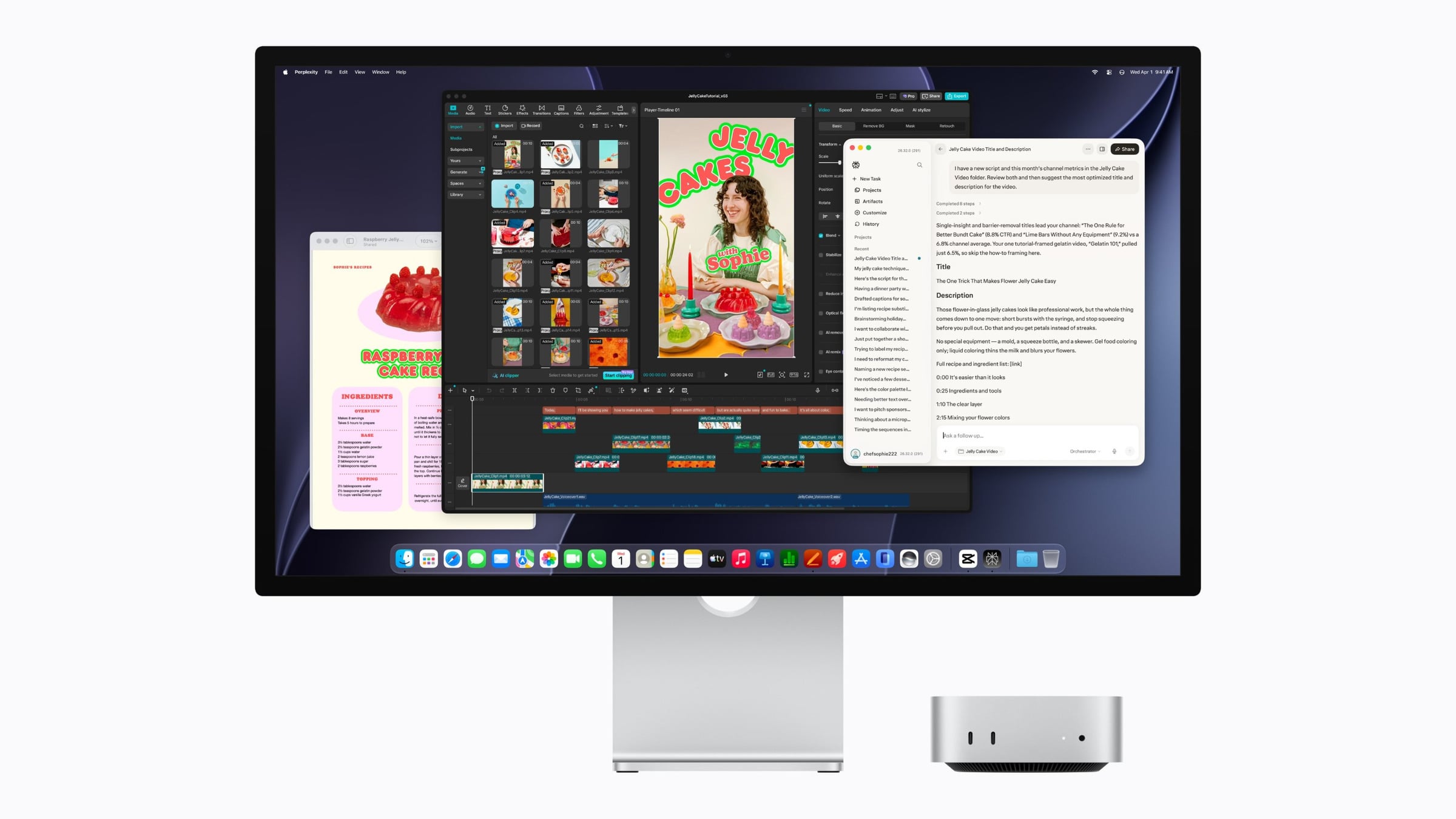
In return, you get a larger screen that can still be used if you later upgrade your computer. The differences between the two Apple monitors are detailed in the Studio Display vs. Studio Display XDR comparison. A monitor from another manufacturer will significantly reduce the overall cost, although the resolution and image quality will then depend on the specific model chosen.
The display determines the bill
I consider the Mac mini the better choice once you have a decent monitor. It has the full chip at the lowest price, more ports, built-in Ethernet, and the Pro chip as an upgrade option. With a price difference of around €950 compared to a similarly equipped iMac, there's still enough money left over for a keyboard, mouse, and a proper monitor.
The iMac shines when your desk is clear or you want a single device: display, camera, speakers, and microphones all in one enclosure, one cable, one color of your choice. In this case, I would recommend the model with a 12-core CPU. The entry-level model saves you 200 euros, but you lose two cores, two ports, Ethernet, and Touch ID, and it's limited to 24 GB of RAM and 1 TB of storage.
Anyone torn between all the desktop Macs will find the complete overview in the Mac buying guide. If the M6 isn't enough, the comparison Mac mini vs. Mac Studio is the next step. All articles about both devices are collected on the pages for the iMac and the Mac mini, and details on the new model are in the specifications, prices, and dates for the iMac M6.
Do you already have a monitor on your desk that makes the Mac mini the more affordable option, or would the complete iMac package be worth the extra cost to you? Let us know in the comments which screen you're planning to use.
Frequently Asked Questions: iMac vs. Mac mini
All standard Mac mini models feature the M6 processor with a 12-core CPU and 12-core GPU, the same chip as the €1,999 iMac. Compared to the €1,799 iMac with a 10-core CPU and 10-core GPU, it has two more cores in both the CPU and GPU.
Yes. The package includes only the Mac mini and the power cord. A monitor, keyboard, and mouse are sold separately; you can either use your existing devices or buy new ones.
The Mac mini with M6 supports up to three external displays via Thunderbolt and HDMI. The iMac with a 12-core CPU can handle up to two additional displays besides its built-in screen, while the entry-level model can handle one.
With the cheapest Studio Display for €1,699, the Magic Keyboard with Touch ID for €169, and the Magic Mouse for €85, the Mac mini comes to €3,002. The iMac with the same chip costs €1,999.
The iMac with a 12-core CPU comes standard with 2.5 Gbps Ethernet. It costs an additional €30 for the 10-core model. The Mac mini has 2.5 Gbps as standard and can be ordered with 10 Gbps for an extra €110.
The model with a 12-core CPU costs €200 more and offers two additional cores, four Thunderbolt ports instead of two, Ethernet, Touch ID, and up to 32 GB of RAM and a 2 TB SSD. The entry-level model tops out at 24 GB and 1 TB.
No. Apple only offers a Pro chip in the Mac mini: With the M5 Pro, it costs from 1,999 euros and can be configured with up to 64 GB of RAM.