

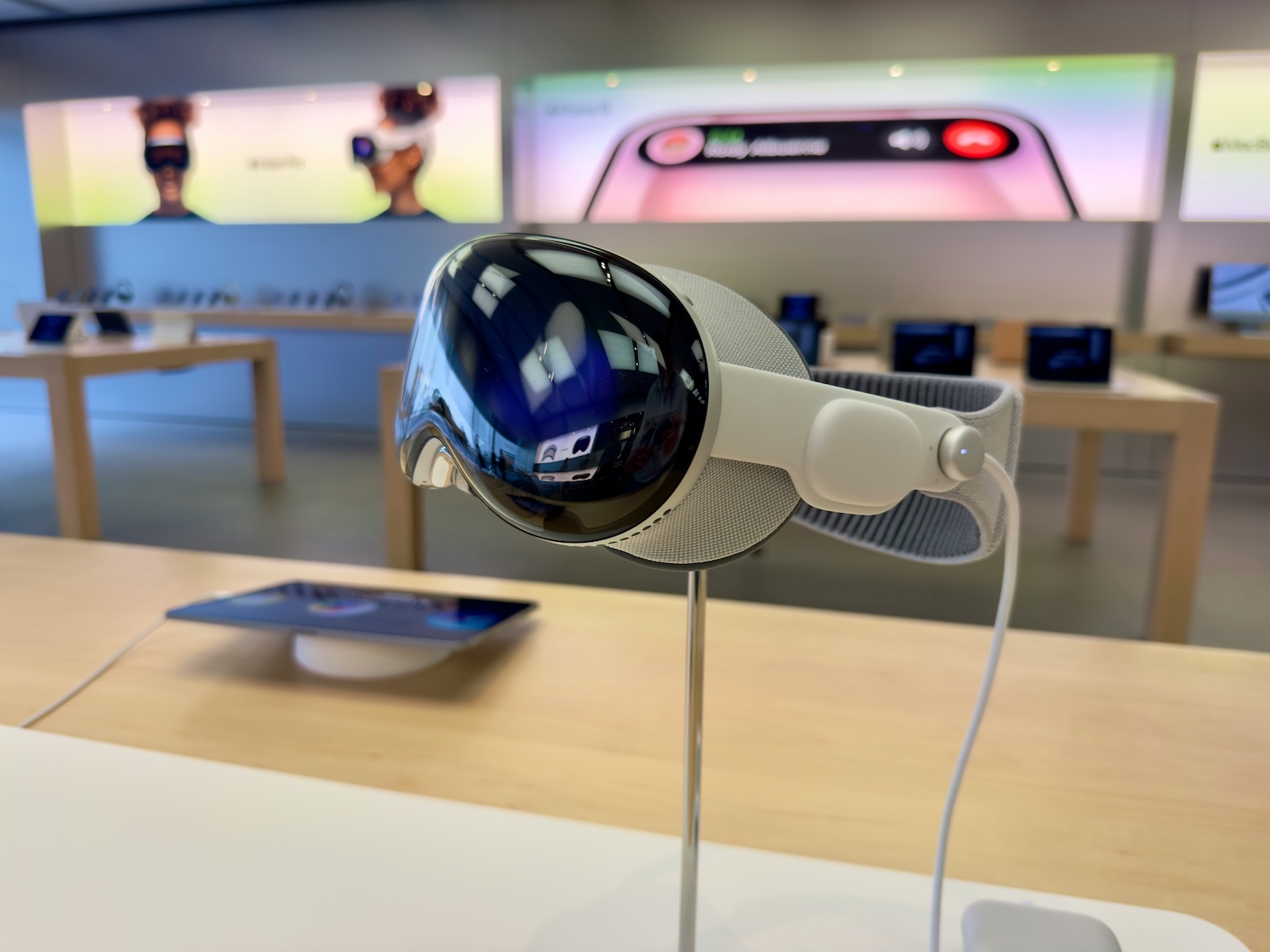
With the launch of the Vision Pro, Apple has ushered in a new era of mixed reality technology. While many are exploring the possibilities of this headset in areas such as augmented reality and virtual reality, the question is how suitable it is for gaming. Despite the limited number of native games, the Apple Vision Pro offers numerous ways to enjoy a variety of games thanks to cloud gaming and game streaming. Find out all about the best cloud gaming and game streaming options available to you below to unlock the full potential of your Vision Pro.
The gaming experience on the Apple Vision Pro may seem limited at first, but that is deceptive. Apple may have started with some native games, but the Vision Pro's real strength lies in its ability to make existing game libraries accessible through cloud gaming and game streaming. This article will show you in detail how to play your favorite games on this state-of-the-art headset. We'll look at the technical requirements, the best services and apps and the potential challenges.
Game controller for Apple Vision Pro
Hardware requirements
To play console games on the Apple Vision Pro, you need specific hardware. Here are the most important points:
- Game controllers: As the Vision Pro does not support games with gaze control and finger taps only, controllers are required. The controllers of the Xbox X and S series, the PlayStation 4 and 5 and the Nintendo Switch can be connected to the Apple Vision Pro via Bluetooth. MFi game controllers are also compatible and often cheaper.
- Connection and setup: Connecting the controllers is easy and done via the Vision Pro's Bluetooth settings . Once paired, you can use them for various games and services.
Software options
Equipped with the appropriate hardware, you can use various software solutions to stream console games:
- Nexus Browser: Nexus is a frameless browser designed specifically for the Apple Vision Pro. With this browser, you can access cloud gaming services such as GeForce Now and Xbox Cloud Gaming. Thanks to the Vision Pro's high-resolution displays, you can stream games in impressive quality. A particular highlight is the ability to use GeForce Now in 4K, with 60 FPS recommended for an optimal experience.
- MirrorPlay: MirrorPlay is an alternative to the PS Remote Play app and supports visionOS. This enables PlayStation games to be streamed directly to the Apple Vision Pro. This app offers a clearer display than the see-through option and streams in 1080p at 60 FPS. For PlayStation owners, this is a great way to enjoy their games on the Vision Pro.
- Moonlight: Moonlight offers an excellent solution for PC gamers. This app allows you to stream PC games to the Apple Vision Pro. You can stream games from your PC to the Vision Pro via your home network. The app supports both MFi controllers and conventional game controllers. The only limitation: VR games for the PC cannot be streamed, but almost all other games are compatible.
Cloud gaming services
GeForce Now
Nvidia's GeForce Now is one of the leading cloud gaming services and offers an impressive game library. With a GeForce Now Ultimate membership, you can stream games in 4K resolution. The Apple Vision Pro with its high-resolution displays is perfect for this service. You can stream and enjoy your PC games in the highest quality.
Advantages of GeForce Now on the Apple Vision Pro:
- High-resolution graphics: Games in 4K resolution at 60 FPS.
- Large games library: access to a wide range of PC games.
- Easy access: Use via the Nexus browser.
Xbox Cloud Gaming
Xbox Cloud Gaming, formerly known as Project xCloud, offers the possibility to play Xbox games on different devices. With the Nexus Browser, you can access this service and stream games in 1080p. For an even better experience, you can use Better xCloud to enable remote play with your home console.
Advantages of Xbox Cloud Gaming on the Apple Vision Pro:
- Wide selection of games: Access to a wide range of Xbox games.
- Easy integration: Use via the Nexus browser.
- Remote Play: Use of Better xCloud for local network streaming.
Emulation and retro gaming
AfterPlay
AfterPlay is an excellent option for retro gaming fans. This browser-based emulation solution allows you to play older console games directly in your browser. AfterPlay supports emulators for Game Boy, Game Boy Color, Game Boy Advance and Super Nintendo. This also works on the Apple Vision Pro using the Nexus Browser.
Functions of AfterPlay:
- Seamless synchronization: Continue playing games seamlessly on different devices.
- Gameplay optimization: Functions such as "Fast Forward" and "Slow Motion" improve the gaming experience.
- Cheat codes: Built-in cheat codes make it easier to progress in difficult games.
future prospects
The market for the Vision Pro is still in its infancy, but the potential for gaming is enormous. With the introduction of native apps for cloud gaming services and increasing support from VR game developers, the Apple Vision Pro will play a significant role in the gaming landscape in the near future.
Expectations for the future:
- Developer support: More VR game developers will support the Vision Pro.
- Native apps: Cloud gaming services will develop their own apps for the Vision Pro.
- Expanded possibilities: New technologies and updates will further enhance the gaming experience.
Optimal gaming experience thanks to cloud streaming
Although the Vision Pro only offers a limited number of native gaming experiences at the time of release, cloud gaming and game streaming services offer an excellent way to utilize existing game collections on the mixed reality headset. With services like GeForce Now, Xbox Cloud Gaming, and tools like MirrorPlay and Moonlight, you can enjoy a wide range of games. The future looks bright, as support from VR game developers and cloud gaming services continues to grow. Take advantage of these options to get the most out of your Apple Vision Pro and enjoy an unparalleled gaming experience. Looking for new accessories? Then check out our Amazon Storefront – there you'll find numerous products from leading manufacturers, including HomeKit-compatible products! (Photo by Unsplash / Mylo Kaye)
- Optimal use: Connect AirPods to Apple Vision Pro
- Apple Vision Pro: Easily customize the Control Center
- Connecting Apple Vision Pro to Mac: How it works
- Apple Vision Pro: Create immersive photos and videos
- Apple Vision Pro: Important tips to combat dizziness
- Apple Vision Pro: Move and adjust app windows
- Apple Vision Pro not responding? Restart instructions
- Apple Vision Pro: Setting up and using guest users
- Apple Vision Pro: Adjust volume – here's how
- Apple Vision Pro: Reorient the view - here's how
- Apple Vision Pro: How screen sharing works





