

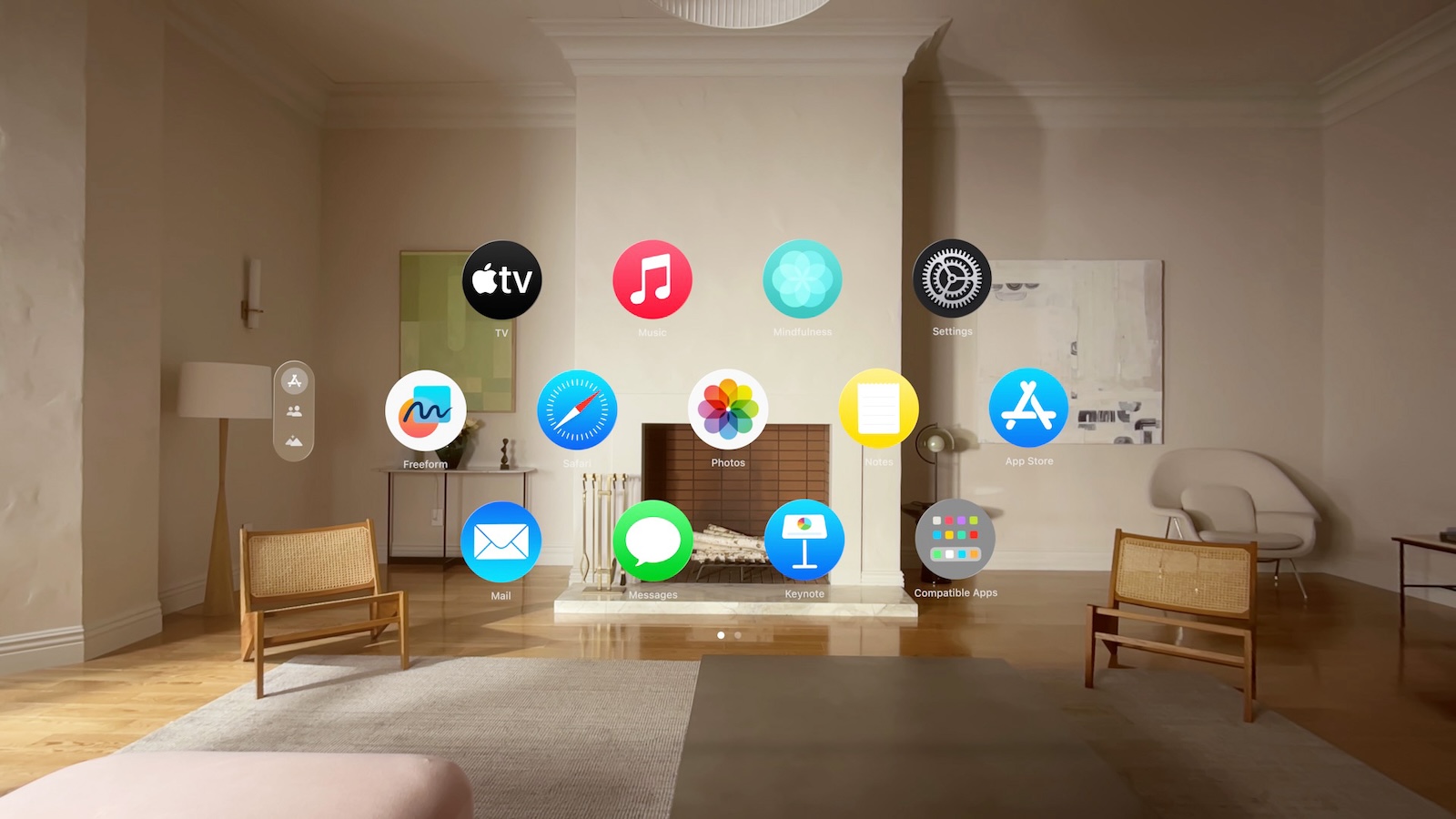
In the digital era, seamless sharing of content and experiences is crucial. With the Vision Pro, you not only have a powerful device in your hand, but also the ability to share your virtual reality with others. Below I'll show you how you can mirror your view on different devices so that friends, family or colleagues can see what you're experiencing.
Apple Vision Pro revolutionizes the way we experience and share virtual reality. The ability to mirror your view to other devices brings a new dimension to presentations, game nights, or just sharing content. Below is a detailed guide on how to get the most out of this feature.
Share your opinion
Sharing your view on another screen is very easy and can be done in just a few steps:
- Open Control Center: Open Control Center on your Vision Pro and tap the Control Center button.
- Mirror My View: Tap the Mirror My View button and select a compatible device from the list of available devices.
- Note: Only devices connected to the same WiFi network as your Vision Pro will appear in the list.
Activating AirPlay or AirPlay Receiver
If your iPhone, iPad, Mac or Apple TV does not appear in the list of available devices, you must enable AirPlay or the AirPlay Receiver:
- On your iPhone or iPad: Go to Settings > General > AirPlay & Handoff, then turn on AirPlay Receiver.
- You can also specify who can AirPlay to your device or set a passcode.
- On your Mac: Go to System Preferences > General > AirDrop & Handoff (on a Mac with macOS 12 or earlier, go to System Preferences > Sharing), then turn on the AirPlay receiver.
- Here you can also set who is allowed to transfer AirPlay to your device or set a passcode.
- On your Apple TV: Open Settings, select AirPlay & HomeKit, then turn on AirPlay.
Notifications during screen sharing
To control whether notifications appear when you share your view, follow these steps:
- Go to Settings > Notifications > Screen Sharing.
- Enable or disable notifications according to your preferences.
Important NOTE
Note that rapid head movements during view sharing can be uncomfortable for viewers on the other screen, so try to keep head movements as steady as possible to ensure a comfortable experience for everyone involved.
Apple Vision Pro Screen Sharing: Share content seamlessly
With the Apple Vision Pro and the ability to mirror your view, countless new application possibilities open up. Whether you're giving a presentation, playing a game, or simply sharing content, the world of your Vision Pro can now be seen by others. Simply follow the steps above to share your experiences and get the most out of your Vision Pro. Looking for new accessories? Then check out our Amazon Storefront – there you'll find numerous products from leading manufacturers, including products for HomeKit and others! (Image: Apple)
- Apple Vision Pro: How to create screenshots and videos
- Apple Vision Pro: Connecting Bluetooth accessories – here's how
- Apple Vision Pro: Setting up the perfect persona for FaceTime
- Apple Vision Pro: Charge the battery and check the status
- Apple Vision Pro: Setting up Siri and making the most of it
- Apple Vision Pro: Set up and use Optic ID securely
- Apple Vision Pro: The most important gestures and controls
- Adjusting Apple Vision Pro correctly: step by step





