

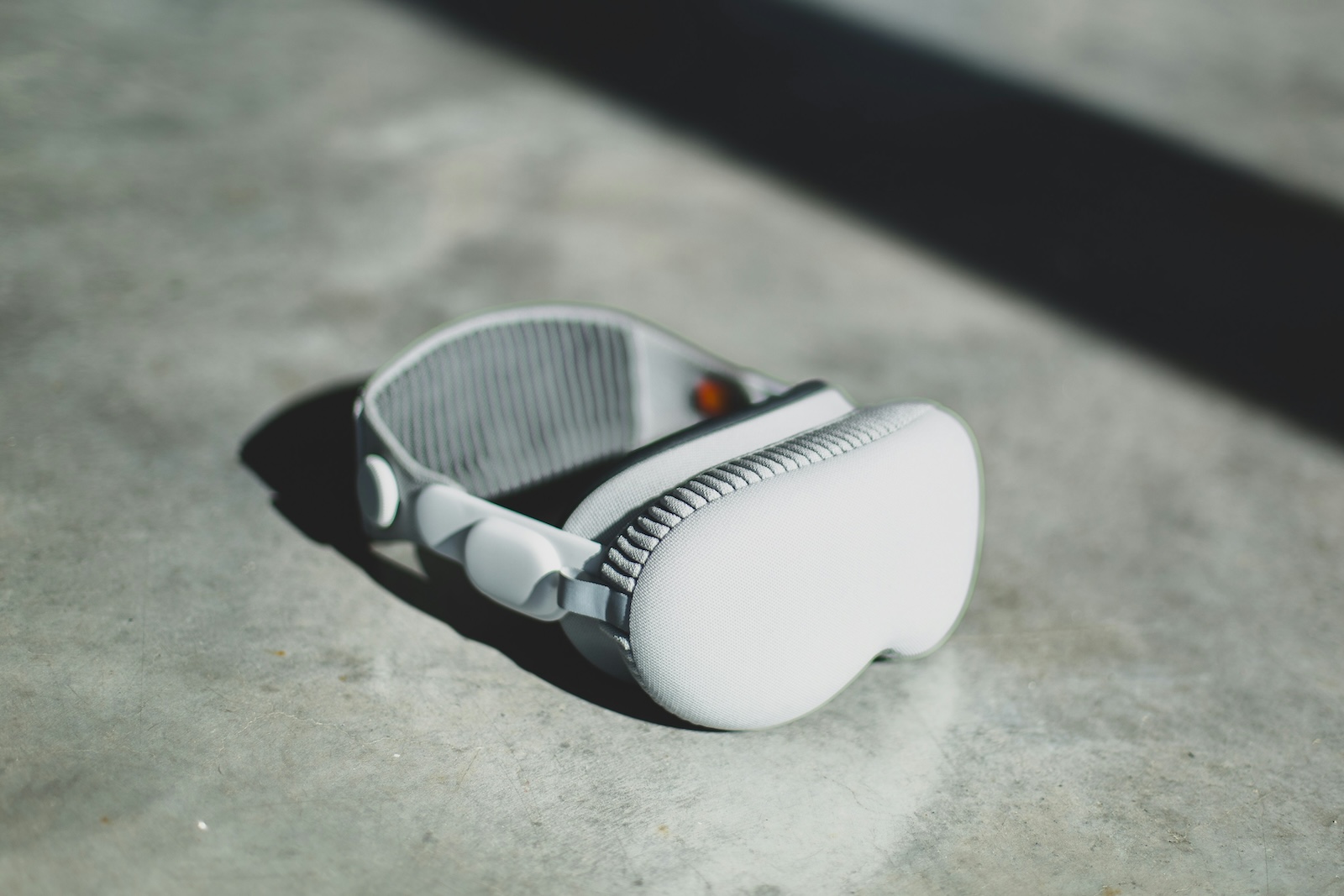
With the introduction of the Apple Vision Pro, new possibilities are opening up in the world of technology. Whether you want to enjoy music in the highest quality, take gaming to the next level or simply complete your daily tasks more efficiently - the Apple Vision Pro makes it possible. In this article, we will show you how to connect your Bluetooth accessories, such as headphones, game controllers and much more, to the Vision Pro and make the most of them.
The Apple Vision Pro isn't just another tech gadget - it's a revolutionary tool that will transform your digital experience. To get the most out of your device, it's essential to know how to best connect your Bluetooth accessories. This guide is designed to help you establish and manage that connection with ease.
Connect headphones, game controllers and other Bluetooth accessories to Apple Vision Pro
You can connect a variety of Bluetooth accessories to your Vision Pro. From headphones to game controllers to keyboards - the possibilities are endless. Particularly noteworthy is the connection with the AirPods Pro (2nd generation) and the MagSafe Charging Case (USB-C), which enable lossless audio transmission with extremely low latency thanks to a proprietary wireless audio protocol.
Benefits of connecting with AirPods and other Apple devices
- AirPods (2nd generation), AirPods Pro (1st or 2nd generation) and AirPods Max: These devices use the Apple AAC Bluetooth codec and therefore offer excellent audio quality.
- Note: Please note that not all Bluetooth devices are compatible with the Apple Vision Pro.
Step-by-step instructions: Connect Bluetooth headphones, a game controller or another device
- Put your Bluetooth device into discoverable mode: Follow the manufacturer's instructions.
Connect AirPods, Beats headphones or game controllers:
- Go to Settings > Bluetooth.
- Turn on Bluetooth and tap the name of your device.
Connect other Bluetooth headphones:
- Go to Settings > Accessibility > Hearing aids > Other devices.
- Tap the name of your device.
Customizing a Wireless Game Controller
After pairing a compatible game controller, you can customize it for supported games from Apple Arcade and the App Store.
- Go to Settings > General > Game Controllers.
- Select the keys you want to change.
- If needed, add an app to create custom controls.
Disconnecting from a Bluetooth device
- Go to Settings > Bluetooth.
- Tap the Information button next to the device name, then tap Forget This Device.
- If you don't see the Devices list, make sure Bluetooth is turned on.
If you use AirPods and tap Forget This Device, they will automatically be removed from other devices where you are signed in with the same Apple ID.
Quickly disconnect Bluetooth devices
- Open the Control Center.
- Tap the Bluetooth button to quickly disconnect all Bluetooth devices without turning off Bluetooth.
Apple Vision Pro: Connect and benefit from Bluetooth accessories
The Apple Vision Pro offers a variety of ways to enrich and simplify your digital life. By connecting Bluetooth accessories like headphones, game controllers, and keyboards, you can unlock the full potential of your device. With the guides and tips above, you'll be well-equipped to get the most out of your Vision Pro. Looking for new accessories? Then check out our Amazon Storefront – there you'll find numerous products from leading providers, including those for HomeKit and others! (Photo by Unsplash / Bram Van Oost)
- Apple Vision Pro: Setting up the perfect persona for FaceTime
- Apple Vision Pro: Charge the battery and check the status
- Apple Vision Pro: Find the best apps and games
- Opening apps on Apple Vision Pro: Step by step
- Apple Vision Pro: Setting up Siri and making the most of it
- Apple Vision Pro: Set up and use Optic ID securely
- Apple Vision Pro: The most important gestures and controls
- Setting up Apple Vision Pro: How to get started right
- Apple Vision Pro: How to use the virtual keyboard





