

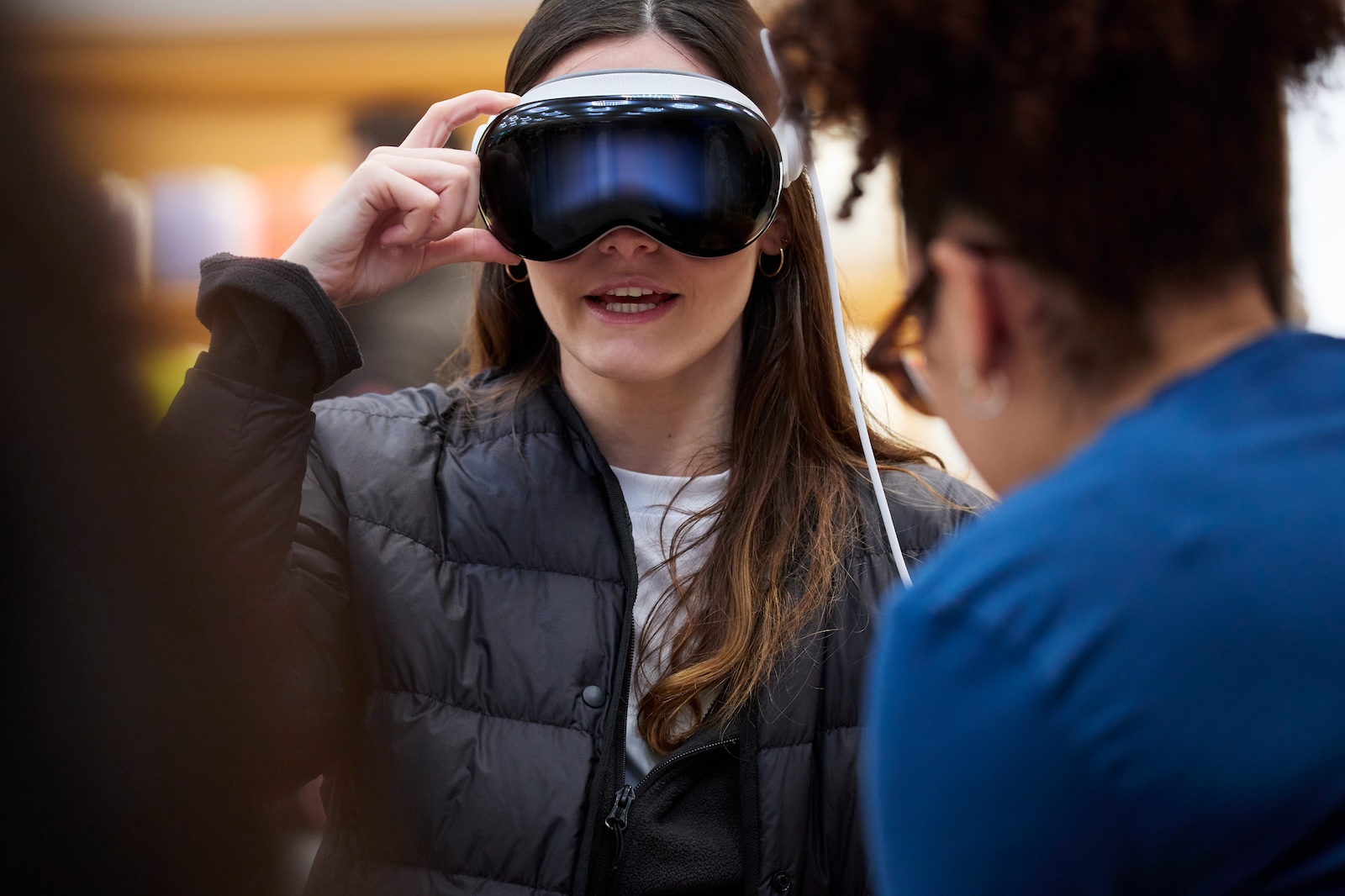
The Apple Vision Pro is the latest innovation from Apple that has the potential to revolutionize the way you interact with digital content. In this article, you'll learn everything you need to know about the features and benefits of the Vision Pro, especially how you can reorient your view for the best possible user experience.
Technology is constantly evolving, and Apple is often at the forefront of these developments. With the introduction of the Vision Pro, Apple offers an advanced solution for virtual and augmented reality. These new glasses allow you to experience digital content in a way that is seamlessly integrated into your physical environment. A key aspect of this is the ability to quickly and easily reorient your view.
The function of the digital crown
One of the most notable features of the Vision Pro is the digital crown. Similar to the Apple Watch, this crown provides an easy and intuitive way to adjust various settings and control the user interface. The digital crown is especially useful for reorienting your view.
How to reorient your view
If the content in your view isn't where you want it, you can quickly get it to where you're looking. Here are the steps to follow:
- Wear the Apple Vision Pro and make sure it fits properly.
- Look at the area where you want to center the digital content.
- Press and hold the Digital Crown to automatically recenter content.
This process is quick and efficient, so you can keep working or playing without interruption. Whether it's apps, virtual environments or interactive experiences, everything can be easily and precisely realigned in your view.
Advantages of the realignment
The ability to reorient your view offers several advantages:
- Increased efficiency: You can access the content you want faster without having to make manual adjustments.
- Better ergonomics: The simple realignment allows you to wear the Vision Pro longer and more comfortably.
- Improved immersion: A correctly centered view provides a more intense and realistic experience.
Practical application scenarios
Imagine you're working on a complex design project and need to look closely at various 3D models. With the Vision Pro, you can easily look at the models and re-center them in your view to get the best view of each detail. You can also benefit from this feature when gaming, as you can quickly and seamlessly switch between different game environments.
The Apple Vision Pro: Ease of use and immersion combined
The Vision Pro is a milestone in the development of AR and VR technologies. With the ability to reorient your view using the Digital Crown, it offers a user-friendly and immersive experience that will fundamentally change the way you interact with digital content. Use this innovative feature to increase your efficiency and unlock the full power of the Vision Pro. Looking for new accessories? Then check out our Amazon Storefront – there you'll find numerous products from leading manufacturers, including HomeKit and more! (Image: Apple)
- Apple Vision Pro: How screen sharing works
- Apple Vision Pro: How to create screenshots and videos
- Apple Vision Pro: Connecting Bluetooth accessories – here's how
- Apple Vision Pro: Setting up the perfect persona for FaceTime
- Apple Vision Pro: Charge the battery and check the status
- Apple Vision Pro: Setting up Siri and making the most of it
- Apple Vision Pro: Set up and use Optic ID securely
- Apple Vision Pro: The most important gestures and controls
- Adjusting Apple Vision Pro correctly: step by step





