

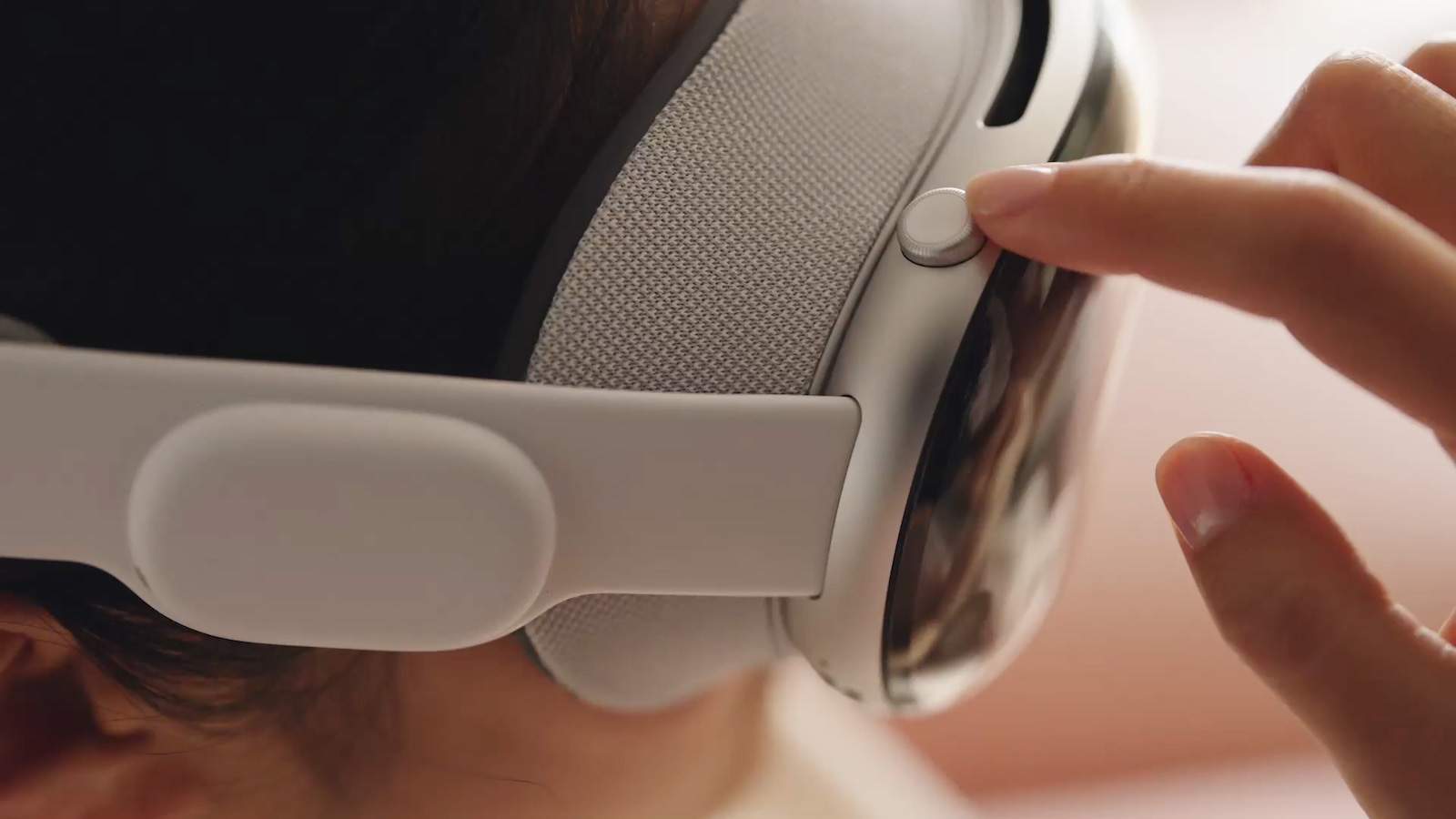
The Apple Vision Pro is an impressive piece of technology that offers many features and capabilities. But even the best technology can sometimes cause problems. If your Vision Pro stops responding, a force restart can solve the problem. Below you'll learn how to force restart the Apple Vision Pro to get it working again.
Your Vision Pro is usually very reliable, but as with any technology, problems can occasionally arise. A forced restart can often solve such cases. This article will guide you step by step through the process so that you can quickly enjoy your Vision Pro again.
Why a forced restart may be necessary
There are several reasons why your Vision Pro may be unresponsive. These include software errors, frozen applications, or other technical issues. A force restart can fix these problems by restarting the system and ending all running processes.
Step-by-step guide for a forced restart
- Press and hold the top button and the digital crown.
- These two buttons are located on the side of your Vision Pro.
- Keep holding them at the same time even if the Forced Restart Applications window and the power button appear.
- Continue holding the buttons until the screens go black. Do not release the buttons when the first windows appear. Wait until the screens go completely black.
- Remove the Vision Pro during the reboot. You can remove the glasses while the reboot process is in progress. There is no need to wear them during the entire process.
- Wait until the Apple logo appears on the front display. This indicates that the Apple Vision Pro is restarting. If the logo does not appear, press and hold the top button for a few seconds longer until it appears.
tips and hints
- Patience is key: the reboot may take a few minutes. Don't be discouraged if it takes a little longer.
- Regular updates: Make sure your Vision Pro is always up to date. Software updates can fix many issues and improve overall performance.
- Contact Support: If a force restart doesn't solve the problem, contact Apple Support. There might be a bigger issue that requires professional help.
Restart Apple Vision Pro: Quick help for technical problems
A forced restart can resolve many issues with your Vision Pro and get it working again. By holding down the top button and the Digital Crown until the Apple logo appears, you can perform a quick and effective restart. If you continue to experience problems, don't hesitate to contact Apple Support. With these steps, you'll be well-equipped to get your Vision Pro working again at any time. Looking for new accessories? Then check out our Amazon Storefront – there you'll find numerous products from leading manufacturers, including those for HomeKit and others! (Image: Apple)
- Apple Vision Pro: Setting up and using guest users
- Apple Vision Pro: Adjust volume – here's how
- Apple Vision Pro: Reorient the view - here's how
- Apple Vision Pro: How screen sharing works
- Apple Vision Pro: How to create screenshots and videos
- Apple Vision Pro: Connecting Bluetooth accessories – here's how
- Apple Vision Pro: Setting up the perfect persona for FaceTime
- Apple Vision Pro: Charge the battery and check the status
- Apple Vision Pro: Setting up Siri and making the most of it
- Apple Vision Pro: Set up and use Optic ID securely
- Apple Vision Pro: The most important gestures and controls





