

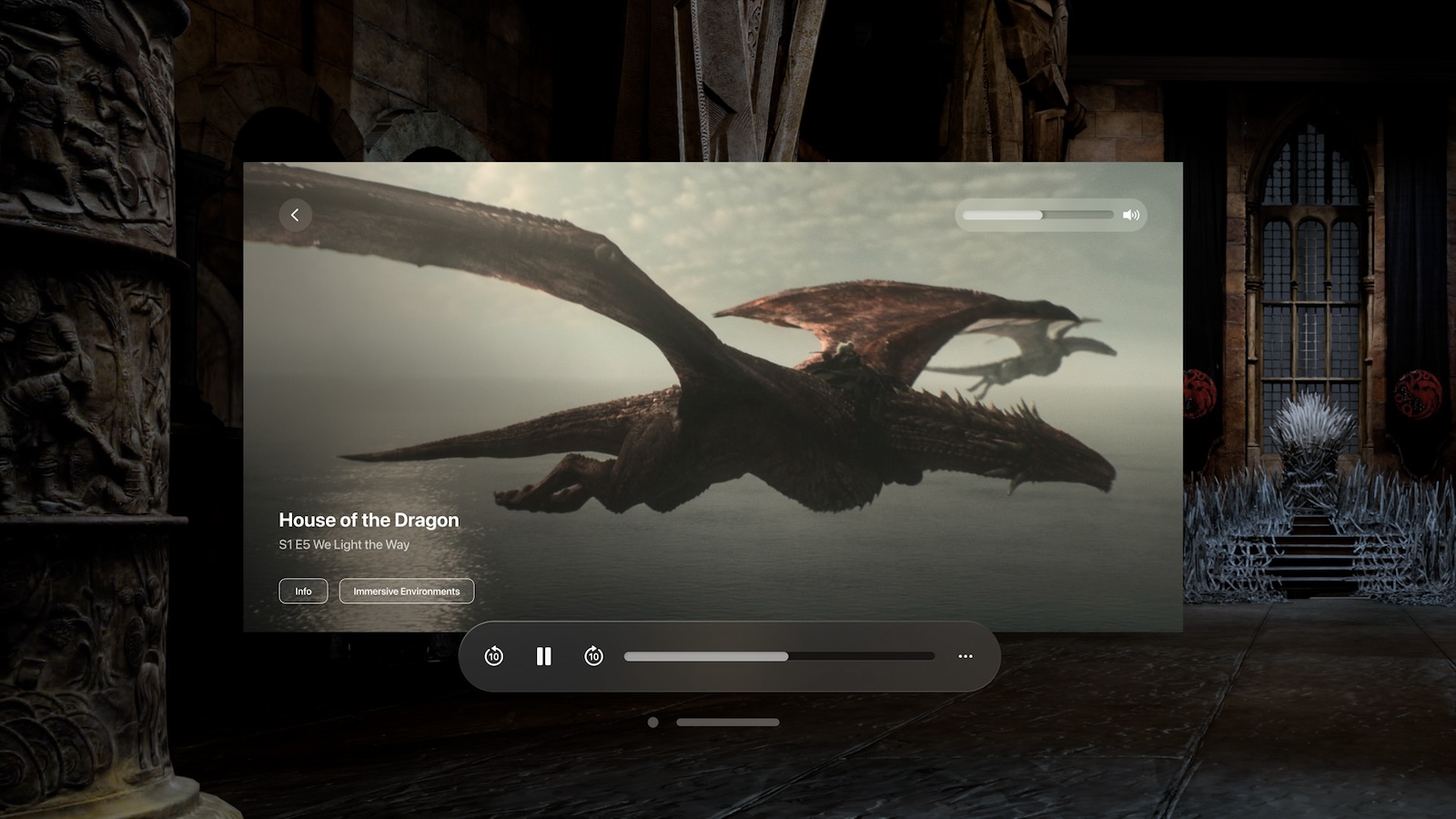
The introduction of the Vision Pro has revolutionized the world of 3D movies and content. After almost a decade of absence, 3D content is back on the market and offers an unparalleled movie experience. Below you'll learn how to find 3D movies to enjoy on the Vision Pro. We'll show you not only the best sources for this content, but also how to set up and use your device to its full potential. Let's dive into the exciting world of the Vision Pro and the possibilities it offers.
The Vision Pro isn't just a simple headset, it's a gateway to a whole new movie experience. But before you dive into the world of 3D content, it's important that you set up your device properly and know the best sources for 3D movies. Apple offers extensive expert support, both online and in Apple Stores, to make sure you get the most out of your Vision Pro.
The best sources for 3D movies
The best source for 3D movies compatible with the Vision Pro is the Apple TV app. This app is seamlessly integrated into the Apple ecosystem and offers a curated list of 3D content. Users can search the Apple TV media store for 3D movies that can be viewed on iPad, iPhone, and Mac. This is especially handy since purchasing content directly on the Vision Pro isn't as convenient as it is on a touch interface. Apple regularly updates this dedicated section to include new releases and timeless classics, so you can be sure you'll always have access to the latest and greatest 3D movies.
How to watch 3D videos on Apple Vision Pro
Watching 3D videos on the Vision Pro is simple and easy to use. Follow these steps to enjoy your 3D movies:
- Open the Apple TV app and navigate to “3D Movies.” You’ll find it under either the “Search” or “Home” options.
- Select a movie you would like to watch or purchase.
- Press the Play button and then select Play in 3D.
- To switch between 2D and 3D view, press the Back button to return to the movie details, then press the Play button again to adjust the view.
Advantages of the Vision Pro
The Vision Pro offers several benefits for consumers:
- New film experience: It transforms passive viewing into an interactive experience.
- Wide range of uses: It meets the needs of everyone from entertainment seekers to professionals looking for dynamic presentation options.
- Seamless integration: Compatibility with existing Apple services ensures smooth integration into the Apple ecosystem.
How to find the best 3D content for your Vision Pro
The Vision Pro opens up a whole new world of 3D movies and content. With the right setup and the best 3D movie sources, you can enjoy an unparalleled movie experience. Use the Apple TV app to find the best 3D movies and watch them in stunning quality on your Vision Pro. Immerse yourself in the future of movie enjoyment and discover the limitless possibilities offered by the Vision Pro. Looking for new accessories? Then check out our Amazon Storefront – there you'll find numerous products from leading manufacturers, including HomeKit-ready products! (Image: Apple)
- Cloud gaming and streaming with Apple Vision Pro
- Optimal use: Connect AirPods to Apple Vision Pro
- Apple Vision Pro: Easily customize the Control Center
- Connecting Apple Vision Pro to Mac: How it works
- Apple Vision Pro: Create immersive photos and videos
- Apple Vision Pro: Important tips to combat dizziness
- Apple Vision Pro: Move and adjust app windows
- Apple Vision Pro not responding? Restart instructions
- Apple Vision Pro: Setting up and using guest users
- Apple Vision Pro: Adjust volume – here's how
- Apple Vision Pro: Reorient the view - here's how
- Apple Vision Pro: How screen sharing works





