

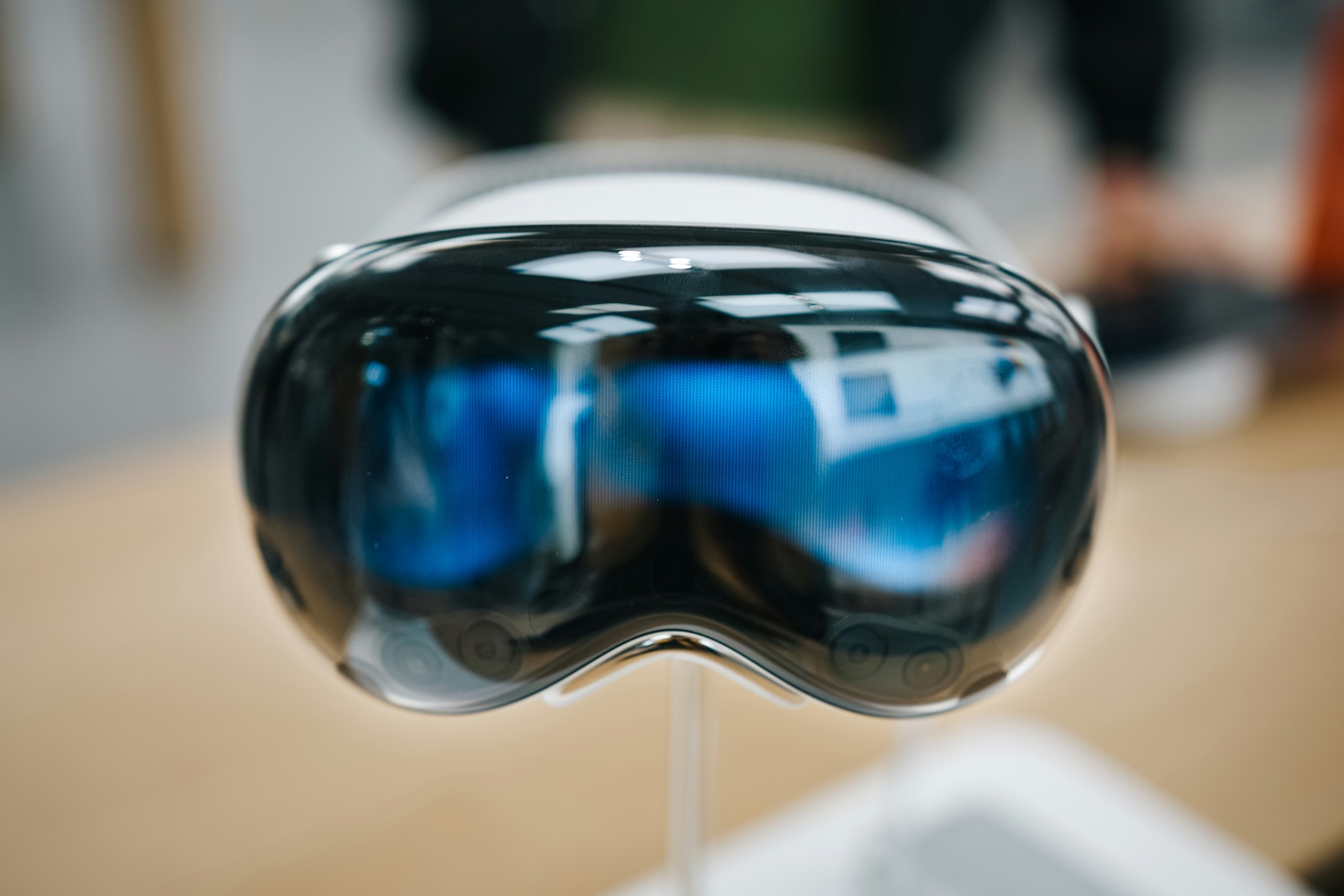
Apple Vision Pro revolutionizes the augmented reality (AR) and virtual reality (VR) experience with its advanced features and seamless integration with other Apple devices. With integrated audio pods, it delivers personalized sound while allowing you to hear ambient noise. But what if you're looking for a more immersive sound experience? That's where AirPods come in. Whether you're using noise-canceling AirPods Pro or other models, in this article we'll show you how to get the most out of your headphones.
Apple Vision Pro has built-in audio pods positioned next to each ear that deliver personalized sound. These allow you to still hear ambient noise, which is especially useful in crowded environments or on public transportation. However, if you want a more immersive audio experience, AirPods are the perfect complement.
noise cancellation and sound quality
AirPods Pro (2nd generation) with MagSafe Charging Case (USB-C) offer lossless audio quality and ultra-low latency thanks to the H2 chip. This is especially useful for immersive experiences in AR and VR. While other models of AirPods and Beats headphones can also be connected, they do not offer the same audio quality and latency as the latest AirPods Pro.
Connecting AirPods to Apple Vision Pro
Automatic connection
If you've already paired your AirPods with another Apple device and are signed in with the same Apple ID on that device and Vision Pro, Vision Pro will automatically connect to your AirPods. Simply put your AirPods in and a notification in Vision Pro will let you know your AirPods are connected.
Manual connection
If the automatic connection does not work, you can connect your AirPods manually:
- Open Control Center by tapping the Expand Control Center button at the top of the view.
- Select “Now Playing” and then select your AirPods from the list of available devices.
connecting new AirPods
If you have new AirPods that are not yet paired with any other device, follow these steps:
- Go to Settings > Bluetooth.
- Open the AirPods charging case and press and hold the Setup button until the status light flashes white.
- Select the AirPods when they appear under Other Devices.
Adjusting AirPods Settings
noise cancellation modes and volume control
In Control Center, you can adjust various settings on your AirPods, such as noise cancellation. Drag and hold the white circle in the AirPods volume slider to adjust the settings. You can adjust the volume using either the Digital Crown on the Vision Pro or the volume control on the AirPods Pro.
Advanced Settings
For a full list of available settings, go to Settings > Bluetooth and tap More Info next to your AirPods.
connecting Beats headphones
Automatic connection
Some models of Beats headphones will automatically connect to your Vision Pro if you've already paired them with another Apple device.
Manual connection
If your Beats don't connect automatically, follow these steps:
- Put the headphones into discovery mode.
- Go to Settings > Bluetooth and select your headphones from the list of available devices.
Enjoy the ultimate symbiosis of technology and sound
With Apple Vision Pro and AirPods, you have the opportunity to enjoy an unparalleled audio experience, whether for AR and VR applications or simply for your favorite music. The easy connection and versatile customization options ensure you always have the best sound experience. Follow the steps above and enjoy the perfect symbiosis of technology and sound. Looking for new accessories? Then take a look at our Amazon Storefront – there you'll find numerous products from leading providers, including products for HomeKit and others! (Photo by Unsplash / Semeon Hrozian)
- Apple Vision Pro: Easily customize the Control Center
- Connecting Apple Vision Pro to Mac: How it works
- Apple Vision Pro: Create immersive photos and videos
- Apple Vision Pro: Important tips to combat dizziness
- Apple Vision Pro: Move and adjust app windows
- Apple Vision Pro not responding? Restart instructions
- Apple Vision Pro: Setting up and using guest users
- Apple Vision Pro: Adjust volume – here's how
- Apple Vision Pro: Reorient the view - here's how
- Apple Vision Pro: How screen sharing works





