
© 2026 Apfelpatient. All rights reserved.

Apple Tips & Tricks
Every new version of iOS, iPadOS, macOS, and watchOS adds features – and hides many of them so well that even long-time Apple users miss them. On top of that come everyday problems: backups failing, AirDrop refusing to work, Wi-Fi passwords disappearing.
This is where step-by-step guides for exactly those moments live: from setting up a new iPhone to transferring data to uncovering hidden features in iOS and macOS. Every guide is verified against the current version – so the steps are correct when you actually need them.
Topics range from basics for newcomers to specialized features for power users: setting up iCloud properly, pairing an Apple Watch with an iPhone, using Focus modes effectively, resetting old devices for resale. When problems come up, the solution isn't just shown – it's also explained why something goes wrong, so the same issue can be solved independently next time.
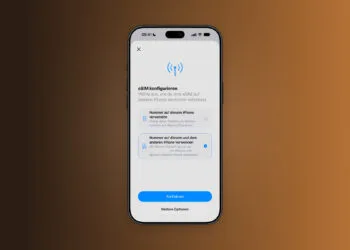
Setting up iPhone Handoff: Here's how it works in iOS 27
Setting up iPhone Handoff under iOS 27: Requirements, costs at Telekom and why logging out only works via the provider.
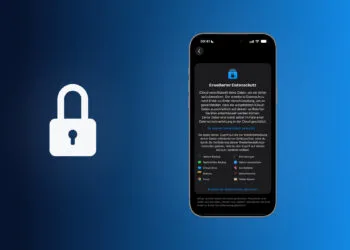
Read moreDetailsHow to Turn On Advanced Data Protection for iCloud
Advanced Data Protection for iCloud: 25 categories with end-to-end encryption. How to turn it on and secure your recovery options.
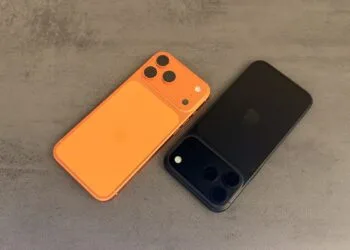
Read moreDetailsSelling Your iPhone Safely: How to Prepare Your Device the Right Way
Sell your iPhone safely: Backup, deregistration, activation lock and reset in the correct order – plus shipping step for the 18 Pro Max.
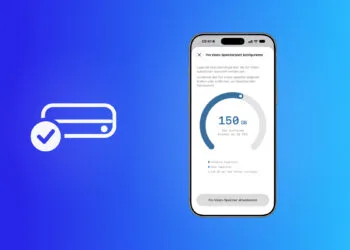
Read moreDetailsiPhone 18 Pro: Setting up Pro video storage for ProRes
No Pro Video storage, no ProRes: Here's how to reserve storage for video recordings on the iPhone 18 Pro and allocate it when needed...
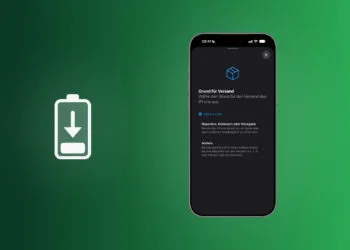
Read moreDetailsPreparing your iPhone 18 Pro Max for shipping: Here's how
iPhone 18 Pro Max before shipping: Batteries larger than 20 Wh must be discharged using the "Prepare for Shipping" function. Here's how...
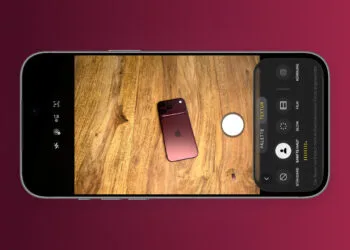
Read moreDetailsPhotographic styles on the iPhone: Using texture and grain
Photographic styles on the iPhone: How to define your style, adjust palette and texture, and use the new options...
Read moreDetailsiPhone 18 Pro: Cinematic mode effects and time-lapse in 4K
iPhone 18 Pro: How to add cinematic effects to regular videos and record cinematic video at 60 fps and time-lapse in...
Read moreDetailsiPhone 18 Pro: White balance, shutter speed & histogram
iPhone 18 Pro: How to use white balance, shutter speed and histogram in the camera app – with all values, levels and practical tips.
Read moreDetailsiPhone 18 Pro: How to use variable aperture
iPhone 18 Pro: How to use the variable aperture from ƒ/1.48 to ƒ/4.0 – with instructions, usage tips and how to access it...
Read moreDetailsiOS 27: Customize Camera App Controls
iOS 27: How to customize the camera app controls – separately for photos and videos, by tap or long press...
Read moreDetails