

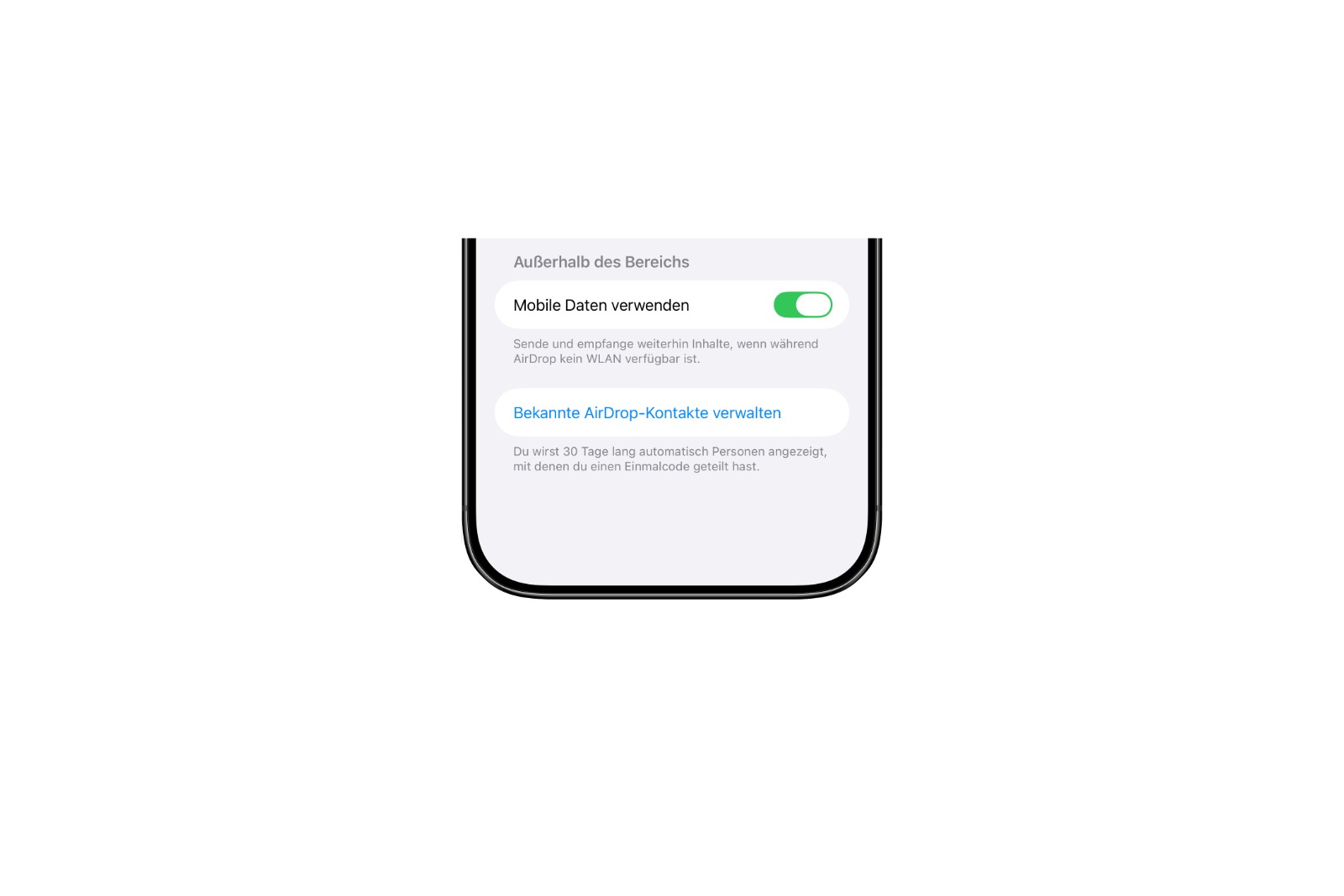
With iOS 26.2, AirDrop receives an enhancement that simplifies file sharing when contacts are not being exchanged. The update introduces temporary access via codes, intended for brief or one-off encounters. Designed for practical use, this feature adds a flexible solution to the existing AirDrop options.
AirDrop has always been fast and reliable, but it had limitations when sharing files with people not in your address book. iOS 26.2 closes this gap. The new passcode access provides more control and greater freedom when sharing. This feature is designed for situations where sharing should occur without a long-term connection.
Temporary AirDrop access with personalized codes
With iOS 26.2 Beta 3, you can create an AirDrop code that establishes a temporary connection between two devices. The code is displayed and can be shared with someone who is not in your contact list. After entering the code on the other iPhone, both devices can send and receive files without needing to save a contact.
Access for 30 days
The AirDrop code is automatically valid for 30 days. During this period, the devices remain visible to each other. This limitation ensures that the connection is not permanently active, but only remains active for as long as it is actually needed. Early deactivation is possible.
Manage via the settings app
All active codes and associated users can be managed in the Settings app. Go to Settings, General, and AirDrop. There you'll find the option Manage Known AirDrop Contacts. In this list, each temporary access can be individually removed or completely reset. This ensures you always know exactly which devices have access.
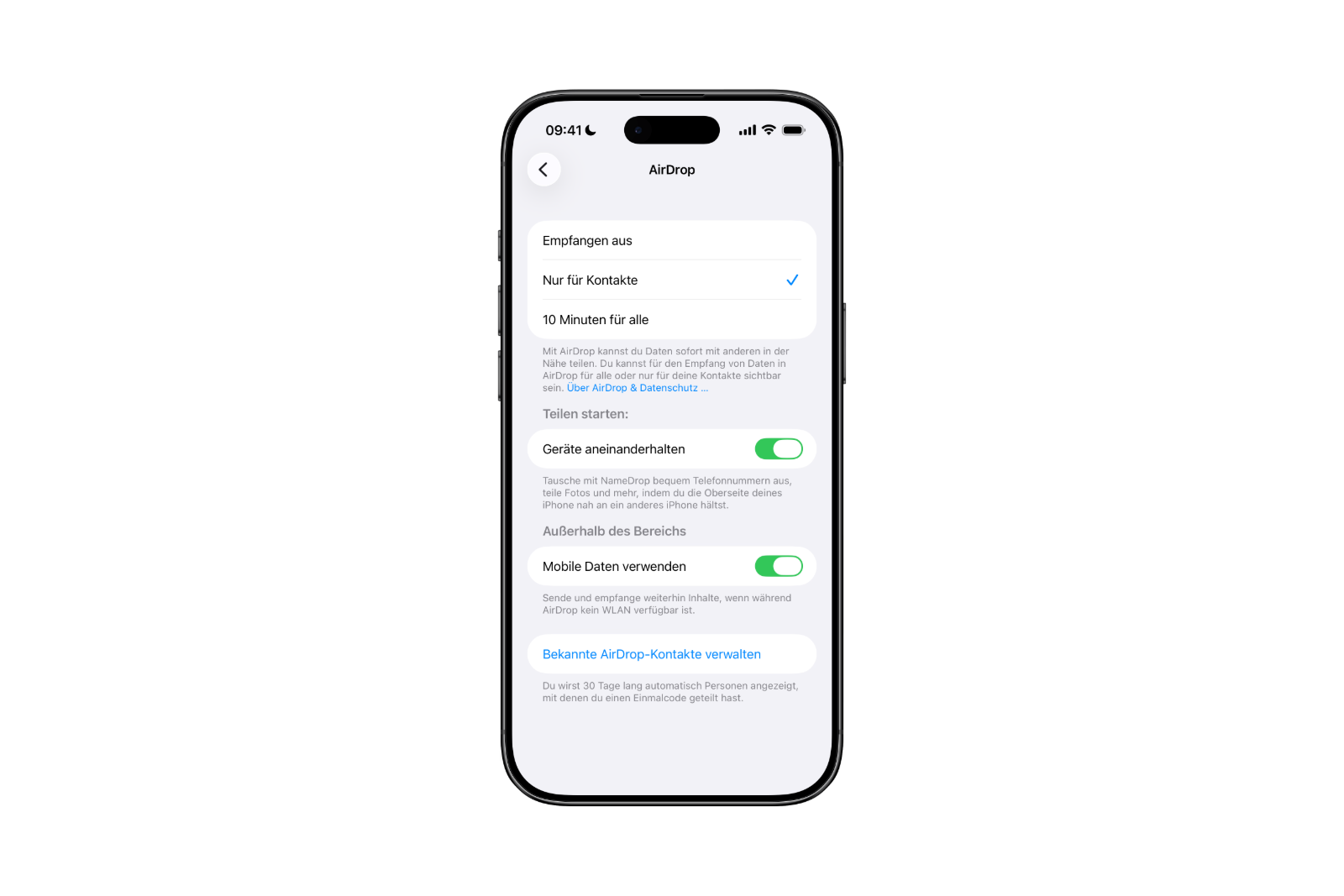
In addition to the existing AirDrop options
Before iOS 26.2, three options were available: disabling AirDrop completely, restricting AirDrop to contacts, or enabling AirDrop for ten minutes for everyone nearby. With the new passcode access, there's now a fourth option. This feature connects two devices without opening AirDrop to everyone and without exchanging contact information. This makes it particularly suitable for one-off transfers, such as for projects, appointments, or other brief encounters.
AirDrop becomes more versatile with 30-day code access.
iOS 26.2 expands AirDrop with a convenient option for temporary file sharing. The shareable code allows devices to be paired for 30 days without saving contacts or increasing overall visibility. Management remains clearly structured in the settings. The new feature integrates seamlessly with existing functionality, making AirDrop more flexible for short-term, secure, and straightforward use. The best products for you: Our Amazon storefront offers a wide selection of accessories, including those for HomeKit. (Image: Apfelpatient)
- Apple emphasizes the strength of Apple Silicon on its anniversary
- Apple releases iOS 26.2 Beta 3: New testing phase underway
- Tim Cook could change roles instead of leaving Apple entirely.
- Apple expands Sneaky Sasquatch with a new sticker pack
- Tim Cook in focus: Apple tests market reaction to CEO change
- Apple must pay $634 million in the Masimo patent dispute.
- The iPhone 17 brings a noticeable recovery to Apple's China business.
- Apple COO Jeff Williams is now officially retired.
- Apple shortens MLS deal: New contract ends in 2029
- WhatsApp will soon enable cross-platform chats.
- ChatGPT launches test phase for new group chat feature
- Apple and the xAI lawsuit: Court allows proceedings to continue
- Apple TV will show all MLS games in 2026 at no extra cost.
- Apple rolls out new AirPods Pro firmware 8B21 & 8B25
- Tesla is working on Apple CarPlay integration.
- Apple launches new mini-apps program for developers
- Red Dead Redemption is coming to Netflix for iOS & Android
- Sci-fi hit Monarch: Season 2 premieres in February 2026 on Apple TV
- Apple opens up new revenue stream in China with WeChat deal
- Netflix subscriptions are getting more expensive: New tariffs are coming to Europe





