

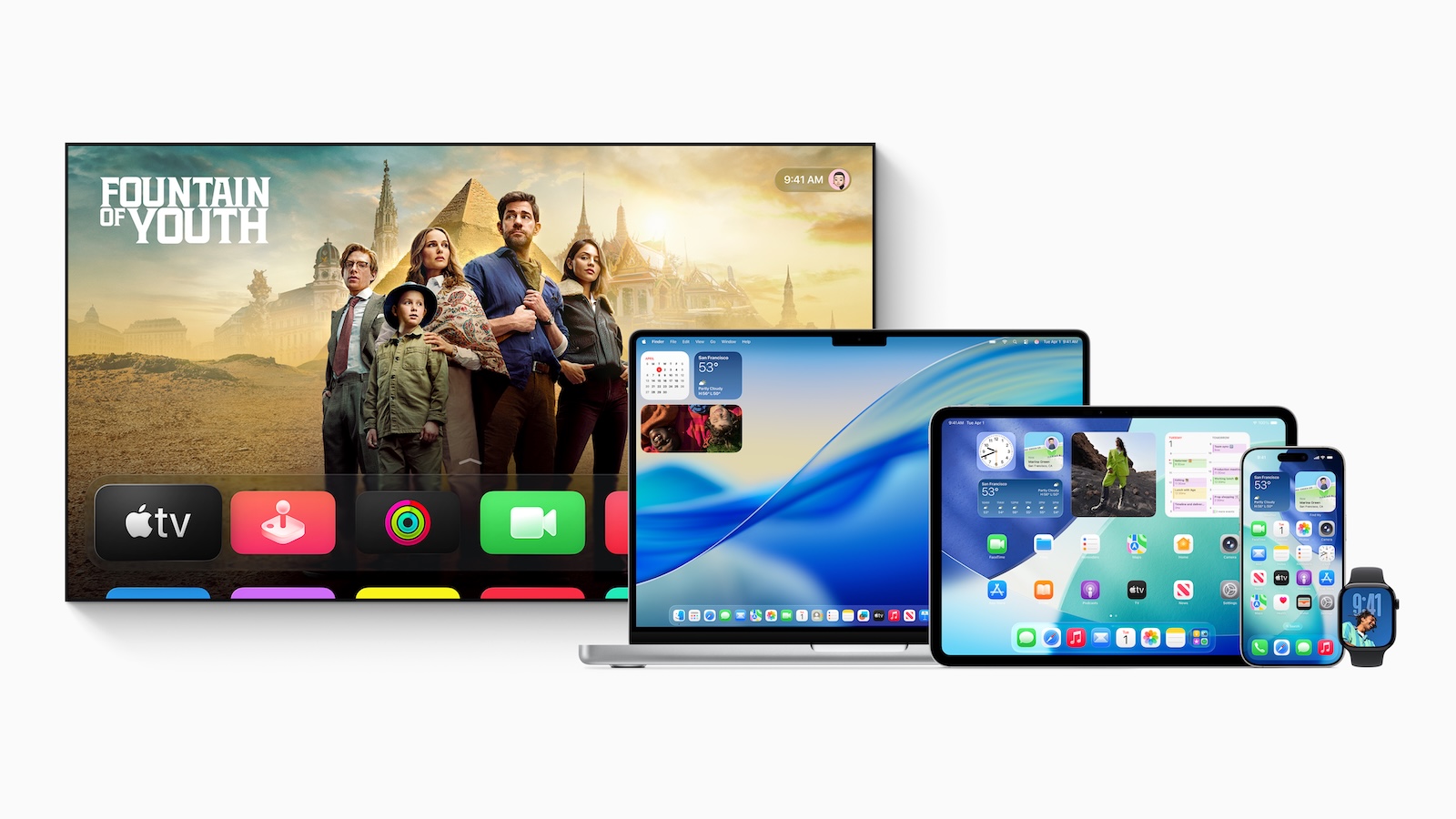
Apple has introduced new versions of its operating systems. With iOS 26, iPadOS 26, macOS Tahoe, tvOS 26, and watchOS 26, Apple is bringing fresh features and a redesigned design. But the most important question is: Which devices will actually get the update? Here you'll find all the details – no frills, but with all the facts.
If you're an Apple user, you know the drill: New updates arrive, and you wonder if your iPhone, iPad, or Mac is still supported. The new operating systems rely more heavily on current hardware. If you want to continue using everything, you should know which devices are supported – and which are no longer supported.
iOS 26 – Compatibility with iPhones
Apple has confirmed that iOS 26 is compatible with all iPhones starting with the iPhone 11. This means that the iPhone XS, iPhone XS Max, and iPhone XR models are no longer eligible. These will only receive security updates, but no new features.
Compatible iPhones:
- iPhone 11, iPhone 11 Pro, iPhone 11 Pro Max
- iPhone 12, iPhone 12 mini, iPhone 12 Pro, iPhone 12 Pro Max
- iPhone 13, iPhone 13 mini, iPhone 13 Pro, iPhone 13 Pro Max
- iPhone 14, iPhone 14 Plus, iPhone 14 Pro, iPhone 14 Pro Max
- iPhone 15, iPhone 15 Plus, iPhone 15 Pro, iPhone 15 Pro Max
- iPhone 16, iPhone 16 Plus, iPhone 16 Pro, iPhone 16 Pro Max
- iPhone SE (2nd generation and newer)
- iPhone 17 series (future)
iPadOS 26 – Supported iPads at a glance
iPadOS 26 brings new design elements like the Liquid Glass design, a redesigned menu bar, and improved app windows. Compatibility is somewhat broader—with one exception: the 7th-generation iPad is no longer included.
Compatible iPads:
- iPad Pro (M4)
- iPad Pro 12.9-inch (3rd generation and later)
- iPad Pro 11-inch (1st generation and later)
- iPad Air (from 3rd generation, including M2 models)
- iPad (8th generation and later)
- iPad mini (5th generation and later, including A17 Pro)
No longer supported:
- iPad (7th generation)
macOS Tahoe – These Macs are staying
macOS Tahoe clearly distinguishes between Intel Macs and the newer Apple Silicon models. Many older Intel Macs that still received macOS Sequoia are no longer supported with macOS Tahoe. Here's the complete list.
Compatible Macs:
- MacBook Air with Apple Silicon (from 2020)
- MacBook Pro with Apple Silicon (from 2020)
- MacBook Pro 16-inch (2019)
- MacBook Pro 13-inch (2020, with four Thunderbolt 3 ports)
- iMac (from 2020)
- Mac mini (from 2020)
- Mac Studio (from 2022)
- Mac Pro (from 2019)
No longer supported:
- MacBook Air (Retina, 13-inch, 2020)
- MacBook Pro (13-inch, 2018 and 2019 with Thunderbolt 3)
- MacBook Pro (15-inch, 2018 and 2019)
- iMac (Retina 4K and 5K, 2019)
- iMac Pro (2017)
- Mac mini (2018)
tvOS 26 – All Apple TVs listed
tvOS 26 runs on both the older Apple TV HD from 2015 and all Apple TV 4K models. However, new features like the Liquid Glass design are reserved for the newer 4K devices (2nd and 3rd generation).
Compatible models:
- Apple TV HD (2015)
- Apple TV 4K (all generations)
watchOS 26 – These Apple Watch models you can update
watchOS 26 only runs on newer Apple Watches. It requires at least an Apple Watch Series 6 and an iPhone 11 with iOS 26. It includes new features like Workout Buddy and a fresh design.
Compatible models:
- Apple Watch Series 6, 7, 8, 9, 10
- Apple Watch SE (2nd generation)
- Apple Watch Ultra, Ultra 2
iOS 26 and Co.: Apple draws the update line more clearly
If you use an Apple device, it's worth checking compatibility. iOS 26, iPadOS 26, macOS Tahoe, tvOS 26, and watchOS 26 rely on the latest hardware. Older models are gradually being phased out, especially for Macs and iPhones. To continue using updates and new features, you need modern devices. If your current setup is no longer supported, you should consider upgrading to stay up to date in the Apple ecosystem. The best products for you: Our Amazon Storefront offers a wide selection of accessories, including those for HomeKit. (Image: Apple)
- iOS 26 Beta is here – Apple brings a breath of fresh air to the system
- Apple Intelligence: New AI features in focus
- AirPods Update: Control Studio Sound and Camera via Stick
- visionOS 26 at a glance: All new features and improvements
- watchOS 26 – All new features at a glance
- macOS 26 in detail: New design, AI and more
- iPadOS 26: New design, AI features, more control
- iOS 26 introduced: Apple brings major innovations to the iPhone
- Apple presents new developer tools for modern apps
- tvOS 26 significantly improves Apple TV – all information about the update
- Apple shows new design with Liquid Glass on all devices





