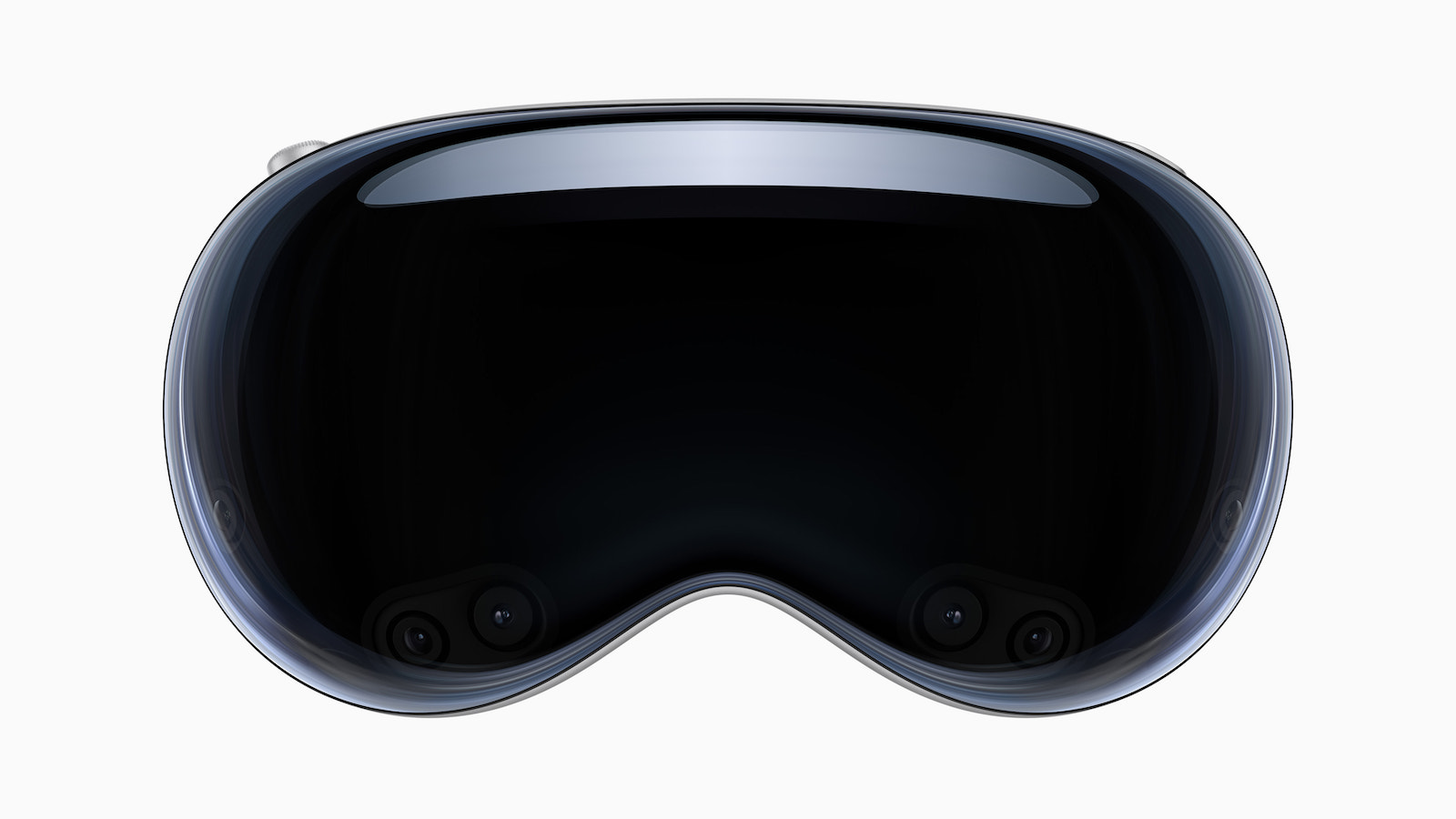
Apple has introduced visionOS 26 – a major update to Apple Vision Pro that brings new features, increased realism, and new possibilities for users, developers, and businesses. visionOS 26 demonstrates how seriously Apple is taking spatial computing: with real innovations rather than just cosmetic changes.
If you're using Apple Vision Pro or considering getting one, visionOS 26 is a crucial milestone. It gives you more control over your environment, better visual quality, and more useful tools for work and play—all embedded in a system that's constantly evolving. The innovations range from visual enhancements to new APIs to practical features for businesses. Everything has been designed to fit directly into your everyday life—no detours, no gimmicks.
Widgets are spatially
Widgets are nothing new in the Apple ecosystem, but with visionOS 26, they take on a whole new meaning. You can anchor them directly into your space—like digital objects that remain permanently visible. They appear automatically when you put on Vision Pro. The widgets are customizable in border width, color, and depth. You can place them however you like—for example, a clock next to your workstation or the weather above the dining table. Included are widgets for the clock, music, weather, and photos, among others. You can also find widgets from iOS and iPadOS apps via the Widgets app, and developers can create their own with WidgetKit.
Spatial scenes for photos and web content
In visionOS 26, Apple uses generative AI and computational depth to turn ordinary photos into spatial scenes. This makes an image appear as if you can move around within it or view it from different angles. This works in the Photos app, Spatial Gallery, and Safari. Developers can integrate this technology into their own apps using the new Spatial Scene API. Zillow is already demonstrating what this could look like for home viewings with its Immersive app.
More realistic personas
Personas now look significantly more realistic. Skin, hair, and facial features appear more realistic – even side views are now possible. Apple uses volumetric rendering and machine learning to achieve this. When creating your persona, you can choose from over 1,000 glasses styles and see how everything fits together directly in the spatial preview. Creation is still done locally on the device and takes just a few seconds.
Sharing content in the room
visionOS 26 allows multiple Apple Vision Pro users to experience content together in the same physical space. For example, you can watch a movie in 3D, play a game, or watch a presentation together. Remote participants can also join via FaceTime. Dassault Systèmes leverages this with its 3DLive app to visualize 3D models with colleagues – on-site or remotely.
Enhanced content and web experiences
visionOS 26 supports 180-degree, 360-degree, and wide-angle videos from cameras like Insta360, GoPro, and Canon. This allows you to experience your action footage in an immersive way. Web content can also be enhanced: Developers can embed 3D models directly into web pages, and Safari can convert articles into a distraction-free, three-dimensional view. "Look to Scroll" lets you scroll through web pages with your eyes. The speed can be adjusted, and developers can integrate the feature into their apps.
Gaming with PlayStation VR2 Sense controller
visionOS 26 introduces support for the PlayStation VR2 Sense controller for the first time. This allows you to play games with 6DOF motion tracking, finger touch detection, and haptic feedback. This opens up new possibilities for game developers to bring their titles to Vision Pro.
Tools and APIs for businesses
Companies can now manage team devices more easily. Employees can store personal data such as hand and eye settings and prescriptions encrypted on their iPhone and transfer it to other Vision Pro devices as needed. Support includes Logitech Muse, a spatial accessory that allows precise input and is suitable for collaboration apps such as Spatial Analogue. The new Protected Content API protects confidential content such as medical data or business documents. It prevents unauthorized copying, screenshots, and screen sharing. This is an important step for companies that want to visualize sensitive data in a room.
Further innovations
Control Center has been redesigned to provide direct access to Guest Users, Focus Modes, Travel Mode, and more. You can now unlock your iPhone while wearing Vision Pro—even in Immersive Environment mode—as long as your iPhone has Face ID and both devices use the same Apple ID. You can transfer phone calls directly from iPhone to Vision Pro. You can initiate a call from People View or tap a number directly from Safari. Home view now supports folders so you can organize and group apps.
visionOS 26 takes Vision Pro to the next level
visionOS 26 brings noticeable improvements to almost every aspect of Apple Vision Pro. The new spatial features, more realistic personas, improved content, and expanded tools for businesses make visionOS 26 more than just an update—it's a clear signal of where spatial computing is headed at Apple. If you want to get the most out of your Vision Pro, visionOS 26 is the foundation for it. (Image: Apple)
- Apple Intelligence: New AI features in focus
- AirPods Update: Control Studio Sound and Camera via Stick
- watchOS 26 – All new features at a glance
- macOS 26 in detail: New design, AI and more
- iPadOS 26: New design, AI features, more control
- iOS 26 introduced: Apple brings major innovations to the iPhone
- Apple presents new developer tools for modern apps
- tvOS 26 significantly improves Apple TV – all information about the update
- Apple shows new design with Liquid Glass on all devices