

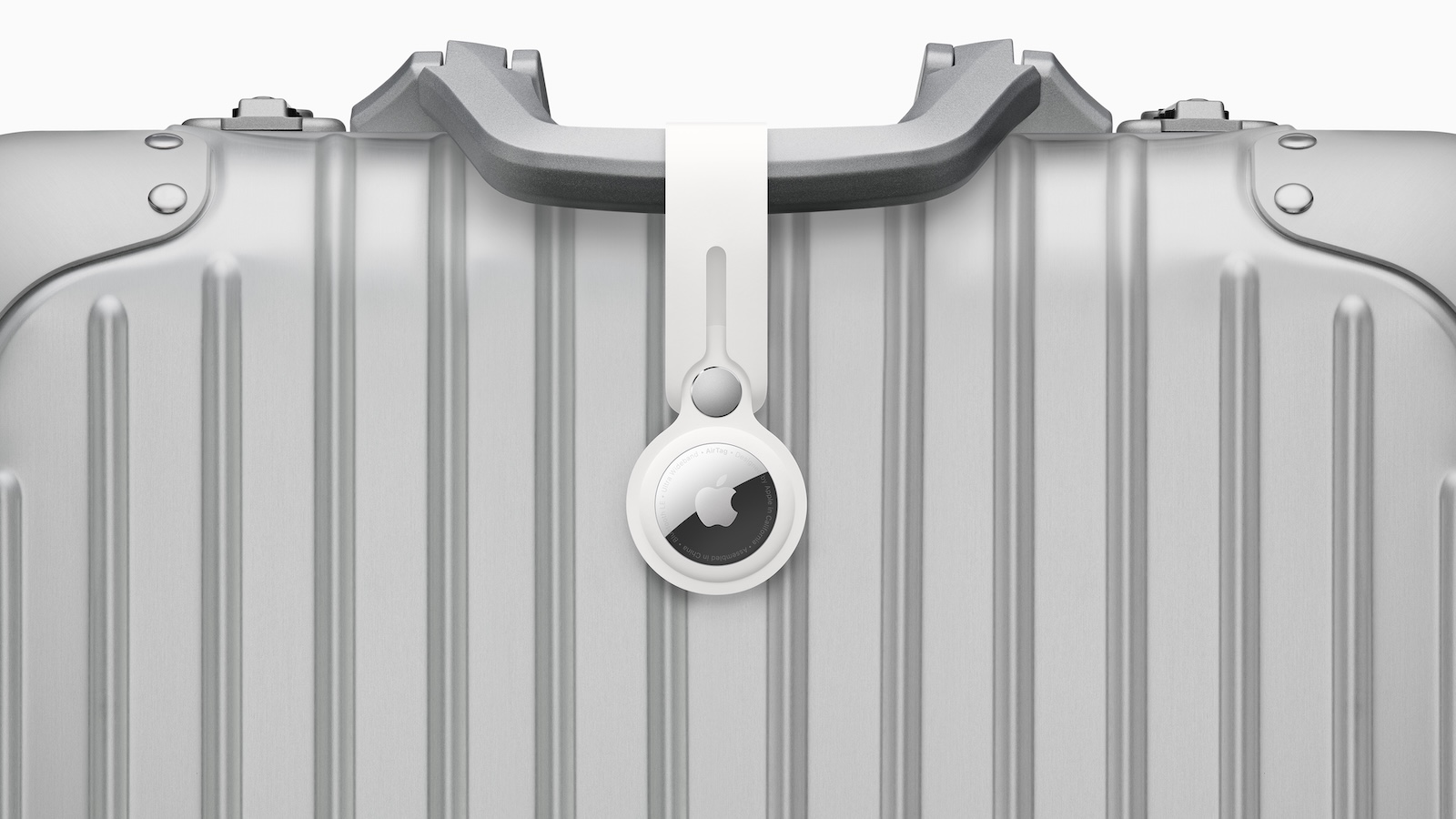
Lost luggage remains one of the most frequent problems in air travel. Despite modern logistics systems, suitcases regularly arrive late or go missing temporarily. With the AirTag 2, Apple is specifically addressing this problem and expanding the applications of its tracking technology. In conjunction with the "Find My" app and the "Share Item Location" feature, cooperation between travelers and airlines is significantly simplified.
With the announcement of the AirTag 2, Apple has once again emphasized that the "Share Item Location" feature is not intended solely for private use. It is explicitly designed to allow third parties, such as airlines, temporary access to the location of a piece of luggage. The goal is to enable faster tracking of lost or delayed baggage directly within airport and airline systems.
Sharing Item location: How the AirTag 2 function works
The "Find My" app allows you to create a special link for the "Share Item Location" function. This link displays the current or last known location of the item on a map on a website. The location is automatically updated as soon as new position data is available.
The release is intentionally limited. It ends either as soon as the item is found or expires automatically after a maximum of seven days. This ensures that the owner of the AirTag retains control at all times.
- Importantly, this feature isn't limited to the AirTag 2. It also works with the original AirTag and third-party trackers, provided they support Apple's "Find My" network. This includes models from Chipolo and Pebblebee, among others.
These airlines support AirTag tracking
At the time of the AirTag 2 announcement, numerous international airlines already support location sharing for baggage tracing. These include:
AJet, Aer Lingus, Air Canada, Air France, Air India, Air New Zealand, American Airlines, Austrian Airlines, Breeze Airways, British Airways, Brussels Airlines, Cathay Pacific, Condor, Copa Airlines, China Airlines, Delta, Eurowings, Finnair, Flair Airlines, Iberia, JetBlue, KLM, LATAM Airlines, Lufthansa, Pegasus Airlines, Porter Airlines, Qantas, Saudia, Singapore Airlines, SunExpress, SWISS, Turkish Airlines, United, Virgin Atlantic, Vueling and WestJet.
Apple states that it collaborates with more than 50 airlines worldwide. Around 15 more airlines are expected to support the feature in the near future. This means the system covers a large portion of international air travel.
Technical requirements and limitations
The "Share Item Location" feature was introduced on iPhones with iOS 18.2. However, the AirTag 2 itself requires at least iOS 26.2.1. Devices with older versions between iOS 18.2 and iOS 18.7.4 can still use the original AirTag or compatible third-party trackers, but not the AirTag 2.
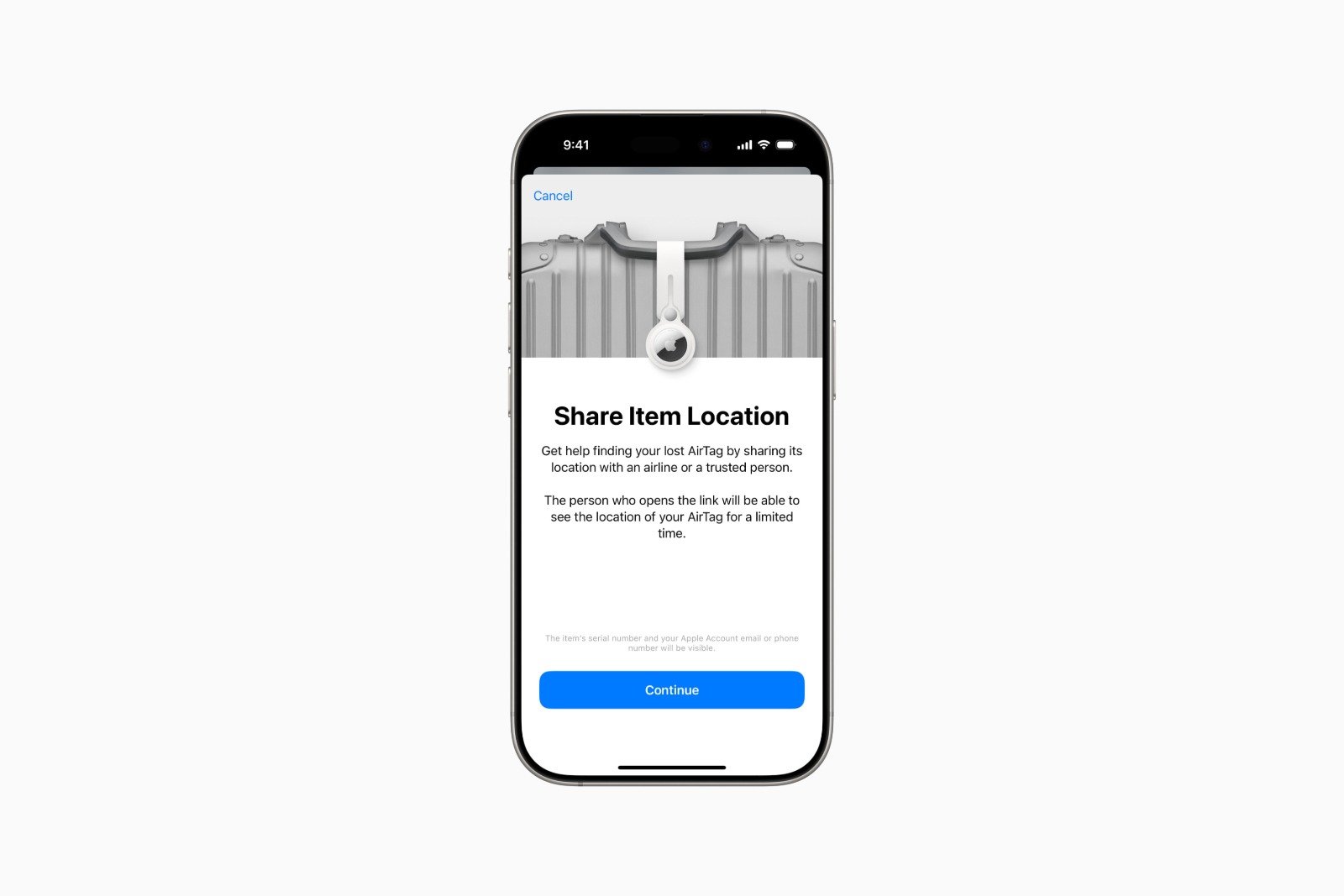
It can be used on iPhone, iPad and Mac, as location sharing is controlled directly via the "Find My" app.
AirTag 2 as part of a networked tracking system
The AirTag 2 is less of a traditional hardware upgrade and more of a component in a larger system. The close integration between Apple, the "Find My" app, and numerous airlines ensures that lost luggage can be located and returned more quickly. Time-limited location sharing maintains control while providing targeted support to airlines in their search efforts. For travelers, this primarily means greater transparency and a better chance of quickly recovering delayed luggage. The best products for you: Our Amazon storefront offers a wide selection of accessories, including those compatible with HomeKit. (Image: Apple)
- AirTag 1 or AirTag 2: How to tell the difference
- AirTag 2: These iPhones are compatible with improved tracking
- iPhone alarm silent: Why the alarm suddenly stops working
- Safari at 120 Hz: How to activate smoother scrolling
- iOS 26 improves group chats with five new features
- Here's how to create Apple Music playlists with ChatGPT
- iOS 26: Change default apps on your iPhone
- iOS 26 turns photos into impressive 3D spatial scenes
- AirPods: Media no longer continues playing during sleep thanks to iOS 26
- Use Apple's Family Sharing to share content together
- iPhone tip: How alternative app distribution channels work
- iPhone tip: Access flight information directly in the system
- iOS 26.2 explained: How the new AirDrop codes work
- iOS 26.2 enhances the Reminders app with alarm functionality
- Here's how to properly create a backup for iPhone and iPad
- Setting up and using Apple Car Key: All functions explained
- New iOS 26.2 feature: Screen flashes for notifications
- Longer battery life with iOS 26 – Adaptive Power explained
- Live translation with AirPods: Here's how the feature works
- iOS 26: The new focus mode „Reduce interruptions“
Frequently asked questions about AirTag 2 and baggage tracking
The AirTag 2 is a Bluetooth tracker from Apple that uses the "Find My" network to locate items such as luggage. It is particularly useful for trips where suitcases might get lost or delayed.
The "Share Item Location" function allows you to temporarily share the location of an AirTag via a link. This link displays the current or last known location on a map and can also be shared with airlines.
No. Location tracking is time-limited. It ends automatically as soon as the luggage is found, or after seven days at the latest. Permanent tracking by third parties is not possible.
No. The feature is not exclusive to the AirTag 2. The original AirTag and compatible third-party trackers that support the "Find My" network can also be used.
Location sharing can be used on iPhone, iPad and Mac, as it is controlled directly via the "Find My" app.
The AirTag 2 requires at least iOS 26.2.1. The "Share Item Location" feature itself was introduced with iOS 18.2.
No. Devices with iOS versions between 18.2 and 18.7.4 cannot use the AirTag 2. In this case, the original AirTag or a supported third-party tracker is required.
Currently, numerous international airlines support location sharing for baggage tracking. Apple reports partnerships with more than 50 airlines, with more to follow.
Yes. The owner of the AirTag retains control over the sharing at all times. The time limit and manual cancellation ensure that no unintentional sharing of location data occurs.
No. The AirTag 2 complements existing baggage systems. It provides additional location information that can specifically assist airlines in searching for lost or delayed baggage.





