

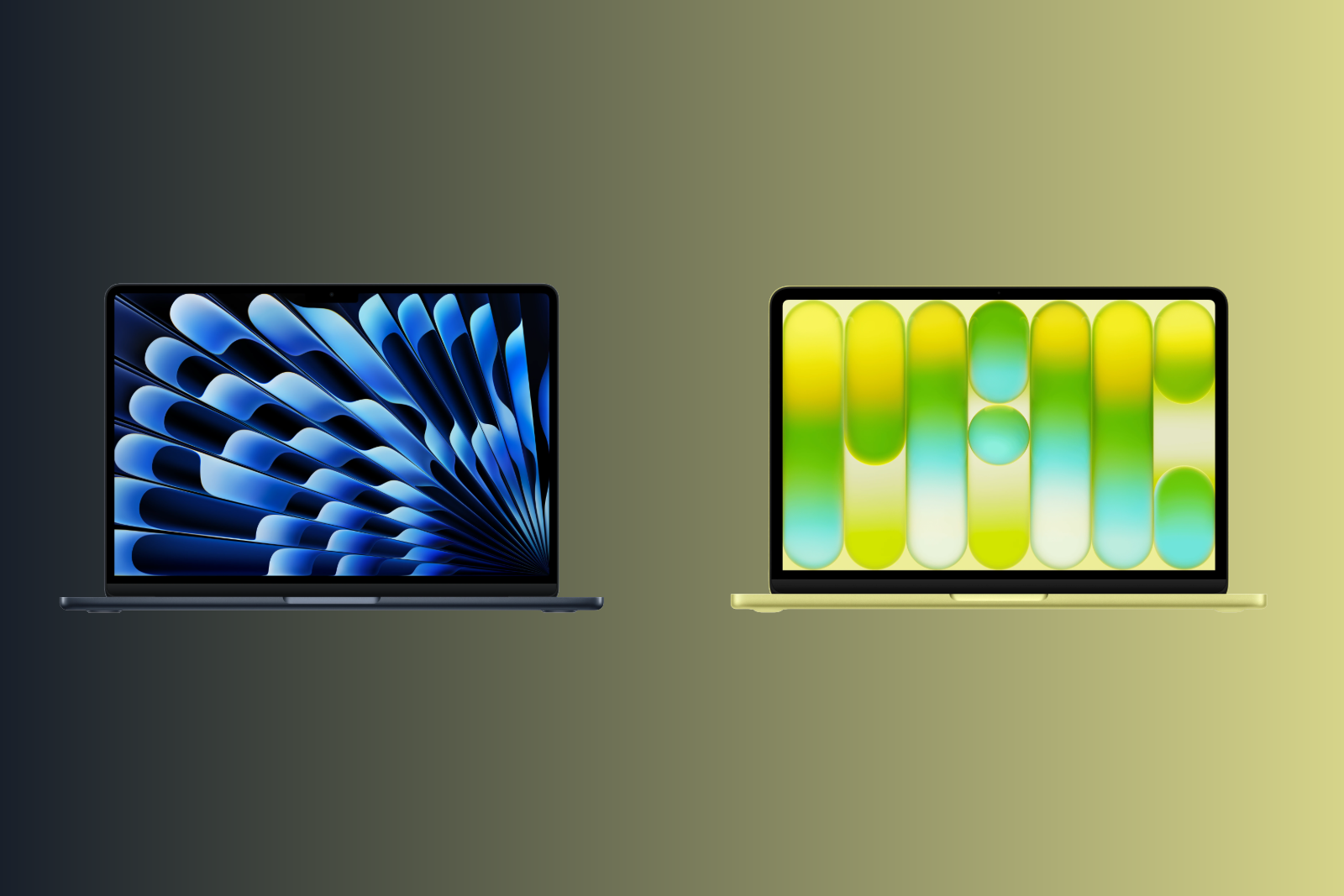
The MacBook Neo is Apple's most affordable notebook ever – and the MacBook Air has traditionally been the entry point into the Mac world. Both are 13-inch laptops with similar dimensions and identical weight. But behind the similar casings lie completely different technologies. The price difference of 500 to 600 euros raises the question: Where exactly does the Neo offer savings – and when is the extra cost for the Air worthwhile?
With the MacBook Neo, Apple positioned a Mac laptop for under €800 for the first time in March 2026. The device uses the A18 Pro chip from the iPhone 16 Pro – a first for a Mac. The strategy paid off: The Neo now sells better than the MacBook Air and MacBook Pro combined. The MacBook Air with the M5 processor, however, remains the mid-range notebook in the lineup, offering significantly more performance, better connectivity, and a higher-quality display. The differences between the two models are greater than in any other size choice within Apple's lineup. Understanding the compromises of the Neo allows for an informed purchase decision.
Both models are available in the Apple Store Germany:
MacBook Neo:
- 256 GB: 799 Euros (without Touch ID, without keyboard backlighting)
- 512 GB: 899 Euro (with Touch ID, without keyboard backlighting)
MacBook Air 13″ (M5):
- 512 GB / 16 GB: from €1,399
There's a €600 price difference between the cheapest Neo and the Air. The difference between comparable 512GB models is €500. At launch in March, these differences were €500 and €400 respectively. Apple raised prices for Macs, iPads, and other products on June 25th, increasing the Neo price by €100 and the MacBook Air by €200.
Display
| Feature | MacBook Neo | MacBook Air 13″ |
|---|---|---|
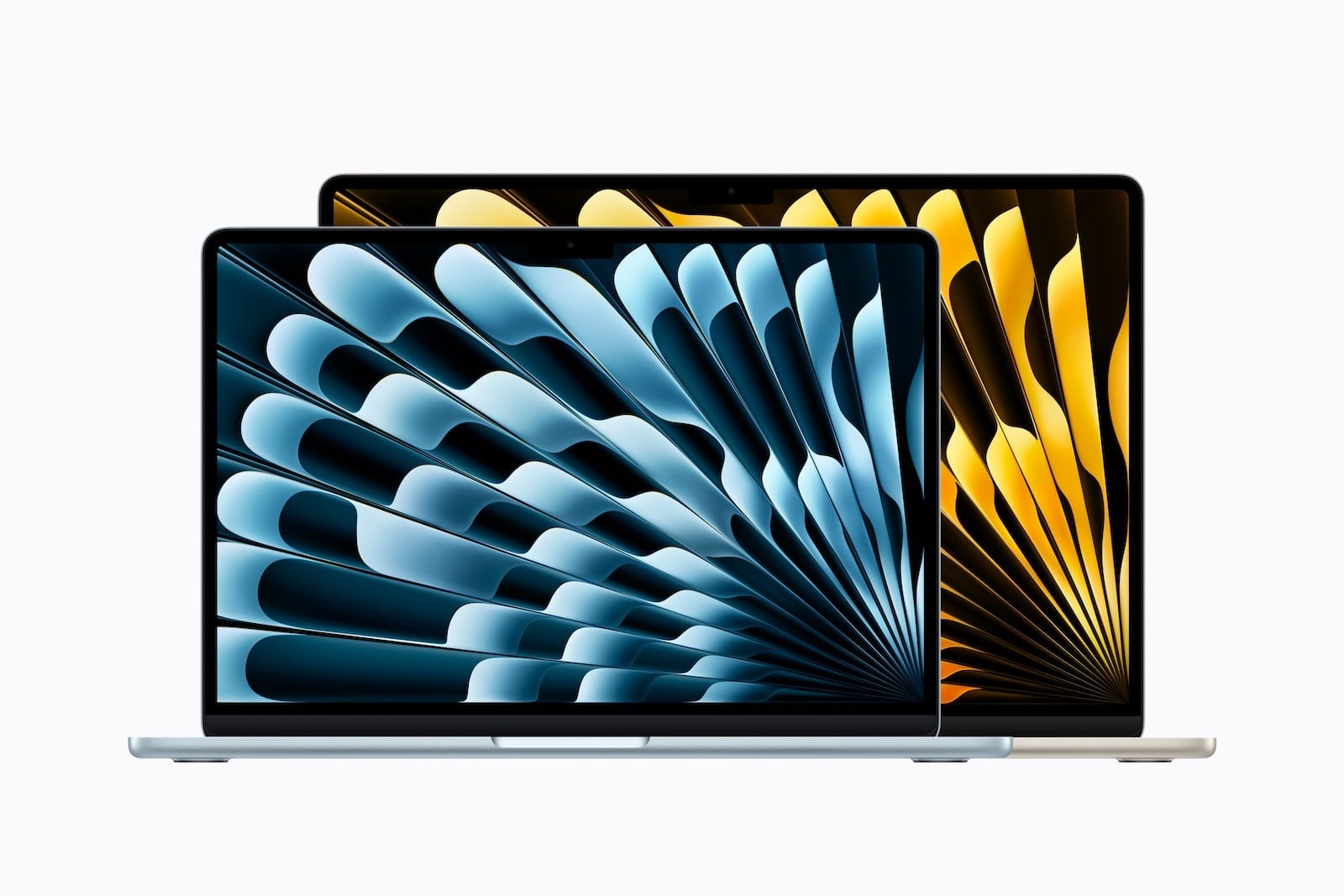
| Diagonal | 13 inches (33.02 cm) | 13.6 inches (34.46 cm) |
| Resolution | 2408 x 1506 pixels | 2,560 x 1,664 pixels |
| Pixel density | 219 ppi | 224 ppi |
| Brightness | 500 nits | 500 nits |
| Technology | Liquid Retina (IPS, LED) | Liquid Retina (IPS, LED) |
| Color space | sRGB | P3 Wide Color |
| True Tone | No | Yes |
| Billion colors | Yes | Yes |
The MacBook Air has the larger and better display. It's half an inch larger, has a higher resolution, and supports the P3 Wide Color gamut - meaning richer, more vibrant colors that make a noticeable difference for photo editing, design, and media consumption. It also features True Tone, which automatically adjusts the color temperature to the ambient light.
The MacBook Neo is limited to the sRGB color space and doesn't offer True Tone. For everyday tasks like browsing, writing, and streaming, the display is still good – 500 nits of brightness and one billion colors provide a solid picture. However, those who edit photos or need color-accurate work will reach the Neo's limits.
Display Conclusion: The Air offers a significantly better display – larger, more color-accurate, and with True Tone. The Neo display is sufficient for everyday tasks, but not for creative work.
Chip and Performance
| Feature | MacBook Neo | MacBook Air 13″ |
|---|---|---|
| Chip | A18 Pro (iPhone chip) | Apple M5 |
| CPU | 6-Core (2P + 4E) | 10-Core (4 Super + 6 Efficiency) |
| GPU | 5-Core | 8-core (optional 10-core) |
| Neural Engine | 16-Core | 16-Core |
| Memory bandwidth | 60 GB/s | 153 GB/s |
| RAM | 8 GB (not expandable) | 16 GB (up to 32 GB) |
| Raytracing | Yes | Yes |
The M5 in the MacBook Air is a fully-fledged laptop chip. The A18 Pro in the MacBook Neo comes from the iPhone 16 Pro – it was optimized for the energy efficiency of a smartphone, not for the continuous demands of a laptop.
In practice, this means that, according to benchmarks, the MacBook Air is around 20 percent faster in single-core tasks and around 80 percent faster in multi-core tasks. The memory bandwidth of the M5, at 153 GB/s, is more than twice that of the A18 Pro (60 GB/s).
The biggest difference is the RAM: The Neo only has 8 GB, which is not expandable. The Air starts with 16 GB and can be configured up to 32 GB. For macOS with Apple Intelligence, multiple browser tabs, and a creative app running simultaneously, 8 GB is already insufficient - and will become increasingly limiting in the coming years. Which application profiles will run smoothly with 8, 16, or 24 GB can be estimated before purchasing by consulting the RAM recommendations for Apple Silicon.
Both models fully support Apple Intelligence.
Performance verdict: The Neo is sufficient for simple everyday tasks. However, those who regularly work with multiple apps simultaneously, edit photos, or perform video editing will need the significantly higher performance and double the RAM of the Air. The Neo's 8 GB of RAM is the biggest bottleneck for future-proofing.
Keyboard and Trackpad
There are surprisingly large differences here.
| Feature | MacBook Neo | MacBook Air 13″ |
|---|---|---|
| Keyboard lighting | No | Yes |
| Ambient light sensor | No | Yes |
| Touch ID | Only available with the 512GB model | Yes (always) |
| Trackpad | Mechanical multi-touch | Force Touch (pressure-sensitive) |
The MacBook Neo is the first Apple notebook in about 16 years without a backlit keyboard. Anyone typing in the evening or in dark environments will notice this immediately. It also lacks an ambient light sensor.
Touch ID is only included in the 512GB version of the Neo, which costs €899 – the base model, priced at €799, does not have a fingerprint sensor. The Air has Touch ID in all configurations.
The Neo's trackpad uses a mechanical click mechanism instead of the Force Touch trackpad in the Air. Force Touch enables haptic feedback, force clicks (e.g., for quick previews and dictionary lookups), and pressure-sensitive input—features that are missing on the Neo. All multi-touch gestures, such as scrolling, zooming, and swiping, function identically on both models.
Keyboard Conclusion: The Air offers a distinctly premium experience with its keyboard and trackpad. The lack of keyboard backlighting on the Neo is the most noticeable compromise in everyday use.
Connectivity and Ports
| Feature | MacBook Neo | MacBook Air 13″ |
|---|---|---|
| Connection 1 | USB 3 (USB-C, 10 Gbit/s) | Thunderbolt 4 (USB-C, 40 Gbps) |
| Connection 2 | USB 2 (USB-C, 480 Mbit/s) | Thunderbolt 4 (USB-C, 40 Gbps) |
| MagSafe | No | Yes |
| 3.5 mm jack | Yes | Yes |
| Wi-Fi | WLAN 6E | WLAN 7 (N1 Chip) |
| Bluetooth | 6 | 6 |
| Thread | No | Yes |
| External Displays | 1x 4K at 60 Hz | 2x 6K at 60 Hz |
The ports are a fundamental difference. The MacBook Neo has one USB 3 port and one USB 2 port – no Thunderbolt. This means: no Thunderbolt dock, no fast external SSDs via Thunderbolt, and no support for the new Apple Studio Displays via the USB 2 port. Because both ports look identical externally, the actual data transfer rate achieved on the Neo depends on the compatible USB-C cable.
The Air offers two full-fledged Thunderbolt 4 ports, each with 40 Gbps – four times faster than the Neo's fastest port. It also features MagSafe for charging, leaving both Thunderbolt ports free.
The Neo doesn't have MagSafe. When charging via USB-C, one of the two ports is occupied – and if it's the USB 3 port, only the slow USB 2 port remains for peripherals.
There's also a significant difference when it comes to external displays: The Neo only supports one external display with a maximum resolution of 4K at 60 Hz. The Air supports up to two external displays with resolutions up to 6K at 60 Hz. The extent to which monitor limits vary across different Mac models and chip generations quickly becomes apparent when setting up a desktop PC.
Connectivity Conclusion: The Air is in a different league when it comes to ports and connectivity. Anyone using external displays, fast storage, or docks will find the Air indispensable. The Neo is sufficient for basic peripherals – a mouse, the occasional USB stick, and a monitor.
Camera and Audio
| Feature | MacBook Neo | MacBook Air 13″ |
|---|---|---|
| Camera | 1080p FaceTime HD | 12 MP Center Stage |
| Desktop view | No | Yes |
| Speakers | 2-speaker system | 4-speaker system |
| Microphones | 2 with beamforming | 3 with beamforming |
| High impedance headphones | No | Yes |
The Air has a significantly better camera: 12 MP with Center Stage (automatic framing) and desktop view support. The Neo has a basic 1080p camera without Center Stage.
The Air features four speakers, while the Neo has only two. The difference in sound is noticeable in everyday use – especially with music and movies. The Air also has three microphones instead of two and supports high-impedance headphones via its headphone jack.
Battery and Charging
| Feature | MacBook Neo | MacBook Air 13″ |
|---|---|---|
| Battery capacity | 36.5 Wh | 53.8 Wh |
| Video streaming | Up to 16 hours | Up to 18 hours |
| Wireless surfing | Up to 11 hours | Up to 15 hours |
| MagSafe | No | Yes |
| Fast Charging | No | Yes (from 70 W) |
| Minimum charging power | 20 W | 30 W |
| Power adapter included (EU) | No | No |
The Air lasts significantly longer: up to 18 hours of video streaming compared to 16 hours for the Neo, and the difference is even greater for wireless surfing at 15 vs. 11 hours.
The Air supports fast charging from 70W upwards – the Neo does not. Both models are shipped without a power adapter in the EU. For the Neo, a more powerful power adapter above the 20-watt minimum output still results in a noticeably shorter charging time, even without official fast charging. A 70-watt USB-C power adapter is therefore suitable for both devices: for the Air, it's precisely the threshold at which fast charging kicks in, while for the Neo, it significantly reduces the charging time compared to the 20-watt minimum.
Battery conclusion: The Air lasts noticeably longer and supports fast charging. The Neo gets through a workday with light tasks, but its battery life is less than ideal with intensive use.
Design and Weight
| Feature | MacBook Neo | MacBook Air 13″ |
|---|---|---|
| Height | 1.27 cm | 1.13 cm |
| Width | 29.75 cm | 30.41 cm |
| Depth | 20.64 cm | 21.5 cm |
| Weight | 1.23 kg | 1.23 kg |
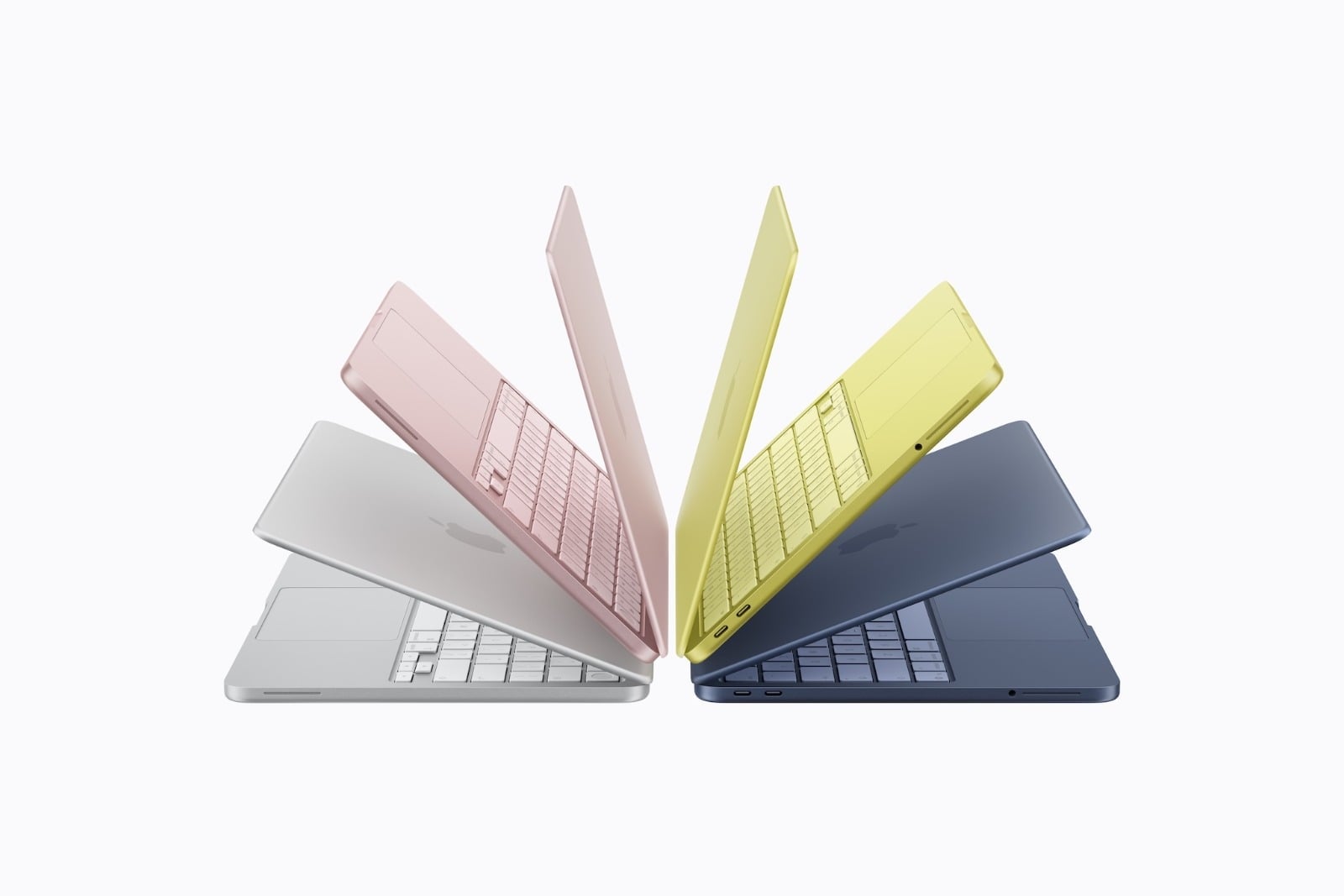
| Colors | Silver, Pink, Citrus, Indigo | Sky Blue, Silver, Starlight, Midnight |
Surprise: Both models weigh exactly the same – 1.23 kg. The Neo has a slightly smaller footprint but is a bit thicker than the Air. The Neo's colors (pink, citrus, indigo) are significantly more vibrant than the Air's and are reminiscent of the colorful iMacs.
Which model is right for whom?
MacBook Neo (from €799) – the right choice if:
- Looking for an affordable entry into the Mac world?
- The budget should end at 800 euros – then only the basic model without Touch ID remains.
- Mainly simple tasks are performed: browsing, emails, streaming, word processing, FaceTime.
- Apple Intelligence should be usable on a Mac without spending a lot of money.
- The device is a second laptop or a school/university device.
- No external Thunderbolt devices or multiple displays are needed.
MacBook Air 13″ (from €1,399) – the right choice if:
- More power is needed for multitasking, image editing, or video editing.
- 16 GB of RAM and the possibility of up to 32 GB are important.
- A P3 Wide Color Display with True Tone is required for color-accurate work.
- Thunderbolt 4, MagSafe and support for two external displays are required.
- Keyboard backlighting and Force Touch trackpad are appreciated
- Longer battery life and fast charging are priorities
- The MacBook is intended to serve as the main computer for several years.
If you're already above the Air budget, it's worth taking a look at the price difference between the Air and the MacBook Pro before making a decision – things have changed quite a bit there since the price round in June.
All differences at a glance
| Feature | MacBook Neo | MacBook Air 13″ |
|---|---|---|
| Price from | 799 € | 1.399 € |
| Chip | A18 Pro | M5 |
| CPU | 6-Core | 10-Core |
| GPU | 5-Core | 8/10-Core |
| RAM | 8 GB (fixed) | 16 GB (up to 32 GB) |
| Memory bandwidth | 60 GB/s | 153 GB/s |
| Memory | 256 / 512 GB | 512 GB / 1 / 2 / 4 TB |
| Display | 13″ sRGB | 13.6″ P3 Wide Color |
| True Tone | No | Yes |
| Pixel density | 219 ppi | 224 ppi |
| Keyboard lighting | No | Yes |
| Touch ID | Only 512 GB | Yes (always) |
| Trackpad | Mechanically | Force Touch |
| Connections | 1x USB 3, 1x USB 2 | 2x Thunderbolt 4 |
| MagSafe | No | Yes |
| Wi-Fi | WLAN 6E | WLAN 7 |
| Bluetooth | 6 | 6 |
| External Displays | 1x 4K | 2x 6K |
| Camera | 1080p FaceTime HD | 12 MP Center Stage |
| Speakers | 2 | 4 |
| Microphones | 2 | 3 |
| Battery (Streaming) | 16 hours | 18 hours |
| Battery (surfing) | 11 hours | 15 hours |
| Fast Charging | No | Yes |
| Weight | 1.23 kg | 1.23 kg |
| Apple Intelligence | Yes | Yes |
MacBook Air or MacBook Neo – which is worth it?
The MacBook Neo is an impressive device for its price. For €799, you get a fully-fledged macOS notebook with Apple Intelligence, a solid display, and a day's battery life for light tasks. It's an excellent choice for students, pupils, casual users, and anyone looking for an affordable entry into the Mac world.
Anyone planning to use the MacBook as their primary computer for the next few years should opt for the Air. The doubled RAM (16 GB vs. 8 GB) is the decisive factor for future-proofing – macOS and apps become more demanding every year, and 8 GB is already insufficient for intensive multitasking. Added to this are the better display, Thunderbolt 4, MagSafe, backlit keyboard, Force Touch trackpad, longer battery life, and fast charging.
Ultimately, the Neo is the best Mac notebook for the money. The Air is the best Mac notebook for most people. The €500 price premium for the 512GB models is justified for anyone who wants to do more than just basic everyday tasks. Those who can postpone their purchase can find the latest information about the second generation in the MacBook Neo 2 rumor roundup. (Image: Apfelpatient x Apple)
- iOS 27: All the new features in Phone and FaceTime
- Apple Security Camera: All the rumors at a glance
- Apple HomePad: All the rumors at a glance
- New Apple TV 4K: All the rumors about the update with Siri AI
- HomePod 3 & HomePod mini 2: All the rumors at a glance
- MacBook Neo 2: All the rumors at a glance
- MacBook Ultra: All the rumors at a glance
- iPhone and Satellite Features: These Countries Are Included
- Apfelpatient Weekly #16
Frequently Asked Questions: MacBook Air vs. Neo
The RAM. The MacBook Neo only has 8 GB of RAM, which is not expandable. The MacBook Air starts with 16 GB and can be configured up to 32 GB. This is the crucial factor for future-proofing – macOS and apps become more demanding every year, and 8 GB is already insufficient for intensive multitasking.
The MacBook Neo uses the A18 Pro chip from the iPhone 16 Pro – it's the first Mac with an iPhone chip. The M5 in the MacBook Air is about 20 percent faster in single-core and 80 percent faster in multi-core tasks. Both chips fully support Apple Intelligence.
No. The MacBook Neo is the first Apple notebook in about 16 years without a backlit keyboard. It also lacks an ambient light sensor. Anyone who regularly types in dark environments will notice this immediately.
Only the 512GB model, priced at €899, has Touch ID. The base model with 256GB, priced at €799, does not have a fingerprint sensor – to unlock it, a password must be entered or an Apple Watch used.
Yes, but only one. The MacBook Neo supports one external display with a maximum resolution of 4K at 60 Hz via its USB 3 port. The MacBook Air supports up to two external displays with a maximum resolution of 6K at 60 Hz via its Thunderbolt 4 ports.
No. The MacBook Neo charges exclusively via USB-C. When charging, one of the two USB-C ports is occupied. The MacBook Air uses MagSafe for charging, which leaves both Thunderbolt ports free for peripherals.
For students, pupils, casual users, and anyone looking for an affordable entry into the Mac world. It's perfectly suited for simple tasks like browsing, email, streaming, and word processing. However, those who regularly work with multiple apps simultaneously or plan to use the MacBook as their main computer for several years should opt for the Air.





