This article may contain affiliate links. Learn more on our Partner Program page.
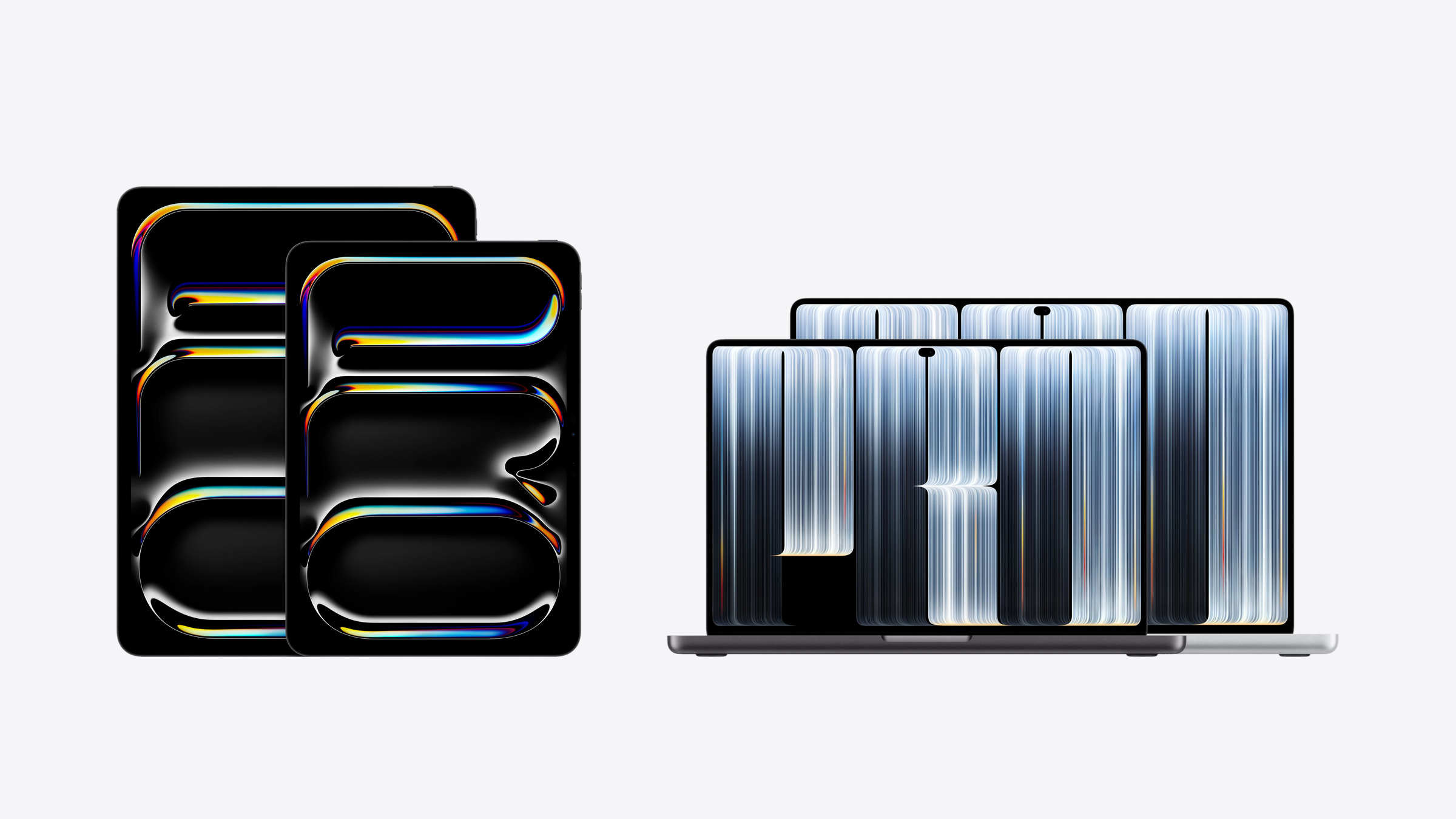
Tandem OLED display, ProMotion, and touch controls: These were previously the features of the iPad Pro, and now the MacBook Pro offers them as well. Nevertheless, there are still worlds of difference between the two devices – in price, ports, and operating system.
The MacBook Pro with ProLED XDR display, released on October 28, 2026, is the first Mac with a touchscreen. This raises a question that didn't exist before: an iPad Pro with a Magic Keyboard – or a Mac that can be tapped. The iPad Pro has been running on the M5 processor since October 2025, succeeding the model with the M4.
The technical specifications are taken from Apple's German datasheets for the iPad Pro and the MacBook Pro with PROLED XDR display, while the prices are from Apple Stores in Germany, Austria, and Switzerland. The comparison focuses primarily on the 13-inch iPad Pro and the 14-inch MacBook Pro, as they are most similar in screen size and intended use.
Key Facts at a Glance
- Both use tandem OLED displays with a refresh rate of 10 to 120 Hz and can be operated by finger.
- The MacBook Pro has higher contrast, higher brightness, and additional Adobe RGB support; only the iPad Pro supports the Apple Pencil.
- The M5 Pro in the MacBook Pro has more cores, twice the memory bandwidth, and at least 24 GB of RAM.
- The iPad Pro features three Thunderbolt 5 ports, HDMI and SDXC, compared to a single port.
- In Germany, the 13-inch iPad Pro with 1TB and Magic Keyboard costs €2,778, while the 14-inch MacBook Pro starts at €3,299.
The differences at a glance
| iPad Pro 13-inch (M5) | MacBook Pro 14-inch with PROLED XDR (M5 Pro) | |
|---|---|---|
| Display | 13 inch tandem OLED, 2752 × 2064 pixels | 14.2 inch tandem OLED, 3024 × 1986 pixels |
| Contrast | 2.000.000:1 | 10.000.000:1 |
| Peak brightness | 1600 nits (HDR) | 2000 nits (HDR and SDR outdoors) |
| Color space | P3 | P3 and Adobe RGB |
| Refresh rate | 10 to 120 Hz | 10 to 120 Hz |
| Input | Multi-Touch, Apple Pencil Pro | Multi-touch, keyboard, trackpad |
| CPU / GPU | 9 or 10 cores / 10 cores | 15 cores / 16 cores |
| RAM | 12GB (256/512GB), 16GB (1/2TB) | 24 GB |
| Memory bandwidth | 153 GB/s | 307 GB/s |
| Connections | 1 × Thunderbolt / USB 4 | 3 × Thunderbolt 5, HDMI, SDXC, MagSafe 3, Headphone jack |
| External Displays | 1 | up to 3 |
| Cellular | optional (5G) | no |
| Weight | 579 g (without keyboard) | 1.38 kg |
| Battery | 38.99 Wh | 72.6 Wh |
| Price from (Germany) | 1.649 € | 3.299 € |
Display: same technology, different league
Both devices use tandem OLED displays with two overlapping light-emitting layers, both regulate the refresh rate between 10 and 120 Hz, and both reach a minimum brightness of 1 nit. The pixel density is almost identical: 264 ppi for the iPad Pro, 254 ppi for the MacBook Pro.
In terms of peak performance, the MacBook Pro pulls ahead. Apple specifies a contrast ratio of 10,000,000:1, compared to 2,000,000:1 for the iPad Pro. Peak brightness is 2000 nits instead of 1600, and the MacBook Pro achieves this even with SDR content outdoors, while the iPad Pro maxes out at 1000 nits with SDR. Additionally, Adobe RGB is available as a second color space, complete with reference modes for photography and printing.
Both devices feature nanotexture glass, but the iPad Pro only comes with 1 or 2 TB models.
Touch, pen and Dynamic Island
Touch is the foundation on the iPad Pro, while on the MacBook Pro it's an addition. macOS automatically translates touches into clicks in many existing apps, but the keyboard and trackpad remain the primary input method. Apple has expanded macOS's gesture interfaces for its own touch controls, and apps like Adobe Lightroom and DaVinci Resolve are expected to follow by the end of the year.
The biggest difference is the stylus. The iPad Pro supports the Apple Pencil Pro and the Apple Pencil (USB-C) with its hover function, while no stylus is mentioned in Apple's specifications for the MacBook Pro. Those who draw, take notes by hand, or mark up documents will therefore stick with the iPad.
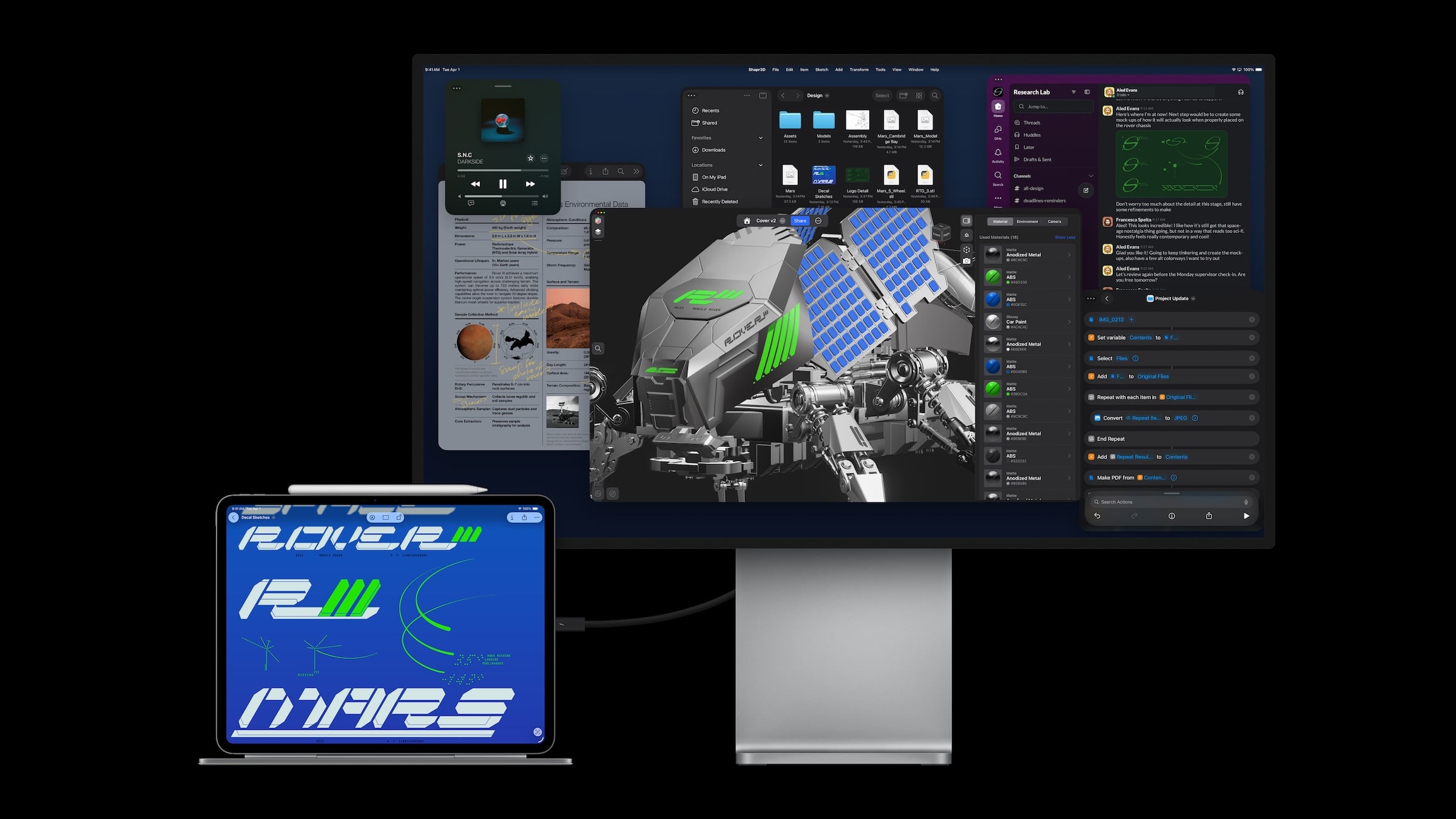
The MacBook Pro uses a Dynamic Island instead of a notch, which houses live activity, calls, and music controls. On the iPad Pro, the front-facing camera for landscape mode is located on the long side.
Performance and RAM
The iPad Pro features the M5 with 9 cores in 256GB and 512GB storage options, and with 10 cores in 1TB and 2TB options, each with a 10-core GPU. The MacBook Pro starts with the M5 Pro with a 15-core CPU and 16-core GPU and can be upgraded to the M5 Max with an 18-core CPU and 40-core GPU.
The difference is even more pronounced when it comes to RAM. The iPad Pro has 12 or 16 GB; that's the maximum available. The MacBook Pro starts at 24 GB and goes up to 128 GB. The memory bandwidth of the M5 Pro, at 307 GB/s, is twice as high as that of the M5 in the iPad Pro, which has 153 GB/s.
Connections, mobile communications and cameras
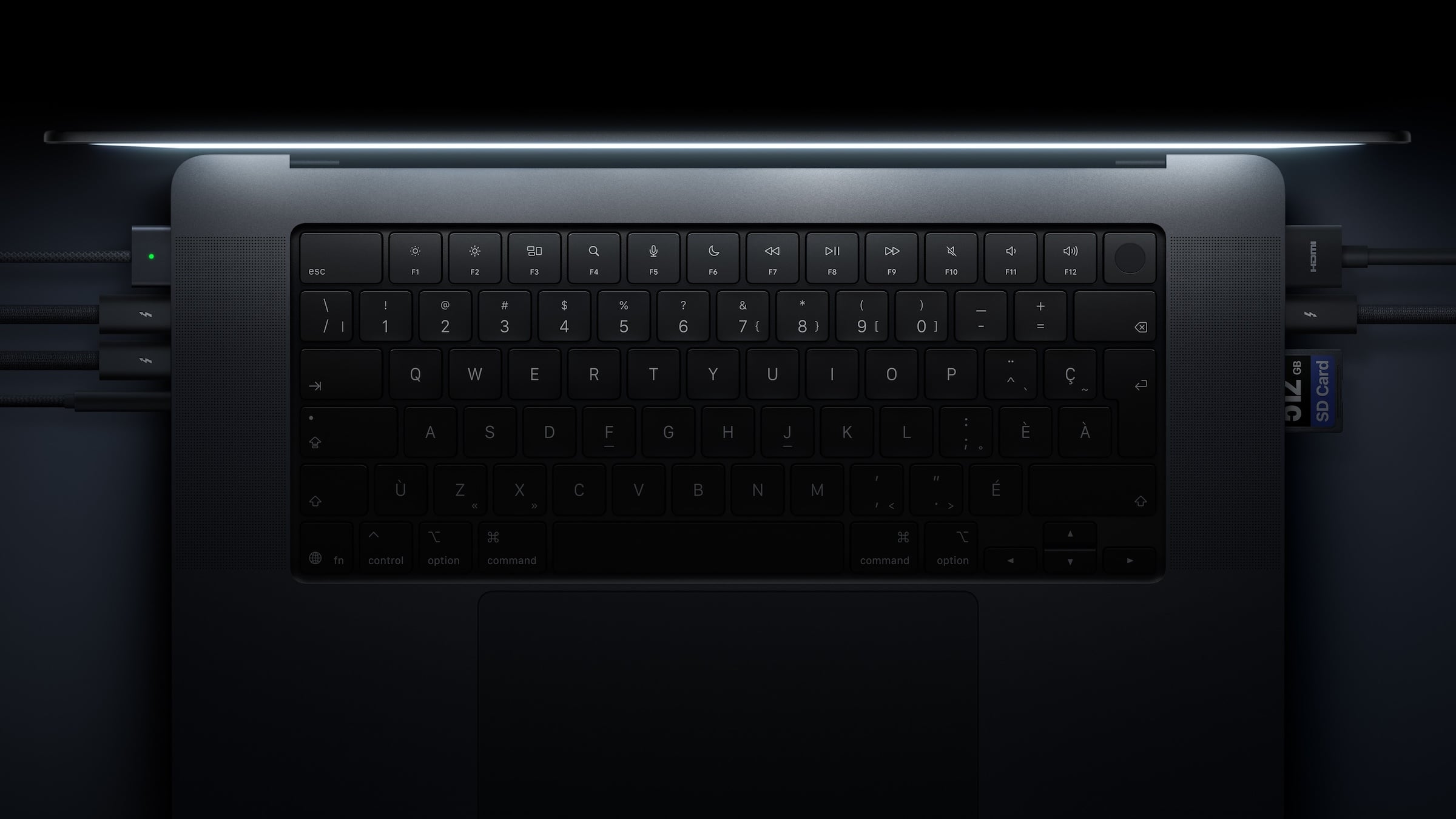
The iPad Pro has a single Thunderbolt/USB 4 port with speeds up to 40 Gbps and drives one external display. The MacBook Pro features three Thunderbolt 5 ports with speeds up to 120 Gbps, HDMI, an SDXC card reader, MagSafe 3, and a headphone jack, and can drive up to three external displays with the M5 Pro and up to four with the M5 Max.
The iPad Pro is available as a Wi-Fi + Cellular model with Apple's C1X modem and 5G; the 11-inch model costs an additional €250 in Germany. Apple does not offer a MacBook Pro with cellular connectivity. Both models are identical in terms of Wi-Fi 7 and Bluetooth 6.
The iPad Pro also offers more in terms of cameras: a 12 MP rear camera with a LiDAR scanner and a 12 MP front camera in landscape orientation. The MacBook Pro has a 12 MP center-stage camera with a desktop view.
Weight and battery
The 13-inch iPad Pro weighs 579 grams, the 11-inch model 444 grams. The Magic Keyboard is included with both. The MacBook Pro weighs 1.38 kilograms in the 14-inch version and 1.82 kilograms in the 16-inch version.
The battery capacity of the 13-inch iPad Pro is 38.99 watt-hours, while the 14-inch MacBook Pro has a capacity of 72.6 watt-hours. Apple states that the iPad Pro offers up to 10 hours of Wi-Fi web browsing or video playback, and the MacBook Pro with M5 Pro offers up to 14 hours of wireless web browsing and up to 22 hours of video streaming.
Prices in Germany, Austria and Switzerland
In Germany and Austria, the iPad Pro, Magic Keyboard, and MacBook Pro each cost the same:
| Model | Germany / Austria | Switzerland |
|---|---|---|
| iPad Pro 11-inch (256 GB) | from €1,299 | from CHF 1149 |
| iPad Pro 13-inch (256 GB) | from €1,649 | from CHF 1449 |
| Magic Keyboard for iPad Pro 11-inch | 349 € | CHF 299 |
| Magic Keyboard for iPad Pro 13-inch | 399 € | CHF 349 |
| MacBook Pro 14-inch with PROLED XDR (M5 Pro, 1 TB) | from €3,299 | from CHF 2799 |
| MacBook Pro 16-inch with PROLED XDR (M5 Pro, 1 TB) | from €3,899 | from CHF 3299 |
A fair comparison requires the iPad Pro to be equipped with the keyboard and have the same storage capacity. The 13-inch model with 1TB costs €2,379 in Germany, while the Magic Keyboard version costs €2,778 – €521 less than the 14-inch MacBook Pro. However, it only offers 16GB of RAM instead of 24GB and one port instead of three Thunderbolt 5 ports, plus HDMI and a card reader. The 13-inch iPad Pro with 256GB of storage and a keyboard costs €2,048.
Pen and mobile connectivity versus ports and RAM
I see no reason to replace the iPad Pro with the MacBook Pro's touchscreen. The MacBook Pro remains a notebook where the touchscreen complements the keyboard and trackpad – the iPad Pro is a tablet that can be expanded into a notebook with a keyboard. Anyone who draws, works with a stylus, needs mobile connectivity on the go, or is looking for a lightweight device for the sofa and train is better served by the iPad Pro – especially since multitasking under iPadOS with windows and Stage Manager has long since gone beyond simply running two apps side-by-side.
The MacBook Pro is worthwhile if your work is primarily on a Mac: multiple monitors, card readers, and fast storage on your desk; large projects requiring more than 16 GB of RAM; or image editing in Adobe RGB. If you need macOS for your work anyway, touch is a nice addition - but not a reason to switch from an iPad or vice versa. Which iPad or Mac is right for you overall is answered in the iPad buying guide and the Mac buying guide. Compared to the still-available Mini-LED version with the same chips, the OLED model costs between 400 and 500 euros more.
Is the Apple Pencil the deciding factor for you that makes a MacBook unusable – or would you give up your iPad Pro with keyboard for touch functionality on a Mac? Tell us in the comments whether the stylus or the Mac is the deciding factor for you.
Frequently Asked Questions: iPad Pro vs. MacBook Pro
Only partially. On the MacBook Pro, Touch complements the keyboard and trackpad, but doesn't replace them. Only the iPad Pro supports the Apple Pencil, and cellular connectivity is also only available on the iPad.
No. Apple does not mention a stylus in the MacBook Pro's technical specifications. The Apple Pencil Pro and the Apple Pencil (USB-C) only work with the iPad Pro.
Both use tandem OLED displays with a refresh rate of 10 to 120 Hz. The MacBook Pro offers five times the contrast ratio at 10,000,000:1, 2000 nits peak brightness instead of 1600 nits, and additionally supports Adobe RGB.
The iPad Pro has 12 GB of RAM; with 1 or 2 TB of storage, it has 16 GB. The MacBook Pro with ProLED XDR starts at 24 GB and can be expanded up to 128 GB.
The iPad Pro supports one external display, with resolutions up to 6K at 60 Hz. The MacBook Pro can drive up to three external displays with the M5 Pro and up to four with the M5 Max.
In Germany, the 13-inch iPad Pro with 256 GB and Magic Keyboard costs €2,048, while the 1 TB version costs €2,778. The 14-inch MacBook Pro with ProLED XDR starts at €3,299.
No. Apple only offers 5G mobile connectivity with the iPad Pro, and for an additional 250 euros on the 11-inch model.