This article may contain affiliate links. Learn more on our Partner Program page.
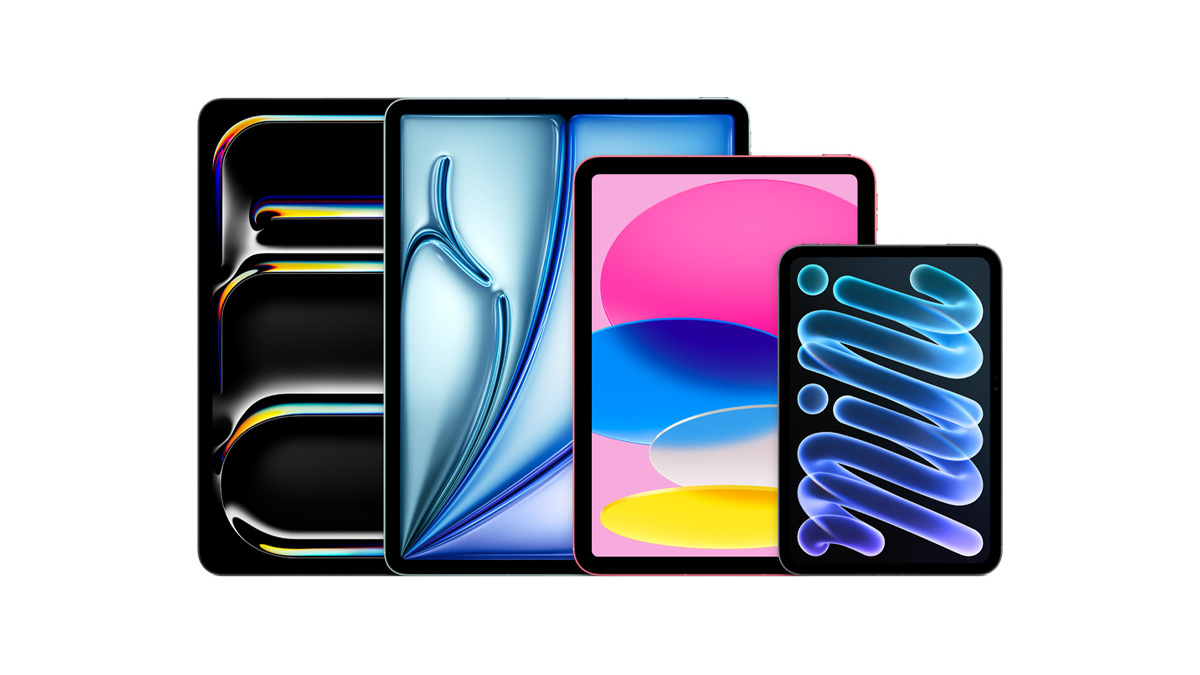
Six iPad models are currently available. The cheapest costs €499, while the largest iPad Pro starts at €1,649 – and the price increases significantly with full storage and cellular connectivity. The price tags don't reveal the true limitations – these lie in the RAM, the keyboard stand, and a feature that one model simply doesn't have.
Apple currently sells four iPad lines: the entry-level model with the A16 chip, the iPad mini, the iPad Air in two sizes, and the iPad Pro in two sizes. On paper, they differ primarily in screen size and processing power. In practice, other factors determine whether a device suits your daily life: whether a keyboard can be connected, how quickly data transfers via the connection, and whether there's an air gap between the cover glass and the screen. Those who intend to use the device as a secondary computer should also understand how windows and Stage Manager interact under iPadOS – this significantly impacts the requirements for storage and the chip. All information in this text is taken from Apple's German comparison page and the datasheets of the individual models.
Key Facts at a Glance
- The iPad (A16) is the only current model without Apple Intelligence – Apple requires an A17 Pro or an M-chip for that.
- The port is a bigger differentiator than the chip: USB 2.0 for the entry-level iPad, USB 3 for the mini and Air, Thunderbolt with 40 Gbit/s for the Pro.
- The iPad mini is the only model without a Smart Connector and therefore without a Magic Keyboard stand.
- On the iPad Pro, the amount of RAM depends on the storage capacity: 12 GB for 256 and 512 GB models, 16 GB only for 1 TB and above.
- For most people, the iPad Air 11″, starting at €799, is the point where price and features best match up.
The four rows at a glance
| Model | Chip | Display | Apple Intelligence | Connection | Wi-Fi from |
|---|---|---|---|---|---|
| iPad (A16) | A16 | 11″, 500 nits, sRGB | no | USB 2.0 | 499 € |
| iPad mini (A20 Pro) | A20 Pro | 8.5″, OLED, 600 nits, P3 | Yes | USB 3 | 749 € |
| iPad Air 11″ (M4) | M4 | 11″, 500 nits, P3 | Yes | USB 3 | 799 € |
| iPad Air 13″ (M4) | M4 | 13″, 600 nits, P3 | Yes | USB 3 | 999 € |
| iPad Pro 11″ (M5) | M5 | 11″, OLED, ProMotion | Yes | Thunderbolt / USB 4 | 1.299 € |
| iPad Pro 13″ (M5) | M5 | 13″, OLED, ProMotion | Yes | Thunderbolt / USB 4 | 1.649 € |
Mobile connectivity is not available as an add-on option, but only as a standalone device configuration – the prices above are for the Wi-Fi-only models. With mobile connectivity and the smallest storage capacity, the iPad costs €669, the mini €919, the 11-inch Air €969, the 13-inch Air €1,169, the 11-inch Pro €1,549, and the 13-inch Pro €1,899. All models work exclusively with eSIM; a card slot is not present in any of them.
iPad (A16): affordable, but with a gap
At €499, the entry-level model is by far the cheapest iPad, and the A16 chip is easily sufficient for video, web browsing, email, and notes. There are two things you should know beforehand.
The first is Apple Intelligence. Apple lists the feature on the spec sheets for the Pro, Air, and mini, but the section is completely missing for the iPad (A16). It requires an A17 Pro or an M-series chip, and the A16 doesn't meet these requirements. Therefore, anyone wanting to use Apple Intelligence needs at least the mini.
The second issue is the display. It's the only one that isn't fully laminated and lacks an anti-reflective coating. A thin layer of air exists between the glass and the panel, which is visible as a small gap between the tip and the line when writing with the Pencil. Furthermore, it uses the sRGB color space instead of P3 – meaning the device isn't suitable for photo editing.
And then there's the connection: USB 2.0 with 480 Mbit/s. Anyone who regularly transfers pictures or videos from an SSD will experience noticeably longer wait times than with any other iPad.
As a device for school, kitchen, sofa, and travel, it remains a sensible choice. You're simply buying a device that, even today, doesn't support everything due to its software.
iPad mini: small, but no longer a second choice
The iPad mini (A20 Pro) costs €749. The entry-level model is priced at €499, and the 11-inch iPad Air at €799. With the current generation, Apple has fundamentally redesigned the mini, thus shifting its role in the product line.
The advantages: 255 grams, 8.5 inches, and, as the only iPad outside the Pro line, an OLED display, with 600 nits in full screen and up to 1,200 nits for HDR content. It also boasts IP67 water and dust resistance, a feature no other current iPad offers. The front camera is now located on the long side, as with the other models, and it features Wi-Fi 7 and Bluetooth 6, just like the Air and Pro.
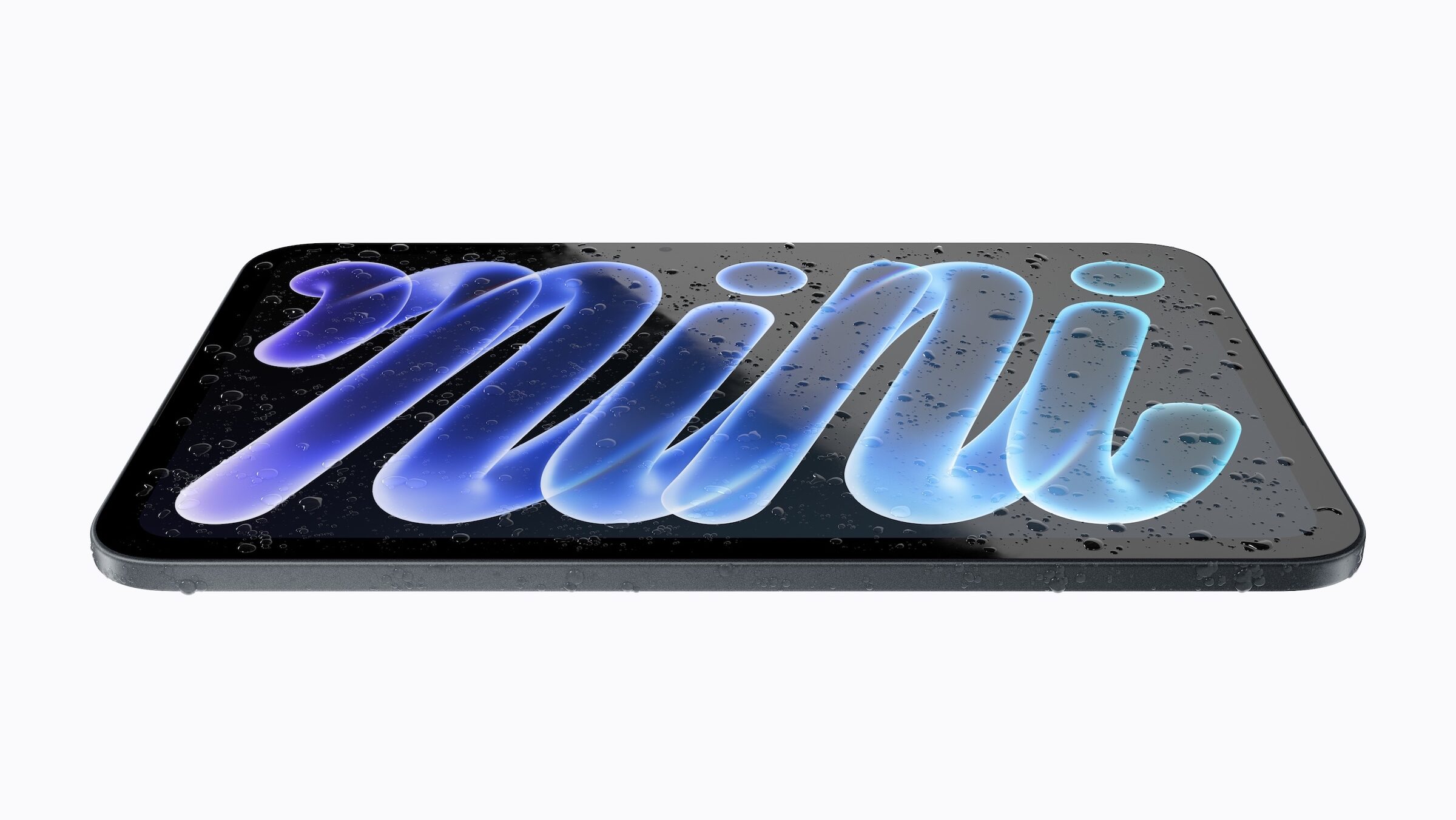
The downsides: The mini remains the only current iPad without a Smart Connector – a Magic Keyboard stand cannot be attached, and Apple recommends Bluetooth keyboards. It lacks ProMotion, storage is limited to 512 GB, and the mini only outputs up to 4K resolution to an external monitor. The 128 GB and 256 GB models have a 5-core CPU; the 6-core CPU is only available with the 512 GB model for €1,129.
This means the mini is no longer worth it solely because of its size. For reading, taking notes, and on-the-go use, it has a better display than the Air, but for typing with a keyboard and working on a monitor, the Air remains the more suitable choice. Therefore, the deciding factors between the iPad mini and the 11-inch iPad Air are size and keyboard, not the chip.
iPad Air: the series for most
Since the switch from the M3 to the M4 in March, the Air has been the middle of the lineup, and that middle ground has become quite broad. The M4 delivers eight CPU and nine GPU cores, 120 GB/s memory bandwidth, and 12 GB of RAM – exactly the same as the iPad Pro in its two lower storage tiers.
In terms of wireless connectivity, there's no difference to the Pro: Both use Apple's N1 chip with Wi-Fi 7 and Bluetooth 6, while the cellular versions utilize Apple's own C1X modem. Apple Pencil Pro and Magic Keyboard for the iPad Air are also included, as is an external display with up to 6K resolution at 60 Hz.
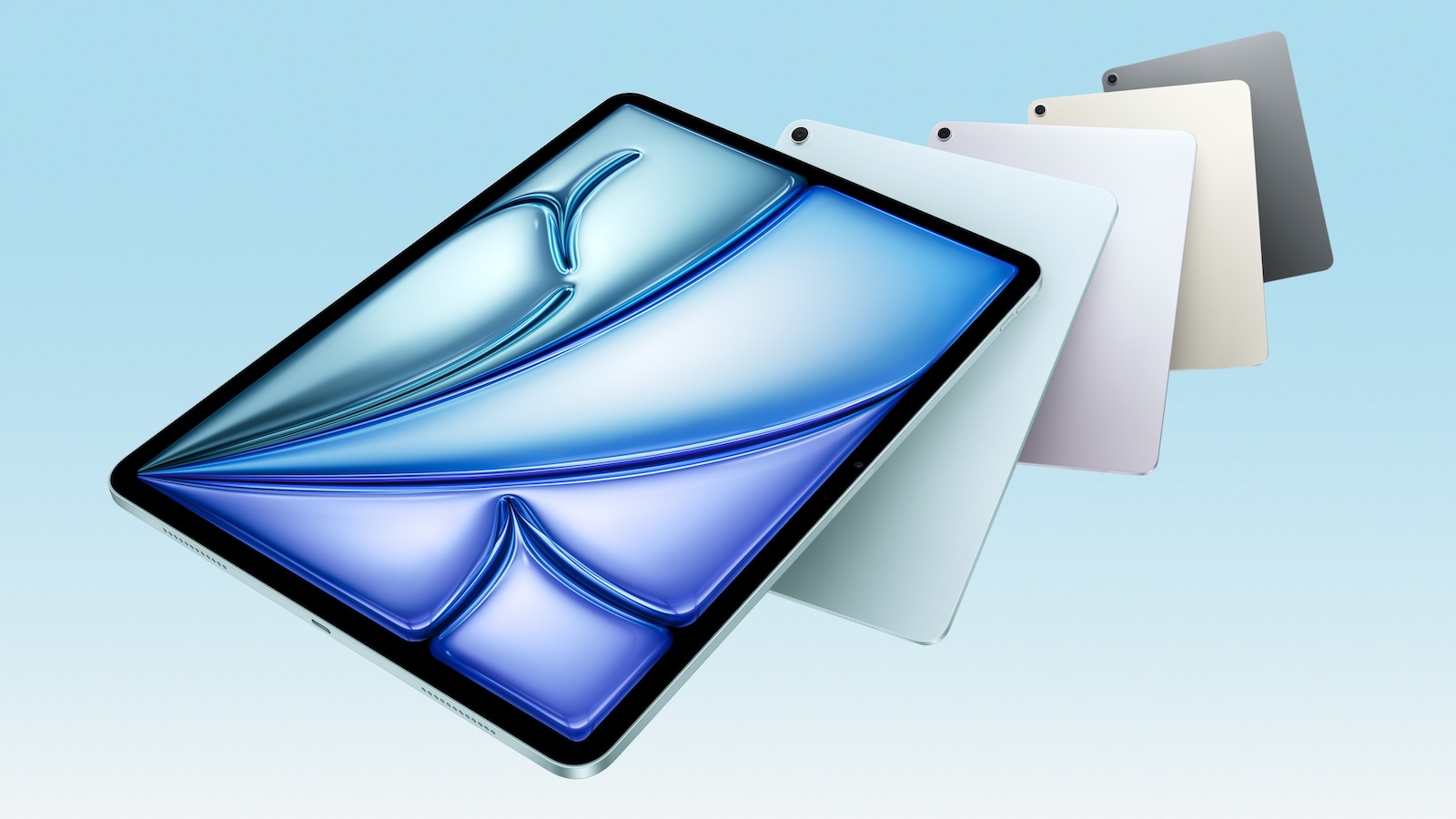
The differences to the Pro model lie elsewhere. The display is an LCD without ProMotion, with 500 nits for the 11-inch model and 600 nits for the 13-inch model. It features stereo audio instead of four speakers, two microphones instead of four, Touch ID instead of Face ID, USB 3 with 10 Gbps instead of Thunderbolt, and no camera flash.
The prices: 799 euros for the 11″ model with 128 GB, 929 euros for 256 GB, 1,179 euros for 512 GB and 1,559 euros for 1 TB. For the 13-inch model, the prices are 999, 1,129, 1,379 and 1,759 euros.
iPad Pro: what the extra price stands for
The Pro starts at €1,299 and offers three features no other model has. First, the tandem OLED display with ProMotion from 10 to 120 Hz, 1,000 nits full screen brightness, 1,600 nits peak in HDR, and a 2,000,000:1 contrast ratio. Second, the Thunderbolt port with 40 Gbps, four times faster than USB 3 in the Air. Third, the comprehensive features: four speakers, four studio-quality microphones, Face ID, LiDAR, ProRes recording, and an external 4K display at 120 Hz. Apple states that charging to 50 percent takes about 30 minutes with a 60-watt power adapter. A comparable figure is only available for the iPad mini, which also charges to 50 percent in about 30 minutes with a 35-watt adapter; this figure is missing for the Air and iPad.
One detail is worth a closer look: Apple links the RAM to the storage capacity. The 256 GB and 512 GB models come with 12 GB of RAM and a 9-core CPU; only the 1 TB and larger models offer 16 GB of RAM and a 10-core CPU. Anyone wanting more processing power therefore has to buy additional storage that they might not need – and ends up paying €2,029 instead of €1,299.

The pricing for the 11-inch model is as follows: €1,299 for 256 GB, €1,549 for 512 GB, €2,029 for 1 TB, and €2,649 for 2 TB. For the 13-inch model, the prices are €1,649, €1,899, €2,379, and €2,999. Nano-texture glass is only available starting with the 1 TB option and costs €2,509 instead of €2,379 for the 13-inch model with 1 TB. The iPad Pro received the M5 processor in October 2025 as the successor to the M4.
Pencil and keyboard are included in the calculation
The accessories differentiate the series more clearly than some chip differences, and they are added to the device price.
| Model | Apple Pencil | Keyboard |
|---|---|---|
| iPad (A16) | Pencil (USB‑C), Pencil 1 with adapter | Magic Keyboard Folio |
| iPad mini | Pencil Pro, Pencil (USB-C) | Bluetooth keyboards only |
| iPad Air | Pencil Pro, Pencil (USB-C) | Magic Keyboard for iPad Air |
| iPad Pro | Pencil Pro, Pencil (USB-C) | Magic Keyboard for iPad Pro |
The difference between the Pencil Pro and the Pencil (USB-C) isn't a minor detail: only the Pro charges magnetically, recognizes pressure and rotation, provides haptic feedback, and can be located via "Find My." Anyone who draws or does a lot of handwriting will notice this daily.
The entry-level iPad is limited to the two-part Magic Keyboard Folio, while the Air and Pro models feature a floating design with a trackpad and function keys. Anyone seriously considering using the iPad as a laptop replacement should first check whether a MacBook might be the more suitable device – the equation changes as soon as the keyboard and Pencil are added.
Which storage capacity is sufficient?
Apple uses the same pricing increments for all its series, but the higher-end models become significantly more expensive. The 11-inch Air costs €799 for 128GB, €929 for 256GB, and €1,179 for 512GB. The 11-inch Pro costs €1,299 for 256GB, €1,549 for 512GB, and €2,029 for 1TB – although the 1TB option also includes more RAM.
For web browsing, video, office applications, and iCloud photos, 128 GB is usually sufficient for the Air and mini. It becomes tight as soon as you want to store music and TV shows offline, have several large games installed, or add video editing – then 256 GB is the sensible starting point. If storage becomes scarce later, clearing the cache can often free up more space than expected before you even consider a new device.
Mobile connectivity is the second key factor: The cellular versions start at €669 (iPad), €919 (mini), €969 (Air 11″), €1,169 (Air 13″), €1,549 (Pro 11″), and €1,899 (Pro 13″). Because all models only support eSIM, a compatible mobile plan is also required.
Where the surcharge pays off – and where it doesn't
The iPad Air is the most logical addition to the lineup. It shares the wireless connectivity, the Pencil Pro, the Magic Keyboard holder, and even the RAM in the lower-end models with the Pro. What it lacks is the OLED display with ProMotion, the fast charging port, and the superior audio capabilities – all features that aren't crucial for most users' everyday needs. The 11-inch Air is priced at €799, while the 11-inch Pro starts at €1,299.
The Pro version is worthwhile if one of three reasons applies: video editing with an external SSD, daily work on a display with high color accuracy, or a desire for ProMotion that you won't want to give up after a few days. For everything else, it's an expensive device with untapped potential.
The entry-level iPad is the right choice if price is the deciding factor – and with the understanding that Apple Intelligence won't be available and connectivity will remain slow. Apple's list of compatible devices determines which older models will still receive iPadOS 27.
And the mini is no longer a special case that can only be justified by its size: with OLED and IP67 protection, it has the best display below the Pro series. For those who can do without a keyboard, this is the most well-rounded small device in the range.
How do you approach this decision – is the display your main concern, or does it ultimately come down to the keyboard and Pencil? Let us know your reasoning in the comments.
Frequently Asked Questions: iPad Buying Guide
The iPad with the A16 chip starts at €499. It fully covers web browsing, video, email, and notes. Two limitations you should be aware of: Apple Intelligence doesn't run on it, and the USB-C port only supports USB 2.0.
iPad mini, iPad Air, and iPad Pro. Apple requires an A17 Pro or an M-series chip. The entry-level iPad with the A16 chip does not meet this requirement and therefore does not receive these features.
Only when specifically needed: video editing with an external SSD via Thunderbolt, color-critical work on the OLED display, or ProMotion at 120 Hz. The wireless chip, Pencil Pro, and Magic Keyboard holder are the same for both.
128 GB is sufficient for web browsing, video, office applications, and photos in iCloud. However, as soon as music and TV shows are stored offline, several large games are installed, or video editing is added, 256 GB is a more sensible option.
Only via Bluetooth. The mini is the only current model lacking the Smart Connector, therefore a Magic Keyboard cannot be attached.
The Pencil Pro and Pencil (USB-C) work with iPad mini, Air, and Pro. The entry-level iPad supports the Pencil (USB-C) as well as the first-generation Pencil via an adapter.
Only if you regularly work without Wi-Fi. Mobile connectivity is only available as a separate device option at an additional cost, and all current iPads use eSIM – a plan with eSIM support is required.