

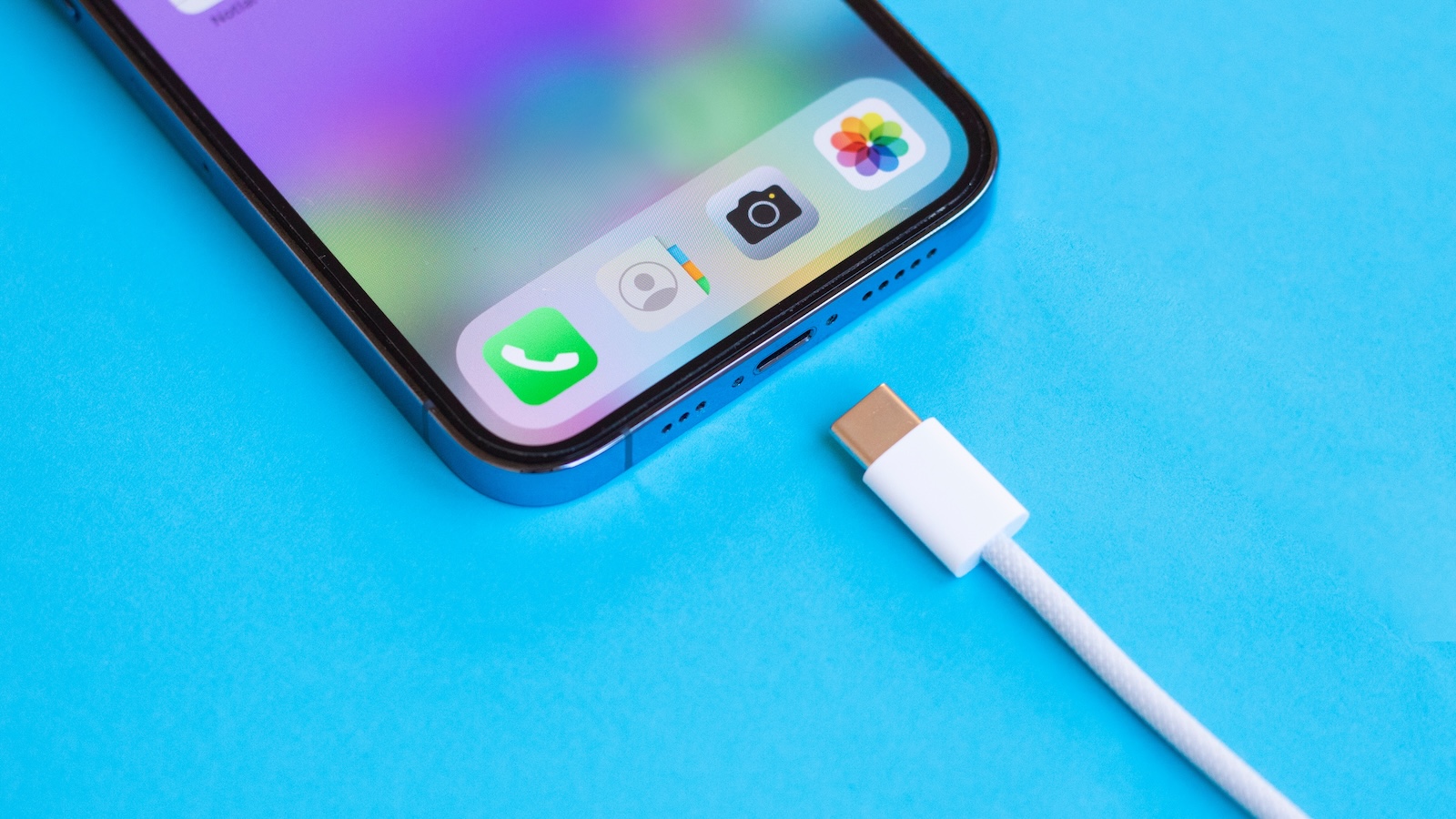
Your iPhone's battery is a consumable part. Over time, it loses capacity; this cannot be prevented—but it can be slowed down. By following a few simple rules, you can ensure your battery lasts longer and your iPhone remains reliable. The main thing is to minimize chemical wear and keep the number of full charge cycles as low as possible. Here's how.
Apple states that an iPhone battery retains approximately 80 percent of its original capacity after approximately 500 complete charging cycles. A charging cycle corresponds to a full charge from 0 to 100 percent—regardless of whether this occurs in one or more charging cycles. If you pay attention to how you charge, which features you use, and how you treat your iPhone, you can significantly improve battery health. These seven tips show you what's important.
Keep charging cycles as low as possible
The fewer full charge cycles your iPhone goes through, the slower the battery ages. You can achieve this by keeping your iPhone between 20 and 80 percent. Constantly charging to 100 percent or discharging to 0 percent puts more strain on the battery. Short, intermittent charges are better than long, overnight charges – provided you have optimized charging enabled (more on this below).
Avoid heat
Heat is one of the iPhone battery's biggest enemies. If the device gets too hot—for example, due to sunlight, high outdoor temperatures, or intensive use while charging—the battery ages faster. Don't leave your iPhone on the dashboard in your car, and don't use it in direct sunlight. When charging, remove thick protective cases to help dissipate heat. It's also a good idea to let the iPhone cool down occasionally when gaming or recording long videos.
Use original or certified accessories
If you still use an iPhone with a Lightning connector, look for accessories with MFi certification ("Made for iPhone"). This guarantees that the charger delivers voltage and current safely and consistently. Cheap, no-name products can cause fluctuations that can damage the battery over time. iPhones with a USB-C connector (e.g., the iPhone 15) are no longer MFi certified. Nevertheless, you should opt for high-quality accessories—ideally from Apple itself or well-known brands with good quality assurance. The same applies to MagSafe and Qi chargers: Use certified products to avoid charging interruptions or overheating.
Keep iOS up to date
With each new iOS version, Apple improves, among other things, power management. New charging algorithms, improved control of background processes, and adjusted temperature monitoring can all have a positive impact on battery health. Go to Settings > General > Software Update and install new versions as soon as possible.
Reduce background activities
Many apps continue to run in the background, even when you're not using them. This not only consumes power, but also requires more frequent battery charging. You can disable apps you don't regularly under Settings > General > Background App Refresh. You should also restrict location services: In the settings under Privacy > Location Services, you can specify for each app whether and when it can access your location. "Never" or "When using the app" is sufficient in most cases.
Activate charging limit or optimized charging
Under Settings > Battery > Battery Health & Charging you will find two features that will reduce the strain on your battery in the long term. The first option is "Optimized Charging." This feature analyzes your charging habits and automatically stops charging at 80% until you expect to need your iPhone. This feature has been available since iOS 13 and prevents the battery from remaining fully charged for extended periods, which slows down the aging process. With iOS 18, Apple has further improved power management: On iPhone 15 and iPhone 16 models, you can now set a fixed charging limit – in 5 percent increments between 80% and 100%. The current options are: 80%, 85%, 90%, 95%, and 100%. This gives you full control over your battery's maximum charge.
- You can find the setting under Settings > Battery > Charging > Charge Limit. The lower the limit, the better for your battery's lifespan. So, if battery conservation is more important to you than maximum runtime, 80 % or 85 % are a sensible choice. If you need more reserve, you can opt for 90 % or 95 %.
Note: Occasionally, your iPhone may temporarily ignore the limit, for example, to calibrate the battery indicator.
Check battery status regularly
In Settings under Battery > Battery Health & Charging, you can see how much remaining maximum capacity your battery has. If the value drops below 80 percent and you notice your iPhone slowing down or draining faster, it may be time to replace the battery. Apple offers a paid replacement even outside of the warranty period. If your iPhone is still covered by AppleCare+, it may be free.
How to keep your iPhone battery healthy in the long term
If you use your iPhone regularly and want the longest possible battery life, it's worth keeping a few simple things in mind. Less heat, more careful charging, good cables, and up-to-date software – all of these will help keep your battery healthy for longer. You don't have to constantly monitor everything, but if you keep the basic rules in mind, you can significantly improve your iPhone's battery health in the long run. The best products for you: Our Amazon storefront offers a wide selection of accessories, including those for HomeKit. (Image: Shutterstock / kurgenc)
- Extend iPhone battery life: These 7 tips help immediately
- Using iPhone Accessibility Features: 7 Features at a Glance
- Apple Intelligence: From which iPhone is it available?
- iPhone & Co.: How to deactivate the advanced visual search
- Extend iPhone battery life: These 7 tips help immediately
- Editing iPhone RAW photos – 8 simple pro tips
- iPhone & Co.: How to deactivate the advanced visual search
- Extend iPhone battery life: These 7 tips help immediately
- Apple Music in iOS 26: Music Pins make access easier
- Setting up iPhone widgets: These 6 tricks you need to know
- Set up Apple Pay on your iPhone – quickly and securely
- Why an iPhone? These advantages are convincing in the long term
- Secure your iPhone properly: 5 important functions at a glance
- Save iPhone battery: When is power saving mode worth it?
- Use Apple Wallet safely, conveniently, and efficiently – 7 tips
- LG or Samsung Smart TV? How to disable tracking
FAQ: Optimize iPhone battery health
Because the battery ages with each full charge (0-100 %), gentle charging extends its lifespan and ensures your iPhone remains reliable for longer.
One charging cycle corresponds to a full charge from 0 to 100 volts. Multiple partial charges also add up to a full cycle.
Keep the battery level between 20 and 80 volts, if possible. Avoid constantly fully charging or discharging the battery.
High temperatures accelerate chemical wear. Avoid direct sunlight, intensive use while charging, and wearing thick cases while charging.
Use original accessories or certified branded products (e.g., MFi for Lightning cables). Cheap chargers can damage the battery.
Yes. New iOS versions include improvements in power management and protect the battery with optimized charging algorithms.
Your iPhone stops charging at 80 mAh and only resumes charging shortly before expected use. This reduces the time the battery remains fully charged.
You can set the maximum percentage your iPhone will charge (e.g., 80%, 85%, 90%, 100%, 120%, 150%, 170%, 180%, 190%, 200%, 210%, 220%, 230%, 240%, 250%, 260%, 270%, 280%, 290%,
You can disable apps under Settings > General > Background App Refresh. You can also restrict location services.
Go to Settings > Battery > Battery Health & Charging. There you'll see the maximum capacity. Below 80 %, a battery replacement is often advisable.
No, better not. Short charging sessions are healthier for the battery. If possible, use the charging limit or optimized charging.
If your battery falls below 80 % capacity and you notice limitations (e.g. shorter runtime, slow performance), a replacement may be advisable.





