

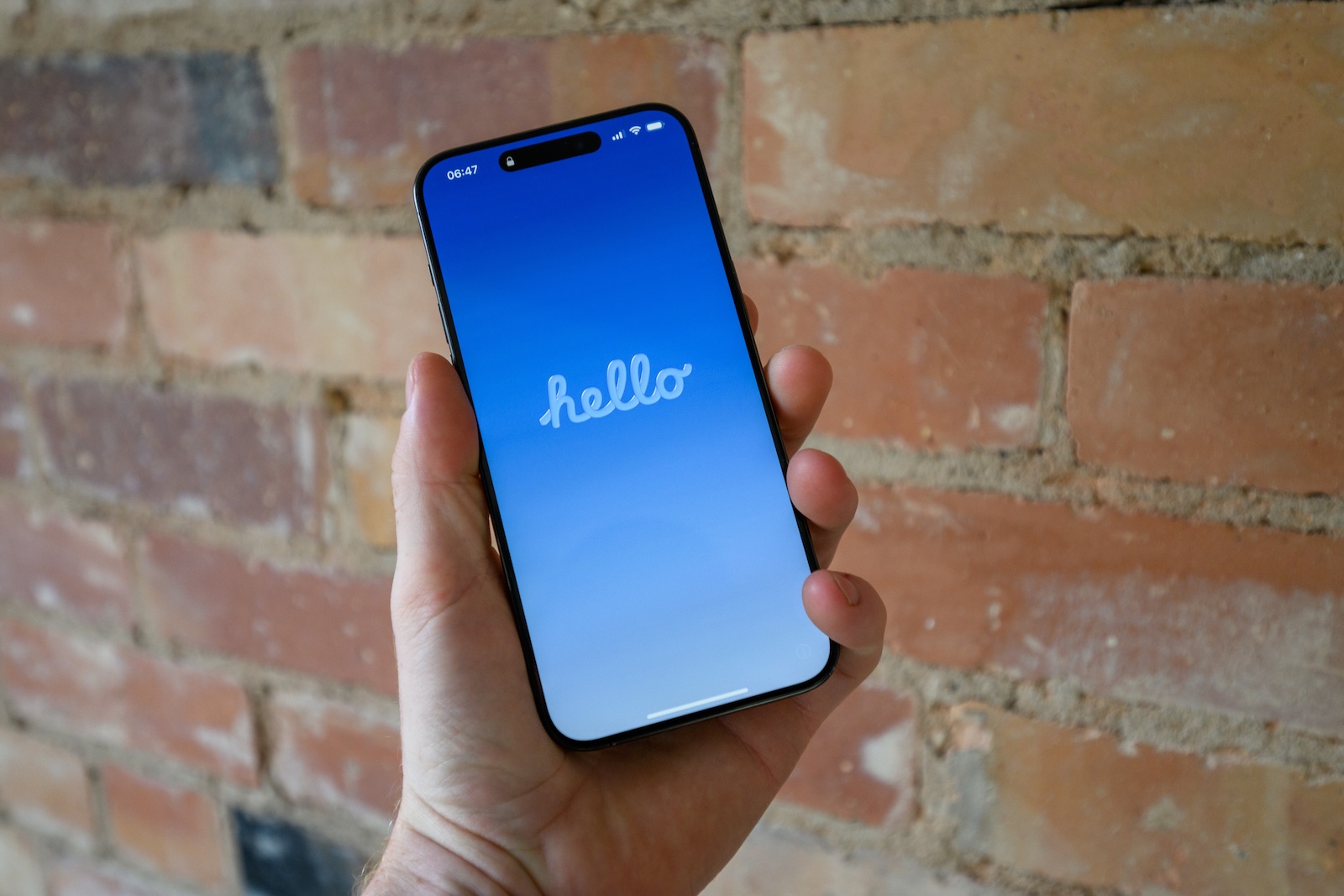
With the fifth beta of iOS 26, Apple is taking another step toward the official release in September. While there are no major changes, there are a number of small but subtle adjustments. Beta 5 focuses primarily on details in design, usability, and user guidance.
iOS 26 is increasingly becoming a fine-tuning exercise. Apple seems to be focusing on visual optimizations, animations, and targeted improvements to the user interface. Many of these changes may seem inconspicuous at first, but they ultimately result in a more rounded user experience. Beta 5 is a good example of this.
Camera
A new switch has been integrated into the Camera app to activate Classic Mode. This changes the scrolling direction when switching between camera modes. This brings back a familiar control experience, especially for users who are used to using the Camera app in previous iOS versions.
The Mail app now offers a dedicated Select button. Previously, this function was hidden in the three-dot menu. The new solution makes access more direct and provides a better overview when managing emails.
AirDrop icon
A new AirDrop icon appears in the Share menu. It replaces the old design and visually integrates better with the overall look of iOS 26. The functionality remains unchanged.
Lock screen
When unlocking the iPhone with the passcode, the numbers now jump into place with an animation. There's also a new animation when locking the device while music is playing. Both improvements aim to provide a smoother visual experience.
control center
Swiping through the Control Center pages has been given a new bouncy animation. This is designed to make navigating through the different views more enjoyable and dynamic.
Wi-Fi Control Center
Also new is the detailed display when you long-press the Wi-Fi icon. This now shows whether the network is a private or public network. If a network is password-protected, a lock icon appears. This additional information increases transparency and security when establishing a connection.
Travel functions
Siri gets a new predictive feature in iOS 26. If the system detects that the iPhone is abroad, Siri suggests suitable cellular connections. The goal is to make finding the right connection faster and easier while traveling.
wallet
In the Wallet app, the Apple Card payment button has been renamed from "Payments" to "Pre-Authorized Payments," making it clearer what the feature does.
Welcome screens
iOS 26 introduces new splash screens in more apps. These show what's changed and what new features are available immediately upon first opening. This is a useful orientation, especially for less tech-savvy users.
Battery
When the battery level drops to 20 percent, a new alert appears on the Dynamic Island. This makes the low battery level more prominent without interrupting the current screen content.
dock
The so-called liquid glass design, which visually frames the dock on the home screen, has been slightly widened. This makes it more eye-catching and more clearly separates the dock from the rest of the screen.
fitness
There's a new Fitness+ icon in the Fitness app. It replaces the previous icon and is intended to more clearly indicate affiliation with the subscription service.
Further information
In addition to these specific changes, iOS 26 Beta 5 also includes general improvements to control placement, animations, and stability. Many of these adjustments are only noticeable in the details, but they help prepare for the final release.
iOS 26 is approaching fine-tuning
iOS 26 Beta 5 doesn't bring any groundbreaking innovations, but focuses on the final touches. Animations have been reworked, controls repositioned, and new icons integrated. Everything appears smoother and cleaner. Apple is thus paving the way for the stable and visually coherent release this fall. Those already testing iOS 26 will notice a smoother overall experience. The best products for you: Our Amazon Storefront offers a wide selection of accessories, including those for HomeKit. (Image: Shutterstock / Harry Howitt)
- iOS 26 Beta 5 released: Apple starts next test phase
- iPhone 18: TSMC takes action against data theft on the A20 chip
- Apple confirms new AI feature for the Support app





