This article may contain affiliate links. Learn more on our Partner Program page.
iFixit has disassembled the new MacBook Pro with OLED display and touchscreen. The result is better than with the MacBook Pro featuring the M5 processor; the touchscreen doesn't present any new repair challenges. However, the illuminated Apple logo is what makes repairs expensive.
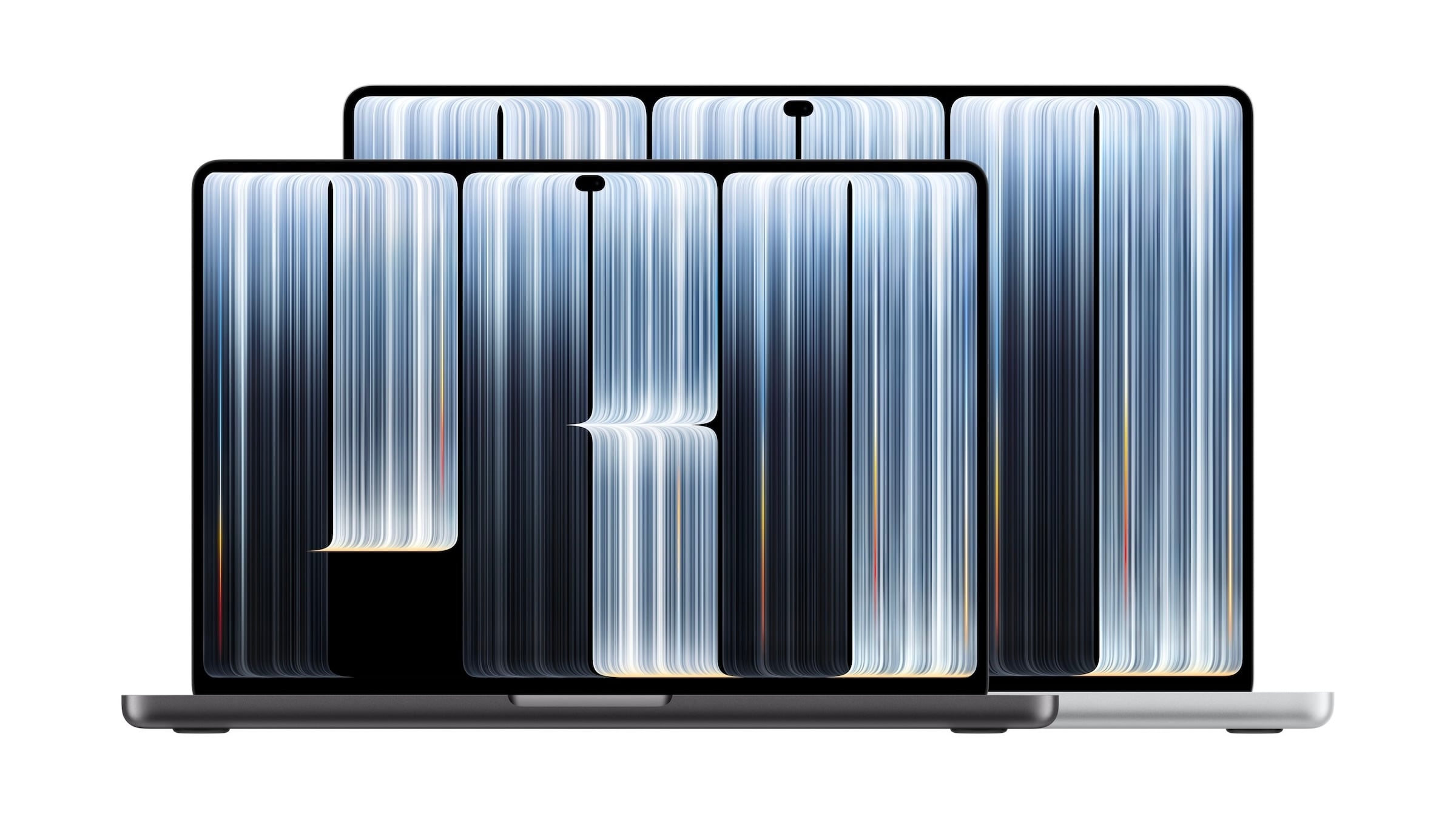
The repair experts at iFixit have disassembled the 14-inch MacBook Pro with PROLED XDR display and showcased the results in a teardown video on YouTube. The device has been available since November 6th.
iFixit gives it 5 out of 10 points for repairability. This puts the model one point above the MacBook Pro with M5 and one point below the MacBook Neo.
Key Facts at a Glance
- iFixit rates the repairability of the 14-inch MacBook Pro with PROLED XDR at 5 out of 10 points.
- The touchscreen does not create any new problems through coupled components: After replacing the mainboard, touch and Touch ID worked.
- The LEDs of the illuminated Apple logo are located behind the display; the screen must be removed for repairs.
- Memory and RAM are soldered in place, while the HDMI port and SDXC card slot are firmly attached to the mainboard.
Touchscreen without new hurdles
The most important question surrounding the first MacBook Pro with a touchscreen was whether the new technology made repairs more difficult. iFixit investigated this by swapping the logic boards of two ProLED models. After running Apple's repair assistant, all components functioned correctly, including the touchscreen and Touch ID.
According to iFixit, the hinge is almost identical to that of the MacBook Pro with M6, but stiffer. This allows the display to maintain its angle better when you tap the top of the screen.
The Apple logo as a vulnerability
Ironically, the return of the illuminated Apple logo to the lid makes the repair complicated. Four LEDs, a reflective layer, and a diffuser create the glow, while a semi-transparent mirror coating makes the logo shine when the device is off. Because the LEDs are located behind the display, removing the screen is the only way to access the logo.
How delicate this is became clear during the teardown itself: When opened, the glass separated from the underlying layers, and the OLED panel broke in the process. The illumination of the Apple logo can be turned off in macOS, but this doesn't change the underlying structure.
Ports, fans and memory
The Thunderbolt ports are replaceable, but this requires removing the motherboard. The HDMI port and SDXC card slot are soldered to the motherboard and therefore much more difficult to replace. The fans are replaceable, but the SSD and RAM are soldered in place.
Where Apple saved weight
iFixit compared the components to the 14-inch MacBook Pro with the M6 processor. Despite the touchscreen and logo lighting, the display unit is 101 grams lighter. The bottom case weighs 364 grams instead of 456 because Apple saved on aluminum. The trackpad is slightly smaller.
| Component | MacBook Pro 14″ M6 | MacBook Pro 14″ PROLED XDR |
|---|---|---|
| Lower housing part | 456 g | 364 g |
| Display unit | – | 101g lighter |
| Battery | – | 2g lighter |
| Total weight according to Apple | 1.55 kg | 1.38 kg (M5 Pro) |
| Battery capacity according to Apple | 72.4 Wh | 72.6 Wh |
According to Apple's specifications, the PROLED model with the M5 Pro weighs 1.38 kilograms, the MacBook Pro with the M6 weighs 1.55 kilograms, and the MacBook Pro with Liquid Retina XDR display and M5 Pro weighs 1.60 kilograms. Compared to the M6 model, that's 170 grams less, or 220 grams less with the same chip, even though the PROLED model's battery has a slightly higher capacity.
Progress with known compromises
I consider the 5 out of 10 points a more important indicator than the details of the logo. Despite the OLED display, touchscreen, and logo illumination, this model is easier to repair than the MacBook Pro with the M5 processor. The fact that the touchscreen works without requiring new component connections was not a given.
The old weaknesses remain: soldered memory, connectors behind the motherboard, and a display that is almost impossible to open without damaging it. Anyone planning to use the device for a long time should therefore choose a generous amount of memory from the outset, as upgrades are not possible.
Is repairability important to you when buying a MacBook, or are display and performance the only things that matter in the end? Let us know in the comments whether these 5 out of 10 points influence your decision.