

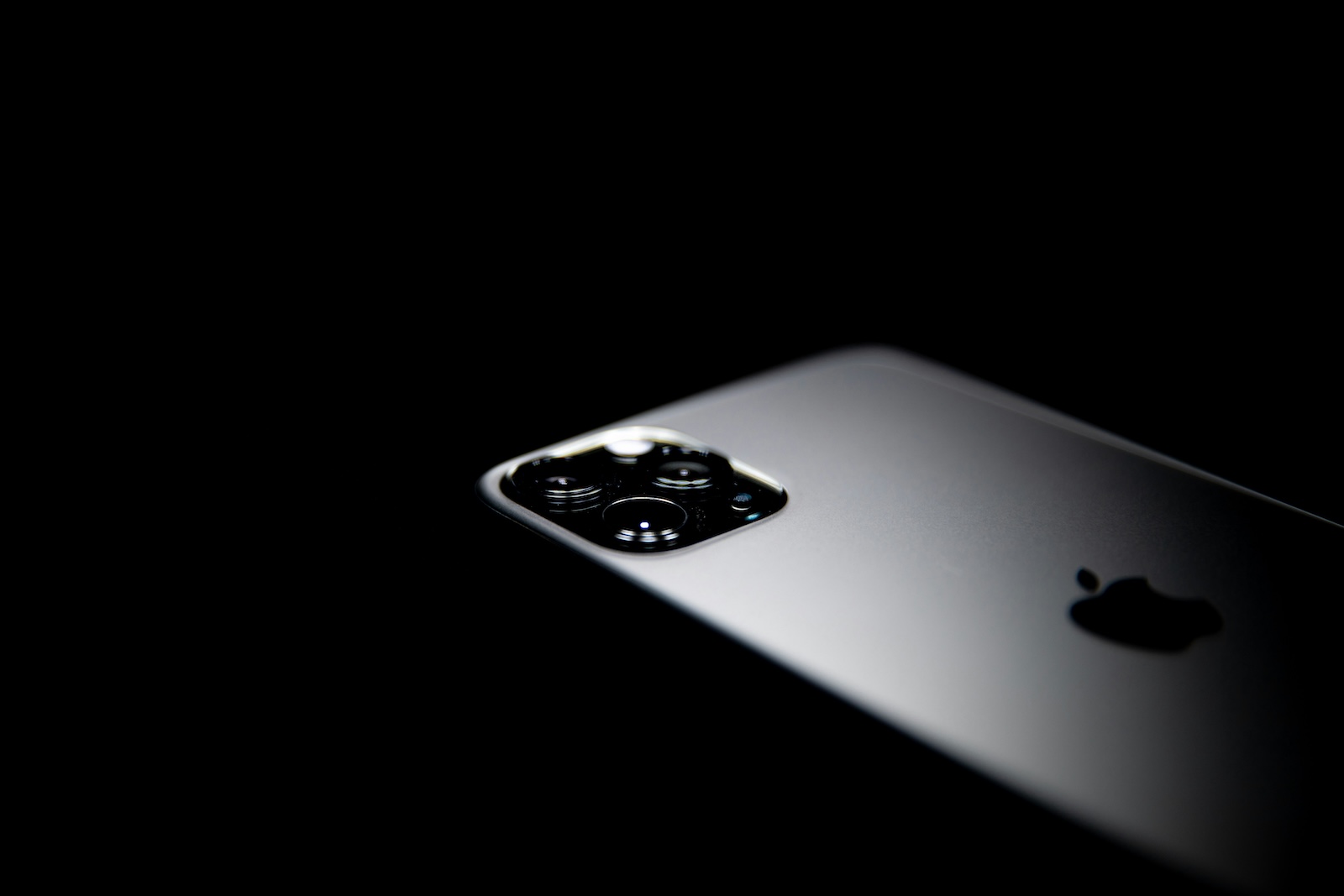
The iPhone is one of the most used smartphones in the world and has been setting standards in terms of design, performance and security for years. Many people consciously choose an iPhone, but what makes it so special? Apple is pursuing a clear strategy: a close connection between hardware and software, a high standard of data protection and intuitive user interface are intended to set the iPhone apart from the competition.
In addition to pure technology, the iPhone also offers numerous intelligent functions that make everyday life easier. In this article, you will learn about the advantages of the iPhone and why it is a good choice in the long term.
Apple's philosophy: quality, safety and durability
Apple's products rely on a combination of high-quality materials, a sophisticated software architecture and close integration with other devices from its own ecosystem. The focus is on the user experience: the iPhone should not only be powerful, but also easy to use. A key point is the longevity of the devices. While many manufacturers only provide their smartphones with software updates for a few years, Apple ensures that even older iPhone models remain up to date for a long period of time. This helps the iPhone retain its value for longer and function reliably for years.
Data protection and security: Your data belongs to you
Apple is committed to protecting privacy and offers numerous features to ensure that personal data is not shared or stored unnecessarily. For example, Apple Pay does not store transaction data that can be traced back to the user and does not share card numbers with merchants. Biometric data also remains under the control of the user. Face ID processes information about facial features exclusively on the device and does not store it on Apple servers. This ensures that sensitive data does not fall into the wrong hands. In addition, App Tracking Transparency allows users to decide for themselves which apps can track their activities across different services. Safari blocks trackers by default to limit the unnoticed collection of user data by advertisers. These measures make the iPhone one of the most secure smartphone options on the market.
Navigation with Apple Maps: Privacy-friendly and reliable
Many navigation services save their users' movement data or link it to personal accounts. Apple takes a different approach here. Apple Maps neither saves location history nor links navigation data to the Apple ID. To enable personalized navigation, anonymized identification numbers are used that are regularly reset. Despite these data protection measures, Apple Maps offers all the important functions you would expect from a modern navigation app. Traffic data is provided in real time, routes can be customized, and sights are clearly displayed.
Passkeys: Secure login without traditional passwords
With passkeys, Apple has developed a particularly secure method for logging into online services. Instead of entering passwords manually, authentication takes place via Face ID or Touch ID. This method significantly reduces the risk of phishing attacks, as passkeys are only valid for the registered website and cannot be passed on to other platforms. In addition, the passkeys are stored securely in iCloud and can be used across devices. The iPhone thus offers a modern and secure way to log into online services without having to remember passwords.
Accessibility: Technology for All
Apple places great importance on the accessibility of its devices and has integrated numerous functions that support people with disabilities. The VoiceOver function helps visually impaired users by reading screen content aloud and providing detailed descriptions of images or diagrams. Another innovative function is door detection. This uses the camera and artificial intelligence to inform people with visual impairments how far they are from a door and how to open it. In addition, sensory cues such as LED flashes and vibration signals offer an alternative way of perceiving notifications. For users who are at risk of losing their voice, there is the "Own Voice" function. Using machine learning, the iPhone can replicate a user's voice and make it available for communication in digital applications.
Everyday functions for greater efficiency
The iPhone offers numerous intelligent features that make everyday life easier. The focus mode allows you to control notifications in a targeted manner so that only relevant messages come through during work or leisure time. The screen time function allows you to analyze your own usage behavior and adjust it if necessary. This reduces distractions and promotes more conscious use of the smartphone. For people who express themselves better in writing than orally, the live voice output offers a practical solution. Text can be entered and the iPhone speaks it out loud.
The Apple ecosystem: Perfect integration with other devices
A big advantage of the iPhone is its close integration with other Apple devices. Anyone who uses an iPad, Mac or Apple Watch benefits from a seamless connection between the devices. Thanks to Handoff, tasks can be started on one device and continued on another. For example, a text can be started on the iPhone and continued on the Mac without any additional intermediate steps. AirDrop enables the quick and easy exchange of files, photos or links between Apple devices without the need for an Internet connection. Messages, calls and other notifications can also be synchronized so that they can be received and answered on different devices. This close integration makes the iPhone particularly attractive for users who already own other Apple products.
Longevity and regular updates
Another key advantage of the iPhone is long-term support from Apple. While many smartphone manufacturers only provide their models with software updates for a short period of time, iPhones often receive the latest operating system updates for five years. This not only means a longer service life, but also better security, as important security gaps are regularly closed. In addition, iPhones retain a high resale value compared to many other smartphones, making them a worthwhile investment.
Why an iPhone is the right choice
The iPhone offers a combination of powerful hardware, sophisticated software, and high data security. Tight integration with other Apple devices, numerous data protection and security features, and a long update schedule make the iPhone a reliable and future-proof choice. Users who value privacy, intuitive operation, and innovative features particularly benefit from the advantages of the iPhone. Anyone looking for a smartphone that's not only modern and powerful, but also secure and durable will make a good choice with the iPhone. The best accessories in one place: Our Amazon Storefront offers you top products, including for your HomeKit! (Photo by Unsplash / David Hurley)
- Apple Intelligence: Multiple languages possible?
- Using Apple Intelligence with Siri: Tips for your iPhone
- ChatGPT with Apple Intelligence: Easy setup on the iPhone
- Visual Intelligence explains: How to use the iPhone camera
- Limit Apple Intelligence: How to use screen time correctly
- Using Apple Intelligence in the Messages app
- Apple Intelligence: The best tips for your Photos app
- With Apple Intelligence: Focus and notifications under control
- Apple Intelligence: Quickly summarize web pages
- Apple Intelligence in the Mail app: All functions at a glance
- Setting up Apple Intelligence: Simple instructions and tips
- Apple Intelligence: How the "writing tools" work





