

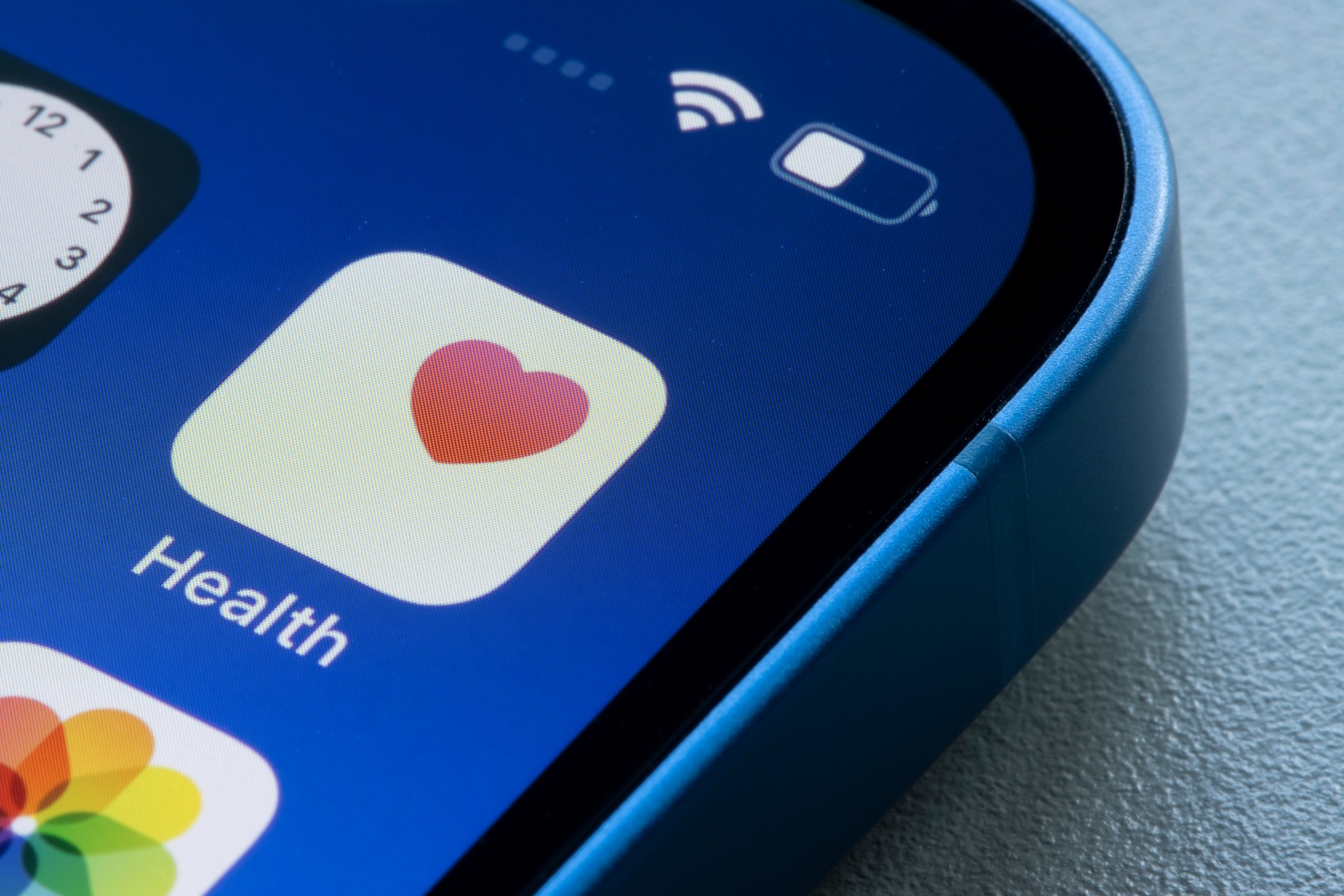
Your iPhone can do much more than just send messages or take photos. With the integrated Health app, it becomes a powerful tool for your health. Whether you want to increase your activity, improve your sleep, or keep track of your medication intake, the app supports you with many well-thought-out features. Here's how to use the Health app comprehensively and effectively.
The Health app brings together a wide range of health data in one place. This includes movement metrics, vital signs, mental health notes, and even AI-based analyses. Regular updates continually bring new features. Some features, such as tracking comorbidities with medications, are activated at different times depending on your region. So it's worth checking regularly to see what options are available on your device.
Store Medical ID and emergency information
In the Health app, under "Medical ID / Emergency ID," you can store personal information such as name, blood type, allergies, or emergency contacts. This information is visible to emergency personnel even when the screen is locked—which can be crucial in an emergency.
Set activity rings realistically
You set your activity rings—that is, goals for exercise, training, and standing time—not in the Health app, but in the Fitness app. To do so, open the Fitness app on your iPhone, tap Activity Rings, and select "Change Goals." There, you can customize your daily activity goals. It's important that these values fit your daily routine. Overly ambitious goals quickly lead to frustration—realistic targets provide lasting motivation.
Collect and analyze sleep data
The "Sleep" feature in the Watch app connects your bedtime with the Health app. This automatically tracks how long and how well you sleep. The app shows you clear trends that help you better understand and optimize your sleep habits.
Record mindfulness with the Journal app
With the journal feature, you can record daily how you feel, what you ate, or whether you meditated. These entries are transferred to the Health app as Mindfulness Minutes, giving you a better overview of your mental well-being.
Monitor training load
A practical feature for training management is the display of training load over seven or 28 days. This lets you see whether you're overtaxing your body or whether you need to incorporate more activity into your daily routine.
Use medication function
If you take medication regularly, you can document it in the Health app. You can also record factors such as alcohol consumption or other influences that could alter its effectiveness. This feature may not be available in some regions, so it's worth checking the options under "Medications."
Activate trends and insights
In the overview under "Highlights > Trends," you can activate automatic notifications that alert you to unusual developments. Journaling streaks and other key metrics are also clearly displayed here.
Integrate third-party apps
Many apps, such as meditation aids or food diaries, can be connected to the Health app. In Settings under Privacy > Health, you can select which apps can read or write your health data. This way, you can centralize all your information in one place.
sharing health data
You can decide whether to share your health data with family members or medical personnel. This is especially useful in cases of chronic illnesses or emergencies. Sharing is done in a targeted and secure manner.
Enable backup via iCloud
To ensure your collected health data isn't lost, you should enable iCloud backup. In Settings under Apple Account > iCloud > Health, you can specify that your data be automatically backed up and synced across other Apple devices.
Use the health app effectively in everyday life
With these ten tips, you'll get the most out of your iPhone's Health app. Whether it's exercise, sleep, medication, or mental health—you'll have all the relevant information at your fingertips. Adapt the settings to your daily routine and turn your iPhone into a valuable tool for your well-being. Looking for accessories? Our Amazon Storefront is your destination for high-quality products, including HomeKit-compatible ones! (Image: Shutterstock / Tada Images)
- iPhone too close to your face? This feature intervenes
- Optimize iPhone Night Mode – 7 Tips for Clear Photos
- Secure your iPhone properly: 5 important functions at a glance
- Save iPhone battery: When is power saving mode worth it?
- Photos app: Easily stop endless video loops
- iPhone update search failed? How to solve the problem





