

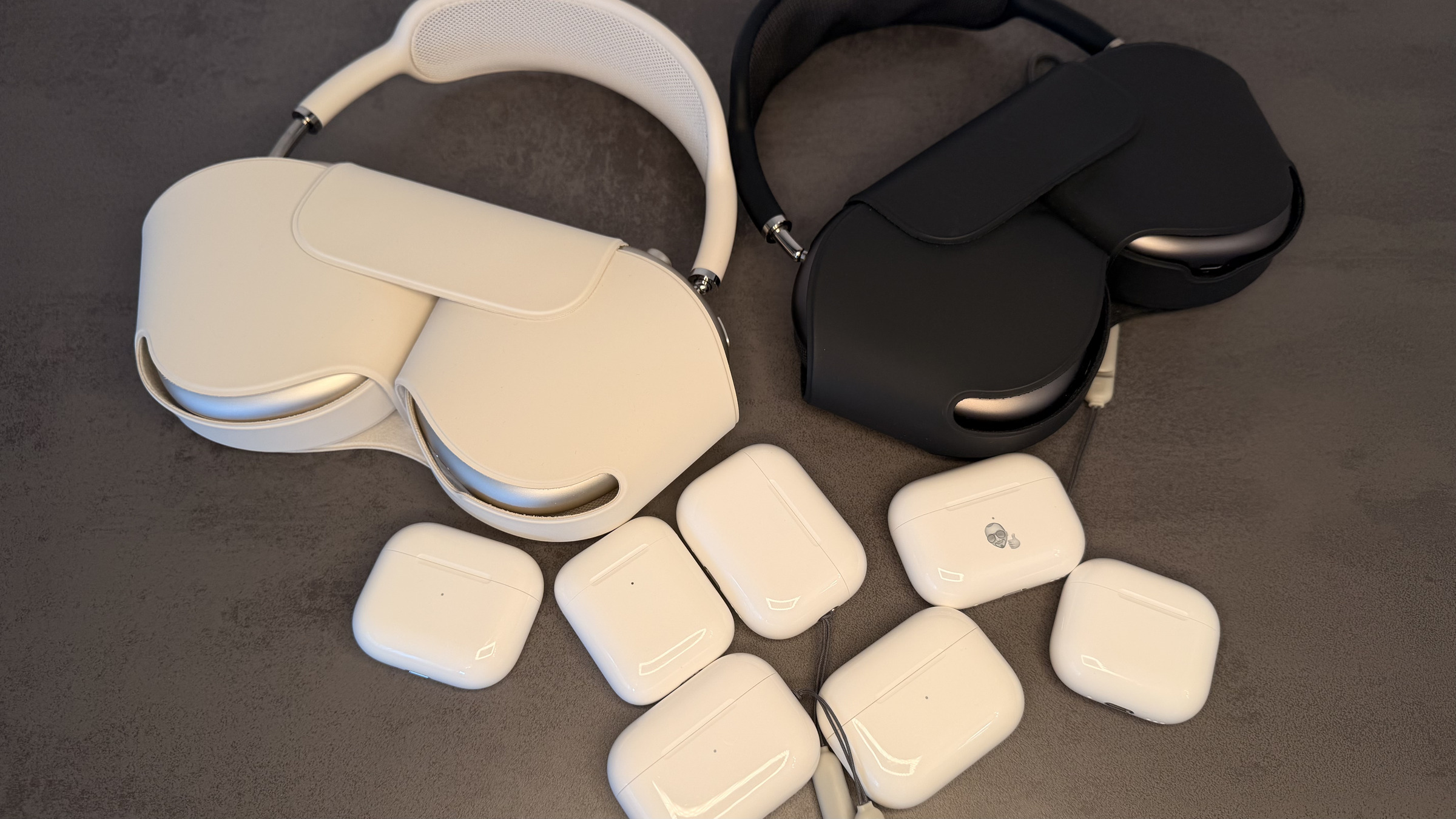
The software in the earbuds is updated silently in the background – there's still no button to trigger the update. To check if your AirPods are up to date, you have to go through the Bluetooth settings. This guide shows which version should be running on which model and what to do if the update gets stuck.
Firmware is the software that runs directly on the earbuds and controls the connection, sound, and operation. Apple automatically installs it as soon as the AirPods are charging and an Apple device with a Wi-Fi connection is within Bluetooth range. There is no notification about this, nor is there an update history in the settings.
This is more than just a minor point, as specific features are tied to the firmware version. Hearing tests and hearing aids, live translation, the camera remote on a stick, and lossless audio via USB-C each only became available with a specific firmware version – even for users who had already installed the corresponding system update. Therefore, someone who has just updated to iOS 27 doesn't automatically have access to the new AirPods features.
Key Facts at a Glance
- There is no manual trigger. Apple only describes the conditions under which the update runs automatically.
- Only Apple's support document on firmware updates reveals whether the installed version is up to date – the settings do not show it.
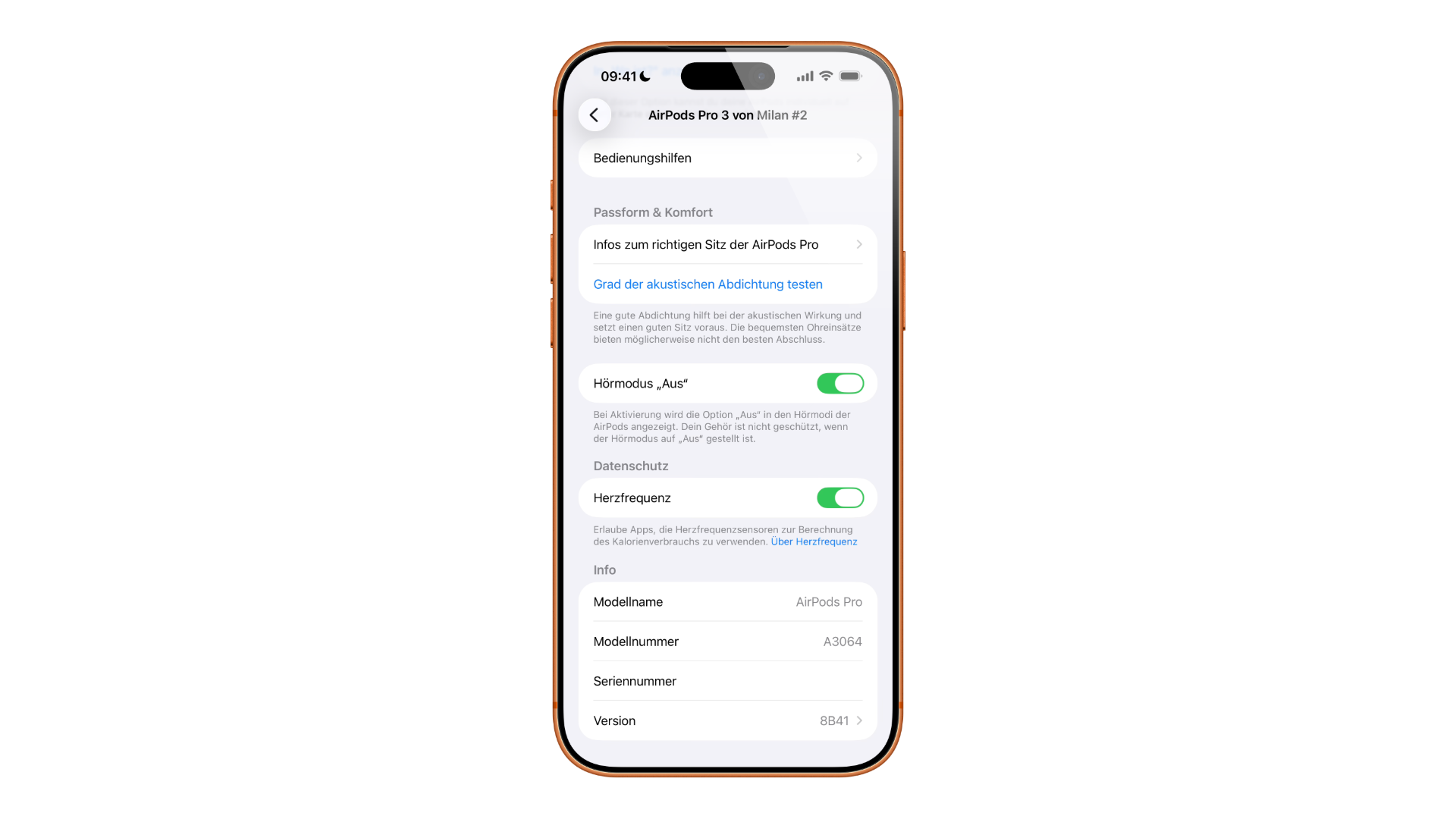
- The installed version can be read via Settings, Bluetooth, Info button and the „Info” section.
- The AirPods Max work differently: They are charged via cable on the right earbud, not in a charging case.
- If the version remains stuck after several attempts, the only solution is to reset and re-pair.
How to recognize the current status
The settings only show which version is installed – not whether a newer one is available. The only way to verify this is through Apple's support document on AirPods firmware updates. This document lists the current version for each model, from the AirPods 1 to the AirPods Max 2, along with the release notes.
The list is more nuanced than many expect: The AirPods Pro 2 appear separately for charging cases with Lightning and USB-C, as do the AirPods Max. If you accidentally select the wrong model during the comparison, you'll see a completely different version number for your target. Apple's overview for identifying AirPods clarifies which generation you have; alternatively, the model name is displayed in the same information view as the firmware version.
Older generations share a common stand, while current models get their own versions. AirPods 5, AirPods Pro 3, and AirPods Max 2 are currently on sale; AirPods 4 are no longer available, but remain listed in the firmware.
Read firmware version
On iPhone and iPad, you can find this information in the Settings app: Open "Bluetooth," tap the info button next to the AirPods name, and scroll down in the "About" section. The earbuds must be connected to the device for this to work.
On a Mac, the same information can be found in System Preferences under "Bluetooth," also behind the Info button next to the device name. In both cases, a current operating system is required.
Here's how the update works for AirPods and AirPods Pro
Apple doesn't describe a command to start the update, but rather an environment in which the update takes place automatically. Five conditions must be met: a current iOS, iPadOS, or macOS on the paired device, Bluetooth enabled, an existing connection to the earbuds, a device connected to Wi-Fi, and a charging case plugged in.
If the conditions are met, the process proceeds as follows:
- Place the AirPods in the charging case and close the lid.
- Connect the charging case to the power supply and leave it closed.
- Leave the earbuds and case within Bluetooth range of the paired device.
- Wait at least 30 minutes.
- Open the lid so the AirPods can reconnect, and check the version again.
Half an hour is explicitly a minimum. Apple does not specify a fixed timeframe, and there is no progress indicator at any point in the process.
AirPods Max: cable instead of charging case
The same procedure applies to the over-ear models, with one crucial difference. The charging cable is connected directly to the right earbud and plugged into a power adapter or USB port; there is no charging case. Even after that, it takes at least 30 minutes before it's worth testing the version.
If nothing happens
If the version number remains unchanged after several attempts, it's worth checking against Apple's requirements. All five conditions must be met simultaneously: current operating system, activated Bluetooth, an active connection to the earbuds, Wi-Fi on the paired device, and a charging case plugged in. If one of these conditions is missing—for example, because the iPhone is connected to a cellular network—nothing will happen.
If that doesn't help, the next step is to restart the pairing process. Apple refers to its own instructions for resetting AirPods and AirPods Max; the steps, including potential pitfalls during re-pairing, are also covered in our guide to connecting and resetting. Afterward, the entire process is repeated.
Apple does not describe how to revert to an older version. However, those who want to access new features earlier can install the public beta firmware – with the usual risks of getting early access.
What a firmware update actually brings
The release notes usually read like routine updates, but some jumps have noticeable consequences. With firmware version 7B19, hearing tests, hearing aids, and hearing protection were added to the AirPods Pro 2 – without this firmware, the hearing test on the iPhone simply doesn't work. Version 7E101 unlocked lossless audio with very low latency for the AirPods Max with USB-C.
The biggest leap in recent times was 8A356: heart rate monitoring during workouts on the AirPods Pro 3, studio-quality recording, remote camera control via the stem, and automatic media pausing on inactivity. This same version also introduced live translation with AirPods.
These minimum levels will not change – they will remain the test value if a function is missing:
| Feature | Firmware from | Regards |
|---|---|---|
| Hearing test, hearing aid, hearing protection | 7B19 | AirPods Pro 2 |
| Lossless audio with low latency | 7E101 | AirPods Max with USB-C |
| Heart rate during training | 8A356 | AirPods Pro 3 |
| Studio-quality recording, camera remote control | 8A356 | AirPods 4, AirPods Pro 2 and Pro 3 |
| Live Translation | 8A356 | AirPods 4 with ANC, AirPods Pro 2 and newer |
Live translation isn't solely dependent on the headphones: Apple also requires an iPhone with Apple Intelligence running iOS 26 or later. If the feature is missing despite using compatible headphones, the first thing to check is the firmware version.
Why Apple doesn't offer an update button
From the user's perspective, the situation is unsatisfactory: A component that is worn daily receives software updates that can neither be requested nor understood. The support document describes waiting conditions, not a procedure – and this is precisely where most attempts to force an update fail.
In practical terms, this means: Place the earbuds in their charging case in the evening and leave your iPhone connected to Wi-Fi in the same room. This fulfills all the requirements, and the update will arrive automatically overnight. Only if you're waiting for a specific new feature is it worth specifically comparing the version before and after the update.
Have you ever waited weeks for a firmware update that just never arrived – or did everything happen unnoticed in the background? Tell us in the comments how you handle it.
Frequently Asked Questions: AirPods Firmware
Open Settings, tap "Bluetooth," tap the Info button next to the AirPods name, and scroll down in the "About" section. On a Mac, the same information can be found in System Preferences under "Bluetooth.".
The settings don't show this. Apple maintains the target value for each model in the support document for AirPods firmware updates – this is the only place where it can be checked.
No. There is no button for that. Apple only describes the conditions under which the update runs automatically.
At least 30 minutes in the connected charging case. Apple doesn't specify a fixed time frame, and there's no progress indicator anywhere.
Then one of the five conditions is not met: current operating system, activated Bluetooth, existing connection to the earbuds, Wi-Fi on the paired device, charging case plugged in.
The charging cable is connected directly to the right earpiece; there is no charging case. Waiting time and procedure are otherwise identical.
Apple does not describe a way to revert to an older version. The support document only describes how to move forward.





