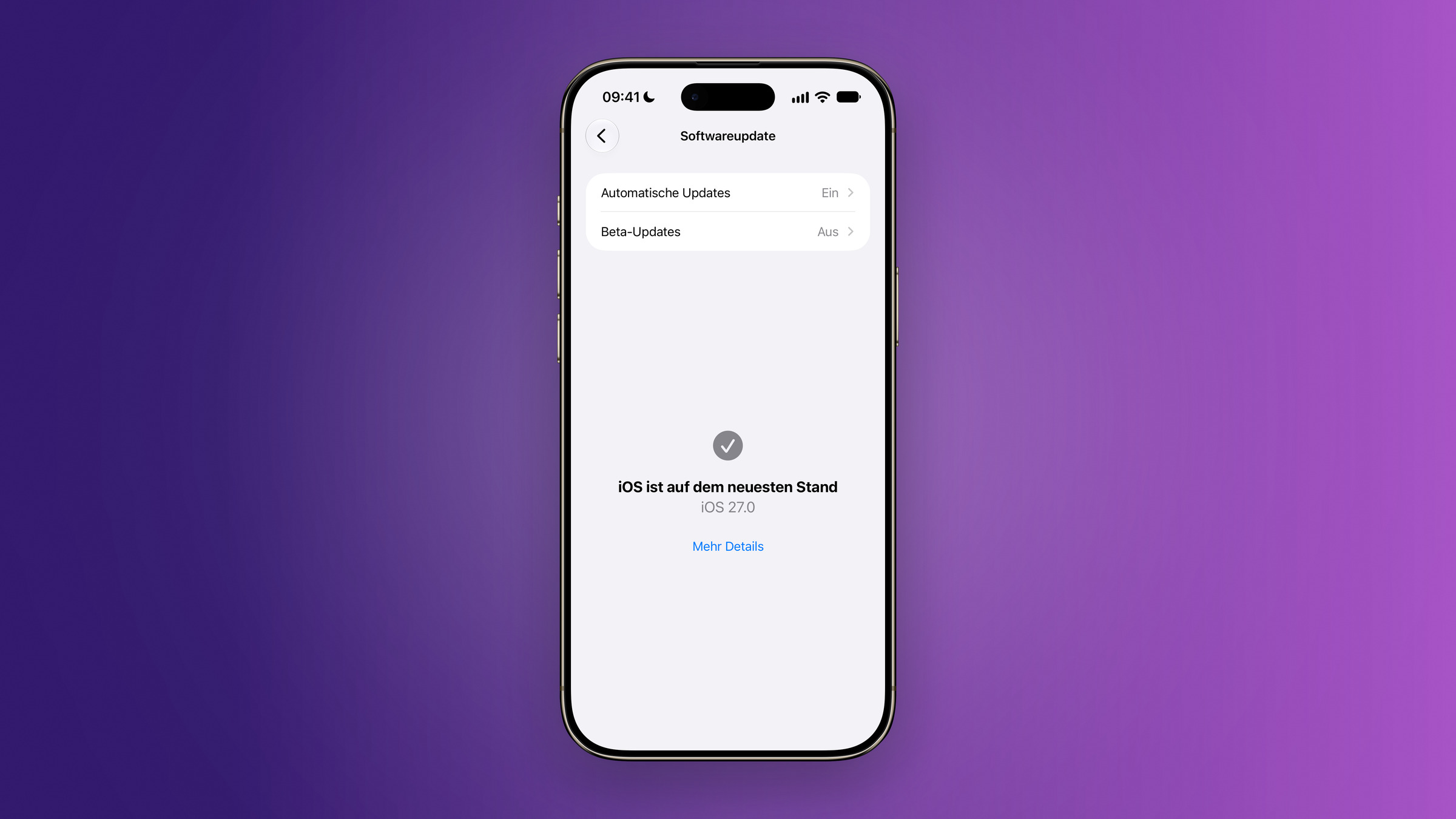
iOS 27 has been available for all iPhones from the iPhone 11 onwards since September 14th. The update brings faster app launches, new AI tools in the Photos app, and significantly improved parental controls – but conspicuously omits the feature in the EU that Apple has been promoting all year.
Following last year's interface redesign, iOS 27 is noticeably quieter. Apple has worked on speed, stability, and details, and also includes new photo editing tools and parental controls that have been fundamentally revamped for the first time in years. The system ships pre-installed on the new iPhone 18 Pro and Pro Max; all other compatible devices can download it via the settings. This page summarizes what's included, which iPhones will receive it, and what's missing in this region.
Key Facts at a Glance
- Release date: September 14, 2026, free via Settings → General → Software update
- Compatible with iPhone 11 and iPhone SE (2nd generation) and later – no model is excluded from iOS 26.
- Apple Intelligence requires an iPhone 15 Pro, iPhone 15 Pro Max, or a model from the 16 series onwards.
- According to Apple, Siri AI will initially not be available in the EU under iOS 27; Switzerland is not affected.
- Two announced features will only be added in later updates.
Appointment and installation
Apple released iOS 27 on September 14, five days after the keynote and four days before the launch of the new Pro models. The update is free and can be installed via Settings → General → Software Update.
A backup is recommended before installation, especially for older devices: The iPhone backup guide describes both methods via iCloud and computer. If the update gets stuck or the installation aborts, the update troubleshooting guide will help. Those who want to test future preview versions can find the steps in the Public Beta guide.
These iPhones will get iOS 27
Apple is not dropping any generations this year. All devices that supported iOS 26 will also support iOS 27 – the list goes back to the iPhone 11 from 2019.
| Generation | Models |
|---|---|
| 2026 | iPhone Duo, iPhone 18 Pro, iPhone 18 Pro Max, iPhone 17e |
| 2025 | iPhone 17, iPhone 17 Pro, iPhone 17 Pro Max, iPhone Air |
| 2024 | iPhone 16, 16 Plus, 16 Pro, 16 Pro Max, iPhone 16e |
| 2023 | iPhone 15, 15 Plus, 15 Pro, 15 Pro Max |
| 2022 | iPhone 14, 14 Plus, 14 Pro, 14 Pro Max |
| 2021 | iPhone 13, 13 mini, 13 Pro, 13 Pro Max |
| 2020 | iPhone 12, 12 mini, 12 Pro, 12 Pro Max |
| 2019 | iPhone 11, 11 Pro, 11 Pro Max |
| Others | iPhone SE from the 2nd generation onwards |
The device compatibility overview lists which iPads and Macs will be compatible with the simultaneously released systems.
However, the fact that a device can install the update does not mean that every function will work on it.
What Apple Intelligence requires
The AI features require more processing power than older chips can provide. Apple specifies all iPhone 16 models and newer, as well as the iPhone 15 Pro and 15 Pro Max, as prerequisites. While iOS 27 can be installed on iPhone 11 through iPhone 15 Plus, as well as on the 2nd and 3rd generation iPhone SE, the AI tools will remain hidden on these devices.
Within these devices, there is a second tier. The most powerful model, which performs calculations directly on the device, requires 12 GB of RAM – this is what enables more expressive voices and more accurate dictation.
Photos, Safari and Shortcuts: the new AI tools
The Photos app now features three new functions. Spatial Reorientation shifts the image crop after the fact, Expand extends the image beyond its edges, and the revamped Clean Up removes larger objects than before. Image Playground creates images in various styles, ranging from simple to photorealistic.
Safari can now automatically group open tabs by topic. Also new is "Notify me": This feature monitors a website for changes – such as price or availability – and notifies you as soon as something changes.
In the Shortcuts app, a simple description in everyday language is all it takes to create an automation; the guide to automations by description shows how this works in practice. When making calls to businesses, the call context displays relevant information from other apps, such as a booking code from an email. For other changes in the Phone app, see the overview of Phone and FaceTime.
Child protection: the biggest overhaul in years
Apple has revamped its parental controls. In the new setup assistant, parents can now choose which system apps their child is allowed to use – from a few basic functions to the full selection. Additional apps can be added via a purchase request.
New is the surfing request feature: children must request permission before opening an unknown website, and parents see the request along with a preview in messages. Communication security now applies not only to nudity, but also to bloody and violent content in shared images and videos.
In addition, there are usage times categorized by type, such as entertainment, games, and social media, as well as schedules that determine which app runs on which day of the week. Apple provides age-based guidelines for this, which can be adjusted.
Speed and design
The figures Apple cites relate to everyday use: App launches are said to be up to 30 percent faster, new recordings appear in the library up to 70 percent faster, and AirDrop transfers up to 80 percent faster. These measurements were taken against iOS 26.6, with the app launch test performed on an iPhone 11 Pro Max – the oldest supported device.
The design remains Liquid Glass, but is more understated: more uniform light refraction, increased contrast, and sharper app icons. A slider allows for stepless adjustment of the optics from ultra-clear to fully tinted; its location is described in the Liquid Glass transparency instructions.
Beneath the surface, the iPhone switches more smoothly between Wi-Fi and cellular data, and the Mail search now sorts results according to a new ranking system. For more information on what's new in the Mail app, see the Mail app overview.
The smaller innovations
Some things that are overlooked in the announcement are more relevant in everyday life than the big headlines:
- Shared iCloud albums now support full resolution, and friends with Android or Windows devices can contribute their own photos via iCloud.com. See the iCloud in iOS 27 overview for more changes.
- AirPods can be adjusted for bass, mid and treble using an equalizer – the steps for this are in the AirPods equalizer guide.
- Maps renders Flyover in greater detail because aerial imagery and image models are combined; more information can be found in the overview of Apple Maps.
- Home summarizes notifications and describes camera events before you view them; supported cameras stream in 4K. See the Home app overview for requirements.
- GymKit is coming to iPhone and AirPods Pro 3, allowing treadmills, cross trainers and exercise bikes to be connected directly.
- Accessibility features automatically generate synchronized subtitles for each video and translate existing ones into other languages.
- The cycle tracking feature in the Health app can indicate patterns that may suggest perimenopause. These notifications are intended for individuals aged 40 and older and do not replace a medical examination.
What is missing in Germany and Austria
The feature that Apple has been promoting for iOS 27 all year is not yet available here. The footnotes in the German data sheets state that Siri AI will initially not be available in the EU for iOS 27. Accordingly, the assistant only appears peripherally on the German iOS 27 product page – the call context is the only place where it is mentioned at all.
In addition, there's a second layer that also affects countries outside the EU: Siri AI will launch exclusively in English. French, Japanese, Korean, Portuguese, and Spanish are announced for October – German is not on either list, and no date has been set for its inclusion.
For Switzerland, this is partly good news: the country is neither in the EU nor the EEA, so the availability restriction does not apply there. However, this does not change the lack of German language support. The overview of EU functional gaps compiles information on which other functions are missing in Switzerland.
Apple Intelligence itself is not affected and has been running in German from day one – the separation between the two is where most misunderstandings arise.
Two features will be added in later updates
Not everything Apple showed is included in the first version. The suggestions in Messages, which allow users to create an appointment or reminder directly from a conversation, will only arrive in a later update, according to a footnote – and initially only in English. The same applies to the automatic changing of weak or compromised passwords in the Passwords app. Details can be found in the report on these two missing features.
The overview of the iOS 27.1 release date clarifies when the first point update is due.
Why this update is particularly convincing on older iPhones
The performance figures may seem unremarkable, but they are the real key point. Apple measures 30 percent faster app launches on an iPhone 11 Pro Max – a 2019 device that doesn't receive a single AI feature. Users of such a model will therefore receive with iOS 27 exactly what has been missing in recent years: an update that doesn't slow down their device.
Conversely, the performance gains on new devices in Germany are smaller than the announcement suggests. The feature that was supposed to define this generation is currently missing in Germany and Austria. We expect this to resolve itself over the course of the model year – this cannot be confirmed, as Apple has not specified a date.
iOS 27 – the most important points at a glance
The update is more widely available than expected, noticeably faster, and for the first time in years, parental controls are addressed in their own right. The AI tools in Photos and Shortcuts are the most visible new features for everyone whose device supports them. And the most striking gap isn't technical, but regulatory and linguistic.
Have you updated yet – and is your iPhone noticeably faster since then, or do you barely notice the 30 percent improvement in everyday use? Let us know in the comments which model you're using.
Frequently Asked Questions: iOS 27
All models from the iPhone 11 onwards, as well as the iPhone SE from the second generation onwards. Apple has not dropped any generation this year – every device that supported iOS 26 will also receive iOS 27.
On September 14, 2026, five days after the keynote on September 9 and four days before the sales launch of the new Pro models.
Go to Settings → General → Software Update. The update is free. A backup is recommended before installation, especially for older devices.
Apple Intelligence requires an iPhone 15 Pro, iPhone 15 Pro Max, or a model from the 16 series onward. Older devices can install iOS 27, but the AI tools will remain hidden.
No. Apple states that Siri AI will not initially be available in the EU under iOS 27. Furthermore, the assistant will launch exclusively in English – German is not on the October release list either.
No, and this is the crucial difference. Apple Intelligence runs in German from day one and is not restricted in the EU. Only the revamped Assistant is missing.
Apple claims the opposite and conducted the measurement of the 30 percent faster app launches on an iPhone 11 Pro Max – the oldest supported model.