This article may contain affiliate links. Learn more on our Partner Program page.
After the Series 10, I went back to the Ultra for its large display, its battery life, and the Action button. Eight weeks later, I wear the Ultra 4 more actively than any of my previous watches, and the deciding factor is a completely different device. Only at night does it usually stay on the charger, for a reason that has to do with its size.
I've been wearing the Apple Watch Ultra 4 in natural titanium since it went on sale on September 18. I paid for it myself; it is not a review unit. Before that, I had a 46 mm Series 10, and I skipped the third Ultra generation.
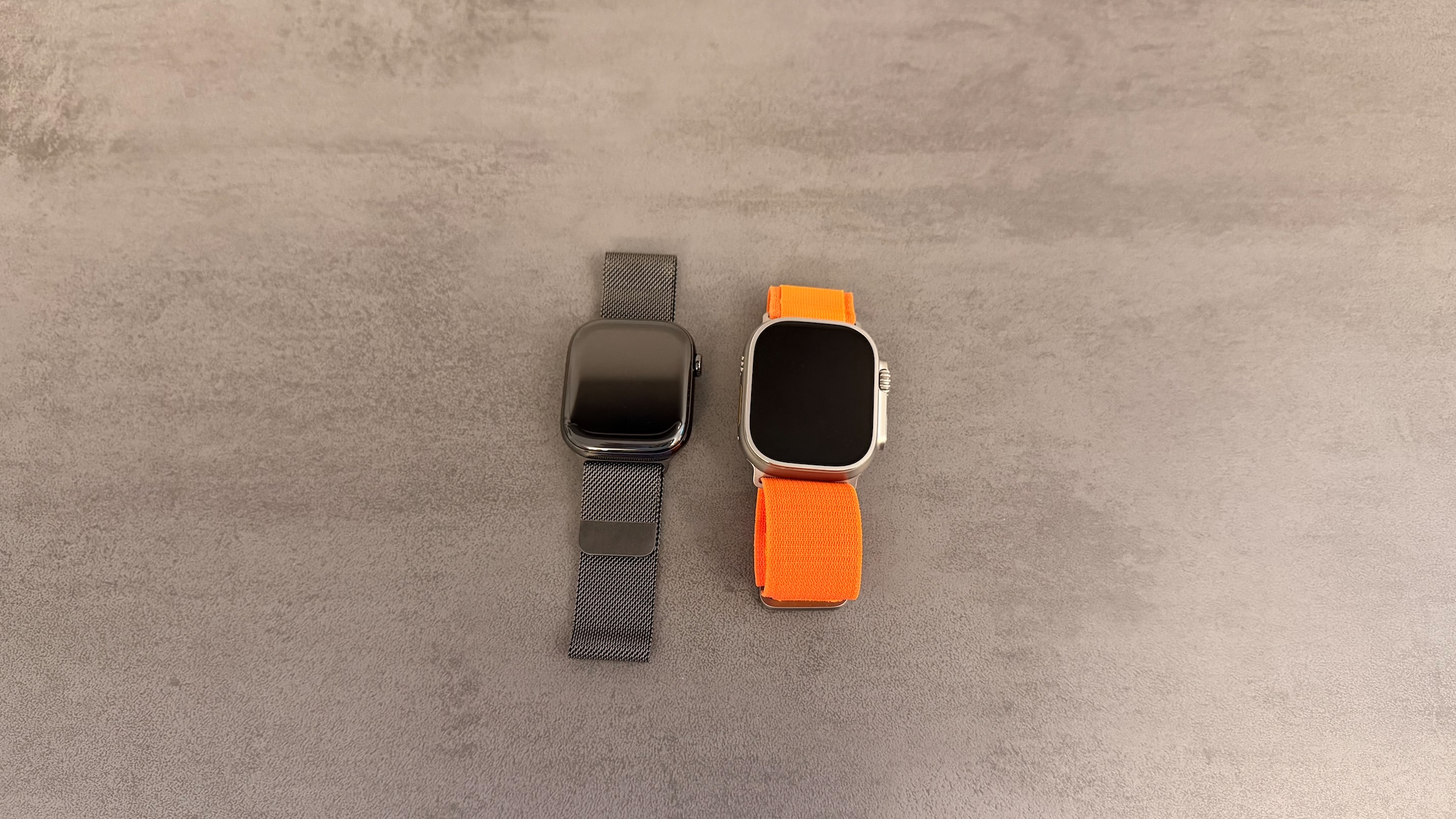
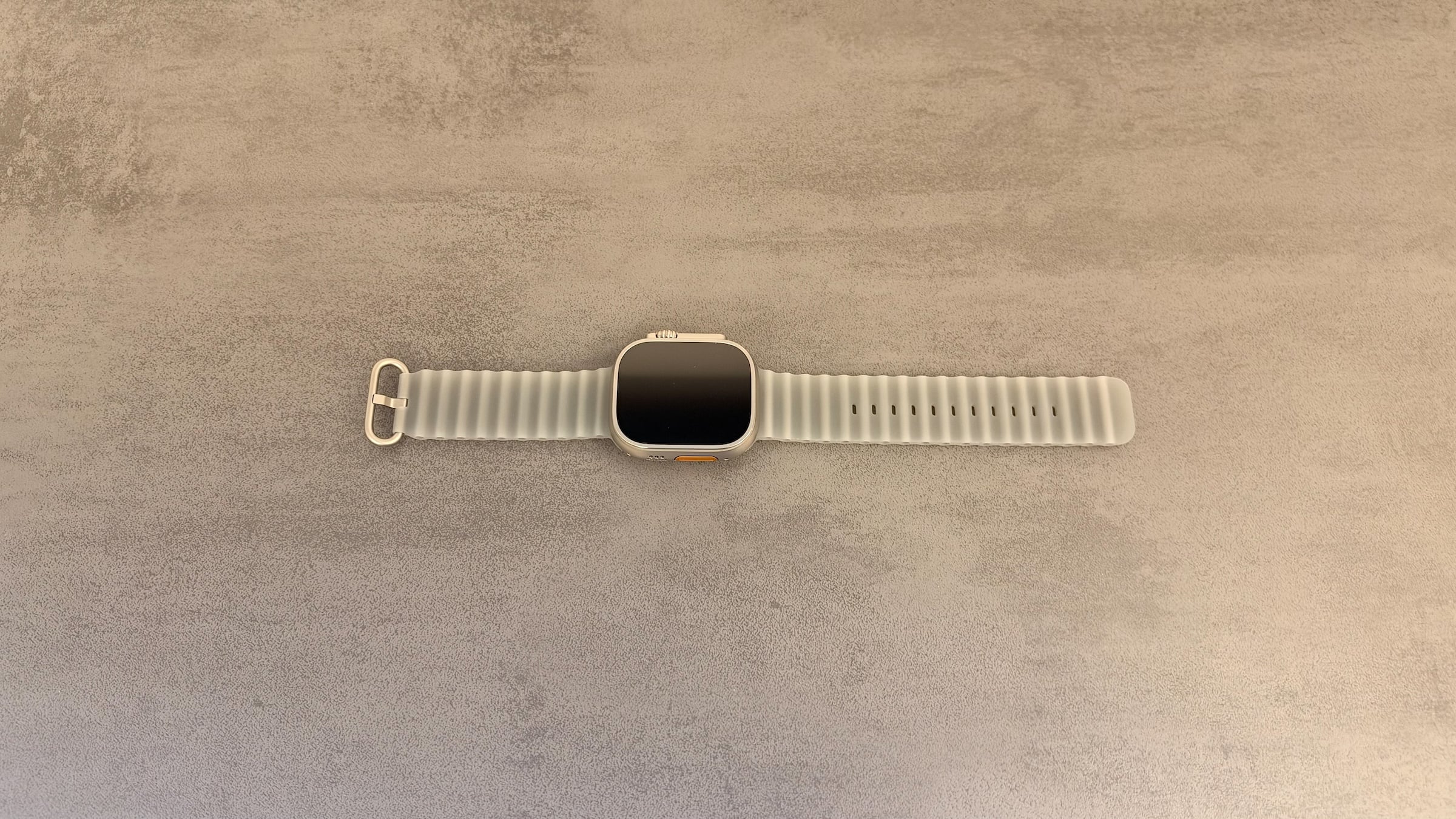
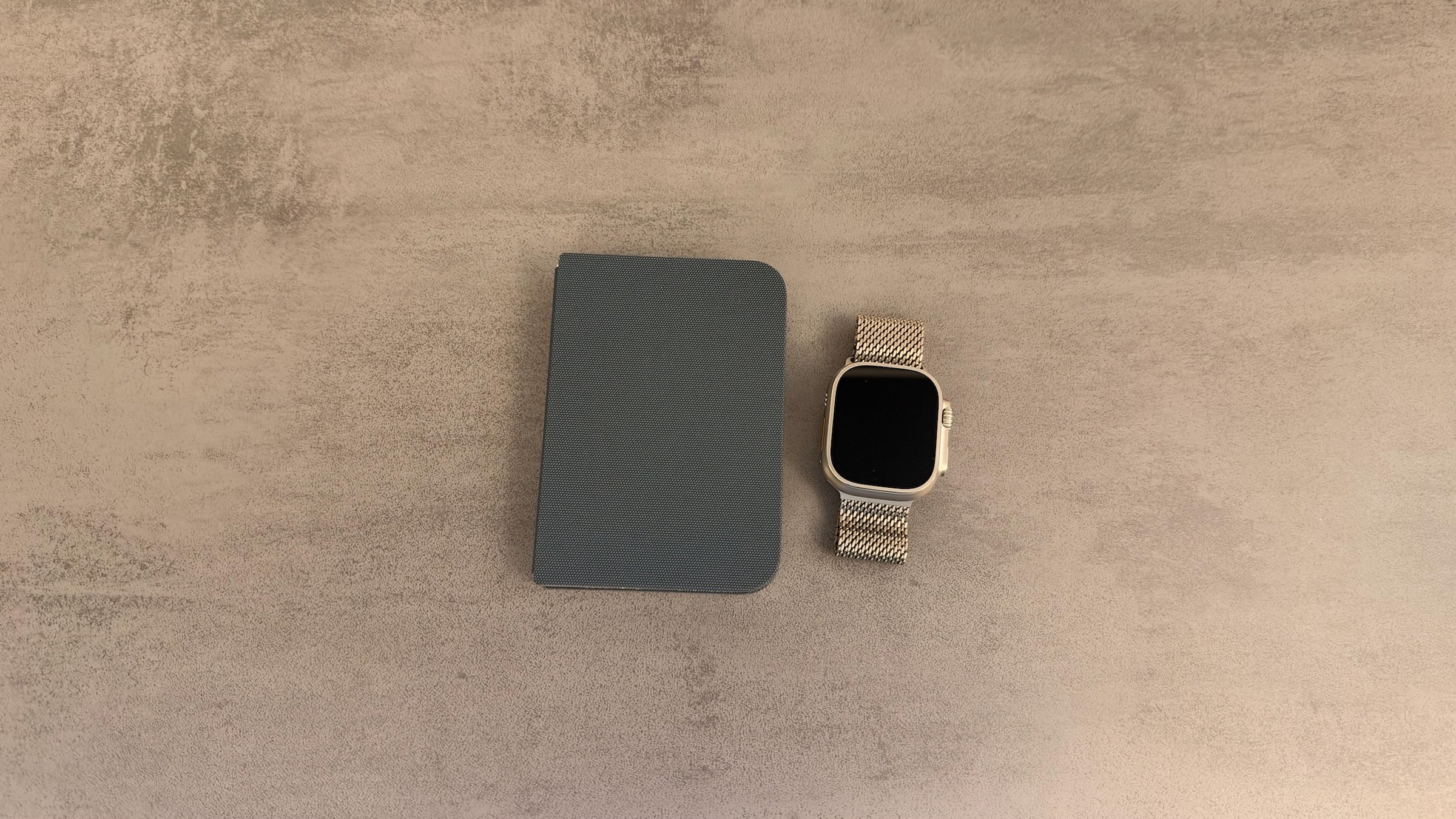
The watch came with the translucent Ocean Band, which I'm not really fond of. Fortunately, I still have quite a few bands from earlier models, including several Alpine Loops, which I'm a big fan of, in orange, for example. Most of the time, though, I wear the Ultra 4 with the Titanium Milanese Loop I still have from my Ultra 2.
If you're weighing the direct jump from the Ultra 3, you'll find the differences in the comparison of the Ultra 4 with the Ultra 3. Here, I'm focusing on everyday use: battery, display, Action button, cellular, and what bothers me after eight weeks.
Key Takeaways
- If I don't wear the watch at night, about three to four days between charges would be possible with my usage; with sleep tracking, it was two days and two nights.
- The Always-On display is permanently active, and I have never needed Low Power Mode.
- The Action button set to the Flashlight is extremely useful in everyday life.
- With a Telekom MultiSIM, the watch stays reachable without the iPhone.
- The only real drawback is the 12 mm thickness when sleeping.
Why I Went Back to the Ultra
The Series 10 was a good watch; I simply felt like using the Ultra again. That changes with me, and it may well be that I'll end up with a Series again next year. This time, the deciding factors were the large display, the battery life, and the Action button.
Since I skipped the Ultra 3, I'll compare it with the Series 10 below. For many readers, that's probably the more interesting comparison anyway, because it answers the question of whether the step from the regular Apple Watch to the Ultra is worth it.
Battery: Not a Thought About Charging During the Day
According to the technical specifications of the Apple Watch Ultra 4, the watch lasts up to 50 hours with normal use, up to 84 hours in Low Power Mode, and up to 18 hours with outdoor workouts. Those 50 hours already include twelve hours of sleep tracking.
I deliberately tested this scenario. I wore the watch continuously for two days and two nights, with all sensors and the Always-On display active, after which it had to go on the charger. That matches Apple's figure and the battery life Apple stated at the announcement.
Everyday use is more relaxed, because at night the Ultra 4 usually sits on my Nomad charging station. That way it's ready to go again in the morning, and during the day I don't have to think about charging at all. Without wearing the watch at night, about three to four days between charges would be possible with my usage.
Admittedly, I haven't worked out much lately; my inner couch potato has won. But with everything I've done with the watch so far, the battery has never been an issue, and I haven't needed Low Power Mode a single time in eight weeks.
If you want to wear the watch at night, fast charging helps. According to Apple, five minutes on the charger are enough for up to ten hours of sleep tracking, and the watch reaches 80 percent in about 45 minutes. Both figures apply with Apple's Magnetic Fast Charger to USB-C Cable and a 20W power adapter.
Ultra 4 vs. Series 10
Apple's spec sheets show how differently the two watches are built. The technical specifications of the Series 10 refer to the 46 mm case here.
| Apple Watch Ultra 4 | Apple Watch Series 10 (46 mm) | |
|---|---|---|
| Housing | 49 × 44 × 12 mm | 46 × 39 × 9.7 mm |
| Weight | 63.0 g (natural), 63.1 g (black) | 35.3 to 41.7 g depending on the material |
| Display | 422 × 514 pixels, 1,245 mm² | 416 × 496 pixels, 1,220 mm² |
| Peak brightness | 3,000 nits | 2,000 nits |
| Battery, normal use | up to 50 hours. | up to 18 hours. |
| Low Power Mode | up to 84 hours. | up to 36 hours. |
| Cellular | in every model | GPS + Cellular only |
Display and Action Button in Everyday Use
I especially like the large display on the Ultra 4. A look at the table shows, however, that on paper the display area is only slightly larger than on the 46 mm Series 10. Peak brightness, on the other hand, is considerably higher at 3,000 instead of 2,000 nits.
The Action button was at least as important to me; I've assigned the Flashlight to it. That sounds trivial, but it's surprisingly handy when I need light for a moment, don't want to reach for my iPhone, or can't get to a light switch. The guide to the Action button on the Apple Watch Ultra shows how to assign the button.
The fact that I now wear the watch so much is down to something else, though. I never had my Apple Watch on my wrist all the time; I like to take it off now and then. That only changed with the iPhone Duo: because the watch unlocks the iPhone Duo, I now wear it much more actively, and the feature brings back a bit of that Face ID feeling.
Reachable Without an iPhone: Cellular with MultiSIM
Unlike the Series, the Ultra 4 only comes with cellular, supporting 5G RedCap and LTE. I use a MultiSIM from my Telekom plan for it, which runs two additional cards alongside the main SIM, one for the watch and one for the iPad Pro. That way, I can leave my iPhone behind now and then and still stay reachable.
This works with all major network operators in German-speaking countries. According to Apple's overview of cellular carriers for Apple Watch, the watch is supported by 1&1, O2, Telekom, and Vodafone in Germany, by A1, Drei, and Magenta in Austria, and by Salt, Sunrise, and Swisscom in Switzerland. What a separate plan offers and when it's worth it is explained in the difference between GPS and Cellular on the Apple Watch.
GPS on Walks
Outdoors, I've mainly used the Ultra 4 on walks so far, for which I start an Outdoor Walk workout. The GPS tracking seems very accurate to me. According to Apple, this is thanks to dual-frequency GPS, which uses Galileo, QZSS, and BeiDou in addition to GPS.
The Ultra 4 can do considerably more, such as hiking, running, or diving. According to Apple, it is water resistant to 100 m, designed for recreational diving to 40 m in line with EN13319, and dust resistant to IP6X, and it was tested to MIL-STD 810H. On top of that come the siren, Backtrack, custom waypoints, and offline maps.
The Only Catch Shows Up at Night
During the day, the size of the Ultra 4 doesn't bother me at all, whether during workouts or on the go. I do clearly notice the weight and case compared with the Series 10, but the watch is still surprisingly comfortable to wear and barely registers in everyday life.
At night, it's a different story. I manage to sleep with the watch for one or two weeks, but no longer, because at 12 mm it's a good 2 mm thicker than the Series 10. If you mainly want to wear the watch at night to record every metric without gaps, you're better off with a thinner Series.
That didn't surprise me; it was the same with the Ultra 2. So I knew what I was getting into, and it's bearable anyway, because I don't need to track my sleep permanently. If you do, you'll find the right settings under the health features of the Apple Watch.
Who the Ultra 4 Is Worth It For
I really like the Ultra 4, and apart from its thickness when sleeping, I haven't found anything in eight weeks that seriously bothers me. The long battery life and unlocking the Duo have together changed how I use the watch: it's no longer a device I charge every day and like to take off in between, but one I simply wear.
In my view, the Ultra 4 is worth it for anyone who likes a large display, has no problem with a big watch on their wrist, and values the battery life. It's especially interesting if you want to leave your iPhone behind now and then, or if you do a lot of sport and don't want charging constantly on your mind. If you prefer a more compact watch or want to collect sleep data every night, a Series will serve you well.
The Ultra 4 starts at 899 euros at Apple, the Series 12 at 449 euros. The Apple Watch Ultra 4 in natural titanium with Ocean Band is also available on Amazon. The Apple Watch buying guide sums up which watch suits which needs.
Do you wear your Apple Watch at night too, or does it sit on the charger while you sleep? Tell us in the comments whether the size of the Ultra would bother you in bed.