

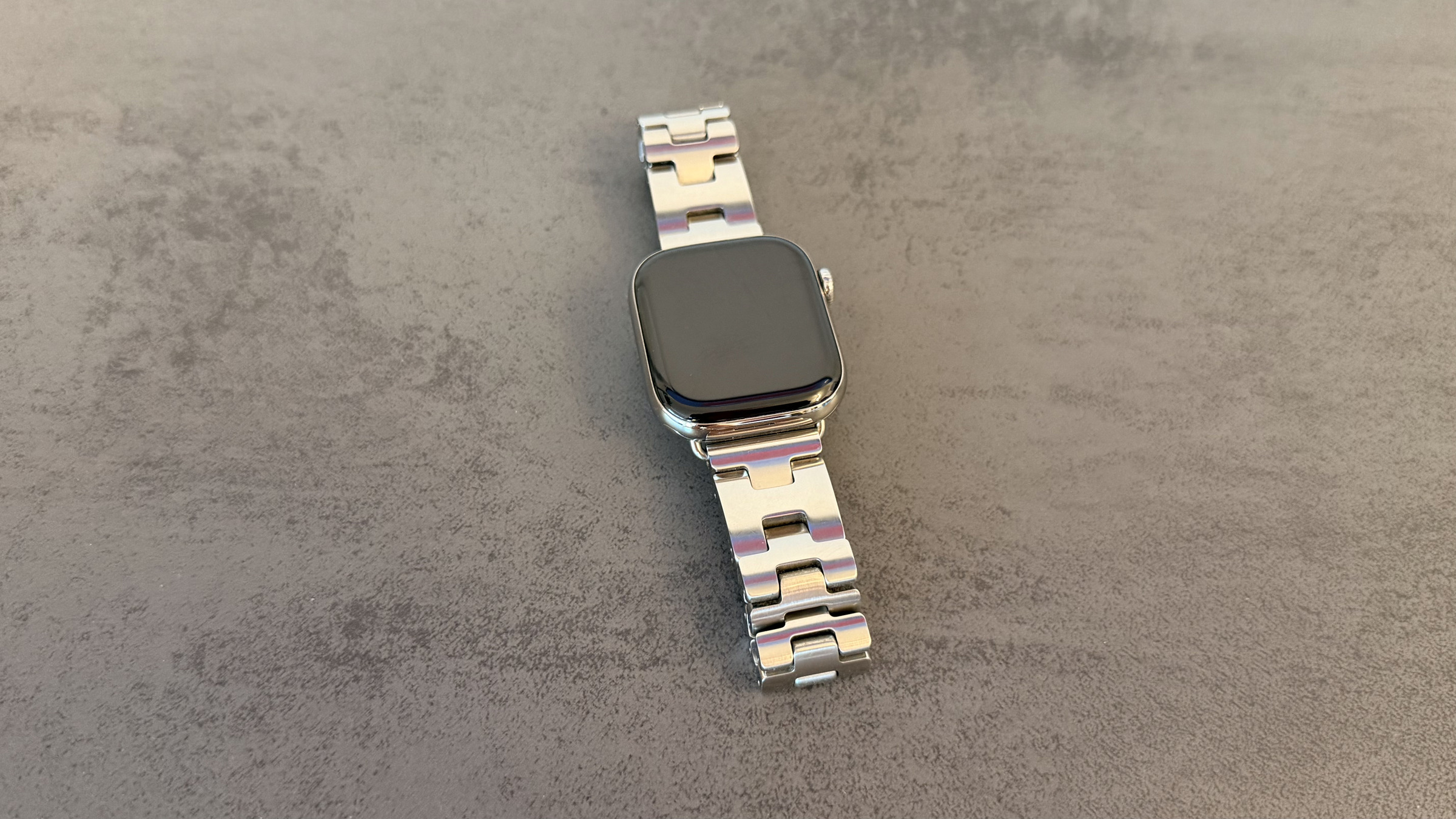
Buying an Apple Watch involves two decisions: first about the model, then about the connectivity. A €120 price difference separates the GPS version from the cellular version – and with only two case materials, there's no choice at all.
Every current Apple Watch has GPS. The difference lies in whether the watch can connect to the cellular network without an iPhone. This determines whether you're reachable on the go, whether emergency calls work without a phone in your pocket, and whether you can set up a watch for a child. The current models and their differences are explained in the comparison between the Apple Watch Series 12 and Series 11. The information here is based on Apple's overview of Apple Watch cellular connectivity and the technical specifications of the current models.
Key Facts at a Glance
- Both versions have full GPS functionality. The cellular version also connects to the mobile network.
- The surcharge for the Series 12 is exactly 120 euros, regardless of the case size.
- Titanium and ceramic cases, as well as the Ultra series, are only available with mobile connectivity.
- In addition to the purchase price, there is a monthly fee charged by the mobile provider for the additional eSIM.
- Without cellular connectivity, it's not possible to set up an Apple Watch for a child.
What the GPS model can do
The GPS version tracks location independently. Current models use not only GPS and GLONASS, but also Galileo, QZSS, and BeiDou. This means that runs, bike rides, and hikes are recorded with distance, pace, and elevation profile even when the iPhone is at home.
What's impossible without a mobile network: receiving messages, making calls, and getting notifications as soon as the iPhone is out of range. The GPS watch needs a Bluetooth connection or a known Wi-Fi network for this. In the office, at home, or at the gym with a paired phone, this is perfectly sufficient.
Music and podcasts can be pre-loaded onto the watch and then played back without any internet connection. For many, that's precisely the point at which the extra cost is justified.
What additional benefits of Cellular
The cellular model uses an eSIM, which functions as an additional line to your existing phone number. This ensures the watch remains reachable even when your iPhone isn't with you – while running, swimming, or shopping without a bag.
From a security perspective, the difference is more significant than it sounds. Emergency SOS requires a cellular connection or Wi-Fi calling, either from the watch itself or from a nearby iPhone. Those traveling alone without a phone only have this backup option with a cellular model. The Ultra series goes a step further and also makes emergency calls via satellite; this is included with the Apple Watch Ultra 4, but not with the Series 12.
The latest mobile phone models support 5G for the first time in its energy-saving version for wearables, in addition to LTE. And: Only with cellular connectivity can a watch be set up for a child or relative without their own iPhone.
What the surcharge costs
For the Series 12, cellular connectivity costs exactly €120 extra, for both case sizes. With titanium and ceramic, the question doesn't arise: Apple offers these cases exclusively with cellular connectivity, as well as the entire Ultra series.
| Variant | without mobile network | with mobile network |
|---|---|---|
| Series 12, Aluminum 42 mm | 449 € | 569 € |
| Series 12, Aluminum 46 mm | 499 € | 619 € |
| Series 12, Titanium 42 mm | – | 799 € |
| Series 12, Titanium 46 mm | – | 849 € |
| Series 12, ceramic 42 mm | – | 1.049 € |
| Series 12, ceramic 46 mm | – | 1.099 € |
| Ultra 4 | – | from €899 |
In addition, there's an ongoing charge. The watch's eSIM acts as an extra line to your existing mobile number and always incurs a monthly fee. The amount varies depending on the provider and plan. Check this before you buy – and also whether your provider even supports the Apple Watch.
Where mobile communications reach their limits
The battery life doesn't live up to what the data sheets suggest. Apple claims up to 24 hours for both versions. However, in Apple's own testing, the cellular watch only lasted four hours on the cellular network and 20 hours connected to the iPhone via Bluetooth. Users who keep the watch permanently disconnected from their phone will experience correspondingly shorter battery life.
Availability depends on your place of residence, not where you bought it. A watch purchased abroad does not grant access to a mobile network plan that is not available in your home country. What matters is which providers in your home country support the Apple Watch.
A curious side note: The cellular models aren't heavier, but slightly lighter. The 46mm aluminum case weighs 38.6 grams compared to 39.5 grams. No one will notice the difference on their wrist, but the argument "more technology, more weight" doesn't hold water here.
Who really needs the extra cost
The honest answer hinges on a single question: How often are you out and about without your iPhone, but with your watch? Those who jog, swim, or cycle and consciously leave their phone at home get genuine security and accessibility for €120 plus a monthly fee. Those who wear the watch because it counts steps and displays notifications are paying for a function that practically never activates.
However, two cases make the decision in your favor. With titanium, ceramic, and the Ultra, mobile connectivity is a given – the choice of material also determines the connection type. And those who want to set up a watch for a child also have no choice.
A common counterargument is that cellular connectivity can be added later. This is not possible. The antenna is integrated into the casing; the decision is made at the time of purchase and remains valid for the entire lifespan of the device.
Apple Watch GPS or Cellular – the most important features at a glance
GPS is included with every Apple Watch; cellular connectivity costs €120 plus a monthly fee. The extra cost pays for itself based on the number of hours you wear the watch without your phone – everything else is just unnecessary equipment that will sit in your drawer.
How many hours per week do you actually spend without your iPhone – and is that enough to justify €120 plus the monthly fee? Tell us in the comments how you handle it.
Frequently Asked Questions: Apple Watch GPS or Cellular
The Series 12 costs €120, regardless of the case size. In addition, there is a monthly fee from the mobile provider for the extra eSIM.
No. The antenna is located inside the housing; the decision is made at the time of purchase.
Yes. Both versions independently record distance, speed and elevation profile, via GPS, GLONASS, Galileo, QZSS and BeiDou.
Only as long as the iPhone is within range via Bluetooth or a known Wi-Fi network. Without either, the watch remains offline.
All titanium and ceramic models, as well as the complete Ultra series. In these cases, the choice of material is also the choice of connection.
Apple claims a battery life of up to 24 hours for both versions. However, in Apple's test setup, the cellular watch was only connected to the cellular network for four hours. Battery life is correspondingly shorter when used continuously without an iPhone.
Yes. Without a cellular plan, it's not possible to set up an Apple Watch for a child without their own iPhone.





