This article may contain affiliate links. Learn more on our Partner Program page.
Since launch day, the iPhone Duo has been on my desk – not as a loaner, but bought with my own money and as my new main phone. After years with the Pro Max line, that's a real switch. Some things surprised me, others take some getting used to.
I picked up my iPhone Duo in Star White with 1 TB at the Apple Store on October 23, shortly after noon. By then there was no line anymore – the store had sold out and the queue had dispersed. I preferred pickup over delivery: I wanted to be sure to get a device on launch day rather than wait for the courier. With 1 TB, my model sits in the second-highest storage tier of the iPhone Duo, which comes with 256 GB up to 2 TB.
My previous main phone was the iPhone 17 Pro Max, and since September I've been using the iPhone 18 Pro Max as my second device.
Key Facts at a Glance
- The hinge opens easily, yet holds every in-between position firmly and snaps shut with a satisfying click.
- I mainly notice the crease in bright light on dark content – once I'm in the flow of work, I overlook it.
- I use the large inner display around 95 percent of the time, and the matte nano-texture is my personal highlight.
- The speakers sound surprisingly good for such a thin design, but the 18 Pro Max is still louder and fuller.
- After years with Face ID, Touch ID is the biggest adjustment.
Setup in two to three hours
I transferred everything from the 17 Pro Max using Quick Start via iCloud, with the Duo connected to the charging cable the whole time. My impression is that it would have taken longer without the cable. From the start of the transfer until all apps were downloaded again, it took about two to three hours.
There were no problems. How long it takes depends mostly on the amount of data, and there was plenty of it on my main phone.
Heavier than the 17 Pro Max, on par with the 18 Pro Max
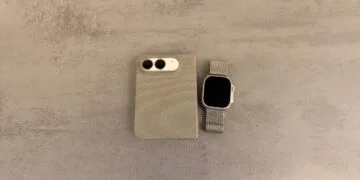
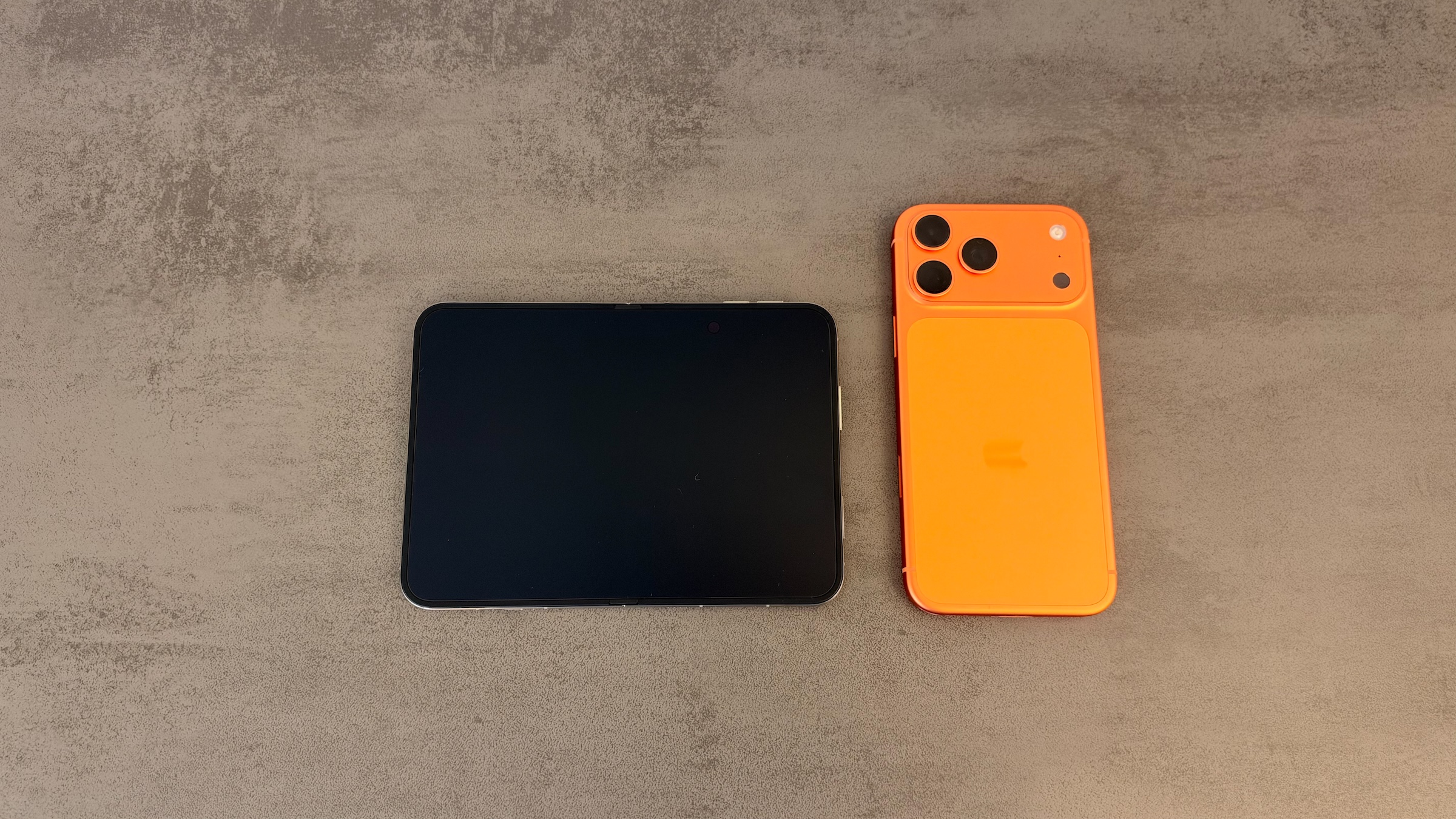
When it's folded, I notice the weight. The Duo is a bit heavier than my 17 Pro Max, but I don't feel any difference compared with the 18 Pro Max. According to Apple, the two are only five grams apart.
| iPhone Duo (folded) | iPhone 18 Pro Max | |
|---|---|---|
| Weight | 254 g | 249 g |
| Thickness | 11.3 mm | 8.75 mm |
The thickness is what makes the difference in your pocket. Folded, the Duo feels like a thick sandwich, and that's simply how you carry it around. Unfolded, on the other hand, it feels lighter than it is, because the weight is spread across a larger surface.
It doesn't bother me much, because I've been using large iPhones for years and do a lot of work on my phone. Anyone used to small, light models will probably find the switch much harder.
Hinge: slight resistance, firm hold
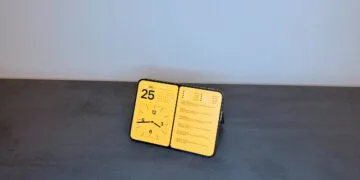
The hinge opens and closes without any effort. You can feel a slight resistance, which gives it a quality feel. So far, every in-between position holds rock solid, no matter how far I open the device.
It only makes a sound when you close it, and there's something satisfying about the way it snaps shut. You can open it one-handed, but it feels more secure with two hands. Whether the hinge loosens over time is, of course, something I can't say after just a few days.
The crease: there, but less noticeable than expected
The crease is there, both visible and noticeable to the touch. I see it most clearly in bright light on dark content, such as a black loading screen. Compared with foldables from other manufacturers, though, it stands out less than I had expected.
I can feel it with my finger, too. Once I'm working, though, I forget about it. Apple hardware manager Tom Marieb had promised that the matte surface is meant to keep the crease inconspicuous in the long run as well, and said people should take Apple at its word. On top of that, the top layer of the inner display can be replaced.
Almost always unfolded
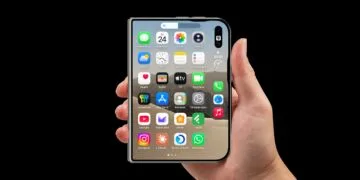
I've caught myself unfolding the Duo almost all the time. I use the outer display to check who's messaging me, for short replies, or for a quick look at my emails. As soon as it's anything more, I unfold it, which adds up to around 95 percent of the time.
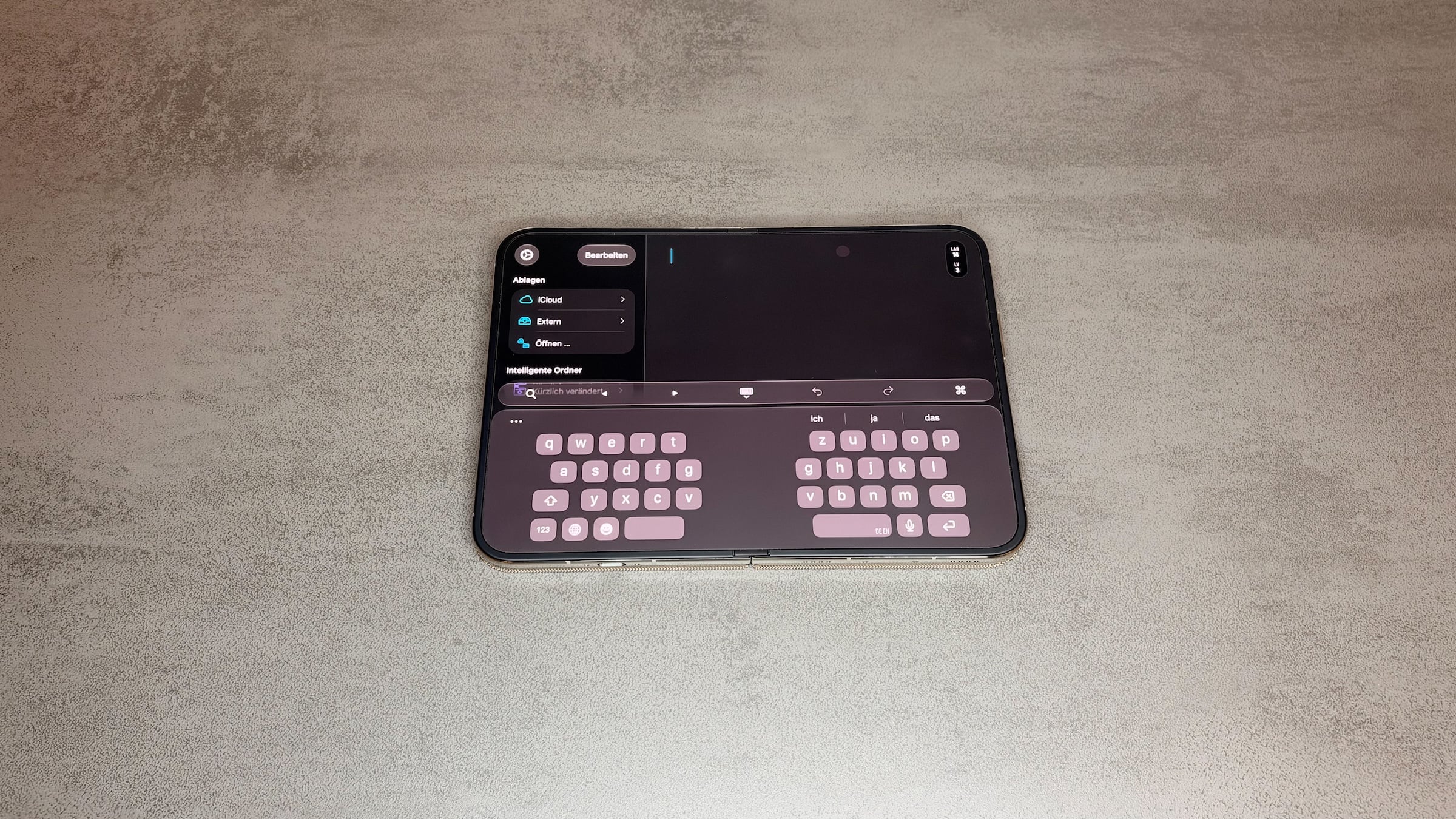
That's mainly down to typing. In portrait, typing on the inner display is so comfortable that I could easily write long texts on it. In landscape with the split keyboard it works just as well, and that option is quickly becoming my favorite.
My personal highlight is the inner display itself. The nano-texture gives the surface a matte finish and noticeably reduces reflections. That pays off especially outdoors in bright ambient light.
Speakers: better than expected
The speakers surprised me. For such a thin body they sound good, and Apple has fitted stereo speakers. That makes me wonder why the iPhone Air only got a single speaker.
In a direct comparison, however, the 18 Pro Max is louder and sounds fuller.
Touch ID: the biggest adjustment
I've been using Face ID since the first device that had it. So I still often look at the Duo expectantly, waiting for it to unlock, until I remember that I need to put my finger on the side button. For me, this isn't a farewell to Face ID, since the 18 Pro Max stays in use.
Unlocking with Apple Watch works well. It feels almost like Face ID and is quick. So far I don't wear my Watch all the time, but that could change with the Duo.
Apps and Folio
Some apps don't look good on the large display yet. For me, that's not a real problem. With every new form factor, apps have had to catch up first, and popular apps should get there soon. Notion, which I use a lot, is already fully optimized for the Duo.
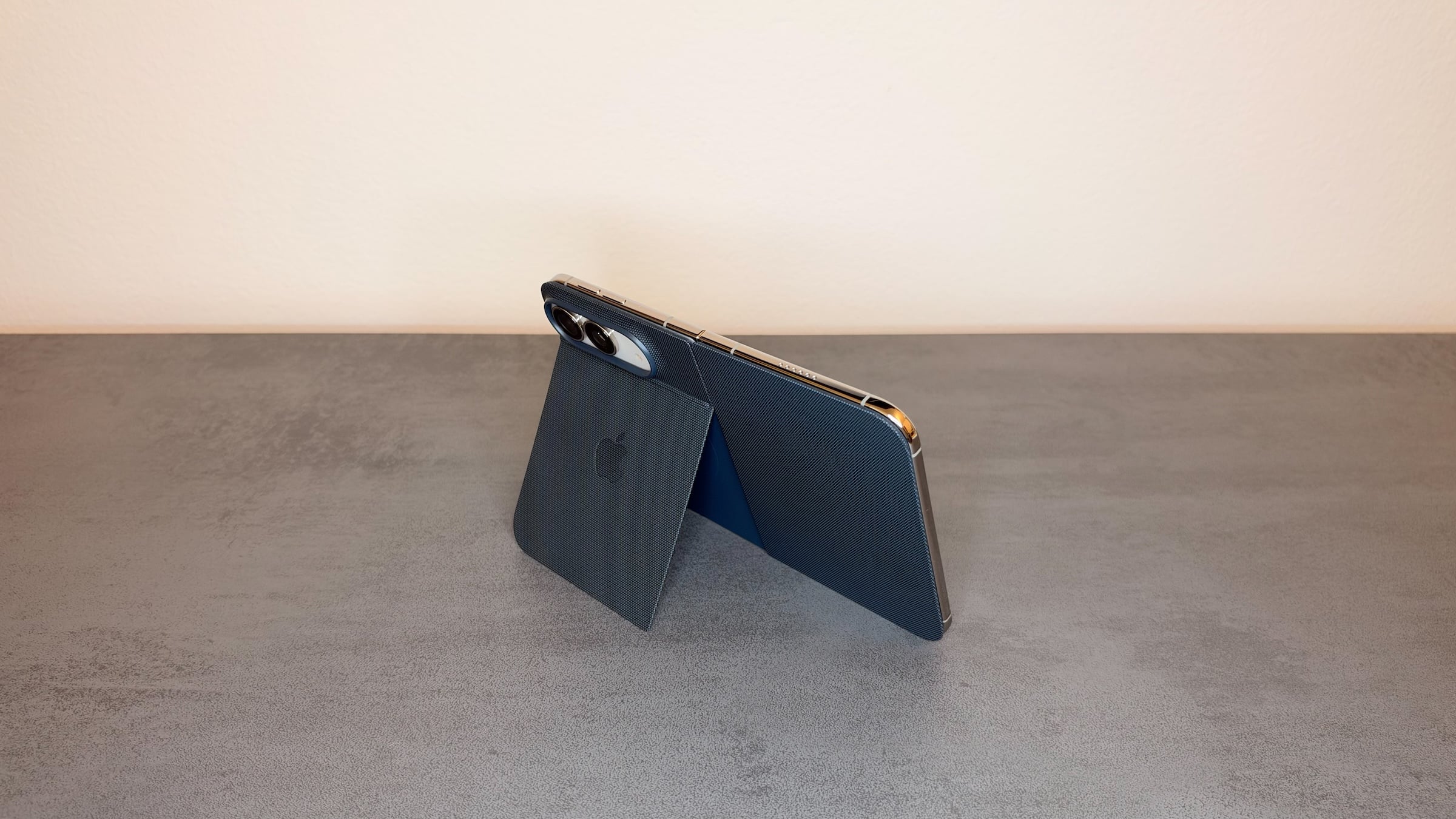
I bought all four of Apple's cases and mainly use the Folio. I actually wanted to use the Duo without a case, but the Folio's stand is so practical that it stays on almost all the time. StandBy on the iPhone Duo benefits from that too. The other cases, on the other hand, aren't for me; with them, the device looks like outdoor gear to me.
Main phone, but not the only one
The Duo will remain my main phone; that much is clear after the first few days. The large display, the typing experience and the matte inner display are changing how I use the iPhone, and that's exactly why I almost always unfold it. I'm willing to accept the weight and thickness in return, since I'm used to large devices anyway.
Still, I wouldn't want to be without the 18 Pro Max. It's louder, unlocks with Face ID and is thinner than the Duo when it's folded. In these respects, the Duo is not a step forward.
I see the biggest limitation in the camera. Anyone who makes a lot of FaceTime calls will probably be bothered by the weaker inner camera and end up calling with the phone folded. The design opens up new possibilities, but if you're used to the Pro camera and value it, the Duo is a big compromise. I can make up for that because I'm still using the 18 Pro Max, but most people won't have both devices.
If you want a device with Face ID that stays thin in your pocket, the Pro lineup is still a good choice. If you do a lot of writing and reading on your iPhone, the Duo gives you something Apple hasn't offered before. More news and guides about the device are collected on the iPhone Duo page.
Do you already have your iPhone Duo, and do you also unfold it almost all the time, or is the outer display enough for your everyday use? Tell us in the comments how often you actually use the large display.