This article may contain affiliate links. Learn more on our Partner Program page.
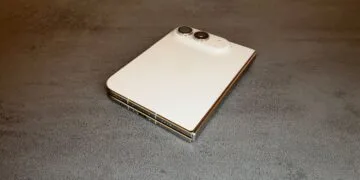
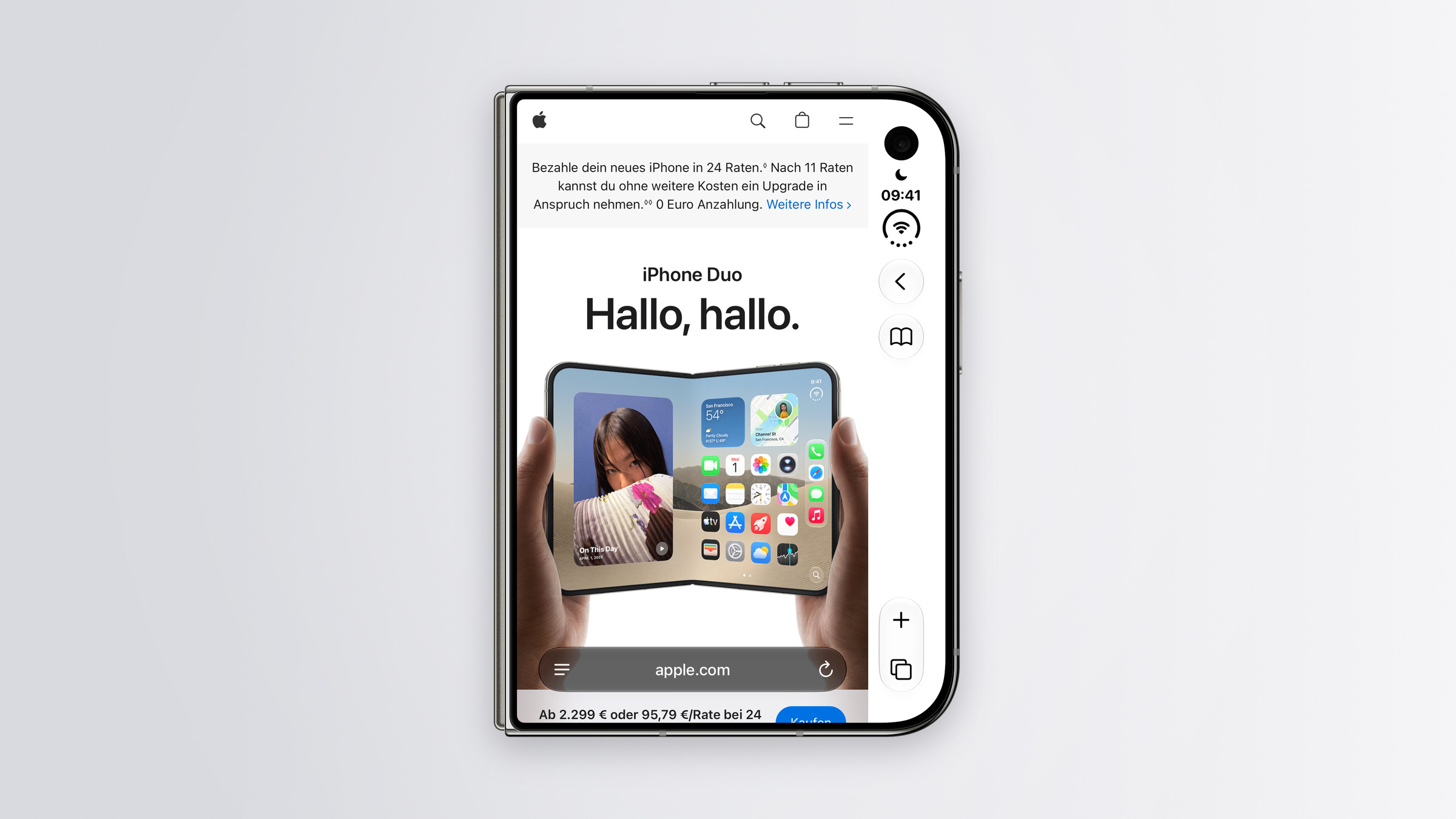
Safari appears cramped on the iPhone Duo's outer display because the controls on the right edge take up space. Apple has now acknowledged the issue and is looking for a way to allow websites to utilize the space behind the bar. The article also reveals the actual screen size of the Duo for websites in any orientation.
Safari 27.1 was released on October 23rd alongside the iPhone Duo. Jen Simmons from Apple's WebKit team described the new features of Safari 27.1 on the WebKit blog. One section focuses on the Duo's external display, where iOS moves the controls to the side to gain more vertical space for content.
This very point was noted in the initial reviews of the iPhone Duo: Several testers found Safari cramped on the outer display because the sidebar on the right takes up space and many websites aren't optimized for that format. You can find all further information about the device in the iPhone Duo overview.
Key Facts at a Glance
- Websites currently do not extend behind the controls at the edge of the iPhone Duo's external display; Safari only fills the area with the background color of the page.
- Apple is investigating how web developers can use this space in the future, but has not yet provided a solution or a timeframe.
- When partially opened like a book, Safari now automatically displays PDFs with two pages side by side.
- For developers, Safari 27.1 includes two interfaces for folding devices, currently only accessible via test switches.
What happens on the external display
The Duo's outer display is wider and shorter than those of other iPhones. iOS therefore moves the controls to the edges to allow more vertical space for content. However, in Safari 27.1, website content doesn't extend into the area behind these controls. As on other platforms, Safari only adopts the page's background color in this space.
Apple will allow web designers to customize this space, for example with a full-width header. According to Simmons, they are looking for a method that is less error-prone and easier to use than existing methods.
The obvious solution would be to use an existing setting that already allows websites to extend to the edges of a display. Apple is hesitant because many sites don't maintain proper margins, and important content would disappear beneath the controls. Apple hasn't announced a date for this change.
This is how big the duo is for websites
The article specifies for the first time the area available to websites in Safari on the Duo, measured in CSS pixels. The width ranges from 382 to 951 pixels, depending on the screen position, and the height from 368 to 902 pixels. The height also depends on whether the scroll bar is collapsed.
| Position | Width | Height (bar unfolded) | Height (strip folded in) |
|---|---|---|---|
| External display, portrait | 382 | 580 | 618 |
| External display, landscape | 594 | 368 | 406 |
| Internal display, portrait | 669 | 867 | 902 |
| Internal display, landscape | 951 | 585 | 620 |
| Indoor display, two windows side by side | 385 | 571 | 609 |
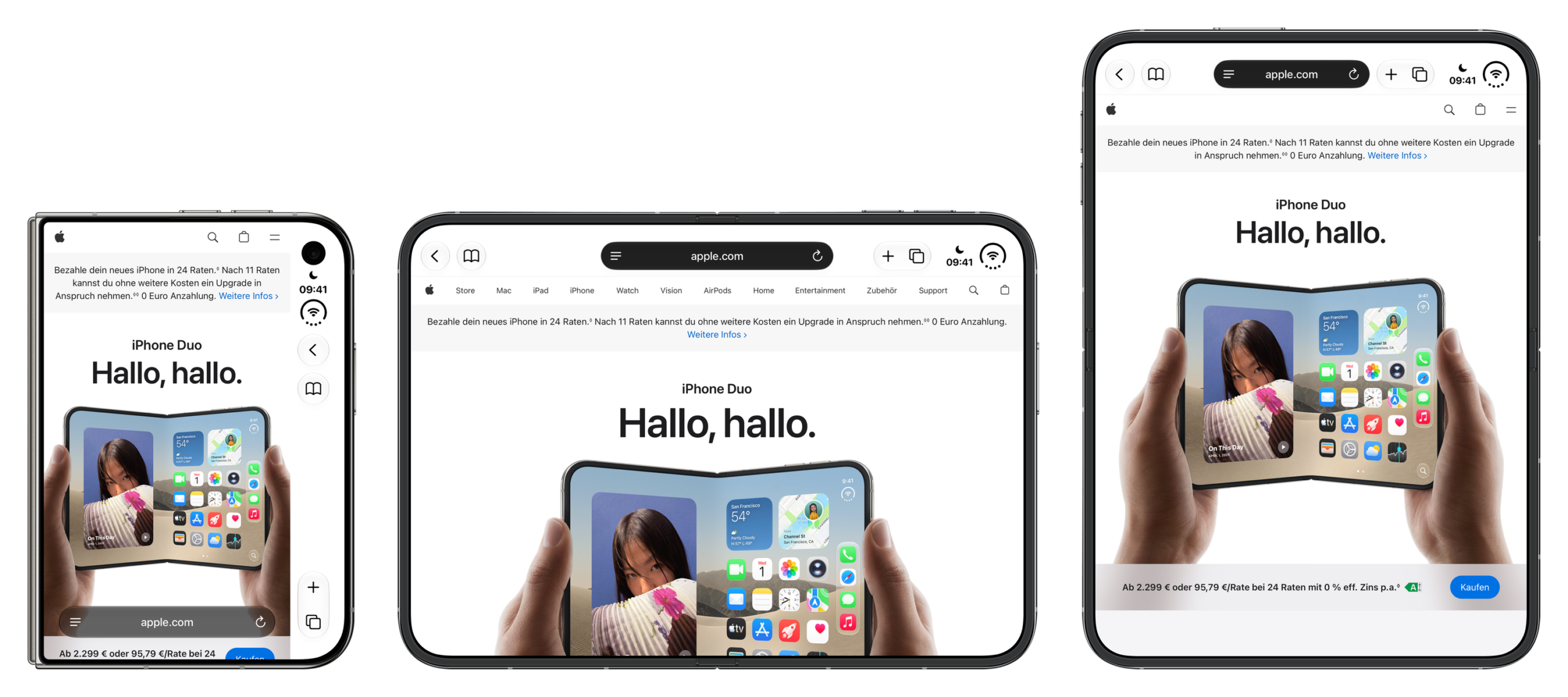
On the inner display, the tab bar is located at the top, just like on an iPad or Mac, while on the outer display it's at the bottom by default, as with other iPhones. In landscape mode on the inner display, two Safari windows can be opened side-by-side, each then occupying a narrow portrait area.
Two-page PDFs with interfaces for folding
Safari 27.1 brings a noticeable change for users. If you hold the Duo half-open like a book and open a PDF on the web, Safari automatically displays two pages side by side. When the display is flat or the device is closed, the view reverts to a single page. A similar two-page view was demonstrated in a video for the Duo's file preview in early October.
For developers, Safari 27.1 includes a preview of two interfaces that allow websites to react to the screen crease. One reports whether the device is folded in half, the other describes the two screen halves to the left and right or above and below the crease. Both are only active via test toggles in Safari's advanced settings; Apple is still collecting feedback.
What readers will gain from this
For now, nothing will change for browsing on the Duo. The narrow area on the outer display will remain until Apple delivers a solution and websites adopt it. Those who want to read longer articles will find the inner display, with its 669 pixels width in portrait mode, significantly more comfortable than the outer display with its 382 pixels.
I find Apple's reluctance understandable. Quickly opening up the edge area would only have shifted the problem, from narrow pages to pages with hidden menus and buttons. With the interfaces for the fold, Apple is also demonstrating that websites should adapt more closely to the iPhone Duo's form factor in the future.
How do you browse the web on your Duo – is Safari on the external display enough for you, or do you unfold it for websites anyway? Tell us in the comments which display you use to read websites.