

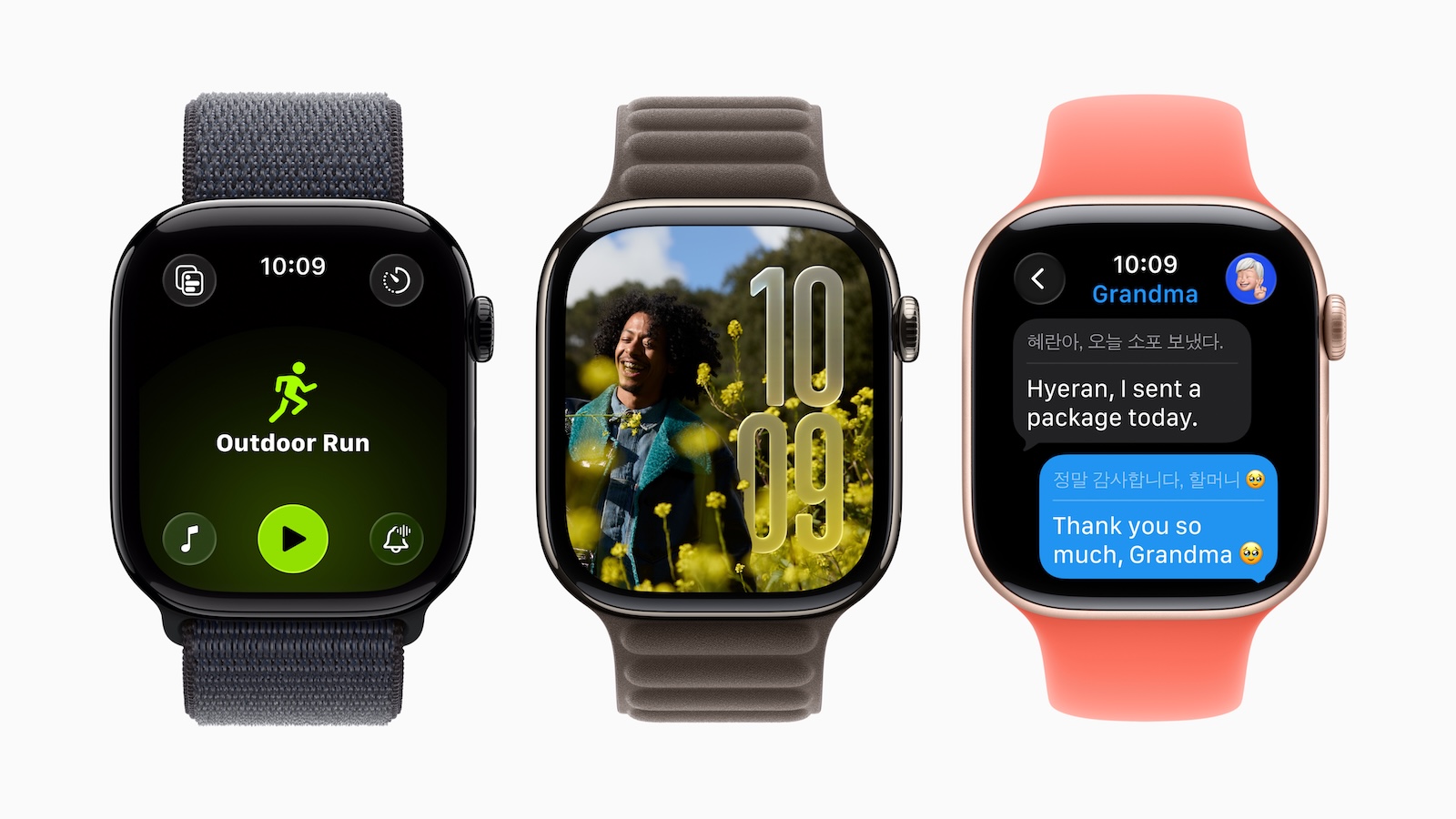
With watchOS 26, Apple is bringing Apple Intelligence features to the Apple Watch for the first time. The new AI features are designed to make your everyday life easier, automatically answer messages, support you during exercise, and even provide real-time translations. But not every Apple Watch can do this. It largely depends on which model you have—and also which iPhone you use. You can find all the hardware requirements in detail here.
Apple Intelligence is Apple's new AI approach, available on iPhone, iPad, and Mac since last year. Vision Pro now also supports these AI features. With watchOS 26, the Apple Watch is now part of the Apple Intelligence ecosystem. However, getting started isn't entirely straightforward: Not every feature runs on every model. Some require a current iPhone, while others require processing power directly on the Watch. This creates different requirements depending on what you want to use.
Apple Intelligence on the Apple Watch: What works and how?
With watchOS 26, Apple introduces three key AI features on the Apple Watch:
- Live translation in news
- Smarter replies
- Workout buddy with voice feedback
Each of these features has its own requirements—either for the Watch itself, for the iPhone, or for both devices together. Here's an overview of what you need to use each feature.
Live translation: Only with current Watch and AI iPhone
To translate messages in real time, you need an Apple Watch Series 9, Series 10, or Apple Watch Ultra 2. You also need an Apple Intelligence-compatible iPhone. This means your iPhone must have an A17 Pro chip or newer—for example, an iPhone 15 Pro or a next-generation model.
Requirements:
- Apple Watch Series 9, Series 10 or Ultra 2
- iPhone with Apple Intelligence (from 15 Pro)
Smarter answers: Only the watch counts
This feature runs directly on your Apple Watch. The intelligent reply suggestions are based on a language model that's processed locally on the watch. Therefore, you don't need a special iPhone. The only important thing is that your watch is powerful enough. The Apple Watch Series 9, Series 10, and Ultra 2 are supported.
Requirements:
- Apple Watch Series 9, Series 10 or Ultra 2
- No Apple Intelligence iPhone necessary
Workout buddy: Any watch will do, but the iPhone has to play along
Workout Buddy is a new training feature that gives you smart voice prompts while you exercise. It requires you to have Bluetooth headphones connected and your iPhone supports Apple Intelligence. The actual Apple Watch plays a secondary role here—so you can also use an older model, as long as the iPhone handles the AI part.
Requirements:
- Any Apple Watch with Bluetooth headphones
- iPhone with Apple Intelligence (from 15 Pro)
Why are there such different requirements?
The differences lie in how Apple technically implements its AI functions. Some features, like Intelligent Replies, use local models directly on the Watch. Others, like Live Translation, rely on more complex language models running on the iPhone. Therefore, you need different hardware depending on the function—either a current Watch, an AI-enabled iPhone, or both. Apple refers to all of these functions under the collective name "Apple Intelligence," although the technical implementation varies in detail.
watchOS 26 brings AI – but not for all models
watchOS 26 brings new AI features to the Apple Watch, but not every watch is suitable. For live translation, you need a current model and an AI-enabled iPhone. For smart answers, a modern watch is sufficient. And with the Workout Buddy, it's mostly your iPhone that counts. So if you're considering upgrading to watchOS 26 or buying a new watch, it's worth checking carefully beforehand which features are important to you—and whether your devices even support them. The best products for you: Our Amazon Storefront offers a wide selection of accessories, including those for HomeKit. (Image: Apple)
- Haptic Touch on iPhone too slow? This solution helps
- Protection against fraud: 9 simple tips for more security
- iOS 26: Apple Intelligence brings these innovations





