
This article may contain affiliate links. Learn more on our Partner Program page.
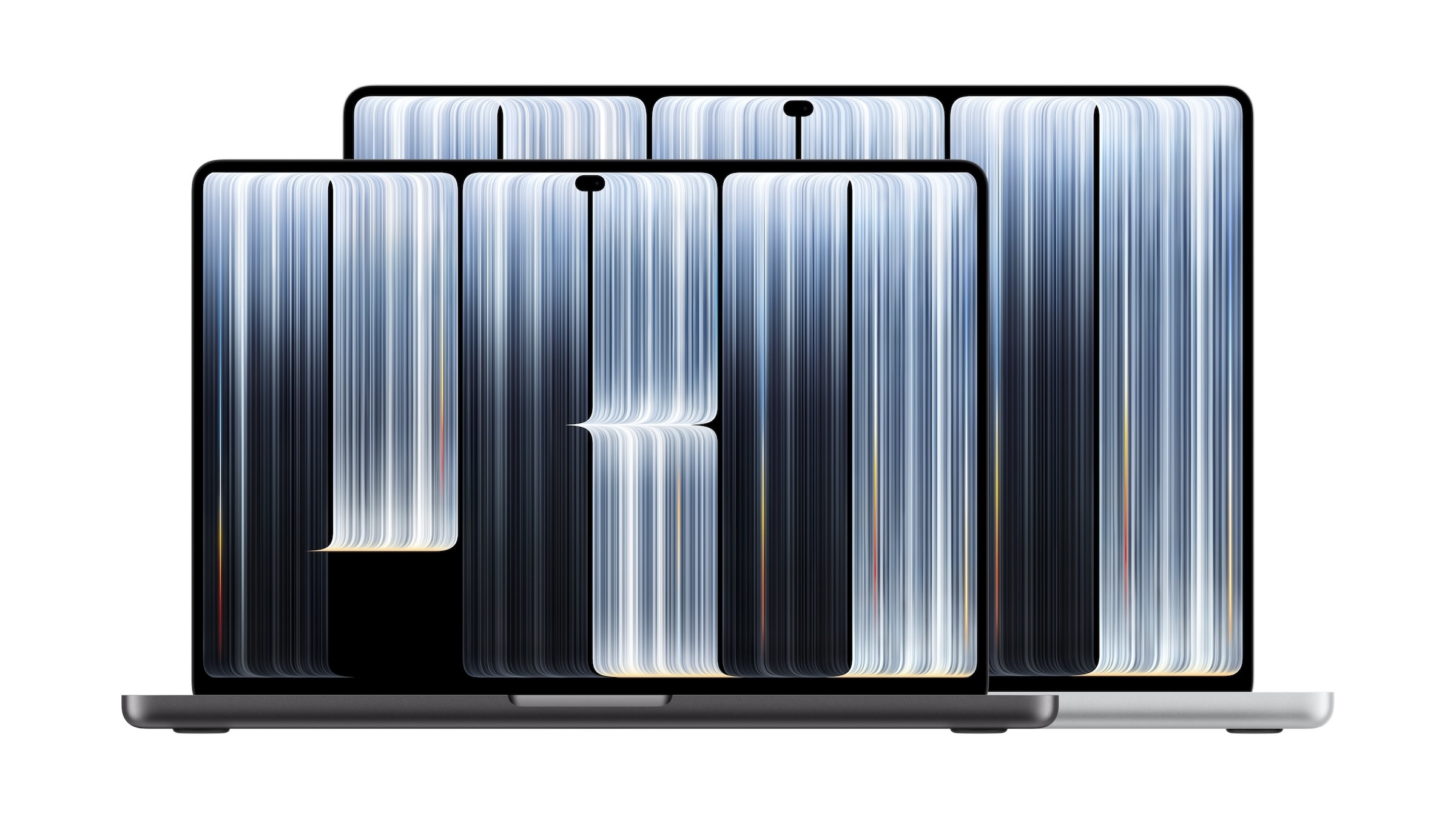
One day before its release, the first reviews of the MacBook Pro with PROLED XDR display are available. The display impresses almost all reviewers, while the verdict on the touchscreen is considerably more lukewarm. And the battery life results vary widely.
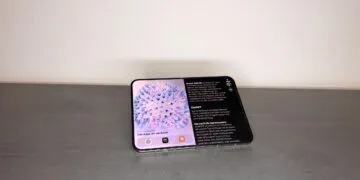
On November 6, the MacBook Pro with PROLED XDR display goes on sale, in Germany starting at 3,299 euros. It is the first Mac with OLED and a touchscreen, while the chips remain the M5 Pro and M5 Max. Since November 5, the reviews have been online, including from Tom's Guide, Tom's Hardware, Gizmodo, TechRadar, XDA, and 9to5Mac.
Key Facts at a Glance
- In several tests, the display was rated as the best laptop display the authors had seen so far.
- Touch functionality works well, but for most testers it's not a reason to buy.
- Depending on the method used, battery life ranges from around eight hours of mixed use to 24:21 hours of video playback.
- Criticism is mainly directed at the price, as well as the lack of Face ID and the hinge.
This is how the verdicts turn out
| Test | Verdict | Test device | Battery life |
|---|---|---|---|
| Tom's Guide | 4.5 out of 5, Editor's Choice | 14-inch M5 Pro, 16-inch M5 Max | 16:56 and 21:24 hours of surfing at 150 nits, preliminary |
| Tom's Hardware | Editor's Choice | 16 inch M5 Max | 15:57 hours at 150 nits |
| Gizmodo | 4.5 out of 5, Editor's Choice | 14-inch M5 Pro, 16-inch M5 Max | approximately 8 hours of mixed use |
| TechRadar | 4.5 out of 5, Best in Class | 16 inch M5 Max | 24:21 hours of video at 50 percent brightness |
| XDA | 8 out of 10 | 16 inch M5 Max | 20 to 25 percent remaining after a workday |
| 9to5Mac | no grade | 16-inch M5 Pro | no systematic test |
XDA puts it most clearly:
This is the best OLED display I've seen in a laptop.
Tom's Guide calls the display the best ever on a laptop. Gizmodo believes that, despite the price, the device offers the best overall Mac experience.
The display is impressive, and the measured values are below Apple's specifications
In terms of contrast and black levels, the display performs significantly better than the Mini-LED model in tests, and according to 9to5Mac, blooming is eliminated. However, Tom's Hardware notes that the display has slightly lower color gamut than the Mini-LED model.
In SDR mode, Tom's Guide measured 557.5 nits on the 14-inch model and Tom's Hardware 542.6 nits on the 16-inch model. Apple specifies up to 1000 nits continuous in full screen and 2000 nits peak outdoors; neither test specifies which mode was used for these measurements. In HDR mode, they come close to Apple's 2000 nits, measuring around 1980 and 1964 nits, respectively.
Touch functionality works, but it's not exactly thrilling
Tom's Guide praises the touchscreen's responsiveness as the best the reviewer has experienced on a touchscreen laptop. Despite this, hardly any review considers it a reason to buy. Tom's Hardware sums it up perfectly:
Touch is definitely a feature on the new MacBook Pro, but it's not the feature.
TechRadar finds the user interface somewhat underdeveloped and wouldn't buy a model solely for its touchscreen. Tom's Hardware reports arm fatigue after extended use, and 9to5Mac also sees touch as an added feature. According to their tests, it's useful for iPad apps, Blender, docking windows, and testing apps in the Xcode simulator.
The Dynamic Island is well-received. Tom's Hardware and 9to5Mac find it successful, while XDA notes that so far it can do little more than replace the notch.
Battery and performance
Battery life figures are difficult to compare because each test uses different methods. For the 16-inch model with the M5 Max, Tom's Hardware reports 15 hours and 57 minutes, while Tom's Guide reports a preliminary 21 hours and 24 minutes, and TechRadar reports 24 hours and 21 minutes. Gizmodo estimates around eight hours of mixed use in everyday situations.
According to Tom's Guide, the peak performance is comparable to the M5 models from March. Tom's Hardware and Gizmodo report a warm keyboard or loud fans under load. They also criticize the lack of Face ID and the hinge, which doesn't fold completely flat. According to Gizmodo and TechRadar, stylus support is also missing.
Why the display has to bear the price
I interpret the reviews as a clear signal: those who buy this MacBook Pro are primarily paying for the display and lighter weight, not for the touchscreen. XDA explicitly recommends the regular MacBook Pro for most users, and even compared to the MacBook Pro M6, the cheaper model remains the more sensible choice for normal work.
Those who work professionally with HDR editing or Adobe RGB will benefit the most, although Gizmodo sees the difference to the Mini-LED model as smaller for photo and video editing than for everyday use. No test has yet been able to answer the questions about the OLED display's lifespan and burn-in. Anyone still undecided between all the Macs can find the models side-by-side in the Mac buying guide.
Would the OLED display be worth the extra cost to you, or will you stick with the Mini-LED model as long as touch functionality doesn't offer any real added value? Tell us in the comments what you use your MacBook Pro for most.