

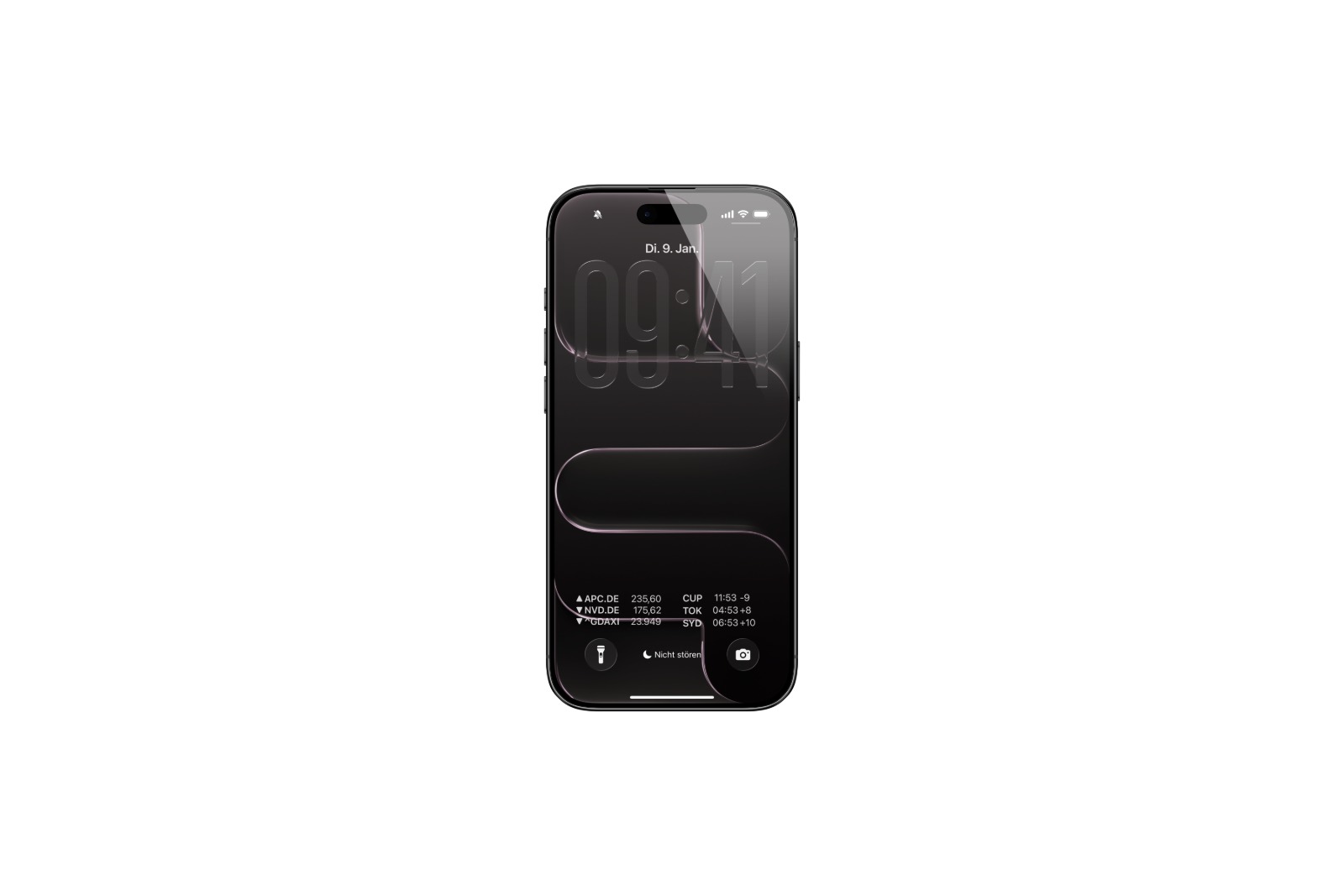
With iOS 26.2, Apple expands the options for personalizing the lock screen. Following the introduction of a system-wide Liquid Glass toggle in iOS 26.1, a slider specifically for the clock display is now available. This allows for significantly more precise customization of the clock's appearance than before.
The first beta version of iOS 26.2 is now available for developers. One of the most noticeable changes concerns the lock screen design. There's now a new slider for the so-called Liquid Glass look of the clock.
Function of the Liquid Glass slider
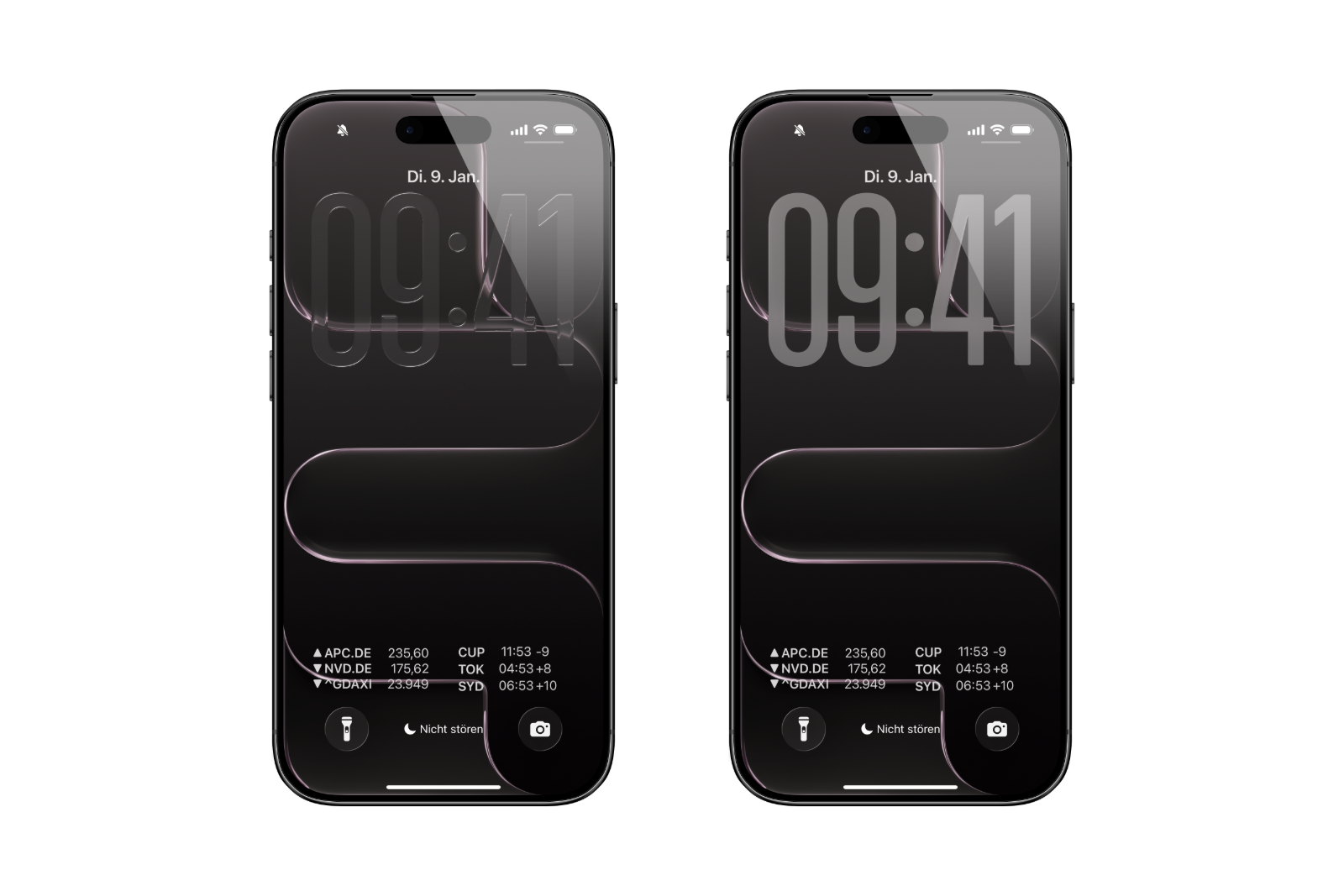
The slider allows you to adjust the transparency of the clock continuously, from extremely transparent to very opaque. The difference to previous settings is significant: while iOS 26.1 only offered two options – "Clear" and "Tinted" – iOS 26.2 now offers a full spectrum. The slider can be positioned anywhere and directly affects the clock's appearance.
Compatibility with various fonts
The new slider works with all available fonts for the clock on the lock screen. This allows for even more customization of the design, regardless of the chosen font. However, there are still limitations regarding size adjustment: the clock size can only be changed when using the default font. Extending this functionality to other fonts has not yet been implemented, but could be included in a future beta version.
Location of the new hiring
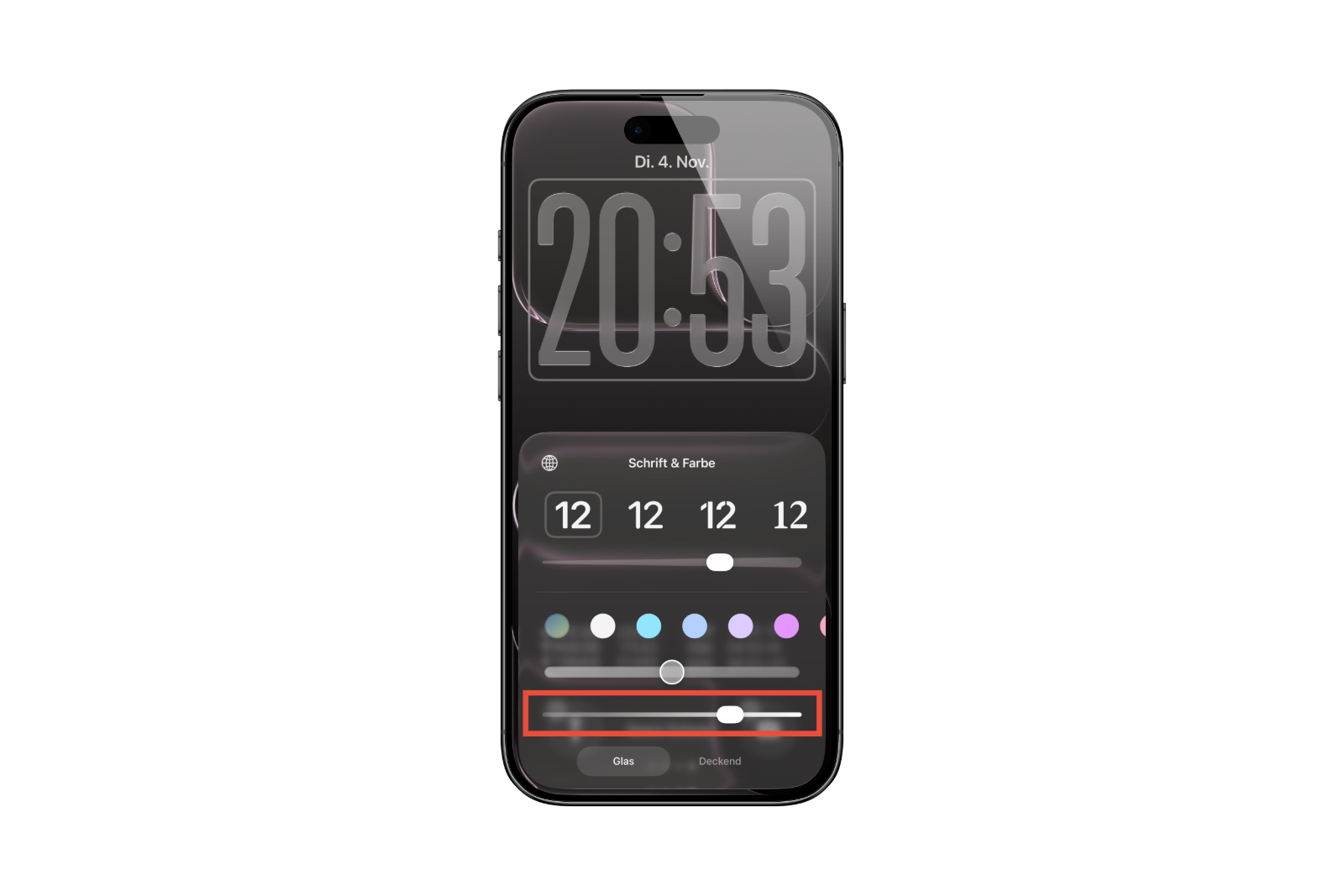
The Liquid Glass slider can be found in the lock screen's edit mode. Tapping the time opens a menu with the new slider. Adjustments are made directly and in real time, making the effect of the transparency immediately visible.
Difference to iOS 26.1
iOS 26.1 introduced a toggle switch for the system-wide Liquid Glass design. This switch simply allowed users to choose between a clear and a colored display. iOS 26.2 adds a much more granular control – but only for the time on the lock screen, not for the entire system.
- iOS 26.1 brings a new lock screen setting for the iPhone
- iOS 26.1: Liquid Glass effects can be toned down
iOS 26.2: Small feature, noticeable effect
iOS 26.2 introduces a targeted improvement to lock screen personalization. The new Liquid Glass slider offers more flexibility in customizing the clock and complements the existing options. Transparency can now be freely adjusted, making it much easier to visually match the screen to the wallpaper. Resizing remains limited for now but could be expanded during the beta phase. The best products for you: Our Amazon storefront offers a wide selection of accessories, including those for HomeKit. (Image: Apfelpatient)
- iOS 26.2: New features make Apple Podcasts smarter
- watchOS 26.2 introduces a new scale for sleep assessment
- Live translation with AirPods: EU launch planned for December
- iOS 26.2 Beta released – Apple prepares next update
- WhatsApp is now officially available on the Apple Watch
- Apple postpones the end of the old HomeKit version to 2026.
- iOS 26.1 closes over 50 dangerous security vulnerabilities.
- iOS 26.1 now available: What's in the new update
- New intro for Apple TV: Finneas reveals details
- Apple launches App Store for the web
- Apple TV shows new intro with music by FINNEAS
- Apple launches creative Christmas project in London
- Apple confirms: No new Macs planned for 2025
- Apple stock: Wedbush raises price target to $320
- Apple stock: TD Cowen significantly raises price target to $325
- Apple stock: Evercore raises price target to $300
- Apple stock: JP Morgan raises price target to $305
- No chat monitoring: EU foregoes chat surveillance
- Apple in leak dispute: New details about Prosser and Ramacciotti
- WhatsApp is testing its own app for the Apple Watch
- Apple Q4 2025 Overview – Facts from the Conference Call
- Apple experiences sales boom: iPhone 17 exceeds expectations
- Apple struggles with tariffs: Billions in costs in the Christmas quarter
- Apple confirms: Redesigned Siri will be released in 2026





