

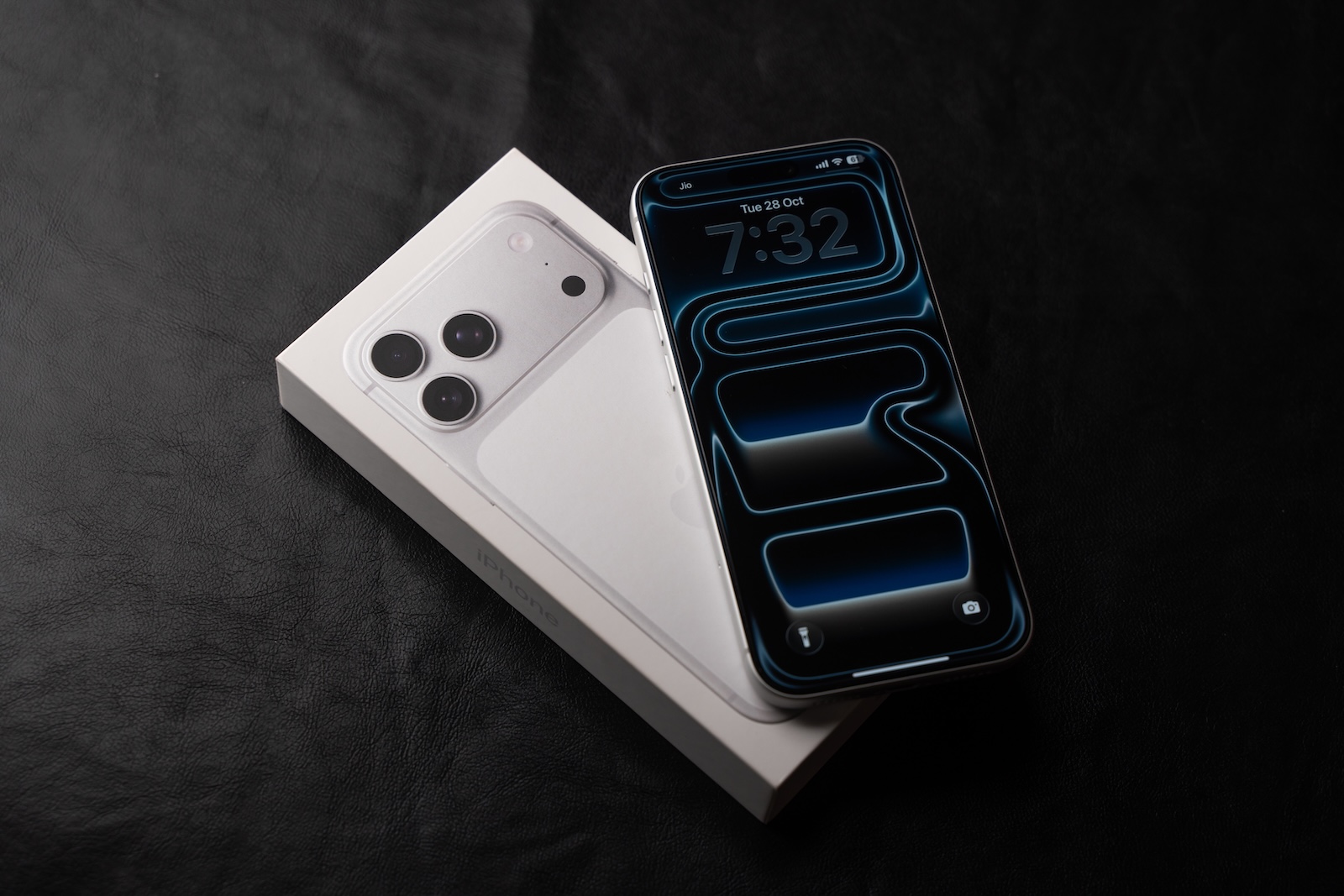
iOS 26.2 is about to be released, expanding the iPhone with numerous features, visual tweaks, and regional updates. While some features are specific to Japan, many affect all devices worldwide. This version builds upon iOS 26 and refines the system in many areas.
Apple is currently publicly testing iOS 26.2 and plans to release it in mid-December. The update brings over ten new features, adds apps like Reminders, Podcasts, and Apple Music, and further develops a new design concept called Liquid Glass. At the same time, there are changes to security, accessibility, and regional specifications. The adjustments are particularly extensive in Japan, where new standards for voice assistants, app stores, and search engines are being implemented. Texas is also receiving its own rule changes with iOS 26.2, affecting the App Store.
Reminders app
The Reminders app is introducing alarm functionality. Once a reminder is marked as urgent, it triggers an alarm. Options to snooze or stop the reminder then appear on the lock screen. When snoozing, the iPhone displays a countdown, again offering options to complete or postpone the reminder. Apple is using a blue color scheme to distinguish reminder alarms from regular alarms. After the update, a notification screen appears, and a small banner will appear when creating new entries, drawing attention to the new feature.
Lock screen
A new Liquid Glass slider has been added to the clock on the lock screen. This allows you to adjust the transparency of the time display from almost transparent to matte. If you prefer a more opaque design, you can disable Liquid Glass completely. Color variations remain available regardless.
Liquid Glass settings
The Liquid Glass option "Tinted" reduces the watch's transparency, but it cannot be used simultaneously with "Reduce Transparency" or "Increase Contrast." iOS 26.2 displays a warning when activated and automatically disables both features. In earlier beta versions, this had to be done manually.
AirDrop
A unique AirDrop code allows you to share files with people not in your contacts for up to 30 days. The code is created in Settings and can be managed later. This is done in the General menu under AirDrop, in the section "Manage Known AirDrop Contacts".
Apple Music
Song lyrics are now available offline. This allows you to view lyrics without Wi-Fi or mobile data.
Sleep score
iOS 26.2 adjusts the sleep score ranges to better reflect how you feel after sleep. The new values are:
- Very low: 0 to 40
- Low: 41 to 60
- OK: 61 to 80
- High: 81 to 95
- Very high: 96 to 100
The "Very High" rating replaces the previous "Excellent" category. The sleep score still considers sleep duration, bedtime, and interruptions. Sleep duration earns up to 50 points, bedtime 30 points, and interruptions 20 points. The scores can be viewed in the Health app and work with all Apple Watch models that support watchOS 26.2.
Podcasts app
The podcast app automatically adds chapters. It also displays mentions of other podcasts from transcripts and the player, and provides access to links mentioned in episodes. These are displayed directly on the episode page.
Passwords app
The Passwords app settings now include a new option to manage websites where passwords should not be saved upon login.
AirPods Live Translation
Live translation is now available in the European Union. It works with AirPods Pro 3, AirPods Pro 2, and AirPods 4 with ANC. Supported languages include English, French, German, Spanish, Italian, Portuguese, Simplified and Traditional Chinese, Japanese, and Korean.
Freeform app
The Freeform app supports tables, which makes it easier to structure notes and projects.
Weather app
The weather app uses relative time references such as next Friday or next Tuesday to make upcoming warnings easier to understand.
Apple News
Apple News is getting a redesigned look. New shortcuts lead to categories like sports, puzzles, politics, business, and food. There's also a new, separate "Episodes" tab, no longer part of the search view.
Flashing for notifications
In addition to the LED on the back, the screen can now also blink. Both options can be activated individually or simultaneously.
Measure App
The level in the Measure app now uses a Liquid Glass design. Instead of white circles, it displays two Liquid Glass bubbles.
Games App
Games in the media library can now be sorted by size. Additionally, the app supports controller navigation and displays real-time scores during gameplay.
CarPlay
CarPlay offers the option to disable pinned messages. This restores the classic message list used before iOS 26.2.
Menu animations
Pop-up menus that unfold from a corner will receive faster, more dynamic animations. These are similar to the animation Apple showcased at WWDC.
Privacy
The first time you access your Apple account after installation, a new message informs you about how Apple collects and uses personal data. The information has been worded more precisely.
Changes for the iPhone in Japan
In Japan, Apple is preparing the option to select an alternative default assistant. Instead of Siri, users could launch Gemini or Alexa via the side button. This feature is currently only available to Japanese Apple accounts.
After installing iOS 26.2, users will also be required to select a preferred search engine. The available options are Google, Bing, DuckDuckGo, Yahoo Japan, and Ecosia. In other countries, Google will remain the default search engine unless manually changed in Safari settings. Furthermore, iPhones in Japan will soon be able to install alternative app marketplaces, similar to the system in the European Union.
iPhone changes in Texas
iOS 26.2 introduces tools for developers necessary to comply with the App Store Accountability Act. Users in Texas must confirm they are at least 18 years old when creating an account. Parents must approve their children's app downloads and in-app purchases. Developers receive age information and must notify parents of significant app changes. They must also provide ways to revoke their children's access at any time.
iPadOS 26.2
On the iPad, iPadOS 26.2 expands multitasking capabilities. Apps can once again be dragged and dropped from the App Library, Dock, and Spotlight into Slide Over or Split View. This brings back features that were removed when iPadOS 18 was updated to iPadOS 26.
Compatibility and publication
iOS 26.2 is compatible with all iPhones that already support iOS 26. The release is expected between December 9th and 16th.
The biggest advantages of iOS 26.2
iOS 26.2 brings numerous changes that improve the system in many areas. New features like reminder alarms, Liquid Glass, and offline lyrics make everyday life easier. Other functions, such as security alerts, AirDrop codes, and Apple News, provide greater control and convenience. Japan receives extensive system adjustments, and Texas gets new App Store rules. Together, this update meaningfully enhances iOS 26 devices and expands features specifically for different regions. The best products for you: Our Amazon storefront offers a wide selection of accessories, including those for HomeKit. (Image: Shutterstock / Stockinq)
- iOS 26.2 changes Wi-Fi synchronization in the EU – here's why
- M6 MacBook Pro: Everything about release, price and new features
- Apple will again rely more heavily on titanium for the iPhone in 2026
- AirPods Pro: Apple is already working on the next model
- Apple plans to integrate Gemini into Siri
- iOS 26.2: When the update will be released & which features are coming
- Apple is making progress: Will Siri finally become intelligent in 2026?
- iPad mini with OLED: Everything about price, performance and launch
- Apple in November 2025: All developments at a glance
- Apple launches major smart home offensive with new devices
- Will Apple's first budget MacBook arrive this year?
- Apple TV 4K Update: All rumors about the new model at a glance
- iPhone 18 Pro: First rumors about design and technology
- AirPods Max 2: All the rumors about the design, chip, and market launch
- Apple 2026 in transition: Five innovations will shape the year
- Apple on the verge of change: How the leadership team is changing
- Apple Glasses combine fashion, technology and AI in everyday life
- Apple Vision Air: Why the headset may never be released
- Apple announces new immersive content for Apple Vision Pro
- iPad mini 8: All rumors and information at a glance
- Severance Season 3: All information about the start, cast and filming
- Apple is preparing more product innovations: Apple TV & more





