

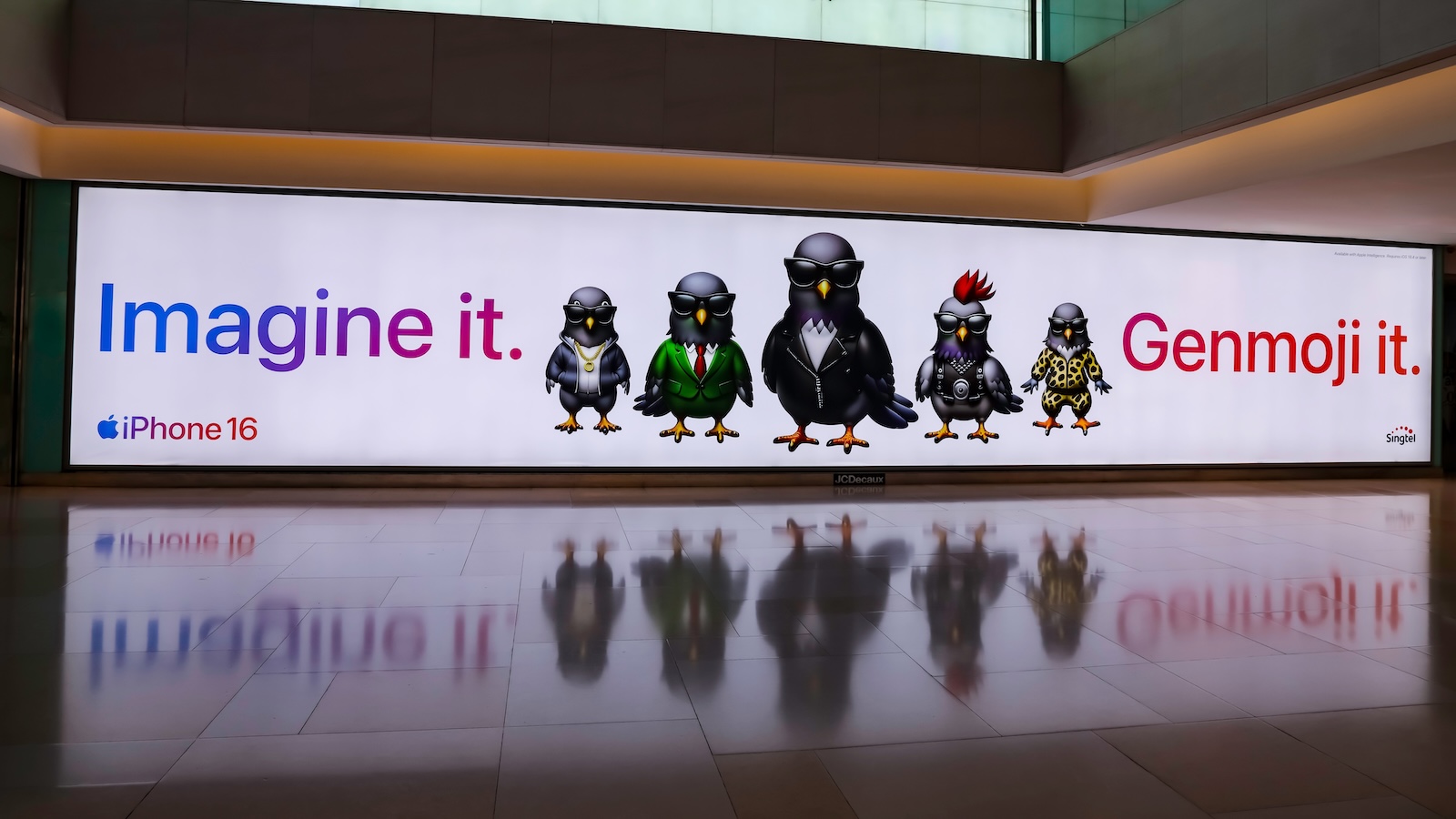
With iOS 26, Apple is bringing a revamped version of Genmoji to the iPhone. The feature, first introduced in iOS 18.2, allows you to create your own emojis based on people, objects, or ideas. The new version expands the feature with several features designed to make design easier and more precise. These changes should be particularly interesting for users who use Genmoji regularly.
Genmoji was a striking addition to Apple Intelligence from the start. While the idea of creating custom emojis based on descriptions or photos was innovative, it wasn't always easy to implement in practice. Especially when it came to Genmojis based on real people, the results weren't always satisfactory. iOS 26 now delivers a comprehensive upgrade that addresses precisely these issues. The new features provide more control over expression, appearance, and combinations.
More expression: New facial emotions for Genmojis
One of the most striking new features in iOS 26 is the ability to customize a Genmoji's facial expression. You can now specify whether an emoji should appear surprised, happy, tired, annoyed, or in another state. This feature is particularly useful for Genmojis based on real people, as they previously often appeared neutral or emotionless. Previously, there was only limited control over how a Genmoji "appears." With the new version, this emotional level becomes an integral part of the design. This creates a more precise, expressive emoji.
Optical details: hairstyles, glasses, facial hair and more
iOS 26 now also allows you to subsequently modify physical characteristics of Genmojis. This includes hairstyles, facial hair, glasses, and other details. These adjustments make Genmojis appear more individual and more consistent with real-life counterparts. In iOS 18, this was only possible to a limited extent – if you created a Genmoji based on a photo, you could hardly edit it. Now, the appearance can be flexibly adjusted even after creation, making the feature more practical overall.
Genmoji Mix: Combine existing emojis
iOS 26 introduces a new way to combine emojis. Two existing emojis can be tapped to create a new Genmoji. This option is especially useful for creating creative, humorous, or symbolic combinations. Apple cites a sloth and a lightbulb as an example. This could create an emoji that represents "slow enlightenment"—ideal for ironic comments or subtle hints. The combination can also be supplemented with a short description for even more precise control over the result.
Integration into Image Playground
Another new feature is the full integration of Genmoji into Apple's Image Playground app. In addition to familiar styles like "Animation," "Illustration," and "Sketch," you can now create a Genmoji directly there.
- This means Genmojis no longer need to be created separately using a dedicated feature or messaging apps. They can be developed, customized, and used directly in a visual context. The integration ensures a smoother workflow and opens up new areas of application—for example, when designing presentations, images, or social media posts.
Genmoji becomes more versatile and mature with iOS 26
iOS 26 brings noticeable improvements to Genmoji. The new features build on the existing system, correct weaknesses, and expand the possibilities for creative applications. Those who already worked with Genmoji in iOS 18 will appreciate the new tools. The changes don't completely redesign the feature, but they do make it significantly more sophisticated. They are primarily aimed at users who want to not only use their emoji but also actively design it. For those who have previously ignored Genmoji, the feature remains optional – but with iOS 26, it becomes significantly more relevant for creative communication. The best products for you: Our Amazon Storefront offers a wide selection of accessories, including those for HomeKit. (Image: Shutterstock / Dr David Sing)
- iOS 26: Everything about the new games app for iPhone, iPad, and Mac
- iOS 26: The most important new features in the Photos app
- iOS 26: Beats and AirPods automatically pause when you sleep
- iOS 26: All Apple Music innovations at a glance
- iOS 26 expands the functionality of the HomePod
- Image Playground gets significantly better with iOS 26
- iOS 26 brings new screenshot features to the iPhone
- iOS 26: Five new lock screen features at a glance
- iOS 26 design change: Reduce transparency easily
- iOS 26: Create your own ringtones – without GarageBand
- iOS 26: All the new features for Notes and Reminders
- Apple's new Siri could be worth the wait
Frequently Asked Questions about Genmoji in iOS 26
Genmoji is an Apple feature that lets you create your own emojis based on descriptions, photos, or existing emojis. The feature was originally introduced with iOS 18.2 and has now been significantly expanded in iOS 26.
– Customizable facial expressions (e.g. happy, surprised, annoyed)
– Subsequent changes to optical details such as hairstyle, glasses or beard
– Combining two emojis to create a new Genmoji
– Direct integration into the Apple Image Playground app
Yes. Unlike before, you can now flexibly customize the appearance and details of an already created Genmoji.
You can select two existing emojis, and Apple Intelligence will automatically combine them into a new Genmoji. You can also add a short description to refine the result.
Genmojis can now be created directly in Image Playground and implemented in various styles (animation, illustration, sketch). This makes them easier to incorporate into images, presentations, or social media posts.
Yes, they can be used as usual in iMessage and other communication apps. However, the new editing and mixing features make them more versatile than before.
No. Genmoji is an optional feature. Those who simply want to use emojis can do so as usual. The new features are primarily aimed at creative users who want to actively design emojis.
With the official release of iOS 26 on all compatible iPhones.





