

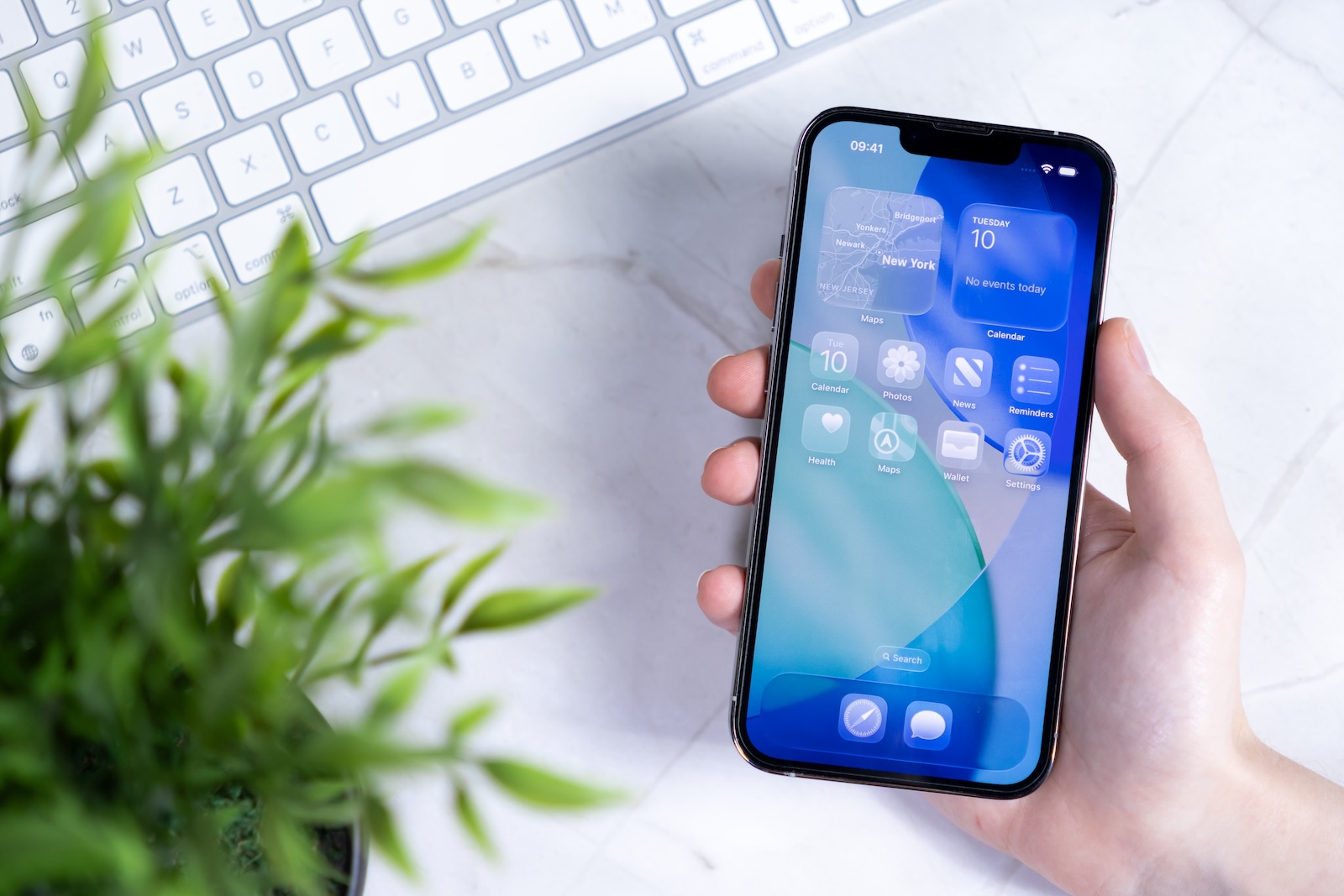
With iOS 26, Apple is making a few more improvements to small but important features. One of them concerns screenshots. What may sound inconspicuous at first, actually brings noticeable benefits in practice – especially if you regularly use your iPhone for pictures, notes, or content documentation. iOS 26 introduces three specific changes that give you more control, better quality, and new options.
iOS 26 is currently in beta and is expected to be released in September. The update brings a new "Screenshot" menu to the iOS Settings under "General." There, you'll find several new options specifically related to screenshots. Three features stand out: HDR support, a change to screenshot behavior in CarPlay, and the integration of Visual Intelligence.
HDR screenshots with full dynamic range
In iOS 26, you can set whether screenshots should be taken in HDR or SDR format. If you enable HDR, content with high dynamic range will also be saved as an HDR screenshot—provided it's an HDR photo or video. The screenshot will then display the full dynamic range, which is especially noticeable on newer iPhones or compatible devices. Apple uses these HDR screenshots internally in the HEIF format. If you don't want HDR, you can select SDR screenshots, which will be saved as PNG files as before. You can find this setting in the new "Format" menu item.
CarPlay screenshots on request
Previously, when the CarPlay system was connected, two screenshots were automatically created: one of the iPhone screen and one of the CarPlay display. This often caused confusion, especially if you only needed the iPhone screenshot. With iOS 26, things have changed. Now, by default, only the iPhone screenshot is saved. If you also want to save the CarPlay screen, you must explicitly enable it. Opting in to create screenshots makes the function more manageable and prevents unwanted duplicate captures.
Visual Intelligence for screenshots on iPhone 15 Pro or newer
For users of an iPhone 15 Pro or newer, iOS 26 brings an additional feature called "Visual Intelligence." The screenshot interface has been updated to include new options at the bottom of the screen. These allow you to interact directly with the screenshot. Three functions are available:
- With “Questions” you can ask ChatGPT directly about the content in the screenshot.
- With “Image Search” you can find similar images on Google Images, Pinterest or Etsy.
- With “Mark for search” you can select an object in the screenshot and start a targeted search for this image content.
These features make screenshots more usable without having to export them to other apps. However, they require an iPhone 15 Pro or later.
Option for classic screenshot preview
iOS 26 also offers a setting to disable the new full-screen preview after taking a screenshot. If you prefer to use the small thumbnail in the bottom left corner, as was standard in iOS 18 and earlier versions, you can disable this option in the Screen Capture menu.
iOS 26: These screenshot innovations you should know
iOS 26 brings three concrete improvements to screenshots that are particularly beneficial in everyday life. The ability to take HDR screenshots improves image quality on supported devices. The new opt-in feature for CarPlay screenshots provides a clearer overview. And Visual Intelligence brings intelligent analysis of image content directly to the screenshot menu – but only on current iPhones. The changes are technically small but practically useful. If you frequently use your iPhone for screenshots, it's worth familiarizing yourself with the new settings in iOS 26 and actively using them. The best products for you: Our Amazon Storefront offers a wide selection of accessories, including those for HomeKit. (Image: Shutterstock / aileenchik)
- iOS 26: Five new lock screen features at a glance
- iOS 26 design change: Reduce transparency easily
- iOS 26: Create your own ringtones – without GarageBand





