This article may contain affiliate links. Learn more on our Partner Program page.
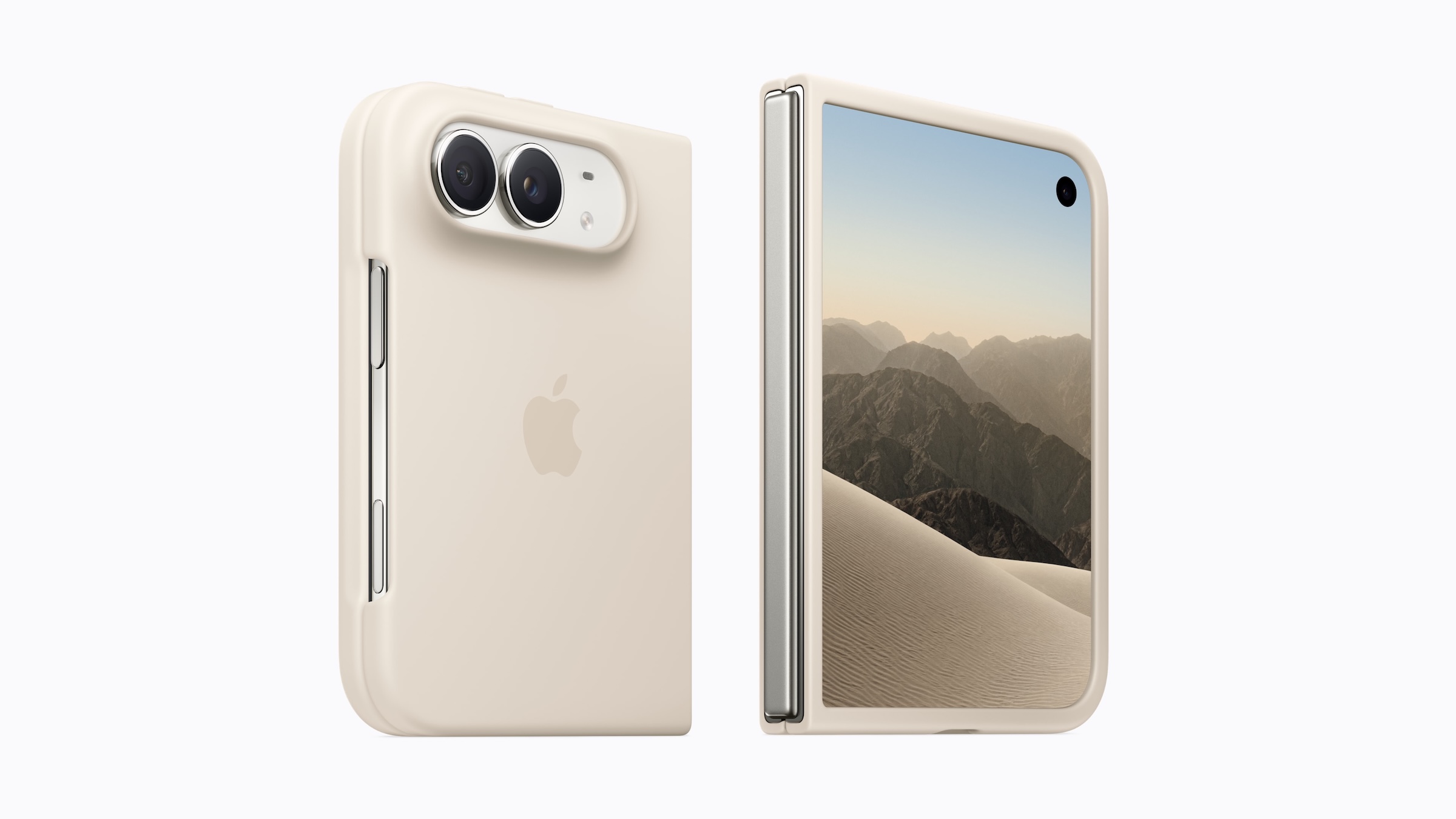
The cover display of the iPhone Duo extends all the way to the left edge. That's exactly where many cases wrap around the housing and overlap the screen slightly. A toggle in Settings moves the content aside so nothing disappears under the frame.
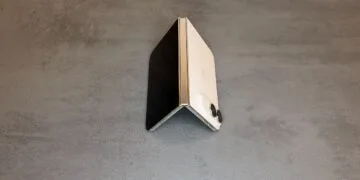
On the iPhone Duo, the hinge sits on the left side when you look at the cover display. Cases designed to protect that side therefore extend slightly over the edge of the screen. A French journalist discovered the matching display option for thick cases in Settings shortly after the announcement. Apple now describes it itself, in the guide to attaching the iPhone Duo Case and in a dedicated section of the iPhone User Guide. In English, the toggle is called "Shift Left Edge."
Key Facts at a Glance
- The "Shift Left Edge" toggle is located under Settings > Display & Brightness.
- It moves the content of the cover display to the right, leaving a wider black border on the left.
- When you attach Apple's own iPhone Duo Case, the iPhone suggests the setting on its own.
- Turning it on restarts the iPhone; a dialog asks first.
- The usable area of the cover display becomes slightly narrower as a result.
When the toggle makes sense
According to the system text, the option is intended for cases that partially cover the left edge of the cover display. Without the adjustment, icons, text and controls along the left edge sit slightly under the case's frame. The swipe gesture from the left edge, which takes you back a step in many apps, is affected too: if the edge of the case sits on the screen, the swipe no longer starts at the actual edge of the display.
Apple has built a prompt for its own iPhone Duo Case, which attaches to the housing with adhesive strips. According to Apple's guide, after you attach the back, a message appears on the inner display suggesting you adjust the cover display to fit the case. Regardless of that, you can set the toggle manually at any time for any case.
Turning on "Shift Left Edge"
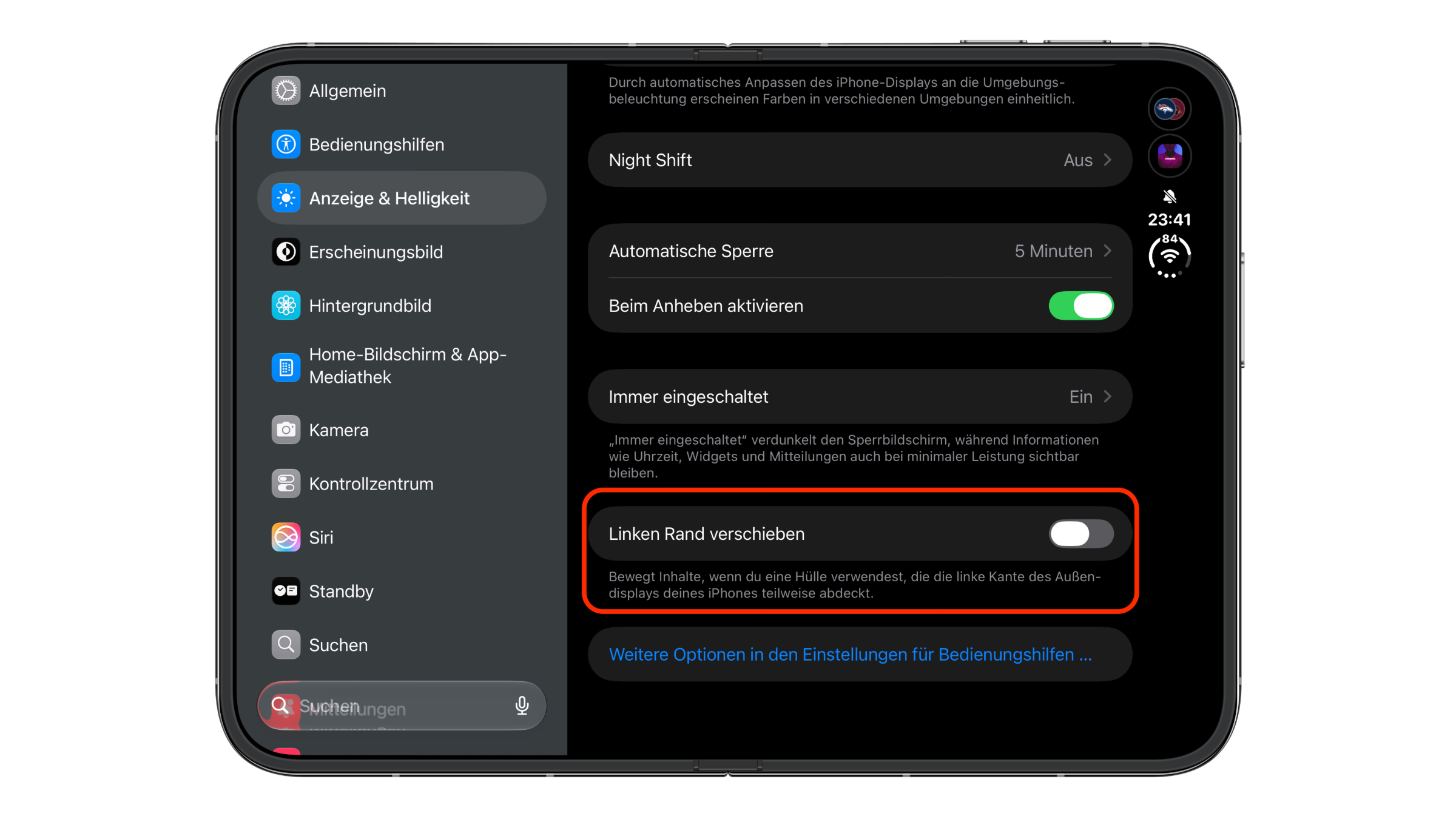
- Open Settings and tap Display & Brightness.
- Scroll down to below "Always On."
- Turn on Shift Left Edge.
- A message appears: "Shifting the left edge will restart your iPhone." Tap Enable.
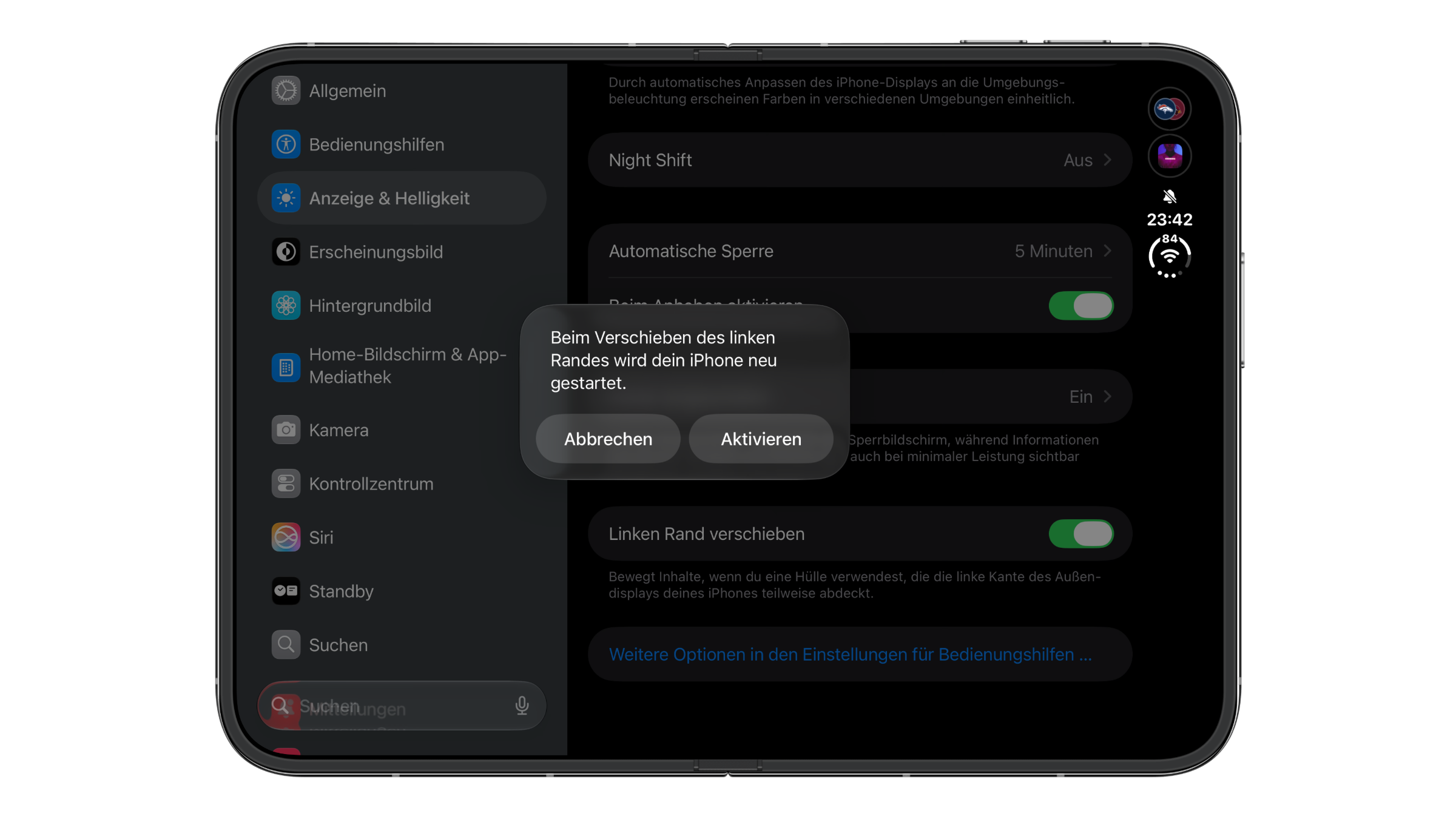
The iPhone then restarts. On my iPhone Duo, it was a quick restart, and I could get straight back to work afterward. The content of the cover display then sits a bit further to the right, and the black border on the left is about twice as wide as before.
Turning it off again
If you switch to a case that leaves the cover display clear, or use your iPhone Duo without a case at all, it's worth going back. Under Settings > Display & Brightness, you can turn the Shift Left Edge toggle off the same way. The cover display then uses its full width again.
Better free space than a frame over the display
I think the toggle is a clean solution to a problem Apple created itself with the edge-to-edge cover display. The case protects the delicate hinge side, and the software clears the space it needs. The price is screen area, and that is limited anyway on the cover display, which is considerably smaller than the unfolded screen of the iPhone Duo.
That's why I would only turn on the toggle if the case actually extends over the screen. A quick look is enough: if the frame visibly rests on the glass on the left, or the back gesture from the left edge no longer triggers cleanly, the option is the right choice. If the case sits flush with the edge of the housing, leave the toggle off.
iPhone Duo case and the left edge – the key points at a glance
- Path: Settings > Display & Brightness > Shift Left Edge
- Purpose: the cover display's content moves out from under a protruding case
- Apple's iPhone Duo Case triggers the prompt itself when you attach it
- Turning it on requires a restart; you turn it off with the same toggle
- Downside: slightly less width on the cover display
Does your case cover the left edge of the cover display – or does it sit flush so the toggle can stay off? Tell us in the comments which case you use on your iPhone Duo and how it gets along with the edge.
Frequently asked questions: Shifting the left edge on iPhone Duo
Under Settings > Display & Brightness, directly below "Always On."
For cases that partially cover the left edge of the cover display. The content then moves to the right, out of the covered area.
Yes, a message announces this beforehand. You can stop the process with "Cancel."
Apple suggests it itself when you attach the case. After you put on the back, a message about it appears on the inner display.
Yes, you can set the toggle manually at any time, regardless of the case.
No, it only moves the content of the cover display.
Under Settings > Display & Brightness, turn the "Shift Left Edge" toggle off again.