This article may contain affiliate links. Learn more on our Partner Program page.
The foldable iPhone features a display setting that wasn't mentioned in the keynote. It adds an artificial black stripe to the left edge of the outer display and shifts the surface slightly to the right. It's designed for use with protective cases that fit precisely over this edge.
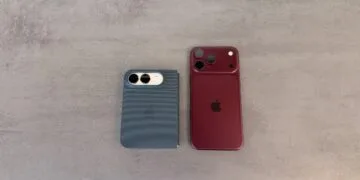
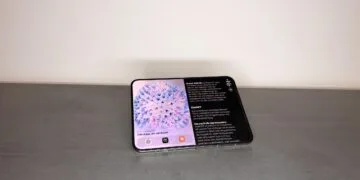
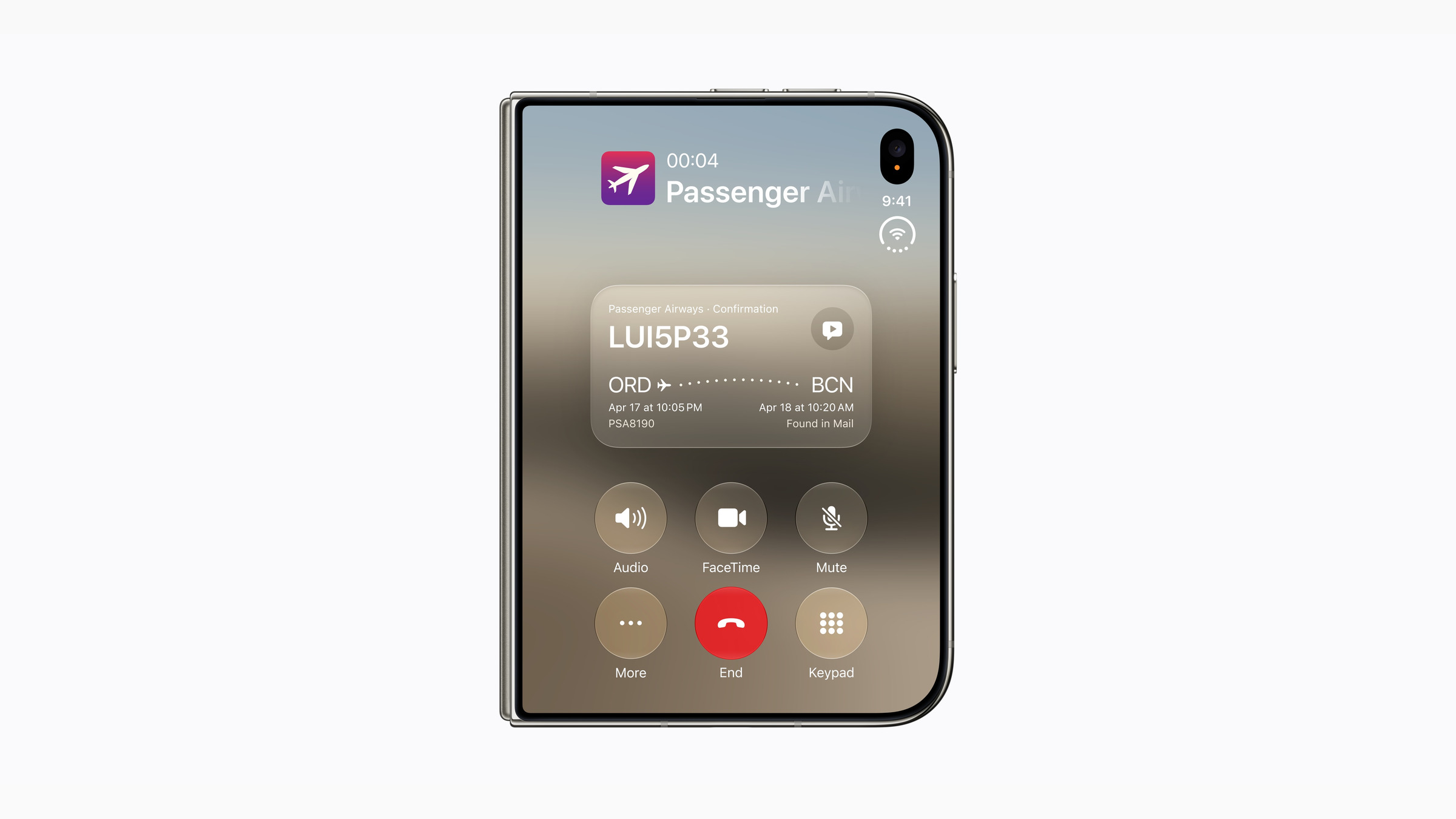
The option was noticed by French journalist Nicolas Lellouche, who had the device in his hands after Apple's September keynote and The Duo's settings have been reviewed.. In the display settings, he found an option called "Shift Left Edge," which Apple didn't highlight in the keynote or on the product page. A short video he made shows the effect: The existing black border on the left side becomes about twice as wide. This matches the image Apple presented when... Surface structure on the foldable device He drew: Software and display area are more closely integrated in the Duo than in a rigid iPhone.
Key Facts at a Glance
- The option is called "Shift Left Edge" in the English system and is located in the display settings of the iPhone Duo.
- When activated, it widens the black border on the left edge of the outer display and shifts the content inwards.
- The system's explanatory text states that the purpose is to create sleeves that partially cover the left edge of the outer screen.
- Apple itself offers two cases at launch: the iPhone Duo Case and the Folio with kickstand.
- Pre-orders open on October 16th, with delivery starting on October 23rd.
What the option actually changes
The Duo's external display measures 5.4 inches and extends almost to the edge of the casing. This is precisely where the problem arises that the setting solves: If a case is placed over the left edge, part of what is happening on the screen disappears there.
This option doesn't affect the display itself, but rather reduces the usable area. Content shifts to the right, while the left margin increases. The trade-off is a narrower usable screen, and this remains the case as long as the setting is active.
Why the left edge is particularly tricky
The left side of the outer display on the Duo is the folding edge. This is also where the swipe gesture for going back in apps runs in iOS. If there's material from a case in this area, the gesture won't work properly.
Apple describes the function in the system texts in a matter-of-fact way, referring to the visibility of content, not to its operation. Both are connected to the same edge.
Which cases is this intended for?
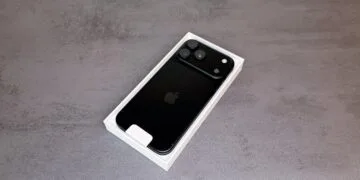
At launch, Apple is offering two of its own cases. The iPhone Duo Case is a two-piece polycarbonate design that wraps around both halves without blocking the folding mechanism. The Folio with Kickstand is made of TechWoven fabric and features a fold-out stand.
Apple doesn't say whether either of the two cases actually necessitates the setting. It seems more likely that the option is aimed at third-party accessories – and those are already on the shelves. Several major accessory manufacturers unveiled their product lines for the iPhone 18 Pro, Pro Max, and Duo just one day after the keynote, and some of them are already available for order.
What these manufacturers are advertising is striking: hinge protection. A common feature is a separate component that covers the back and lies flat when the device is opened. Such protection inevitably extends over the folding edge – precisely the side of the external display for which Apple has provided this option.
The fact that software reacts to the case is nothing new for Apple: since iOS 26, app icons can be color-matched to the MagSafe case. What is new is that a case determines the usable screen area.
Why Apple puts the solution in the software
With a rigid iPhone, Apple coordinates the case dimensions and accessories so precisely that the issue doesn't arise. This isn't possible with the Duo: The accessory market primarily protects the hinge, and this protection clashes with a screen that extends right to the folding edge. Instead of setting guidelines, Apple allows the software to compensate.
In practical terms, this means that anyone wanting to put their €2,299 device in a robust case with hinge protection doesn't have to wait for a manufacturer to cut out the edge with millimeter precision. The option does reduce screen area, but it still solves the problem – a trade-off that may or may not be worthwhile depending on the case.
The catch is that the decision is only made once you're actually using the device. Whether a particular case covers enough of the edge to make the option necessary becomes clear when you put it on. Would you accept a thicker protective case with a black border twice as wide on the outer display, or would you prioritize the full screen area? Let us know in the comments how you plan to protect your Duo.