

apple patient
  • Home
  • News
  • Rumors
  • Tips & Tricks
  • Reviews
  • Insights
No Result
View All Result
  • iPhone 18
  • iOS 27
  • iPadOS 27
  • macOS
  • MacBook Neo
  • iPhone 17e
  • AirTags
  • iOS 26
  • iPhone 17
  • MacBook Pro
  • iPadOS
  • iMac
  • Mac mini
  • HomePod
  • Apple TV
  • iPad Pro
  • iPhone Air
  • Apple Vision Pro
  • iPhone 16
  • AirPods 4
  • Apple Watch Ultra
  • HomePod Mini
  • MacBook Air
  • iPad
  • AirPods Max
  • AirPods Pro 3
  • Apple Watch Series 3
  • Mac Studio
  • Studio Display
  • iPad Air
  • iPad mini
  • watchOS 27
  • Apple CarPlay
  • Apple Pay
  • watchOS 26
  • Home
  • News
  • Rumors
  • Tips & Tricks
  • Reviews
  • Insights
No Result
View All Result
apple patient
No Result
View All Result

iOS 18: New iCloud option for constant file access

Milan Jovicic by Milan Jovicic
26. June 2024 - 19:02 CEST
in Apple Tips & Tricks
0
iOS 18 iCloud

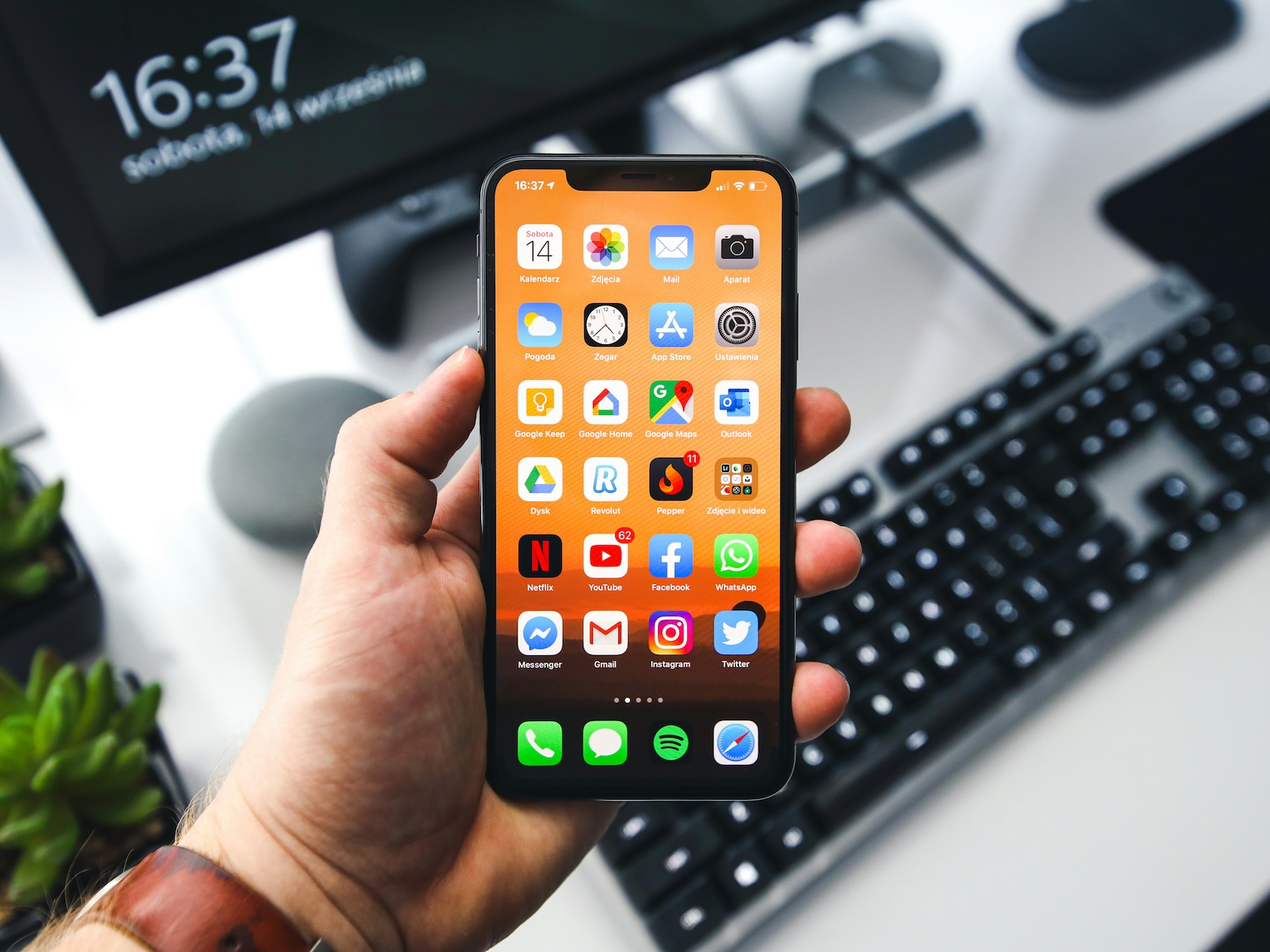
Photo by Unsplash / Sebastian Bednarek

WhatsAppFacebookEmail
Threads

In today's fast-paced digital world, it's essential to be able to access important files anytime, anywhere. With the introduction of iOS 18, iPadOS 18, and macOS Sequoia, Apple has presented a major innovation that addresses exactly this need: the iCloud option "Keep downloaded files." This feature allows you to keep specific files and folders permanently available on your device, regardless of storage management by iCloud.

With iOS 18, Apple is taking another step towards user-friendliness and flexibility. The new iCloud option “Keep downloaded files” gives you the option to always have important files and folders available locally on your device.

What is the iCloud “Keep Downloaded Files” option?

The new Keep Downloaded Files option in iOS 18, iPadOS 18, and macOS Sequoia allows you to choose which files and folders to keep permanently stored locally on your device when browsing items in iCloud. This feature gives you more control over your files and prevents important documents from being automatically removed from local storage to make room.

Advantages of the new iCloud option

  • Permanent access to important files: Whether you are offline or have a poor internet connection, you can always access your marked files.
  • Better control over storage: You decide which files stay stored locally and don't have to worry about them being unexpectedly moved.
  • Easy to use: The option is easily accessible and can be quickly enabled, both in the Files app on iOS and iPadOS and in the Finder on macOS.

How to activate the function

On iOS 18 and iPadOS 18

  • Open the Files app.
  • Browse iCloud Drive and find the file or folder you want to save locally.
  • Press and hold the item until the context menu appears.
  • Select the option “Leave downloaded”.

On macOS Sequoia

  • Open Finder and navigate to iCloud Drive.
  • Right-click the desired file or folder.
  • Select the “Leave downloaded” option from the context menu.

Important information on use

  • Indicators for locally stored files: Once you enable the option, the cloud icon next to the file or folder will become opaque, signaling that the item remains on the device.
  • Availability: The new option is currently available in the beta versions of iOS 18, iPadOS 18 and macOS Sequoia and will be released to all users in the fall.

iOS 18: iCloud option for constant file access

The introduction of iCloud's Keep Downloaded Files option in iOS 18, iPadOS 18, and macOS Sequoia is a significant improvement for anyone who needs to access important files frequently. Whether you're on the go a lot or just want to make sure your most important documents are always at hand, this new feature gives you the flexibility and control you need. Stay tuned for the public release this fall and take the opportunity to make your digital life even more efficient. Looking for new accessories? Then take a look in our Amazon Storefront - there you will find numerous products from leading providers, also for HomeKit and Co.! (Photo by Unsplash / Sebastian Bednarek)

  • Optimized Gaming: How to Use iOS 18 Game Mode
  • Unique Emoji with iOS 18: How Genmoji works
  • iOS 18 Photos: How the "Clean Up" tool works
  • iOS 18: Schedule and automatically send messages
  • Lock and hide apps with iOS 18: Here's how
  • iOS 18: How to change app colors and themes
  • iOS 18: Customizing the Control Center made easy
  • iOS 18: Use and customize your Photos app more efficiently
  • iOS 18: Hide app labels on the home screen

Make Apfelpatient a preferred source One click – and you'll see us more often on Google
Was this article helpful?
YesNo
Tags: Apple ServicesiCloudiOSiOS 18iPadOSiPadOS 18macOSmacOS 15
SendShareSend
Share

Our Amazon Storefront

A handpicked selection of products for iPhone, Mac and more – sorted by topic and updated regularly.

Shop Now

This post contains affiliate links (including Amazon). We earn a small commission on qualifying purchases – at no extra cost to you. Learn more on our Partner Program page.

Previous Post

Apple AirPods Update: Critical vulnerability fixed

Next Post

Apple optimizes iPhones for third-party displays and batteries

Milan Jovicic

Milan Jovicic

Milan founded Apfelpatient in 2016 and has been responsible for all editorial content since 2018 — news, rumors, guides, and product reviews. Apple devices here are not test units on loan for two weeks but everyday tools: from the iPhone through MacBook Pro, MacBook Air, and iMac to the Apple Vision Pro, at least one device from nearly every product category is in daily use, many of them replaced annually. Every menu path in a guide is verified on the device before it is published.

Symbolic image for Apple government affairs: the glass entrance cube of the Apple Store on Fifth Avenue in New York at dusk

Apple hires new head of government relations

August 12, 2026 - 8:44 PM CEST
Key art for the Apple TV series Pluribus showing a screaming woman against a yellow background, with Pluribus season 2 about to begin filming

Pluribus: Gilligan plans at least three seasons

August 12, 2026 - 8:27 PM CEST
The iPhone 17 lineup in five colors seen from the back, whose successor is expected to adopt the smaller iPhone 18 Dynamic Island from the Pro models

iPhone 18: Smaller Dynamic Island already in the base model

August 12, 2026 - 8:13 PM CEST

About APFELPATIENT

APFELPATIENT brings you the latest Apple news, product updates, guides, reviews and tips across the entire Apple ecosystem — from the iPhone to the Mac to the Apple Vision Pro. From the first rumors to confirmed news: researched responsibly.

Follow Apfelpatient

Facebook Instagram YouTube Threads Threads

Company

  • About Apfelpatient
  • Contact
  • Author Profiles

Community

  • Netiquette
  • Push Notifications
  • RSS feed

Legal

  • Legal Notice
  • Privacy Policy
  • Terms of Use
  • Cookie Settings
  • Affiliate Program

Resources

  • Sitemap

© 2026 Apfelpatient. All rights reserved.

No Result
View All Result
  • Home
  • News
  • Rumors
  • Tips & Tricks
  • Reviews
  • Insights

© 2026 Apfelpatient. All rights reserved. Page Directory

Change language to Deutsch



