

apple patient
  • Home
  • News
  • Rumors
  • Tips & Tricks
  • Reviews
  • Insights
No Result
View All Result
  • iPhone 18
  • iOS 27
  • iPadOS 27
  • macOS
  • MacBook Neo
  • iPhone 17e
  • AirTags
  • iOS 26
  • iPhone 17
  • MacBook Pro
  • iPadOS
  • iMac
  • Mac mini
  • HomePod
  • Apple TV
  • iPad Pro
  • iPhone Air
  • Apple Vision Pro
  • iPhone 16
  • AirPods 4
  • Apple Watch Ultra
  • HomePod Mini
  • MacBook Air
  • iPad
  • AirPods Max
  • AirPods Pro 3
  • Apple Watch Series 3
  • Mac Studio
  • Studio Display
  • iPad Air
  • iPad mini
  • watchOS 27
  • Apple CarPlay
  • Apple Pay
  • watchOS 26
  • Home
  • News
  • Rumors
  • Tips & Tricks
  • Reviews
  • Insights
No Result
View All Result
apple patient
No Result
View All Result

Apple AirPods Update: Critical vulnerability fixed

Milan Jovicic by Milan Jovicic
26. June 2024 - 16:16 CEST
in Apple News
0
Apple AirPods Update

Tiffin, Iowa - 6.2022 - Missing Apple AirPod with a charging case next to it.

WhatsAppFacebookEmail
Threads

Apple recently released new firmware updates for all AirPods models as well as select Beats headphones. These updates fix a critical Bluetooth vulnerability and include other improvements. Below we explain the details of the update as well as instructions on how to check the firmware version.

Apple's latest firmware update for AirPods and Beats headphones fixes a Bluetooth vulnerability that could have allowed attackers to gain access to the headphones. The updates affect several models and also include general bug fixes and improvements.

New firmware versions

The following AirPods and Beats models will receive the latest firmware updates:

  • AirPods Pro (2nd generation) with MagSafe charging case (USB-C): 6.5.8 (6F8)
  • AirPods Pro (2nd generation) with MagSafe charging case (Lightning): 6.5.8 (6F8)
  • AirPods Pro (1st Generation): 6A326
  • AirPods (3rd generation): 6A326
  • AirPods (2nd Generation): 6A326
  • AirPods Max: 6A326
  • AirPods (1st Gen): 6.8.8
  • Beats Fit Pro: 6F8
  • Powerbeats Pro: 6F8

Details of the update

The firmware updates fix an authentication issue that could have allowed an attacker to gain access to the headphones by spoofing a previously paired device. This vulnerability has been addressed through improved state management. Apple describes in the release notes that the updates include "bug fixes and other improvements." The company's security website explains more specific details about the security measures.

Checking the firmware version

To check the firmware version of the AirPods, you can follow these steps:

  • Open the Settings app on your iPhone.
  • Navigate to the Bluetooth menu.
  • Find the AirPods in the list of devices.
  • Tap the “i” next to the AirPods.
  • Display the "Firmware Version" number.

Automatic updates

The firmware on AirPods or Beats cannot be updated manually. Apple has set the headphones to update automatically when they are charging and within Bluetooth range of a paired iPhone, iPad, or Mac that is connected to Wi-Fi.

AirPods: Critical Bluetooth vulnerability fixed

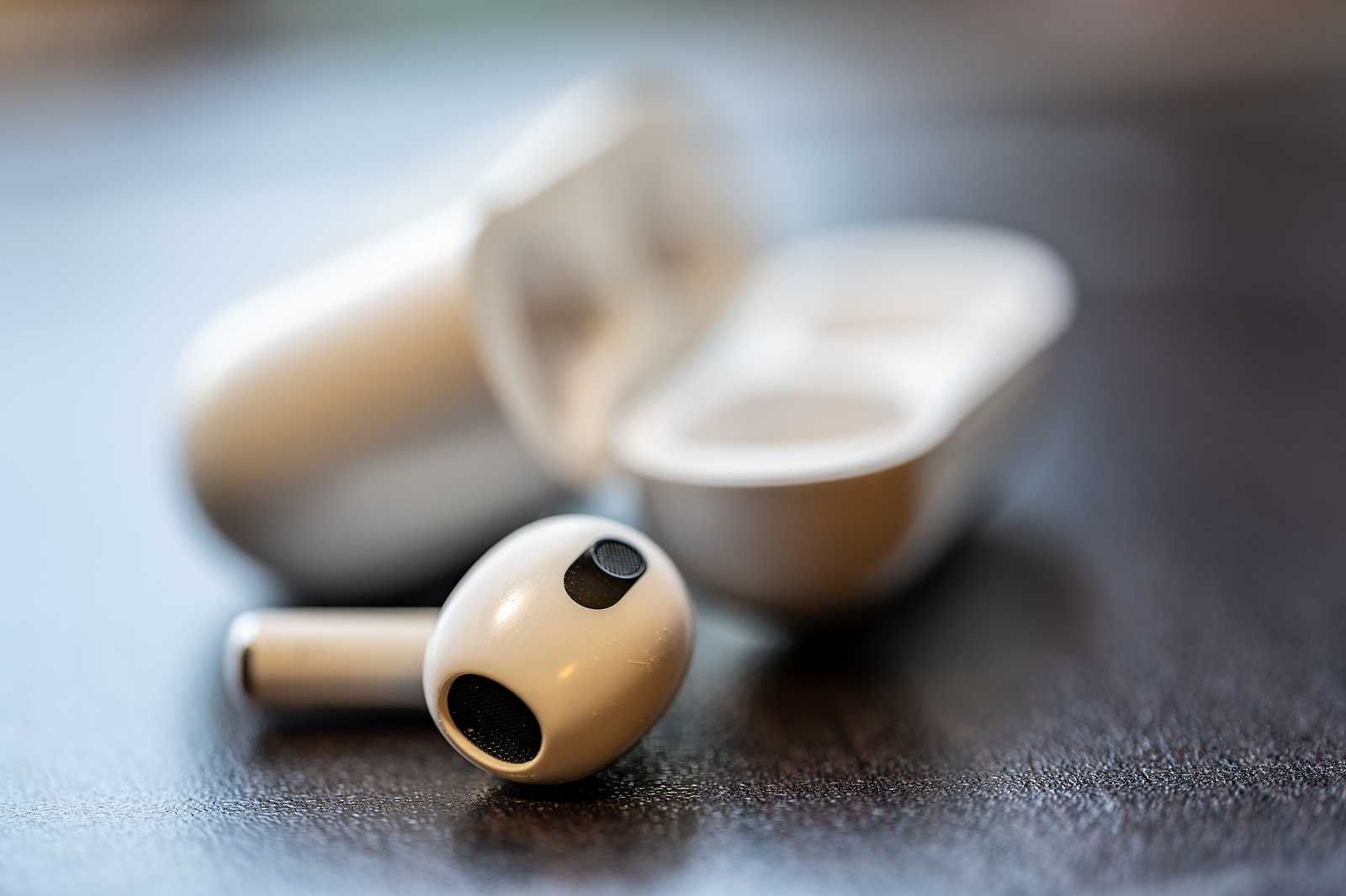
The new firmware updates for AirPods and Beats headphones are critical to the security and functionality of the devices. By fixing a critical Bluetooth vulnerability and making other improvements, these updates ensure a better and safer use of Apple products. It is recommended to ensure that the headphones are up to date for the best results. Are you looking for new accessories? Then take a look in our Amazon Storefront - there you will find numerous products from leading suppliers, also for HomeKit and Co.! (Photo by Lost_in_the_Midwest / Bigstockphoto)


  • AirPods: New features for communication & interaction
Make Apfelpatient a preferred source One click – and you'll see us more often on Google
Was this article helpful?
YesNo
Tags: AirPodsBeats
SendShareSend
Share

Our Amazon Storefront

A handpicked selection of products for iPhone, Mac and more – sorted by topic and updated regularly.

Shop Now

This post contains affiliate links (including Amazon). We earn a small commission on qualifying purchases – at no extra cost to you. Learn more on our Partner Program page.

Previous Post

Apple expands self-service repair diagnostics to Europe

Next Post

iOS 18: New iCloud option for constant file access

Milan Jovicic

Milan Jovicic

Milan founded Apfelpatient in 2016 and has been responsible for all editorial content since 2018 — news, rumors, guides, and product reviews. Apple devices here are not test units on loan for two weeks but everyday tools: from the iPhone through MacBook Pro, MacBook Air, and iMac to the Apple Vision Pro, at least one device from nearly every product category is in daily use, many of them replaced annually. Every menu path in a guide is verified on the device before it is published.

Ted Lasso standing beside a coach in the empty AFC Richmond stadium while Apple has yet to decide on Ted Lasso season 5

Ted Lasso Season 5: Apple still sees plenty of stories

August 12, 2026 - 10:11 PM CEST
Concept design of the iPhone Ultra in its unfolded state with a large inner display

iPhone Ultra (iPhone Fold): All rumors and facts at a glance

August 12, 2026 - 9:32 PM CEST
Five iPhone models in different colors side by side, one from the front showing the Dynamic Island, which is expected to be smaller on the iPhone 18.

iPhone 18: All the rumors at a glance

August 12, 2026 - 9:24 PM CEST

About APFELPATIENT

APFELPATIENT brings you the latest Apple news, product updates, guides, reviews and tips across the entire Apple ecosystem — from the iPhone to the Mac to the Apple Vision Pro. From the first rumors to confirmed news: researched responsibly.

Follow Apfelpatient

Facebook Instagram YouTube Threads Threads

Company

  • About Apfelpatient
  • Contact
  • Author Profiles

Community

  • Netiquette
  • Push Notifications
  • RSS feed

Legal

  • Legal Notice
  • Privacy Policy
  • Terms of Use
  • Cookie Settings
  • Affiliate Program

Resources

  • Sitemap

© 2026 Apfelpatient. All rights reserved.

No Result
View All Result
  • Home
  • News
  • Rumors
  • Tips & Tricks
  • Reviews
  • Insights

© 2026 Apfelpatient. All rights reserved. Page Directory

Change language to Deutsch


