

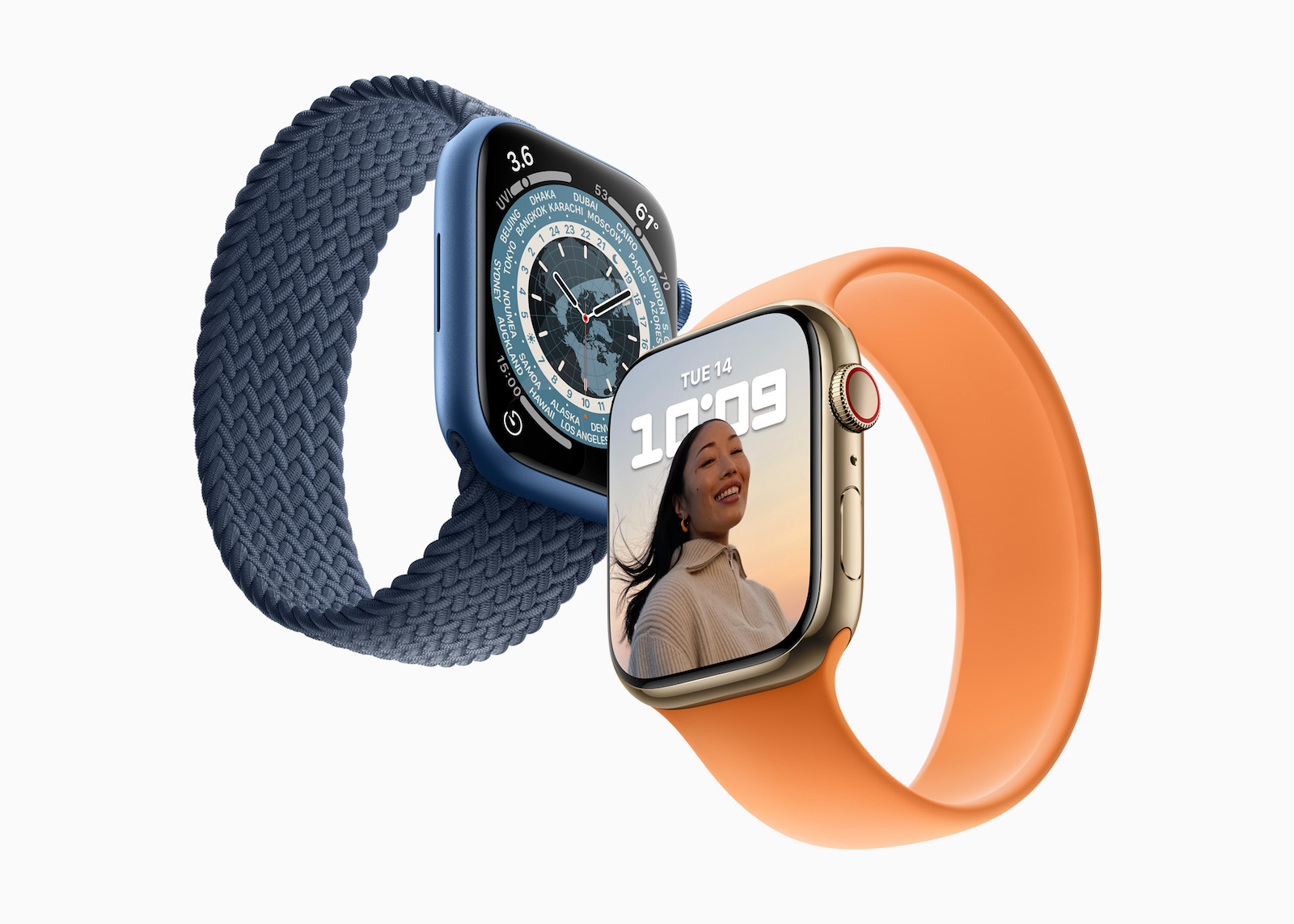
The Apple Watch is one of the most popular smartwatches in the world. But despite high-quality workmanship and modern technology, it can happen that the speaker no longer works properly. Users report crackling or distorted sound, muffled sound quality or even a complete loss of sound. Apple has now published an official support document that shows possible solutions to this problem.
Apple Watch speaker issues don't affect a single model, but there are currently increasing reports of difficulties with the Apple Watch Series 10. Apple hasn't yet publicly commented on the complaints, but the release of a support document suggests the company is working on a solution. A future software update may resolve the issue. If it turns out to be a hardware defect, Apple may introduce a repair program. Until then, however, there are some things you can try yourself.
Possible solutions for Apple Watch speaker problems
Software update: Install the latest version
One of the first troubleshooting steps is to update your Apple Watch to the latest watchOS version. Software issues can cause the speaker to not work as normal. Here's how to check if an update is available:
- Open the Watch app on your iPhone
- Tap General
- Select Software Update
- If a new version is available, install it and then restart your Apple Watch
If the speaker still doesn't work after the update, try the next steps.
Restart your Apple Watch
A simple restart can often resolve many technical issues. To restart the Apple Watch, press and hold the side button until the power slider appears. Slide the slider to the right to turn the device off. After a few seconds, you can turn the Apple Watch back on by pressing and holding the side button again. If the problem persists, Apple recommends a force restart. To do this, press and hold the side button and the Digital Crown at the same time for about ten seconds until the Apple logo appears.
Checking the sound settings
It may be that the speaker is not defective at all, but that a setting is simply preventing sound from being played. Check the Apple Watch's control center to see if silent mode is activated. You can tell this by the crossed-out bell symbol. Deactivate it if it is activated. Do not disturb mode or focus mode can also prevent the Apple Watch from playing any sounds. If a corresponding symbol is active in the control center, deactivate it and then test the speaker function.
Unpair and re-pair Apple Watch
If the speaker continues to cause problems, re-pairing it with the iPhone may help. This step resets the connection between both devices and can resolve any errors.
- Open the Watch app on your iPhone
- Tap "All Apple Watches"
- Now navigate to the “i” symbol
- Select Unpair Apple Watch
- Restart your iPhone and Apple Watch
- Re-pair both devices by following the on-screen instructions
After re-pairing, you should test whether the speaker is working properly again.
Cleaning the microphone and speaker
If the sound from your Apple Watch is muffled or distorted, it could be caused by dirt or water residue. The Apple Watch speaker and microphone are very small and can be blocked by dust or moisture. Gently clean the affected areas with a microfiber cloth. If you suspect water has entered the speaker, you can place the Apple Watch on a flat surface with the speaker facing down to drain any liquid. Alternatively, you can use the Apple Watch's Water Lock feature to remove water from the speaker. You can find this feature in the Apple Watch's Control Center - once activated, you can turn the Digital Crown to squeeze out any water.
When you should contact Apple Support
If none of the above steps help, you should contact Apple Support. It is possible that there is a hardware issue that requires repair. If reports of speaker problems on the Apple Watch Series 10 increase and a hardware issue is verified, Apple may launch an official repair program in the future. Until then, you can have your device checked through the Apple website or at an Apple Store.
Apple Watch speaker broken? This is what you can do now
Problems with the Apple Watch speaker can have various causes. In many cases, simple measures such as a restart, a software update or cleaning the device help. If the problems persist, there could be a defect for which Apple may offer a solution in the future. Until then, it is a good idea to regularly check for new watchOS updates and contact Apple Support if necessary. (Image: Apple)
- How to calibrate your Apple Watch correctly: How to get precise data
- Apple Watch: New sleep apnea feature explained





