

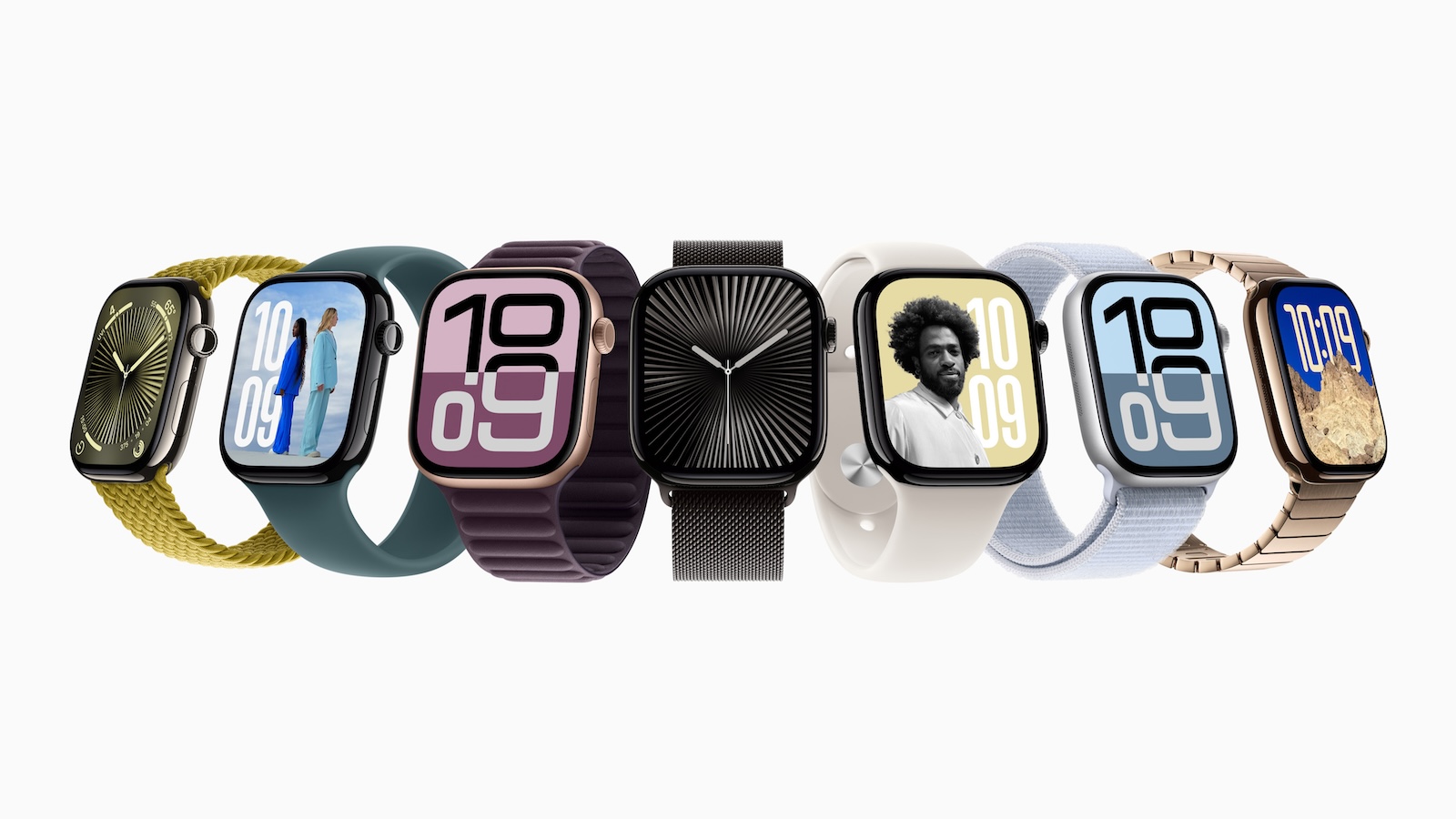
The Apple Watch Series 10 was hailed as one of the best smartwatches on the market. One of the biggest advantages was the ability to listen to music and podcasts directly through the built-in speakers without having to rely on AirPods or other headphones. But four months after the launch, complaints about a problem are increasing: the speaker is getting quieter over time. Users report that they can hardly understand conversations and that media content is only played at a low volume. Apple has not yet made an official statement on the matter, but the topic has long been present in the support forums.
With the introduction of media playback via the internal speakers, Apple has expanded the possibilities of using the Apple Watch Series 10. In the first few weeks, this innovation worked without any problems for most users. But now there are numerous reports of speakers that lose a lot of power after a few months. Many affected people are wondering whether this is a hardware error or whether a software update might be able to remedy the problem.
First user reports about speaker problems
The first complaints about the speaker problem appeared in the Apple support forums. Affected users report that the volume during phone calls and media playback decreases noticeably over time. One user writes:
The speaker is too quiet for calls. It sounds like it blows away when people talk.
Apple recommended that he send the watch in, but he finds this incomprehensible since it is a brand new device. Another user confirms a similar problem. He received a replacement watch from Apple, but this also showed the same loss of volume after a month. What is particularly striking is that many reports describe the same development. The speaker works perfectly at first, but after a few weeks or months the volume decreases noticeably. One user describes that his Apple Watch Series 10 was still working perfectly in November 2024, but by December the sound was so quiet that he could hardly hear it even at maximum volume.
Problem occurs mainly during media playback
It is noticeable that most complaints relate to the playback of music and podcasts. Users compare the speakers of the Apple Watch Series 10 with those of the previous models, which did not support this function. While older models were only used for phone calls, the current generation also allows direct media playback via the internal speakers. However, some users complain that not only music and podcasts have become quieter, but also phone calls. This limits the actual basic function of the watch - making phone calls directly from the wrist.
No official statement from Apple
Apple has not yet commented on the speaker issues, nor is there any indication that the company is receiving an above-average number of repair requests for the Apple Watch Series 10.
Possible causes of the problem
Since the problem usually only occurs after weeks or months, there are several possible explanations:
- Hardware defect: This could be a material or processing defect that only becomes apparent after some time.
- Software error: A bug in the operating system could be throttling the volume. If this is the cause, Apple could fix it with an update.
- Moisture or dirt: Although Apple Watch is water resistant, microdroplets or dust could affect the speakers.
- Wear and tear from use: Because Apple Watch Series 10 offers new media playback features, the speaker may be subjected to greater wear and tear than previous models.
What can affected users do?
If you are affected by the problem, you can try a few measures to possibly get the speaker working again:
- Restart your Apple Watch – In some cases, a simple restart can resolve temporary issues.
- Check for software update – If Apple fixes the problem with an update, the latest watchOS should be installed.
- Contact Apple Support – If you are still under warranty, you should report the problem directly to Apple and request a repair or replacement.
- Reset settings – A factory reset may help if the problem was caused by incorrect configuration.
- Enable and Disable Water Mode – This feature removes any remaining water from the speaker and may help if moisture is causing the problem.
Apple Watch Series 10: Users complain about speaker problems
The Apple Watch Series 10 brings many improvements, but the growing number of reports of declining speaker quality raises questions. It is still unclear whether this is a hardware defect or a software problem. Apple has not yet made an official statement, which is why affected users must rely on their own solutions for the time being. Anyone who has problems with the volume should contact Apple Support and have the device replaced if necessary. As long as Apple does not make an official statement, it remains unclear whether the problem only affects individual devices or whether a larger number of users are affected. (Image: Apple)
- Apple presents the new Black Unity Collection 2025
- Apple Watch Ultra 3: All details about the new features





