

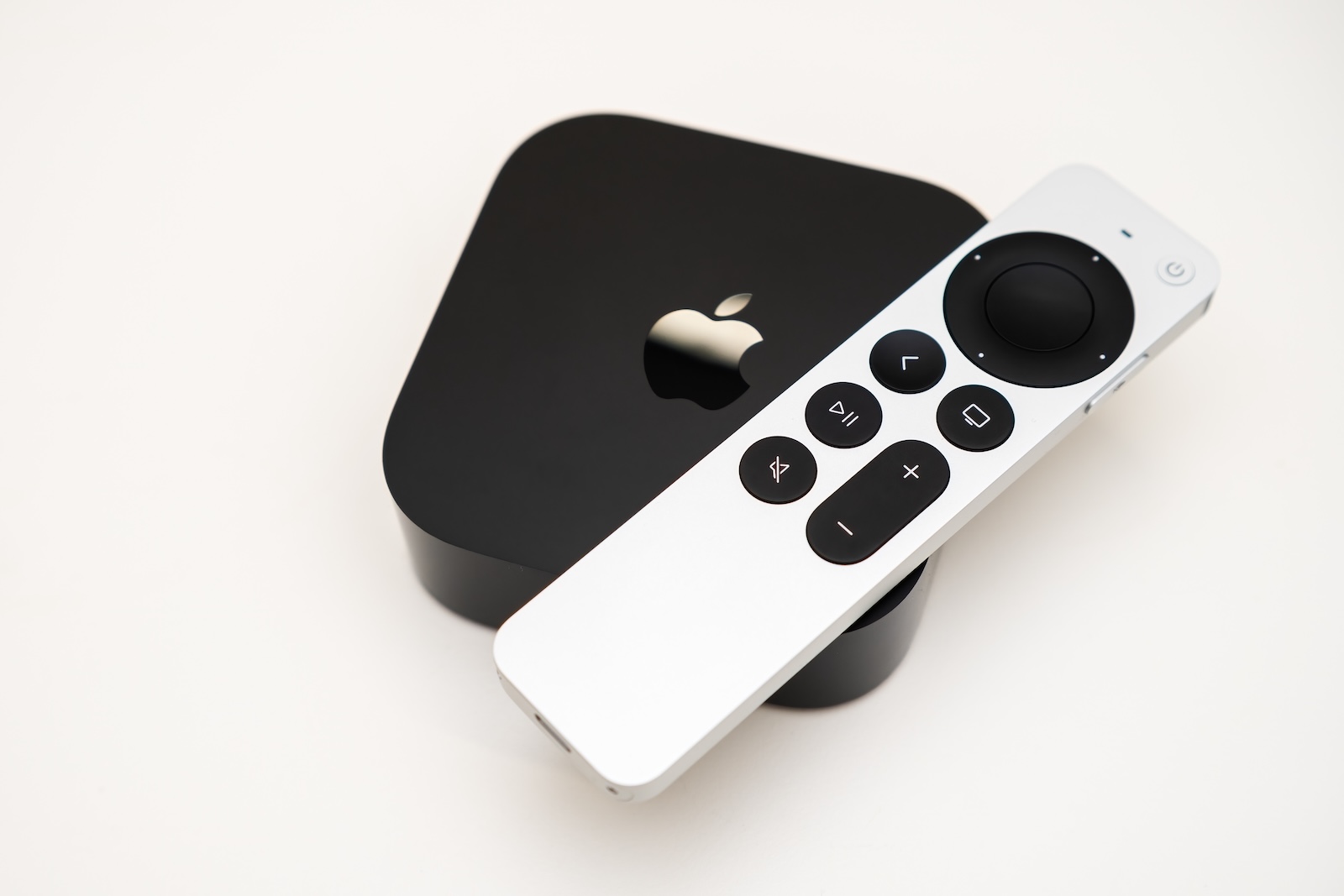
With tvOS 26.4, Apple expands the functionality of Apple TV with new ways to discover content. The centerpiece is a new section in the Apple TV app that provides personalized movie and TV show recommendations. The update also includes adjustments to apps, audio settings, and subtitles.
The selection of streaming content is constantly growing. This makes it increasingly difficult to quickly find suitable movies and series. This is precisely where tvOS 26.4 comes in. The update aims to simplify navigation and simultaneously make new content more visible that matches previous viewing habits.
"Genius Browse" as a key innovation
With tvOS 26.4, Apple introduces the new "Genius Browse" section within the Apple TV app. This section consolidates recommendations for movies and TV series and organizes them into various categories.
The suggested content is based on individual viewing habits. At the same time, the categories are regularly updated, so new suggestions are constantly appearing. Example categories include:
- Lighthearted office comedies
- Exciting psychological thrillers
- A funny story
- Breathtaking nature documentaries
- Exciting blockbusters
- Bittersweet family dramas
- Fun for the whole family
Structure and Functionality of the Recommendations
When a category is selected in "Genius Browse", a list of relevant content appears. This can be further explored across different areas:
- For you
- TV series and movies
- Genres
While browsing, tvOS 26.4 also displays content related to the currently selected title. This creates a continuous chain of recommendations that makes it easier to discover new content.
An important point is that the suggestions are not static. The categories and content are continuously adapted and expanded.
Content from multiple streaming services
The recommendations in tvOS 26.4 are not limited to content from Apple TV. Titles from other streaming services are also integrated. These include, among others:
- HBO Max
- Amazon Prime Video
However, content from Netflix is not included. This remains outside the Apple TV recommendation structure.
Exclusive to "Genius Browse"
The "Genius Browse" feature is only available in tvOS 26.4. It is not offered on:
- iOS 26.4
- iPadOS 26.4
- macOS 26.4
This means the new recommendation feature remains limited to the Apple TV platform.
Further changes in tvOS 26.4
- Discontinuation of the iTunes apps: With tvOS 26.4, the standalone apps "iTunes Movies" and "iTunes TV Show" will be discontinued. Content from these apps will be fully integrated into the Apple TV app.
- Improved audio settings: The audio format settings have been revised. The goal is better customizability and more control over the audio output.
- Easier subtitle customization: Options for customizing subtitles have been made more accessible, resulting in a clearer user experience.
Planned release
The release of tvOS 26.4 is expected soon. Currently, it is assumed that the update will be available next week.
tvOS 26.4 focuses on smarter recommendations
tvOS 26.4 primarily brings improvements to content discovery and more effectively integrates streaming services into the Apple TV app. "Genius Browse" introduces a dynamic recommendation section that regularly provides new categories and content. Additionally, adjustments to apps, audio, and subtitles enhance the overall user experience on Apple TV. The best products for you: Our Amazon Storefront offers a wide selection of accessories, including those compatible with HomeKit. (Image: Shutterstock / Vladimka production)
- Apple in AI lawsuit: Dispute over data and copyright
- iPhone security vulnerability: Why iOS 26.3 is so important
- iOS 26.4: Family Sharing becomes more flexible with payments
- iOS 26.4 Update: Release Candidate now available
- Apple and China: Conflict overshadows major anniversary celebration
- Apple is scrutiny: Why AI Vibe coding is under pressure
- WhatsApp replaces settings with a new profile tab
- Apple's Home Devices Manager moves to Oura
- iPhone 17e Teardown: New insights into the inner workings
- Apple releases BSI update for iOS 26.3.1 & Co.
- MacBook Neo: Camera protection without hardware light
- OpenAI officially introduces GPT-5.4 mini and nano
- Apple TV shows new trailer for the comedy "Outcome"
- Apple Anniversary: China is the next big stage
- Tim Cook speaks plainly about Apple, AI and resignation
- MacBook Neo: YouTuber upgrades storage to 1 TB
- Apple AI creates 3D models from just one image
- WhatsApp is testing guest chats: New feature at a glance
- Apple TV: Severance Season 3 – Production starts soon
- Apple officially classifies two iPhones as obsolete
- Apple acquires MotionVFX: More power for Final Cut Pro





