

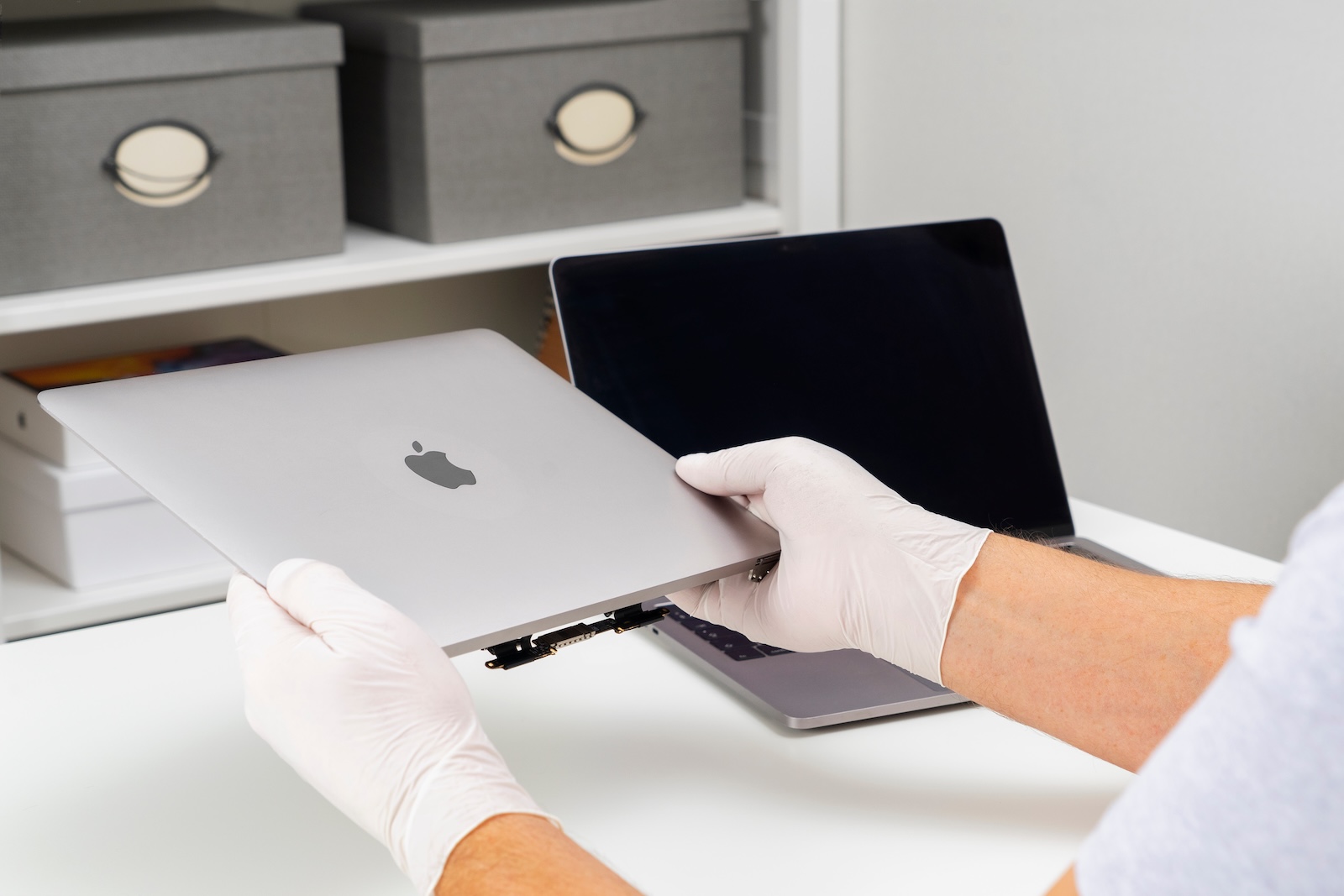
With macOS 26 Tahoe, Apple is expanding its options for Mac repairs. A Repair Assistant is now part of the system, simplifying the calibration and pairing of components. This feature was previously only available in iOS 18 and iPadOS 18. There, it already provided more flexibility for replacing original parts without requiring external authorization from Apple.
Mac repairs have long been subject to limitations. Anyone wanting to replace components such as batteries, displays, or sensors often had to turn to authorized partners. With the Repair Assistant in macOS 26 Tahoe, this requirement is eliminated. Spare parts can be installed by the user, while the system automatically ensures the correct calibration. Apple is thus introducing a feature that significantly improves repairability while maintaining safety and quality standards.
Origin of the Repair Assistant
The Repair Assistant was first introduced in 2024 with iOS 18 and iPadOS 18. There, the tool helped correctly set up batteries or displays after replacement. The software installed calibration data and checked whether the components were functioning as intended. This eliminated the need for users to contact Apple to avoid problems with paired parts.
Integration in macOS 26 Tahoe
With the release of macOS 26 Tahoe, the Repair Assistant is now also coming to Macs. The code for the feature is already included in the release candidate version of September 9th. It will be officially available with the final release of macOS Tahoe on September 15th.
How it works on Mac
The Repair Assistant works on the Mac using the same principle as on iPhone and iPad. As soon as a part is replaced, the tool performs the calibration. It ensures that the component is functioning properly and indicates whether it is a new, used, genuine, or unknown part. The service history is also recorded.
Support only for Apple Silicon
Use of the Repair Assistant is limited to Macs with Apple Silicon and macOS 26 or later. Intel Macs are not supported. Therefore, the feature is aimed exclusively at current Mac models based on Apple's own processor architecture.
Calibration of Lid Angle Sensors
A key application is the calibration of lid angle sensors. While older Intel MacBooks used simple Hall sensors to detect the open or closed state, modern models measure the precise angle between zero and 180 degrees. Replacing these sensors was previously complicated, as display issues or image errors often occurred without Apple's GSX software. The Repair Assistant in macOS 26 significantly simplifies this process.
Reuse of components
One advantage of the new system is the ability to swap functioning parts between devices of the same model. The repair assistant checks the data protection, security, and reliability standards. If these meet, a used part can be reused and correctly calibrated.
Protection of sensitive components
Activation Lock continues to apply to certain components, such as Touch ID. This ensures that Apple prevents security-relevant components from being easily transferred or misused.
Access the Repair Assistant
The repair assistant is accessible via the system settings.
- Open the Apple logo in the menu bar and select “System Preferences.”
- Under “General” > “About,” go to the “Parts and Service” section.
- Once a repair is complete, the option “Restart and complete repair” will appear.
- If an update is necessary, the system must first be updated to the latest version of macOS.
- After the restart, the repair wizard starts automatically and guides you through the necessary steps.
Outlook for 2025
In addition to the introduction in macOS 26, Apple announced that independent repair professionals will also be able to purchase genuine parts from third-party suppliers starting in fall 2025. This expands access to spare parts and supports repairs outside of Apple's network.
macOS 26 strengthens self-repair and reuse
With macOS 26 Tahoe, Apple is taking an important step toward repairability. The Repair Assistant simplifies the replacement and calibration of Mac components, provides transparency about the origin of parts, and even allows for the reuse of used components. Restrictions such as the restriction to Apple Silicon and the protection of sensitive components remain, but overall, the new feature opens up more flexibility for repairs and extends the lifespan of Macs. The best products for you: Our Amazon Storefront offers a wide selection of accessories, including those for HomeKit. (Image: Shutterstock / Shveyn Irina)
- iPhone Air with C1X modem – faster, more efficient, better
- iPhone 17 Pro uses aluminum – all the reasons in detail
- iPhone 17: N1 chip, more RAM and battery life at a glance
- High blood pressure warnings coming to older Apple Watch models
- AirPods Pro 2 and AirPods 4 get live translation feature
- MagSafe battery exclusively for iPhone Air – iPhone 17 runs out of power
- New iPhone accessories 2025: cases, bumpers and crossbody
- Final Cut Camera 2.0: All new features at a glance
- iPhone Air battery life: Comparison with iPhone 17 and predecessors
- iPhone 17: There is no longer a SIM slot in these countries
- Apple Watch Series 11: All new features at a glance
- iPhone 17 Pro: New design, A19 Pro chip and 8x zoom
- iPhone Air: The thinnest iPhone with all-day battery life
- iPhone 17 with Center Stage camera and A19 chip introduced
- Apple Watch SE 3 unveiled: Price, features, and availability
- Apple Watch Ultra 3: Innovation meets sustainability
- AirPods Pro 3: Apple's new top model for wireless audio





