

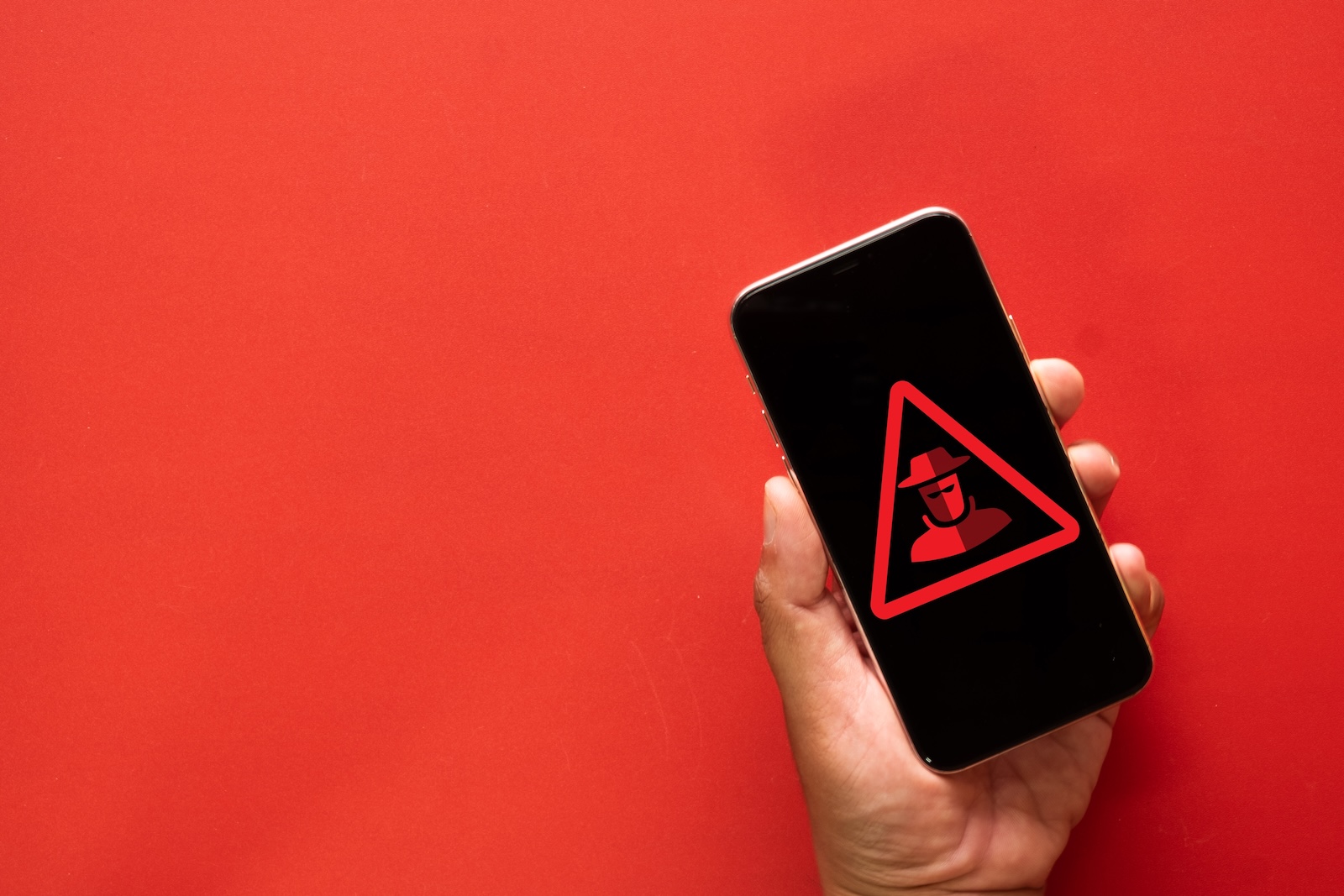
With iOS 27, Apple introduces a framework called Trust Insights that can warn apps the moment a user is at risk of becoming a victim of fraud. The analysis runs primarily on the device and specifically targets attacks that traditional security mechanisms struggle to detect.
Fraud schemes that rely on deception rather than exploiting technical vulnerabilities are particularly difficult for automated protection systems to detect. In social engineering attacks, the victim often carries out the malicious actions themselves – authenticated and seemingly legitimate. This is precisely where Apple's Trust Insights comes in: a new feature in iOS 27 designed to alert apps as soon as an ongoing fraud attempt becomes apparent.
What Trust Insights is supposed to detect
The framework primarily analyzes directly on the device whether a user might be targeted by fraud – for example, during a call, a text message conversation, or an email. It evaluates interaction patterns, the timing of actions, the context, and basic sensor data. If the indicators are strong, Trust Insights can assign a medium or high risk level.
It is important that the framework does not make the decision itself, but leaves it to the app. The app can react to an increased risk by displaying additional warnings, delaying processes, or requiring further verification – for example, before a transfer is executed or an account change is confirmed.
Data privacy: on-device and without content access
Apple emphasizes that Trust Insights does not analyze the content of photos, messages, or emails. Instead, the system evaluates only behavioral signals on the device, immediately discards the underlying data, and transmits only a single output value to Apple's servers. This value can then be combined with information from the Apple account and a check for unusual activity before Trust Insights returns its final risk assessment.
The feature can be disabled in the settings. However, Apple includes a cooling-off period – intended as a protection for users who may have been pressured by scammers to deactivate the protection themselves.
Five process categories to get started
To begin, Trust Insights covers five main types of processes that are typically used to identify fraudulent activities:
| Category | Covered processes |
|---|---|
.payment | Any exchange of value, content, or money – including in-app and in-game purchases. |
.account | Changes to account details or security information |
.resourceUse | Access to costly or scarce infrastructure, such as AI computing power |
.communication | Send messages, submit forms, or sign documents |
.other | Catch-all category for processes that do not fit into any of the above groups |
Developers are encouraged to provide feedback via the Feedback Assistant if their use case falls under .other. Additionally, Apple requests feedback on how Trust Insights has impacted individual transactions and, if possible, to flag subsequently confirmed fraud cases – both of which are intended to incrementally improve the system.
Why Apple focuses on people
This approach is a response to a shifting threat landscape. Scams such as fake technical support, impersonating authority figures, and the "grandparent scam" have become more common in recent years – fueled in part by the increased availability of AI-powered deepfakes and cloned voices. Because these attacks deceive people rather than systems, purely technical filters are often insufficient.
Trust Insights therefore shifts the focus of protection to where the actual attack takes place: at the level of behavior during the crucial moment. Whether the framework reliably distinguishes between genuine fraud and harmless user behavior in practice will become clear once iOS 27 is released in September and developers widely integrate the feature into their apps. (Image: Shutterstock / Toey Andante)
- AI lawsuit: Apple defends itself against three YouTube channels
- iOS 26 leak: Jon Prosser responds to Apple's lawsuit
- Apple: Third fiscal quarter earnings report on July 30
- Apple will suspend the Epic case until the Supreme Court ruling
- The iPhone Ultra is expected to revive the market for foldable displays
- MacBook price increase coincides with a shrinking laptop market
- iOS 27: New insert function for the iPhone keyboard
- Hiding email addresses: Security vulnerability exposes real addresses
- iOS 26.6 is approaching: When will Apple release the update?
- Claude Fable 5 returns: USA lifts export ban
- Tim Cook is seeking a way forward for Siri AI with the EU
- Anthropic presents Claude Sonnet 5
- Apple Creator Studio is getting a major AI update
- Supreme Court accepts Apple's appeal in the Epic dispute
- Netflix requires a separate email address for each profile
- UK plans to open Apple's App Store following the EU model
- Three AirDrop vulnerabilities discovered – Apple makes improvements





